
ZEZEFUFU Smart Watch Charger Stand
ZEZEFUFU Smart Watch Charger Stand User Manual
Model: Replacement Smart Watch Charger Stand
Introduction
This manual provides essential information for the proper setup, operation, and maintenance of your ZEZEFUFU Smart Watch Charger Stand. This charger is designed for specific Huawei Watch models, including GT2, GT, GT2E, and Dream series. It offers a reliable and convenient charging solution for your compatible smartwatch.

Figure 1: The ZEZEFUFU Smart Watch Charger Stand, showing the charging dock, integrated USB cable, and a compatible smartwatch.
Package Contents
Upon opening the package, verify that all components are present and undamaged.
- 1 x ZEZEFUFU Smart Watch Charger Stand with integrated 1-meter USB cable
Setup
Follow these steps to set up your charger stand:
- Unpack the Charger: Carefully remove the charger stand from its packaging.
- Identify Components: The charger consists of the charging dock and an attached USB-A cable.
- Connect to Power Source: Insert the USB-A end of the cable into a compatible USB power adapter (not included), a computer's USB port, or a power bank. Ensure the power source provides 5V 1A output for optimal charging.
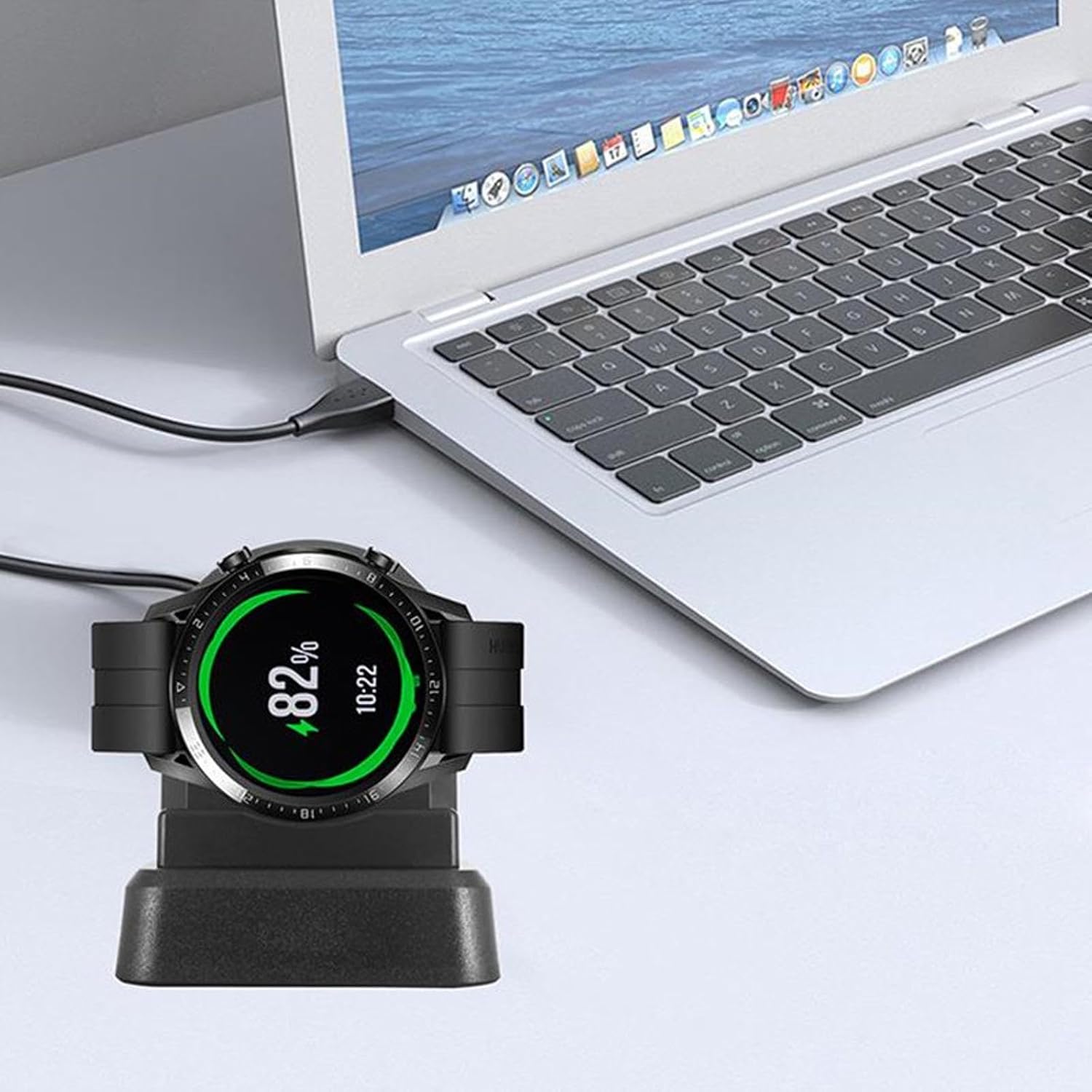
Figure 2: The charger stand connected to a laptop, ready for use.
Operating Instructions
To charge your compatible smartwatch:
- Place Smartwatch: Gently place your Huawei Watch (GT2/GT/GT2E/Dream) onto the charging dock. Ensure the charging contacts on the watch align with the two gold pins on the charger stand.
- Verify Connection: The watch should magnetically snap into place. A charging indicator or animation should appear on your smartwatch screen, confirming that charging has begun.
- Charging Time: Charging time may vary depending on the watch model and its current battery level.
- Remove Smartwatch: Once charging is complete, carefully lift your smartwatch from the dock.

Figure 3: Detail of the charging contacts on the dock.

Figure 4: A smartwatch actively charging on the stand.
Maintenance
Proper maintenance ensures the longevity and optimal performance of your charger stand:
- Cleaning: Use a soft, dry cloth to wipe the surface of the charger stand. Do not use liquid cleaners or abrasive materials.
- Storage: When not in use, store the charger in a cool, dry place away from direct sunlight and extreme temperatures.
- Handle with Care: Avoid dropping the charger or subjecting it to strong impacts, as this may damage internal components.
- Cable Care: Do not bend the cable excessively or place heavy objects on it.
Troubleshooting
If you encounter issues with your charger stand, refer to the following common problems and solutions:
| Problem | Possible Cause | Solution |
|---|---|---|
| Watch not charging |
|
|
| Slow charging |
|
|
Specifications
| Feature | Detail |
|---|---|
| Material | High-Quality Plastic |
| Cable Length | 100 cm (39.37 inches) |
| Input/Output | 5V 1A |
| Compatibility | Huawei Watch GT2, GT, GT2E, Dream |
| Item Weight | 2.29 ounces |
| Package Dimensions | 3.54 x 3.15 x 2.76 inches |
Warranty Information
Specific warranty details for this product are not provided in the available information. Please refer to the product packaging or contact the manufacturer directly for warranty terms and conditions.
Support
For further assistance or inquiries regarding your ZEZEFUFU Smart Watch Charger Stand, please contact the seller or manufacturer through the platform where the product was purchased. Keep your purchase receipt or order number handy for faster service.
Ask a question about this manual
Ask about setup, troubleshooting, compatibility, parts, safety, or missing instructions. Manuals+ will review the question and use this page’s manual context to help answer it.