
1. Introduction
This manual provides detailed instructions for the installation, operation, and maintenance of your Tuya Wireless Video Doorbell Camera. Please read this manual thoroughly before using the product to ensure proper functionality and safety.
1.1 Package Contents
Verify that all components are present in your package:
- Tuya Wireless Video Doorbell Camera
- Indoor Chimes (x2)
- Rechargeable Batteries (x2)
- Micro SD Card (64GB, optional)
- Mounting Accessories (screws, anchors)
- User Manual
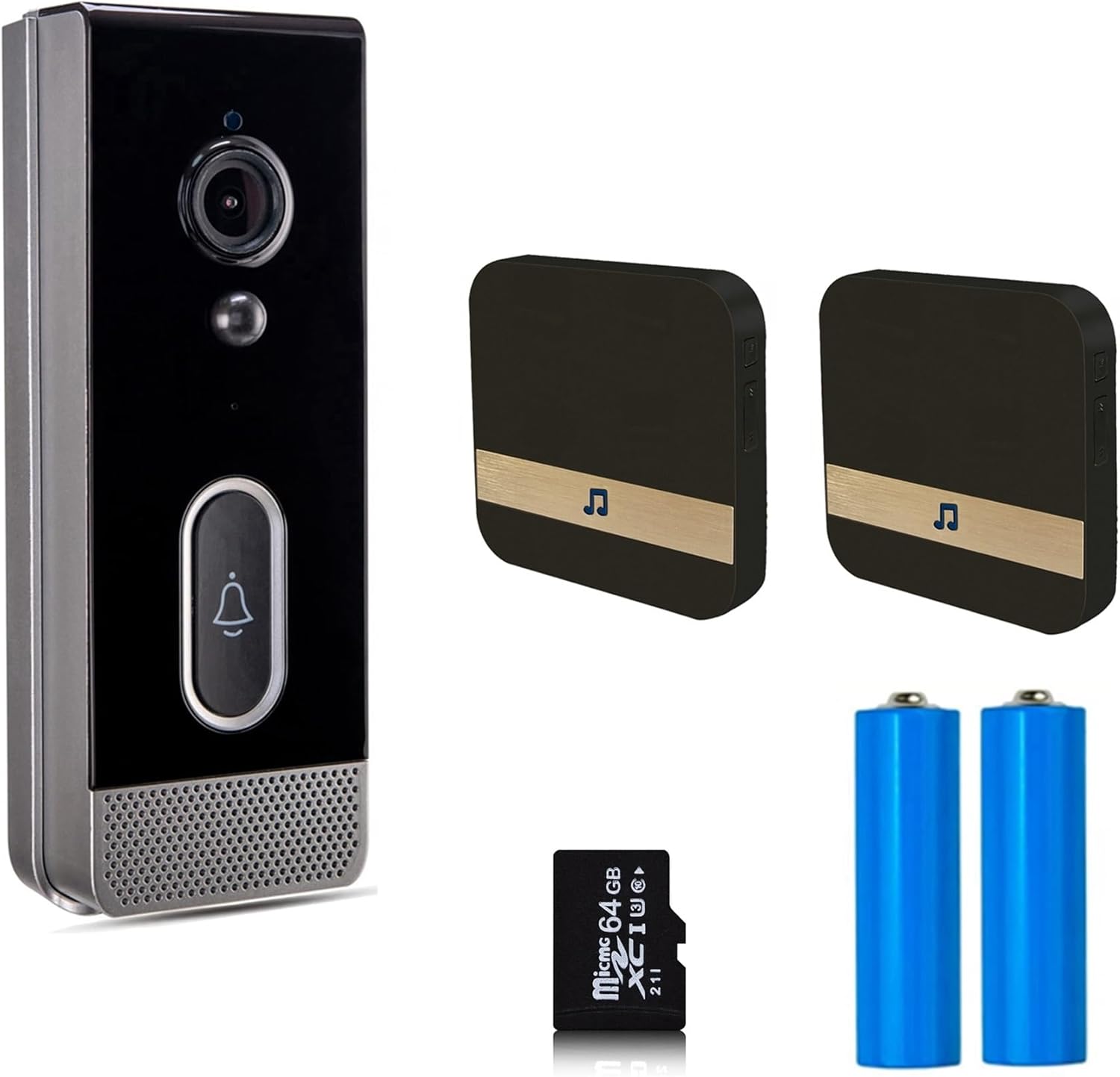
Image 1.1: Package contents including the doorbell, chimes, batteries, and Micro SD card.
2. Product Features
The Tuya Wireless Video Doorbell Camera offers a range of features designed for home security and convenience:
- 1080P Full HD Video: Provides clear video monitoring with a 1920x1080 resolution.
- 166° Wide-Angle View: Captures a broad area around your doorway.
- Two-Way Audio: Enables real-time communication with visitors via the mobile app.
- Infrared Night Vision: Ensures clear visibility in low-light conditions and at night.
- PIR Motion Detection: Detects human movement and sends instant alerts to your smartphone.
- IP65 Waterproof Rating: Designed for outdoor use, resistant to dust and water splashes.
- Rechargeable Battery: Powered by two 2600mAh 18650 batteries for wireless operation.
- 2.4GHz Wi-Fi Connectivity: Connects to your home network for remote access. (Does not support 5GHz Wi-Fi)
- Local and Cloud Storage: Supports up to 64GB TF memory card (optional) and cloud storage options.
- Smart Home Integration: Optional support for Google Home and Amazon Alexa.

Image 2.1: Visual representation of key product features.

Image 2.2: Overview of app compatibility and core functionalities.
3. Setup Guide
3.1 Charging the Batteries
Before initial use, fully charge the two 18650 rechargeable batteries. Insert them into the designated battery compartment of the doorbell camera. A full charge ensures optimal performance and battery life.
3.2 App Installation and Account Creation
- Download the Tuya Smart or Smart Life app from Google Play Store (Android) or Apple App Store (iOS).
- Open the app and register a new account or log in with an existing one.
3.3 Device Pairing and Wi-Fi Connection
- Ensure your smartphone is connected to a 2.4GHz Wi-Fi network. The doorbell does not support 5GHz Wi-Fi.
- In the app, tap 'Add Device' or the '+' icon.
- Select 'Security & Video Surveillance' and then 'Smart Doorbell'.
- Follow the on-screen instructions to put the doorbell into pairing mode (usually by pressing and holding a button until an indicator light flashes).
- Enter your Wi-Fi network password when prompted.
- The app will generate a QR code. Present this QR code to the doorbell camera lens at a distance of 15-20 cm (6-8 inches) until you hear a confirmation sound.
- Once connected, you can name your doorbell and complete the setup.
3.4 Physical Installation
- Choose a suitable location near your front door, ensuring good Wi-Fi signal strength.
- Mark the drilling points using the provided mounting bracket as a template.
- Drill holes and insert wall anchors if necessary.
- Secure the mounting bracket to the wall with screws.
- Attach the doorbell camera to the mounting bracket.
4. Operating Instructions
4.1 Two-Way Audio Communication
When a visitor presses the doorbell or motion is detected, you will receive a notification on your smartphone. Open the app to view the live feed and initiate two-way communication.
- Tap the microphone icon in the app to speak to the visitor.
- Tap it again to mute your microphone.
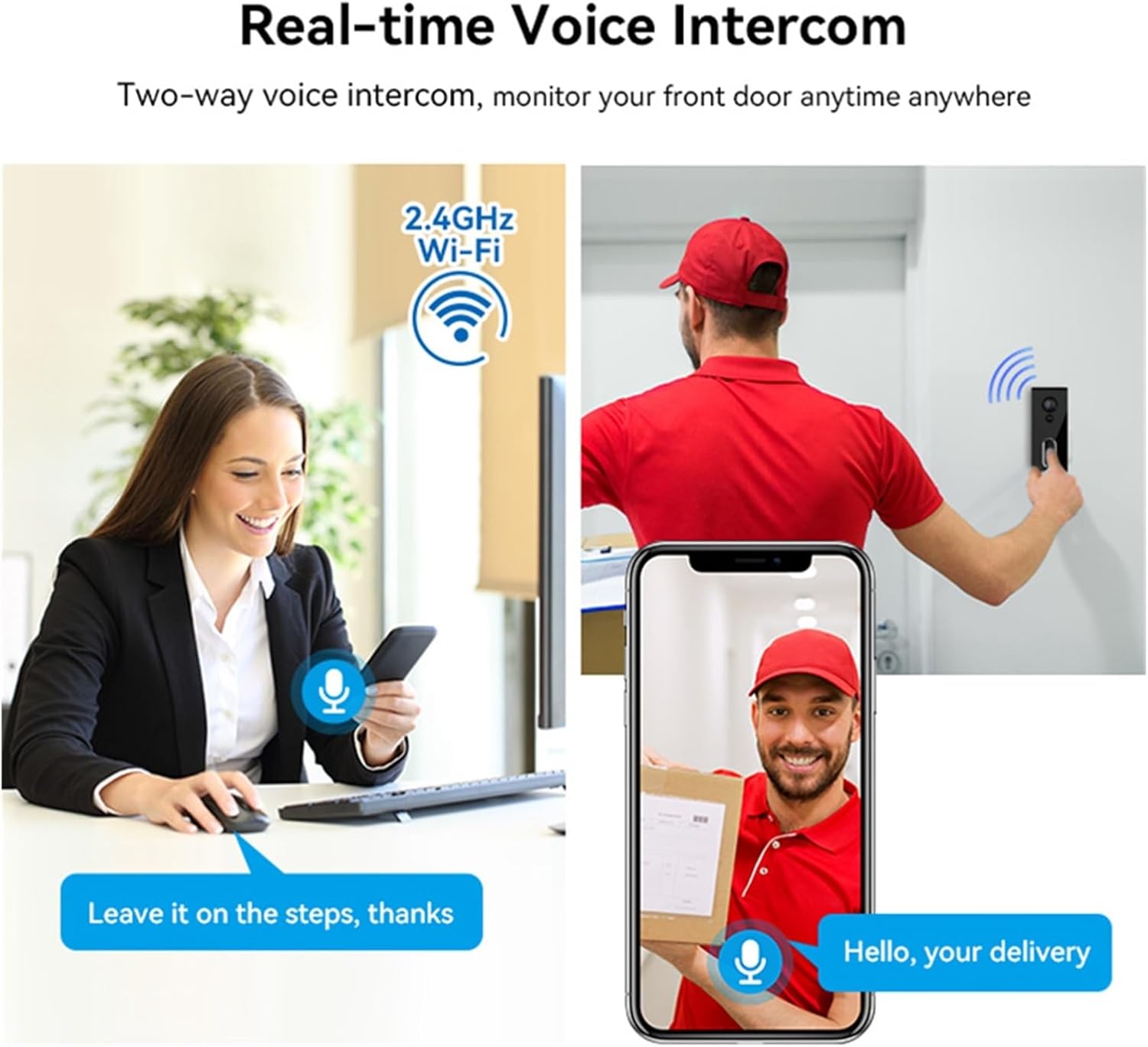
Image 4.1: Demonstrating two-way voice intercom functionality.
4.2 Motion Detection and Alerts
The doorbell features a built-in PIR motion sensor that detects movement in its field of view. When motion is detected, the doorbell will:
- Send an instant alert notification to your smartphone via the Tuya app.
- Automatically capture an image or begin video recording (depending on settings).
You can adjust the motion detection sensitivity and set detection zones within the app to minimize false alarms.

Image 4.2: PIR motion detection triggering an alert and recording.
4.3 Live View and Recording
Access the live video feed from your doorbell camera anytime through the Tuya app. You can also manually initiate video recording or capture screenshots during live view.
4.4 Night Vision
The doorbell camera is equipped with infrared night vision, allowing it to capture clear video footage even in complete darkness. The camera automatically switches between day and night modes based on ambient light conditions.
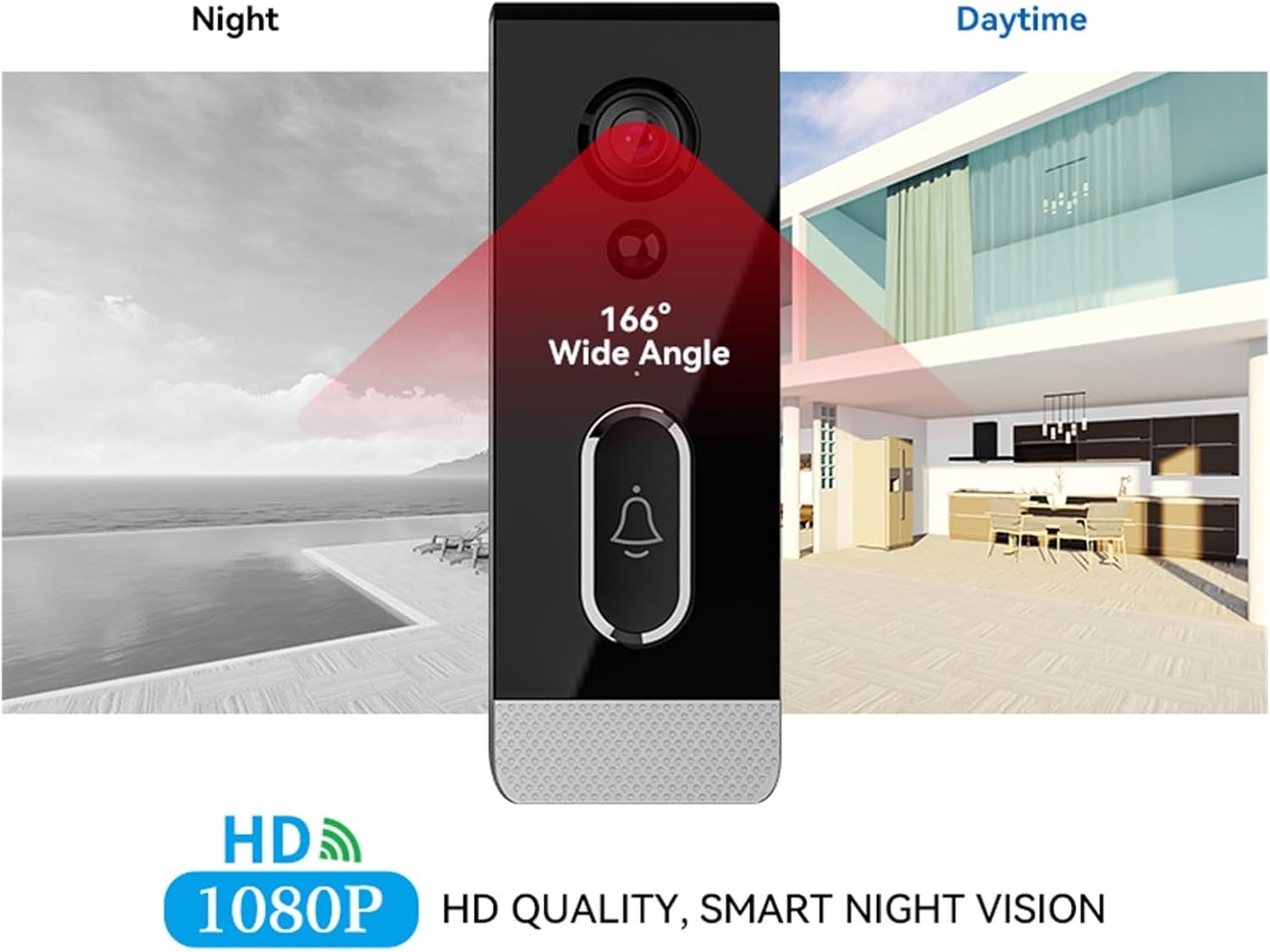
Image 4.3: Day and night vision capabilities with 166° wide angle.
4.5 Storage Options
The doorbell supports two primary storage methods for recorded video footage:
- Micro SD Card: Insert a Micro SD card (up to 64GB, optional) into the designated slot for local storage.
- Cloud Storage: Optional cloud storage services may be available through the Tuya app for remote access and backup of recordings.
5. Maintenance
5.1 Battery Management
The doorbell is powered by rechargeable 18650 batteries. Monitor the battery level through the Tuya app. When the battery is low, remove and recharge the batteries using a compatible charger. Ensure batteries are inserted with correct polarity.
5.2 Waterproof Rating (IP65)
The doorbell camera has an IP65 waterproof rating, meaning it is protected against dust ingress and low-pressure water jets from any direction. While it is designed for outdoor use, avoid submerging the device in water or exposing it to high-pressure water streams.

Image 5.1: The doorbell camera's IP65 waterproof design.
5.3 Cleaning
To maintain optimal video quality, periodically clean the camera lens with a soft, dry cloth. Do not use abrasive cleaners or solvents.
6. Troubleshooting
| Issue | Possible Cause | Solution |
|---|---|---|
| Doorbell not connecting to Wi-Fi | Incorrect Wi-Fi password; 5GHz Wi-Fi network; Weak Wi-Fi signal; Doorbell too far from router | Ensure correct 2.4GHz Wi-Fi password. Move doorbell closer to router or use a Wi-Fi extender. Restart doorbell and router. |
| No motion detection alerts | PIR sensitivity too low; Motion detection disabled; App notifications off | Adjust PIR sensitivity in the app. Enable motion detection. Check app notification settings on your phone. |
| Poor video quality | Dirty lens; Weak Wi-Fi signal; Insufficient lighting | Clean the camera lens. Improve Wi-Fi signal. Ensure night vision is active in low light. |
| Short battery life | Frequent motion detection; High usage; Cold weather | Reduce motion detection sensitivity. Ensure batteries are fully charged. Consider a wired power option if available. |
| Two-way audio not working | Microphone/speaker muted in app; App permissions; Network issues | Check app audio settings. Grant microphone permissions to the app. Ensure stable internet connection. |
7. Technical Specifications
- Chipset: Ingenic T31
- Image Sensor: 1/2.7 inch 2 million pixel CMOS sensor
- Resolution: Main stream 1920P*1080P (1080P Full HD)
- Video Encoding: H.264 High Profile
- Lens: 2.8mm HD fixed focus lens
- Field of View: 166° wide angle
- Night Vision: IR dual filter switch, 6-8m effective infrared distance
- Audio: Two-way voice intercom
- Motion Detection: PIR sensor, alarm push
- Storage: Max 64G TF memory card (optional), Cloud storage (optional)
- Wireless Connectivity: 2.4GHz Wi-Fi (IEEE 802.11b/g/n)
- Power: 2*2600mAh 18650 rechargeable batteries
- Weather Resistance: IP65 Waterproof
- Smart Home Compatibility: Google Home / Amazon Alexa (optional)
8. Warranty and Support Information
For warranty information and technical support, please refer to the documentation provided at the point of purchase or contact your retailer. Keep your purchase receipt as proof of purchase.