
TUYA WiFi Doorbell Camera
Generic TUYA WiFi Doorbell Camera 1080P Outdoor Video Door Bell Instruction Manual
Model: TUYA WiFi Doorbell Camera
1. Introduction
This manual provides detailed instructions for the installation, operation, and maintenance of your Generic TUYA WiFi Doorbell Camera. Please read this manual thoroughly before using the product to ensure proper function and safety.
2. Safety Information
- Ensure the power supply is within the specified AC16V-24V range.
- Do not attempt to disassemble or repair the device yourself. Contact qualified personnel for service.
- Keep the device away from extreme temperatures, direct sunlight, and corrosive substances.
- This device is IP65 waterproof, but avoid submerging it in water.
3. Package Contents
Depending on the purchased option, your package may include:
- TUYA WiFi Doorbell Camera
- Indoor Chime (optional)
- SD Card (32G, 64G, or 128G, optional)
- Mounting Screws and Anchors
- User Manual

Image: Example of package contents for Option 5, showing the doorbell, an indoor chime, and a 64GB SD card.
4. Product Overview
The Generic TUYA WiFi Doorbell Camera is a 1080P outdoor video doorbell designed for home security. It features a 166-degree wide-angle lens, two-way audio, PIR motion detection, and IP65 weather resistance.

Image: Front view of the TUYA WiFi Doorbell Camera, showing the camera lens at the top and the illuminated doorbell button at the bottom.
Key Features:
- 1080P HD Video: Clear video resolution with a 166-degree wide-angle lens.
- IP65 Waterproof: Designed for outdoor use, resistant to dust and water splashes.
- 2.4G Wi-Fi Connectivity: Connects to your home Wi-Fi network (5G not supported).
- Two-Way Audio: High-quality communication with noise cancellation.
- PIR Motion Detection: Sends instant alerts to your mobile phone upon detecting movement.
- Day/Night Mode: Automatic switching for clear visibility in all lighting conditions.
- Siren Alarm: Adjustable volume siren for deterrence.
- Voice Control: Compatible with Google Home and Amazon Alexa (optional function).

Image: Visual representation of key features including 1080P Real HD, IP65 waterproof rating, and compatibility with TuyaSmart, Amazon Alexa, and Google Assistant.
5. Setup
5.1 Power Connection
The doorbell camera requires a wired AC power connection (AC16V-24V). It does not operate on batteries. Connect the existing doorbell wires to the terminals on the back of the Smart Doorbell. Any wire can be connected to either terminal. Resistors are not included and not required.

Image: Illustration demonstrating how to connect the doorbell camera to existing AC power wires (16V-24V). It highlights that no battery is required and the device is always on.
5.2 App Installation
Download the TuyaSmart or Smart Life app from your mobile device's app store (Google Play Store for Android or Apple App Store for iOS). Register an account or log in if you already have one.
5.3 Wi-Fi Connectivity and Pairing
- Ensure your mobile device is connected to a 2.4GHz Wi-Fi network. The doorbell does not support 5GHz Wi-Fi.
- Open the TuyaSmart or Smart Life app and tap "Add Device" or the "+" icon.
- Select "Security & Video Surveillance" and then "Smart Doorbell" or "Video Doorbell".
- Follow the on-screen instructions to put the doorbell into pairing mode (usually involves pressing and holding the doorbell button until an indicator light flashes).
- Enter your Wi-Fi network name and password in the app.
- The app will generate a QR code. Present this QR code to the doorbell camera lens at a distance of 15-20 cm (6-8 inches) until you hear a confirmation sound.
- Once connected, the doorbell will appear in your app. You can then customize its settings.
6. Operation
6.1 Two-Way Audio Communication
When a visitor presses the doorbell, you will receive a notification on your mobile phone. Open the app to view live video and engage in two-way communication with the visitor. The doorbell features high-fidelity sound quality and noise cancellation.
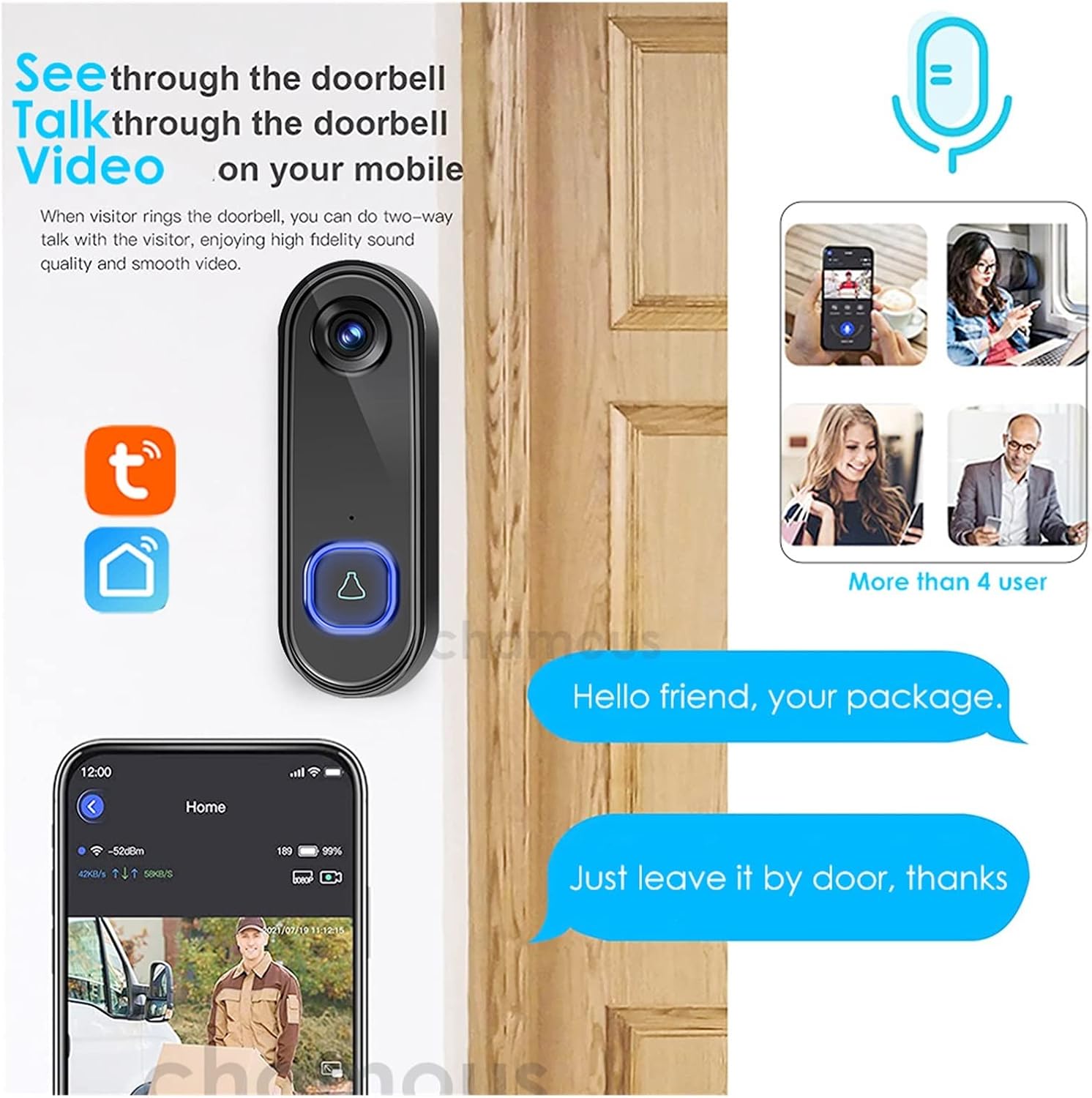
Image: Illustration showing how users can see and talk through the doorbell via their mobile phone, enabling two-way communication with visitors.
6.2 PIR Motion Detection
The integrated PIR (Passive Infrared) sensor detects motion. When motion is detected, the doorbell will immediately send a push notification to your mobile phone, allowing you to monitor activity at your door.
6.3 Day and Night Mode
The doorbell camera automatically switches between day and night modes, ensuring clear video visibility regardless of ambient light conditions.
6.4 Siren Alarm
The doorbell supports a siren alarm function. You can activate the siren remotely via the app to deter unwanted visitors. The siren volume is adjustable.

Image: Illustration depicting the siren alarm feature, showing how the doorbell can emit a siren sound to deter suspicious individuals, with app controls for alarm messages, viewing, speaking, and activating the siren.
6.5 Voice Control (Google Home / Amazon Alexa)
For models with voice control functionality, you can integrate your doorbell with Google Home or Amazon Alexa. This allows for voice commands such as "Alexa, show me the front door" to view the camera feed on compatible smart displays.

Image: Depiction of the doorbell camera working with Google Home and Amazon Alexa, showing a smart display presenting the doorbell's live feed.
6.6 Video Recording and Storage
If your doorbell package includes an SD card, the device supports local video recording. Motion-triggered events and live view recordings can be stored directly on the SD card. You can access and manage these recordings through the mobile app.
7. Maintenance
- Cleaning: Wipe the camera lens and doorbell surface with a soft, damp cloth. Do not use harsh chemicals or abrasive cleaners.
- Weather Protection: While IP65 rated, regular checks for debris or obstructions around the camera lens are recommended, especially after heavy rain or snow.
- Firmware Updates: Periodically check the TuyaSmart/Smart Life app for available firmware updates to ensure optimal performance and security.

Image: Visual confirmation of the doorbell camera's IP65 waterproof rating, indicating its resistance to water and dust, suitable for outdoor installation.
8. Troubleshooting
| Problem | Possible Cause | Solution |
|---|---|---|
| Doorbell not powering on. | Incorrect voltage or loose wiring. | Ensure AC16V-24V power supply is correctly connected. Check wire connections. |
| Cannot connect to Wi-Fi. | 5GHz Wi-Fi network, incorrect password, or weak signal. | Connect to a 2.4GHz Wi-Fi network. Verify password. Move doorbell closer to router or use a Wi-Fi extender. |
| No motion detection alerts. | PIR sensitivity set too low, or feature disabled in app. | Adjust PIR sensitivity settings in the app. Ensure motion detection is enabled. |
| Poor video quality. | Dirty lens, weak Wi-Fi signal, or network congestion. | Clean the camera lens. Check Wi-Fi signal strength. Reduce network traffic if possible. |
9. Specifications
- Model: TUYA WiFi Doorbell Camera
- Video Resolution: 1080P HD
- Lens Angle: 166 degrees wide-angle
- Wi-Fi: 2.4GHz (IEEE 802.11 b/g/n)
- Power Input: AC16V-24V (Wired, no battery)
- Waterproof Rating: IP65
- Motion Detection: PIR Sensor
- Audio: Two-way with noise cancellation
- Storage: Supports SD Card (up to 128GB, optional)
- Compatibility: TuyaSmart / Smart Life App, Google Home, Amazon Alexa (optional)
10. Warranty and Support
This product comes with a standard manufacturer's warranty. For specific warranty details, please refer to the documentation provided at the time of purchase or contact your retailer. For technical support or service inquiries, please refer to the contact information provided by your seller or the TuyaSmart/Smart Life app support section.