
AGM Global Vision Rattler V2 TS19-256
AGM Global Vision Rattler V2 Thermal Imaging Rifle Scope
Model: Rattler V2 TS19-256
Introduction
This manual provides essential information for the proper setup, operation, and maintenance of your AGM Global Vision Rattler V2 Thermal Imaging Rifle Scope. Please read this manual thoroughly before using the device to ensure safe and effective operation.
Safety Information
- Eye Safety: Never look directly at the sun or any other strong light source through the device, as this can cause permanent eye damage.
- Battery Safety: Use only specified batteries. Do not mix old and new batteries or different types of batteries. Dispose of batteries according to local regulations.
- Handling: Handle the device with care. Avoid dropping or subjecting it to severe impacts.
- Water Exposure: While the device is waterproof (IP67 rated), ensure all covers and caps are securely closed before exposure to water.
- Temperature: Operate the device within the specified temperature range (-22°F to 131°F).
Package Contents
Your AGM Global Vision Rattler V2 Thermal Imaging Rifle Scope package includes:
- Thermal Imaging Rifle Scope
- Mount (ADM QD mount)
- USB Cable
- Lens Cloth
- Manual
- Two Rechargeable Batteries
Setup
1. Battery Installation
The Rattler V2 is powered by two rechargeable batteries. To install:
- Locate the battery compartment.
- Insert the two rechargeable batteries, ensuring correct polarity.
- Securely close the battery compartment cover.
The device is engineered for extended use, offering up to 11.5 hours of operating time on a single charge with the included dual rechargeable batteries.
2. Mounting the Scope
The Rattler V2 comes with a Picatinny Mount for secure attachment to your rifle.
- Align the mount with the Picatinny rail on your rifle.
- Secure the mount firmly using the provided mechanism.
- Ensure the scope is level and properly positioned for your shooting stance.
3. Initial Focus Adjustment
For optimal image clarity, adjust the diopter and objective focus.
- First, adjust the diopter focus (eyepiece ring) until the on-screen information (e.g., reticle, battery indicator) is sharp and clear to your eye.
- Next, adjust the objective focus (front lens ring) to bring your target into sharp focus.

Figure 1: The AGM Global Vision Rattler V2 Thermal Imaging Rifle Scope, showing its compact design and controls.
Operating Instructions
1. Power On/Off
To power on the device, press and hold the power button until the display illuminates. To power off, press and hold the power button until the display shuts down.
2. Display Modes and Palettes
The Rattler V2 offers various display modes and color palettes to optimize thermal imaging for different environments and preferences. Common palettes include White Hot, Black Hot, Fusion, and Red Hot.

Figure 2: Example of thermal imaging with various color palettes, demonstrating the device's ability to highlight heat signatures.
3. Digital Zoom and Magnification
The device features an 8x digital zoom, providing a magnification range from 2.5x up to 20x. Use the zoom controls to adjust the magnification for closer inspection of targets.
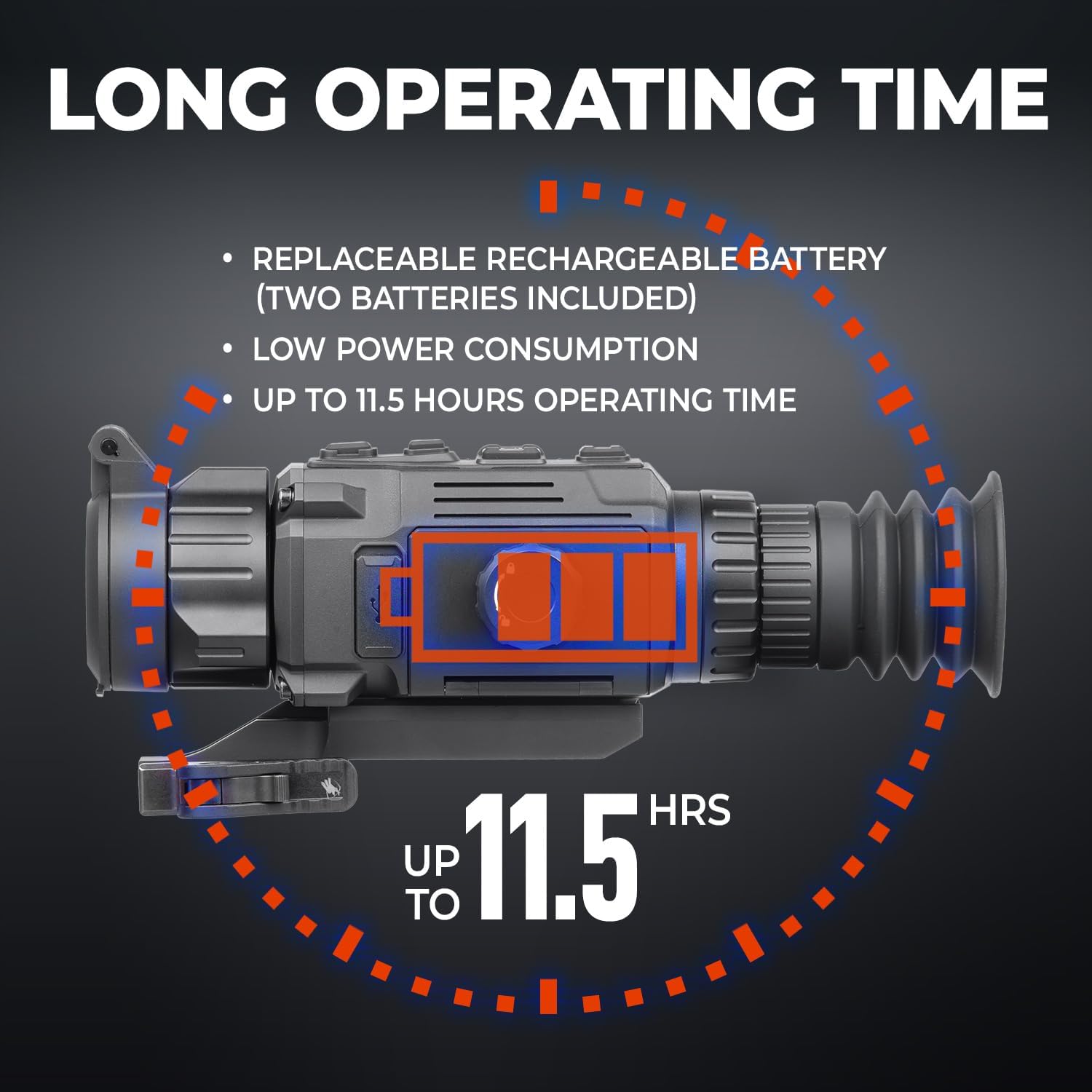
Figure 3: Visual representation of the 8x digital zoom capability, showing increasing magnification of a thermal target.
4. Reticle Styles and Colors
Customize your aiming experience with 10 reticle styles and 4 color options. Refer to the on-screen menu for selection and adjustment.
5. Stadiametric Rangefinder
Utilize the built-in stadiametric rangefinder for quick and accurate distance estimations to your target. Consult the on-screen display for range readings.
6. Shot-Activated Recording with Audio
The Rattler V2 supports hands-free recording. When enabled, the device automatically records footage upon detecting a shot, including onboard audio. This feature is ideal for capturing hunting moments without manual intervention.
7. Flat Field Correction (FFC)
The FFC function, also known as shutter correction, helps maintain image uniformity. The device can perform FFC automatically or semi-automatically. For hunting, it is recommended to set FFC to semi-auto to prevent image calibration during critical moments. You can manually trigger FFC by long-pressing the 'M' button when you notice image degradation (e.g., dots or floaties).
8. AGM Connect App
Enhance your experience by connecting the Rattler V2 to the AGM Connect App via WiFi Hotspot. The app allows for:
- Live Video Streaming
- Remote Control of Device Settings
- Recording and Image Capture
- Photo Management
- Firmware Updates
- Access to Technical Support

Figure 4: The AGM Connect App interface, demonstrating live video streaming and remote control capabilities.
Maintenance
1. Cleaning
Use the provided lens cloth to gently clean the optical surfaces. For stubborn dirt, a soft, lint-free cloth lightly dampened with lens cleaning solution can be used. Avoid abrasive materials or harsh chemicals.
2. Storage
Store the device in a cool, dry place away from direct sunlight and extreme temperatures. If storing for extended periods, remove the batteries.
3. Waterproofing
The Rattler V2 is IP67 rated for waterproofing, meaning it is protected against immersion in water up to 1 meter for 30 minutes. Always ensure all port covers and battery compartment are sealed before exposing the device to moisture.
Troubleshooting
If you encounter issues with your Rattler V2, consider the following common solutions:
- No Power: Check battery charge and ensure they are inserted correctly. Try fully charging the batteries.
- Blurred Image: Re-adjust the diopter and objective focus. Ensure the lens is clean.
- Image Freezing/Clicking Sound: This is often the Flat Field Correction (FFC) performing calibration. This is normal operation. If it's disruptive, consider changing FFC mode to semi-auto in settings.
- App Connectivity Issues: Ensure the device's WiFi Hotspot is enabled and your smartphone is connected to it. Restart both the device and the app.
For persistent issues, please contact AGM Global Vision customer support.
Specifications
| Feature | Detail |
|---|---|
| Brand | AGM Global Vision |
| Model Name | RATTLER V2 |
| Style | 19-256 |
| Color | Black |
| Material | Polycarbonate |
| Item Weight | 6.34 Ounces |
| Magnification (Min) | 2.5 x |
| Magnification (Max) | 8 x (Digital Zoom up to 20x) |
| Objective Lens Diameter | 19 Millimeters |
| Field Of View | 9.3 Degrees |
| Mounting Type | Picatinny Mount |
| Waterproof Rating | IP67 |
| Operating Temperature | -22°F to 131°F |
Warranty
The AGM Global Vision Rattler V2 Thermal Imaging Rifle Scope comes with a 5-year manufacturer warranty. Please retain your proof of purchase for warranty claims.
Support
For additional support, technical assistance, or service inquiries, please visit the official AGM Global Vision website or contact their customer service department. You can also find more information and resources on the AGM Global Vision Store on Amazon.
Note: No official seller videos were available for embedding based on the provided criteria.
Related documentsRattler V2 TS19-256


Ask a question about this manual
Ask about setup, troubleshooting, compatibility, parts, safety, or missing instructions. Manuals+ will review the question and use this page’s manual context to help answer it.