
1. Introduction
Thank you for choosing the InnoVibe 6-Pack RGB Hexagon LED Wall Panels. These smart, modular lighting panels are designed to transform your space with vibrant, customizable lighting, perfect for gaming setups, living rooms, bedrooms, or offices. This manual provides detailed instructions for setup, operation, and maintenance to ensure you get the most out of your new lighting system.

An example arrangement of the InnoVibe Hexagon LED Wall Panels displaying a vibrant rainbow color gradient.
2. Package Contents
Please verify that all items are present in your package:
- 6 x Hexagon Light Panels
- 1 x Remote Control
- 1 x USB Cable
- 10 x Adhesive Pads
- 1 x User Manual (this document)
3. Features
- Multiple Control Options: Control your lights via the included controller, remote control, or the intuitive mobile app (Bluetooth connectivity).
- Music Sync Mode: Panels pulse and change in sync with your music, games, or movies for an immersive experience.
- Endless Customization: Arrange modular panels into countless shapes and designs. Access 16+ million colors and over 300 effects via the smart app.
- Easy Installation: Wall mountable with included adhesive backing.
- USB Powered: Convenient and energy-efficient power source.

Overview of key features: Sound Reactive, compact size, over 300 effects via app, wall mountable, and USB powered.

The Hexagon LED Wall Panels offer over 16 million colors, allowing for complete customization of your lighting environment.
4. Setup
- Plan Your Design: Before mounting, arrange your Hexagon panels on a flat surface to visualize your desired pattern. The modular design allows for flexible arrangement.
- Prepare the Surface: Ensure the wall surface is clean, dry, and smooth for optimal adhesive performance.
- Attach Adhesive Pads: Apply the included adhesive pads to the back of each Hexagon panel.
- Mount Panels: Carefully press each panel onto the desired wall location. Ensure secure contact.
- Connect Panels: Use the small connectors to link the panels together. Ensure a firm connection for power and data transfer between panels.
- Connect USB Cable: Plug the USB cable into the designated port on one of the panels and connect the other end to a compatible USB power adapter (not included) or USB port.
- Initial Power On: Once connected to power, the panels should light up.
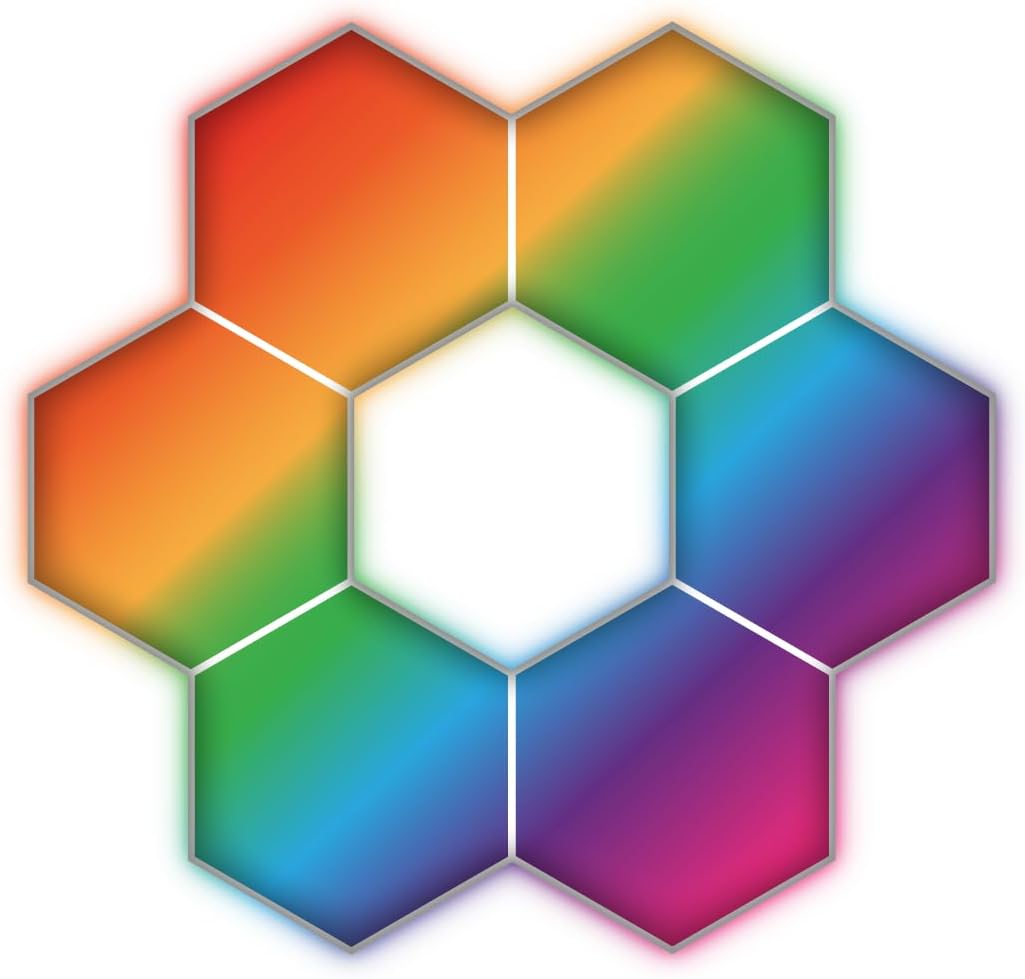
Illustrates a common hexagonal arrangement, showcasing the modularity of the panels.
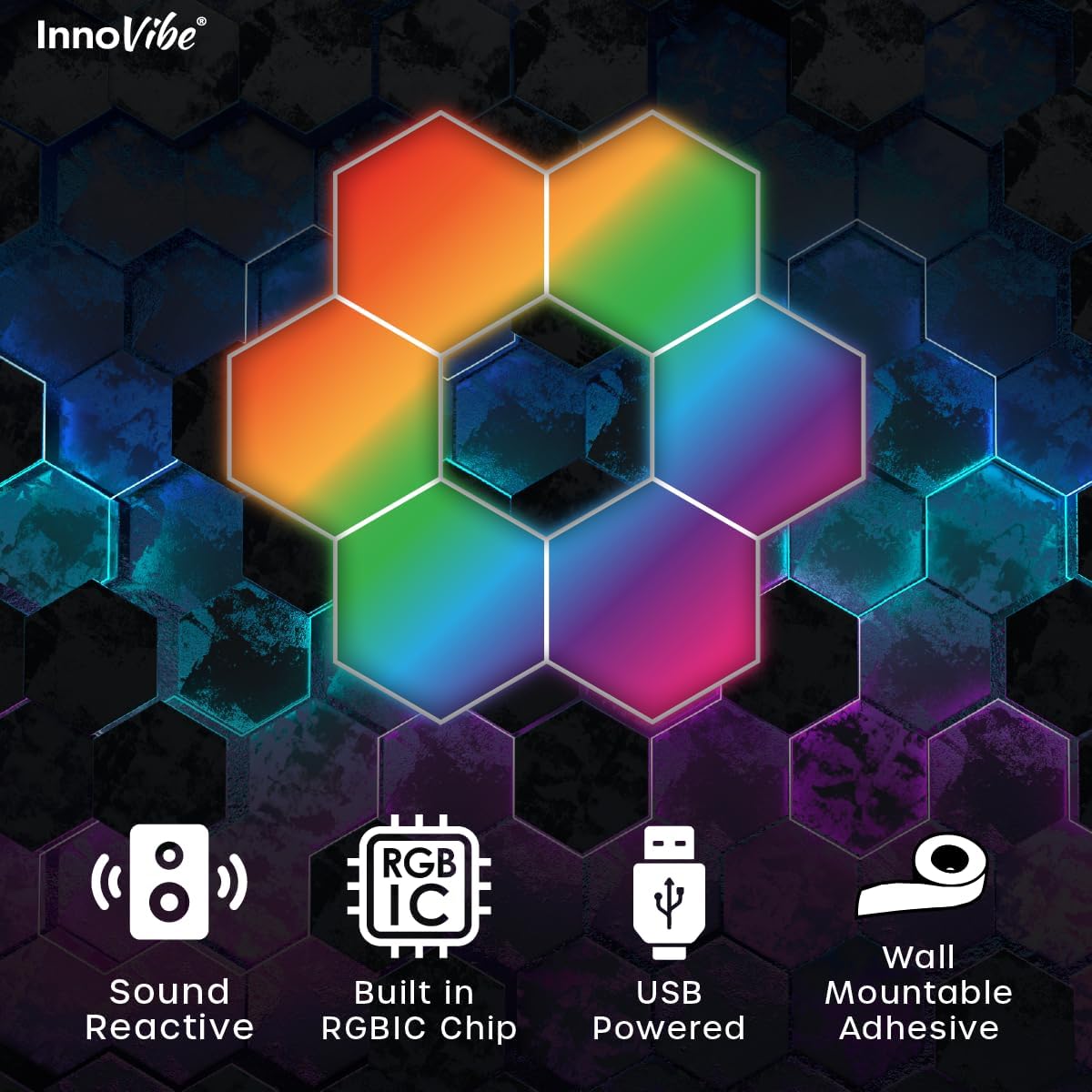
Visual representation of core features: sound reactivity, integrated RGBIC chip for advanced effects, USB power, and easy wall mounting with adhesive.
5. Operating Instructions
5.1. App Control
The most comprehensive control is available through the dedicated mobile application. Download the app (refer to the QR code in the quick start guide or search for 'InnoVibe Lighting' in your app store).
- Pairing: Open the app and follow the on-screen instructions to pair your device via Bluetooth.
- Color Adjustment: Select from 16+ million colors using the color wheel or preset options.
- Lighting Modes & Effects: Explore over 300 dynamic lighting effects and modes, including static colors, flowing patterns, and scene modes.
- Music Sync: Activate the music sync feature to make your lights react to audio from your device's microphone.
- Scheduling: Set timers to automatically turn the lights on or off at specific times.

The dedicated mobile app provides comprehensive control over lighting modes, colors, and scheduling.

Detailed views of the mobile application's interface, demonstrating options for color adjustment, modes, music sync, and scheduling.
5.2. Remote Control
The included remote control provides quick access to essential functions:
- Power On/Off
- Brightness Adjustment
- Color Selection (preset colors)
- Mode Cycling
- Music Mode Activation
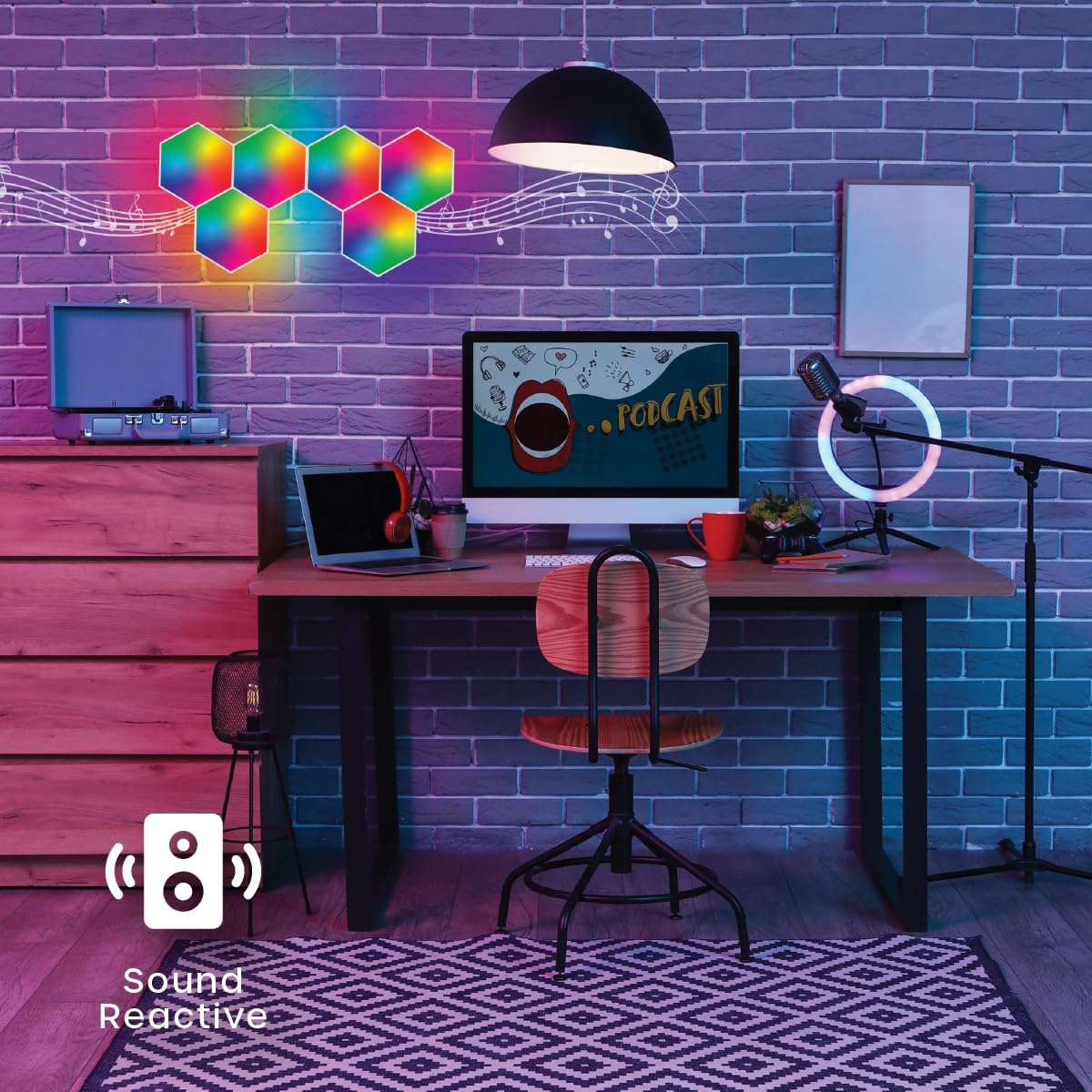
Experience dynamic lighting with the built-in music sync mode, where panels react to audio.
6. Maintenance
To ensure the longevity and optimal performance of your InnoVibe Hexagon LED Wall Panels, follow these simple maintenance guidelines:
- Cleaning: Gently wipe the surface of the panels with a soft, dry, or slightly damp cloth. Avoid using harsh chemicals or abrasive cleaners, as they may damage the finish.
- Power Off Before Cleaning: Always disconnect the power before cleaning the panels.
- Avoid Water Exposure: These panels are designed for indoor use only. Do not expose them to water or high humidity.
7. Troubleshooting
If you encounter any issues with your InnoVibe Hexagon LED Wall Panels, please refer to the following common problems and solutions:
- Panels Not Lighting Up:
- Ensure the USB cable is securely connected to both the panel and a working power source.
- Check if the power adapter (if used) is functioning correctly.
- Verify that all panel connectors are firmly seated.
- App Connectivity Issues:
- Ensure Bluetooth is enabled on your mobile device.
- Make sure the panels are powered on and within Bluetooth range.
- Try restarting the app or your mobile device.
- If issues persist, try unpairing and re-pairing the device in the app.
- Remote Control Not Working:
- Check if the remote's battery needs replacement.
- Ensure there are no obstructions between the remote and the panels.
- Inconsistent Lighting/Colors:
- Verify that all panel connectors are fully inserted and making good contact.
- Ensure the power supply is sufficient for the number of panels connected.
If these steps do not resolve your issue, please contact customer support for further assistance.
8. Specifications
| Attribute | Detail |
|---|---|
| Brand | InnoVibe |
| Model Name | Hexigon 6 pack |
| Item Model Number | IVWL2026 |
| Color | MultiColored |
| Material | Plastic |
| Shape | Hexagonal |
| Product Dimensions (single panel) | 4"L x 3.5"W x 1"H (approx. 10.16cm L x 8.89cm W x 2.54cm H) |
| Item Weight | 1.2 pounds (approx. 0.54 kg) |
| Power Source | Corded Electric (USB Powered) |
| Special Features | Color Changing, Music Sync, App Control |
| Indoor/Outdoor Usage | Indoor |
| Number of Items | 6 (panels) |

Detailed dimensions of a single Hexagon LED panel: 4.09 inches wide by 3.54 inches high.
9. Warranty and Support
Your InnoVibe Hexagon LED Wall Panels come with a 90-day warranty from the date of purchase, covering manufacturing defects.
We are committed to ensuring your satisfaction. If you experience any issues with your lights or have questions not covered in this manual, our dedicated customer support team is ready to assist you. Please refer to the contact information provided with your purchase or visit the InnoVibe official website for support.