
1. Introduction
This manual provides detailed instructions for the safe and effective use of your SKIOVEMI NV8260 4K HD Infrared Digital Head Mounted Night Vision Monocular. Please read this manual thoroughly before operating the device and retain it for future reference.
The NV8260 is designed for enhanced visual observation in low-light and complete darkness conditions, offering advanced imaging capabilities for various outdoor activities.
2. Package Contents
Verify that all items listed below are included in your package:
- 1 x SKIOVEMI NV8260 Night Vision Device
- 1 x USB Cable (Type-C)
- 1 x 32GB Memory Card (TF Card)
- 1 x Wrist Strap
- 1 x Cleaning Cloth
- 1 x Headband (for head-mounted use)
- 1 x Velvet Storage Bag
- 1 x User Manual
Video Description: This video demonstrates the unboxing of a night vision device, showing the various components included in the package, such as the device itself, head-mounted bracket, straps, cables, memory card, and user manual. It highlights the careful packaging and the completeness of the kit.
3. Product Features
- 4K HD Imaging: Capture high-resolution photos (up to 36MP) and videos (up to 4K) in various lighting conditions.
- Infrared Night Vision: Equipped with a 3W, 850nm high-intensity IR spotlight and 7 adjustable IR levels for clear viewing in complete darkness up to 400m.
- 8X Digital Zoom: Magnify distant subjects for detailed observation.
- Head-Mounted Design: Includes an adjustable headband for hands-free operation and comfortable extended wear.
- Integrated Display: Features a 1.4" 390x390 HD screen with 7 brightness levels and adjustable vision correction (+/-8 Diopters).
- Rechargeable Battery: Built-in 3000mAh lithium battery, supporting external power banks for extended use.
- Memory & Connectivity: Supports up to 32GB TF card (included) and TYPE-C USB for charging and data transfer.
- Multiple Color Modes: Choose between Color, Black & White, Night Green, and Infrared viewing modes.
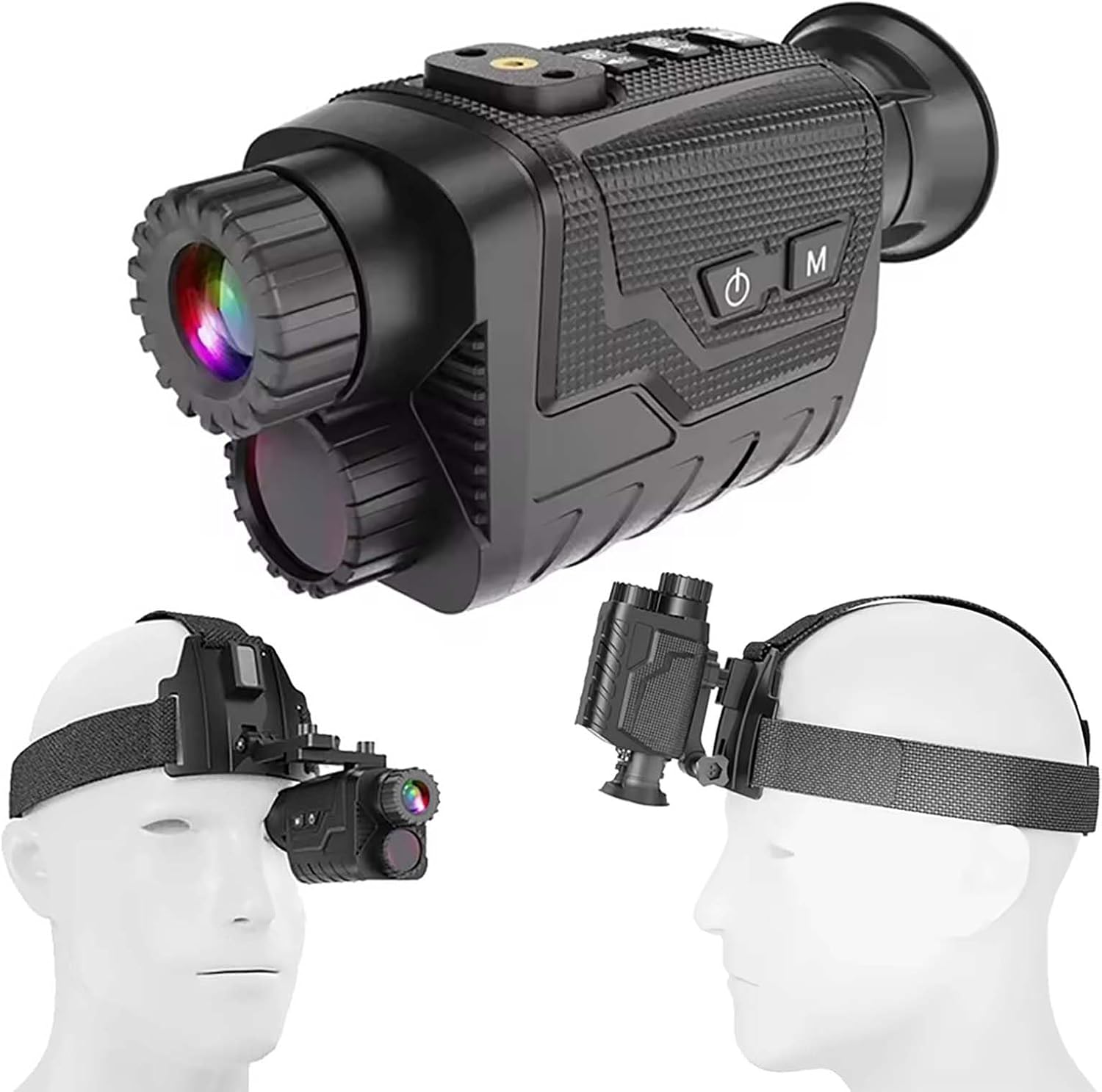
Image Description: A black night vision monocular device is shown from multiple angles, including a view of it attached to a head-mounted strap. The device features an eyepiece, objective lens, and control buttons on top.
4. Setup
4.1 Charging the Device
- Locate the Type-C USB port on the device.
- Connect the provided USB cable to the device and a compatible USB power source (e.g., wall adapter, power bank, computer USB port).
- The charging indicator will illuminate. Allow the device to charge fully before first use.
A full charge typically provides approximately 6 hours of operation with IR on, or 13 hours with IR off.
4.2 Inserting the Memory Card
- Open the memory card slot cover on the device.
- Insert the provided 32GB TF card into the slot with the gold contacts facing down, until it clicks into place.
- Close the memory card slot cover securely.
4.3 Attaching the Headband
- Attach the night vision device to the head-mounted bracket. Ensure it is securely fastened.
- Adjust the straps of the headband to fit comfortably and securely around your head.
- Ensure the device is positioned correctly for optimal viewing.

Image Description: The night vision monocular is shown attached to a head-mounted strap, demonstrating how it can be worn for hands-free operation. The image highlights the ergonomic design for comfortable use.
5. Operating Instructions
5.1 Device Controls
Familiarize yourself with the device's control buttons:
- Power Button: Press and hold to turn the device ON/OFF.
- Mode Button: Cycle through Photo, Video, and Playback modes.
- Shot/OK Button: Capture photos, start/stop video recording, or confirm menu selections.
- Menu Button: Access the device settings menu.
- IR Up/Zoom In Button: Increase IR intensity or zoom in digitally.
- IR Down/Zoom Out Button: Decrease IR intensity or zoom out digitally.
- Night Vision Enhancement Button (EN): Activate enhanced night vision mode.
- Effect Conversion Button: Switch between Color, Black & White, Night Green, and Infrared color modes.
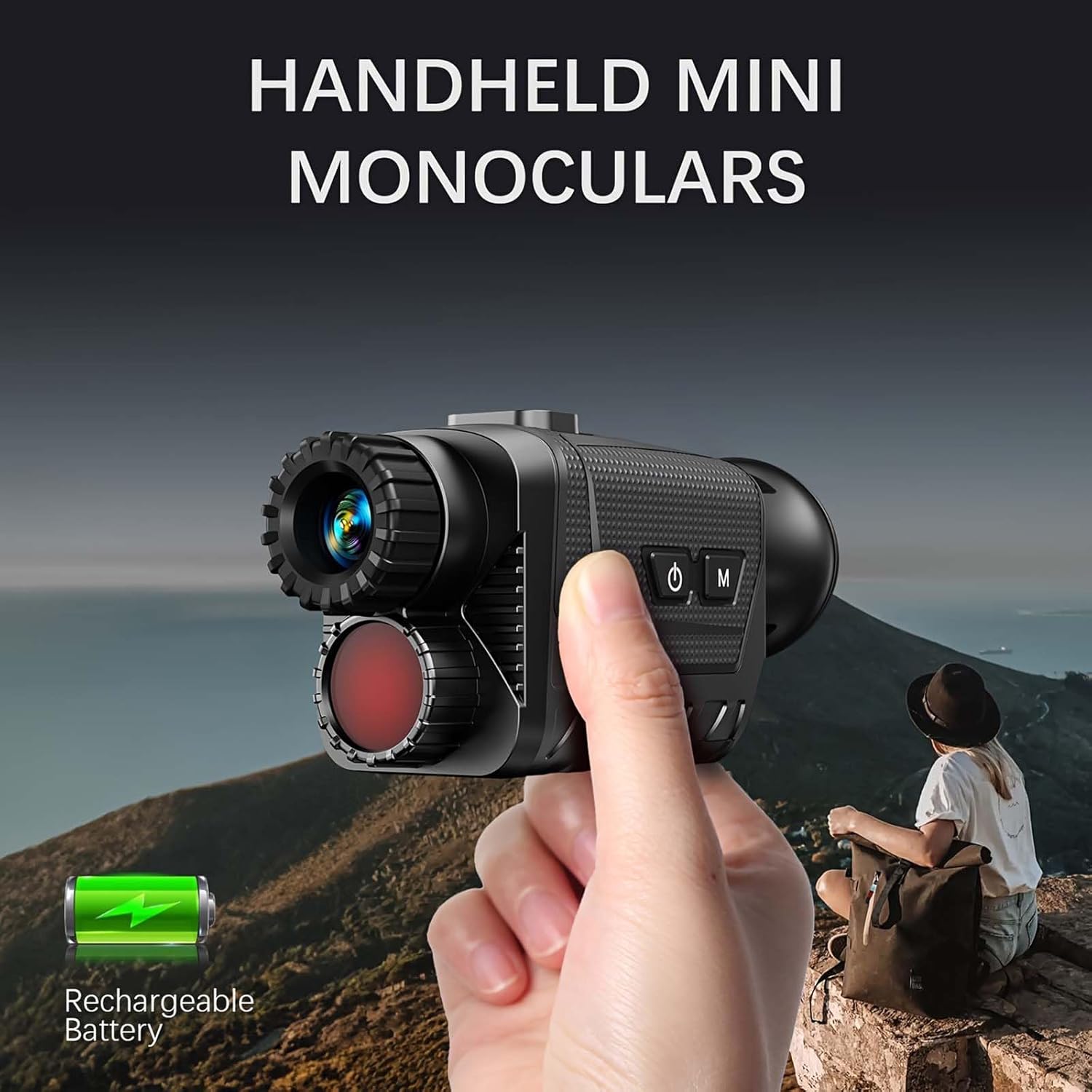
Image Description: A detailed view of the top panel of the night vision monocular, showing the layout and labels of the control buttons for mode selection, IR adjustment, zoom, and power.
Video Description: This video showcases the key features of the night vision monocular, including its day and night viewing capabilities, large HD screen, tripod compatibility, manual focus adjustment, 8x digital zoom, 7-level IR adjustment, and easy data export via Type-C port. It visually explains how to operate the device's various functions.
5.2 Focusing the Device
- Turn on the device.
- Rotate the objective lens to adjust the focus until the image on the display is clear.
- Adjust the eyepiece diopter for individual eye comfort if necessary.

Image Description: A visual guide demonstrating the "Easy to Focus" feature of the night vision monocular, showing arrows indicating the rotation of the eyepiece for clear vision.
5.3 Using Night Vision
- In low-light or dark conditions, press the IR Up button to activate the infrared illuminator.
- Adjust the IR intensity using the IR Up/Down buttons (7 levels available) to achieve optimal brightness and clarity.
- For enhanced night vision, press the EN button.

Image Description: This image illustrates the day and night vision capabilities of the monocular. It shows a split view: one side depicts raccoons in daylight (IR off), and the other side shows the same raccoons in a black and white night vision view (IR on), demonstrating the device's effectiveness in darkness.
5.4 Capturing Photos and Videos
- Press the Mode button to select either Photo or Video mode.
- In Photo mode, press the Shot/OK button to take a picture.
- In Video mode, press the Shot/OK button to start recording. Press again to stop recording.
- Adjust digital zoom using the IR Up/Down buttons during observation or recording.
5.5 Data Transfer
- Connect the device to a computer using the provided Type-C USB cable.
- The device will appear as a removable storage device.
- You can now access and transfer your photos and videos from the memory card to your computer.
6. Maintenance
- Cleaning Lenses: Use the provided cleaning cloth to gently wipe the lenses. Avoid using abrasive materials or harsh chemicals.
- Device Body: Wipe the device body with a soft, damp cloth. Do not immerse the device in water.
- Storage: Store the device in the velvet storage bag in a cool, dry place when not in use. Avoid extreme temperatures and direct sunlight.
- Battery Care: Charge the battery regularly, even if the device is not used frequently, to maintain battery health.
7. Troubleshooting
| Problem | Possible Cause | Solution |
|---|---|---|
| Device does not turn on. | Battery is depleted. | Charge the device fully. |
| Image is blurry. | Incorrect focus. | Adjust the objective lens and eyepiece diopter until the image is clear. |
| Poor night vision performance. | IR illuminator off or low intensity. | Activate IR and increase IR intensity using the IR Up button. |
| Cannot save photos/videos. | Memory card full or not inserted correctly. | Check memory card insertion. Delete old files or replace the card if full. |
| Device unresponsive. | Temporary software glitch. | Perform a soft reset by holding the power button for 10 seconds. If issue persists, contact support. |
8. Specifications
| Feature | Detail |
|---|---|
| Photography Resolutions | 36MP, 12MP, 8MP, 5MP, 2MP, 1MP, 360P Night Vision Enhancement |
| Video Resolutions | 4K, FHD, HD, 360P Night Vision Enhancement |
| Lens Specifications | F1.2 Wide Aperture, f=25mm, Auto Infrared Filter, FOV = 10° |
| Eyepiece Design | Adjustable Vision Correction (+/-8 Diopters) |
| Display Panel | 1.4" 390x390 HD Screen with 7 Brightness Levels |
| Memory Compatibility | TF Card, Supports Up to 32GB |
| USB Connectivity | TYPE-C Port |
| Auto Power-Off Options | Off, 1 Min, 3 Mins, 5 Mins, 10 Mins |
| Infrared Light Source | 3W, 850nm High-Intensity IR Spotlight, 7 Adjustable Levels |
| Viewing Range | 350-400m in No-Light Conditions, 1m to Infinity in Low-Light Conditions |
| Digital Zoom Capability | 8x |
| Color Modes | Color, Black & White, Night Green, Infrared |
| Power Supply | Built-in 3000mAh Rechargeable Lithium Battery, Supports External Power Banks |
| Language Support | Multiple Languages |
| Date & Time Stamp | Customizable on Photos and Videos |
| Control Buttons | 5 Intuitive Buttons |
| Model Number | 66369444 |
9. Warranty and Support
For warranty information and technical support, please refer to the documentation included with your product or visit the official SKIOVEMI website. Keep your purchase receipt as proof of purchase for warranty claims.
Protection Plans: Additional protection plans may be available for purchase. Please check with your retailer for details.
- 2-Year Protection Plan
- 3-Year Protection Plan
- Complete Protect (monthly subscription)