1. Introduction
Thank you for choosing the Coleshome Gaming Desk. This manual provides essential information for the safe assembly, operation, and maintenance of your new desk. Please read these instructions carefully before beginning assembly and retain them for future reference.
This versatile desk is designed to enhance your gaming or study setup, offering a spacious carbon fiber surface, integrated LED lighting, a convenient power outlet, and ample storage solutions including fabric drawers and a monitor stand.
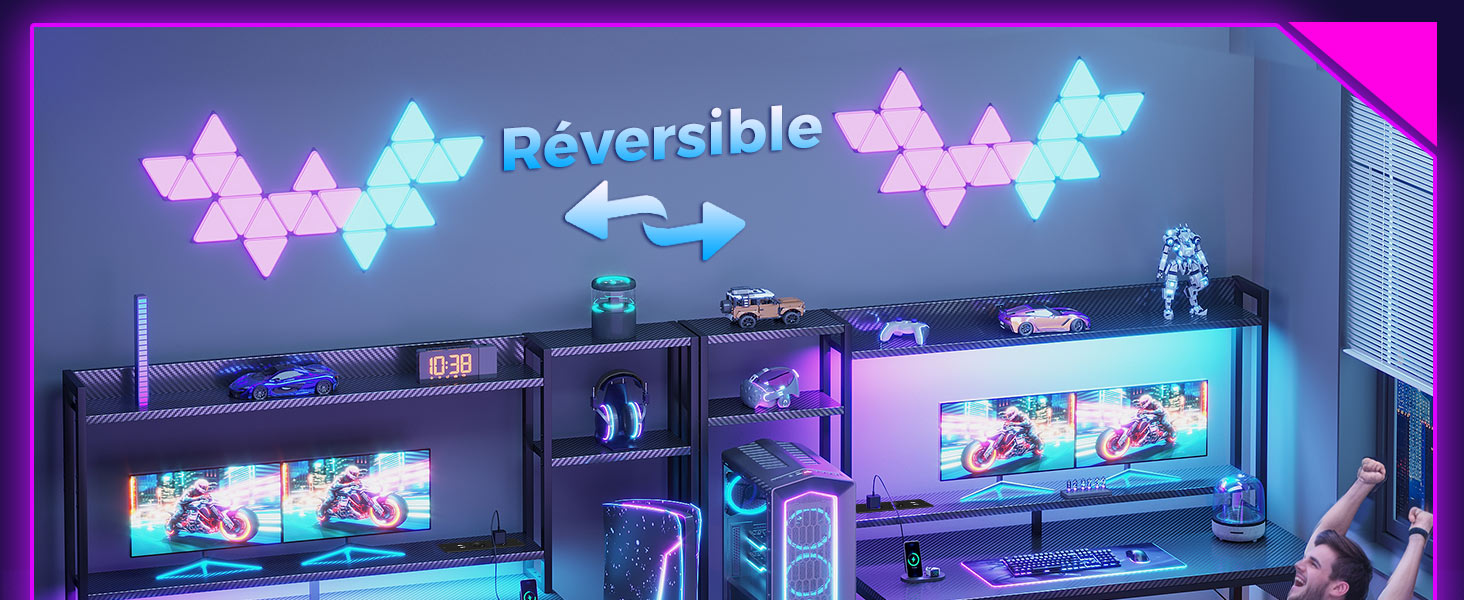
Image 1.1: Overview of the Coleshome Gaming Desk in a typical setup.
2. Safety Information
- Assembly Required: This desk requires assembly. Follow all instructions carefully.
- Weight and Size: The desk can be heavy and bulky. It is recommended to assemble with at least two people to prevent injury.
- Stability: Ensure all screws and fasteners are tightened securely before use. Use the adjustable feet to stabilize the desk on uneven surfaces.
- Electrical Safety: The integrated power outlet is designed for indoor use only. Do not overload the power strip. Keep liquids away from electrical components.
- Children and Pets: Keep small parts and packaging materials away from children and pets during assembly.
- Maximum Load: Do not exceed the maximum weight capacity of the desk surface or shelves. Refer to the specifications section for details.
3. Package Contents
Before assembly, please verify that all components listed in your product's specific packaging manual are present and undamaged. If any parts are missing or damaged, please contact customer support.
Typical components include:
- Desk frame components (legs, crossbars)
- Carbon fiber desktop panel
- Monitor stand and upper shelf components
- Fabric drawers and drawer frame
- Integrated power outlet unit
- LED light strip
- Headphone hook
- Assembly hardware (screws, bolts, Allen wrench)
- Instruction manual
4. Setup and Assembly
Follow the step-by-step instructions provided in the separate assembly manual included with your product. Ensure you have adequate space and the necessary tools (usually an Allen wrench is provided).
Key Assembly Points:
- Frame Assembly: Connect the desk legs and crossbars securely. Do not overtighten screws until all components are loosely fitted.
- Desktop Attachment: Carefully place the carbon fiber desktop onto the assembled frame and secure it with the provided hardware.
- Monitor Stand and Shelves: Assemble the monitor stand and upper shelves according to the diagrams. Note that the side shelving unit is reversible and can be installed on either the left or right side of the desk.
- Adjustable Shelf: The shelf within the side unit can be adjusted to three different heights to accommodate various items like PC towers, figurines, or speakers. Refer to the diagram below for adjustment options.
- Drawers and PC Support: Assemble the fabric drawers and insert them into the drawer frame. Position the PC support platform as desired.
- Electrical Components: Install the integrated power outlet unit and attach the LED light strip to the underside of the monitor stand or desktop as indicated.
- Final Tightening: Once all components are in place, systematically tighten all screws and fasteners.
- Leveling: Adjust the desk's feet to ensure it is stable and level on your floor.

Image 4.1: Adjustable shelf positions for the side storage unit.
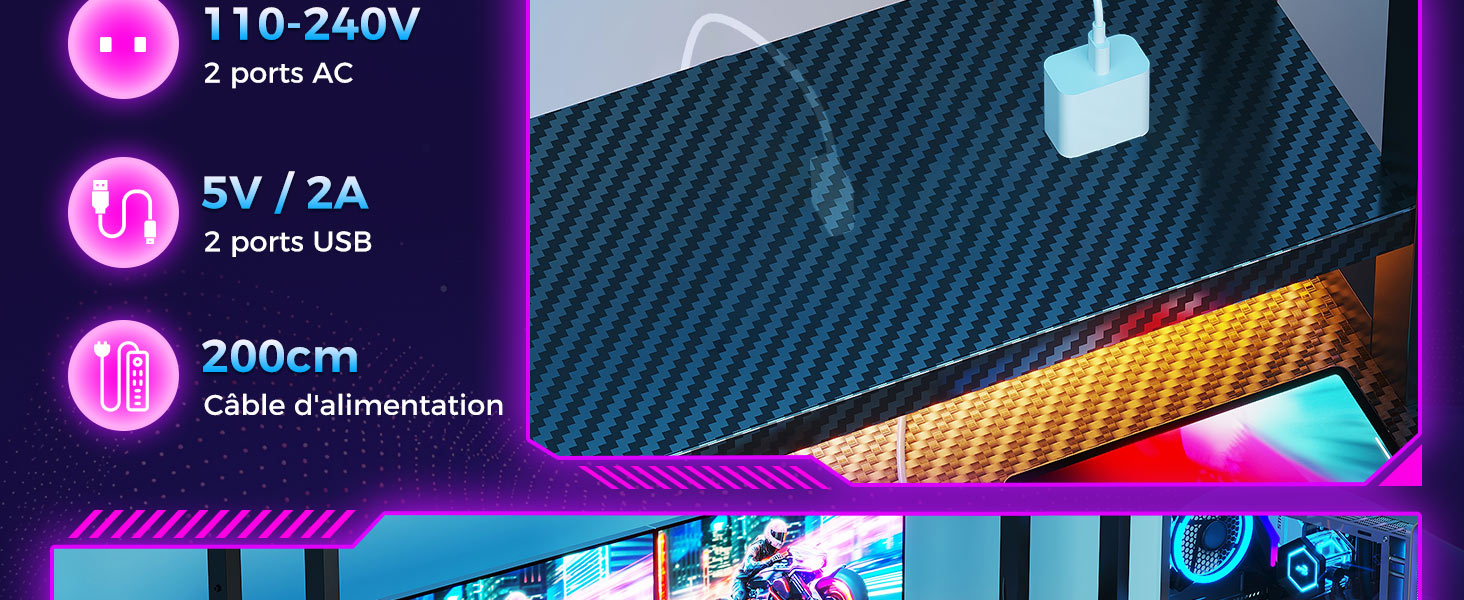
Image 4.2: Details of the fabric drawers, PC support, and versatile headphone hook.
5. Operating Instructions
5.1. LED Lighting
The integrated LED light strip provides customizable ambient lighting for your setup.
- Power On/Off: Use the control button on the LED strip or remote (if included) to turn the lights on or off.
- Brightness Adjustment: Adjust the brightness level from 10% to 100% to suit your preference.
- Color Modes: Cycle through 10 different lighting modes and 10 color variations to create your desired atmosphere.

Image 5.1: LED lighting controls for brightness and color modes.
5.2. Integrated Power Outlet
The desk includes a built-in power outlet for convenient charging and powering of your devices.
- AC Outlets: Features 2 standard AC outlets (110-240V) for powering monitors, PCs, or other electronics.
- USB Ports: Includes 2 USB ports (5V/2A) for charging smartphones, tablets, or other USB-powered devices.
- Power Cable: The unit is connected via a 200cm power cable. Plug this cable into a wall outlet.
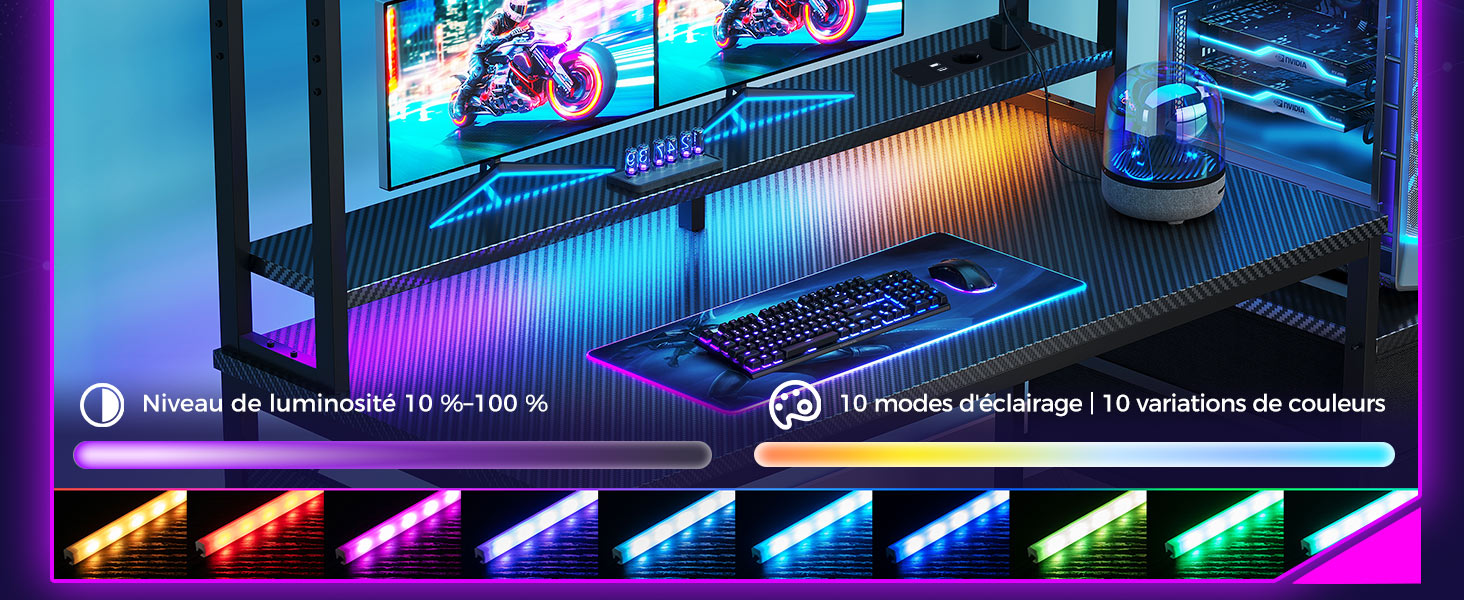
Image 5.2: Integrated power outlet for convenient device charging.
5.3. Ergonomic Monitor Stand
The elevated monitor stand helps maintain a healthy posture by raising your screen to eye level, reducing neck and eye strain during long sessions.

Image 5.3: Benefits of the ergonomic monitor stand for healthy posture.
6. Maintenance
- Cleaning the Surface: The carbon fiber surface is water-resistant and easy to clean. Use a soft, damp cloth to wipe away dust and spills. Avoid abrasive cleaners or harsh chemicals that could damage the finish.
- Fabric Drawers: The fabric drawers can be spot cleaned with a mild detergent and water. Allow them to air dry completely before reinserting.
- Hardware Check: Periodically check all screws and fasteners to ensure they remain tight. Retighten if necessary to maintain desk stability.
- Electrical Components: Ensure the power cable and LED connections are secure and free from damage. Do not attempt to repair electrical components yourself.
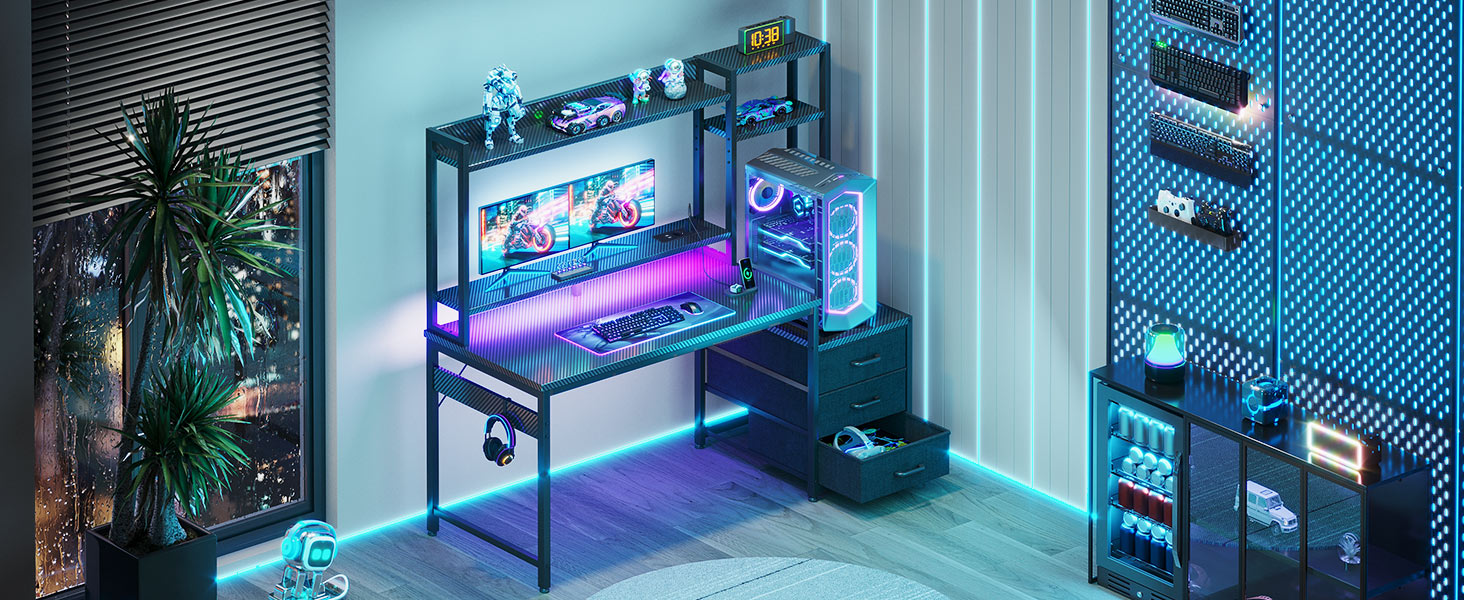
Image 6.1: Carbon fiber surface and adjustable feet for stability.
7. Troubleshooting
- Desk is wobbly:
Solution: Check that all assembly screws are fully tightened. Adjust the leveling feet at the bottom of the desk legs to compensate for uneven floor surfaces. - LED lights are not working:
Solution: Ensure the LED strip is properly connected to its power source and the power cable is securely plugged into a functional wall outlet. Check the control button or remote for power. - Integrated power outlet is not providing power:
Solution: Verify that the main power cable from the desk's outlet unit is securely plugged into a live wall outlet. Test the wall outlet with another device to confirm it is working. Do not attempt to open or repair the power outlet unit. - Drawers are not sliding smoothly:
Solution: Ensure the fabric drawers are correctly assembled and inserted into their frame. Check for any obstructions within the drawer slots.
8. Specifications
| Feature | Detail |
|---|---|
| Model Number | B01SY1721 |
| Dimensions (L x W x H) | 137.5 x 48 x 150.5 cm (approximate, based on 137x48 cm variant) |
| Product Dimensions (L x W x H) | 120.8 x 48 x 150.5 cm (as per specifications, may vary by variant) |
| Weight | 18.5 Kilograms |
| Color | Noir Fibre de Carbone (Black Carbon Fiber) |
| Material | Carbon Fiber (desktop surface), MDF, Metal Frame |
| Number of Drawers | 3 (fabric) |
| Power Outlet Input | 110-240V |
| Power Outlet AC Ports | 2 |
| Power Outlet USB Ports | 2 (5V/2A) |
| Power Cable Length | 200 cm |
| LED Lighting | 10 modes, 10 color variations, 10%-100% brightness |
| Desk Design | Computer Desk / Gaming Desk |
Note: Dimensions and specifications may vary slightly depending on the specific product variant.
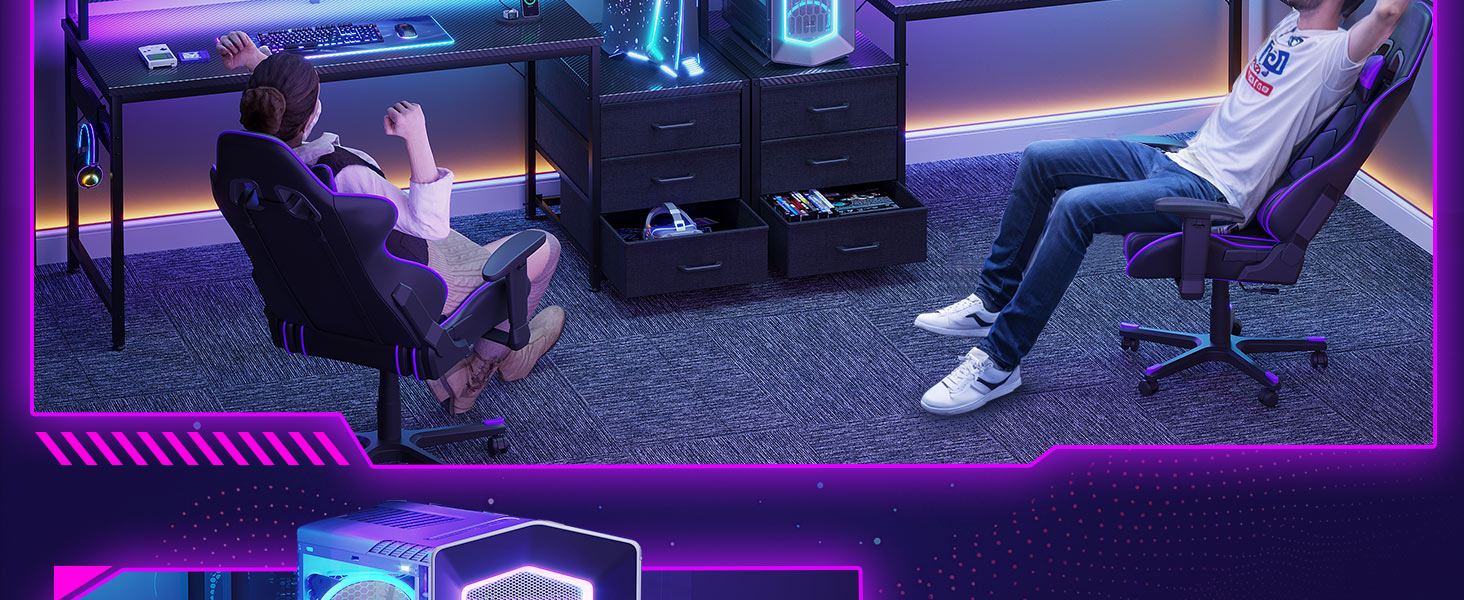
Image 8.1: Detailed dimensions of the gaming desk.
9. Warranty and Support
For warranty information, please refer to the documentation included with your purchase or contact the retailer/manufacturer directly. Coleshome is committed to customer satisfaction.
If you encounter any issues or have questions not covered in this manual, please reach out to Coleshome customer support through their official website or the platform where you purchased the product. Please have your model number (B01SY1721) and purchase date ready when contacting support.

