
InCliick B0F2FR6CGD
InCliick 4K Camera Clock User Manual
Model: B0F2FR6CGD
1. Introduction
Thank you for choosing the InCliick 4K Camera Clock. This multi-functional device combines a digital alarm clock with time and temperature display, a wireless charging pad, and a discreet 4K Ultra HD camera. Designed for home and office use, it offers seamless integration into your space while providing security and convenience. Please read this manual thoroughly before operation to ensure proper use and optimal performance.
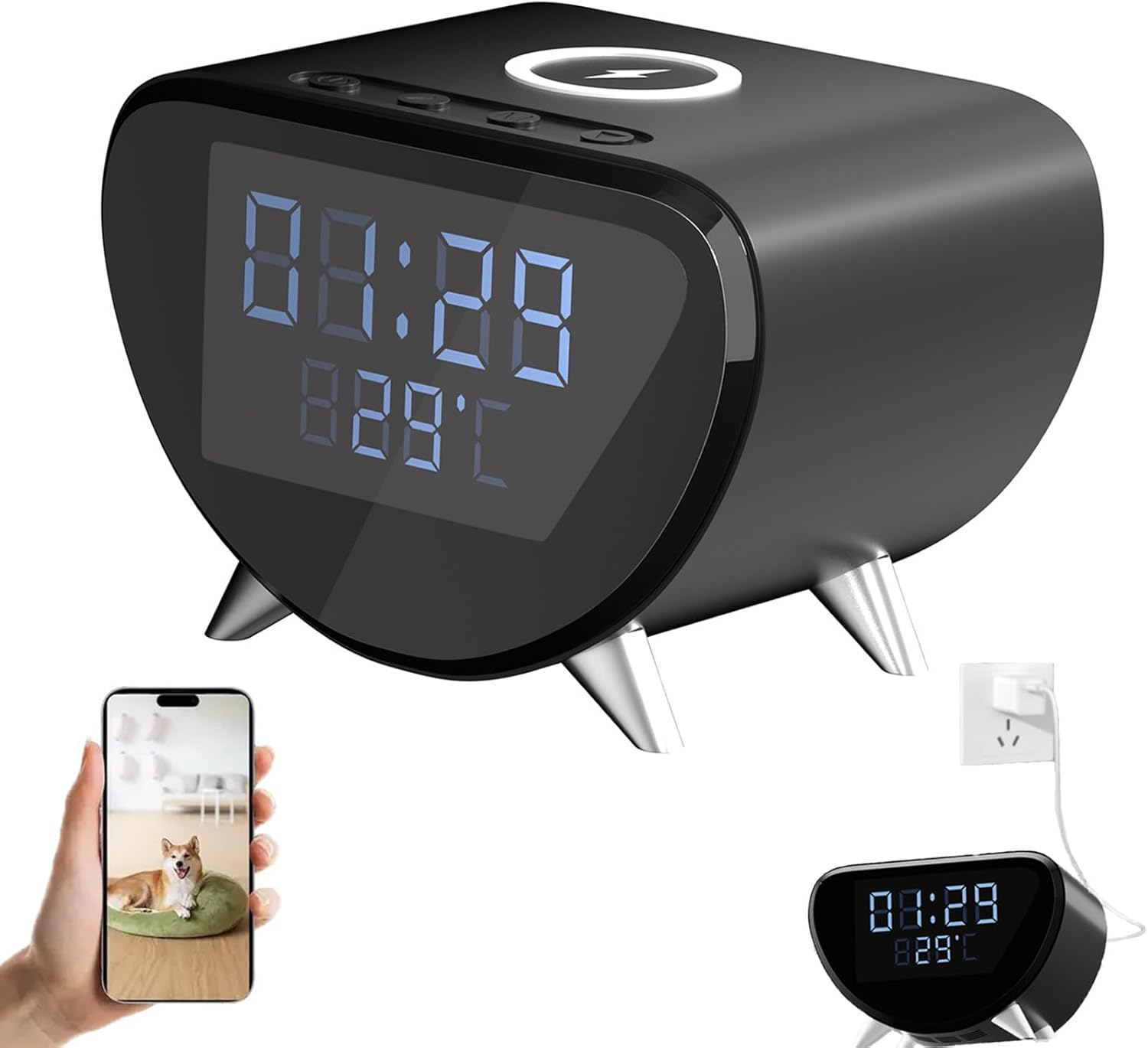
Figure 1.1: InCliick 4K Camera Clock Overview
2. Package Contents
Please check the package carefully to ensure all items are present and in good condition.
- InCliick 4K Camera Clock
- USB Power Cable
- User Manual
Video 2.1: Unboxing and Overview of the InCliick 4K Camera Clock, showcasing the device, USB cable, and user manual. This video highlights the product's dual functionality as an alarm clock and a 4K HD camera, emphasizing its discreet design and wireless charging capability.
3. Product Features
The InCliick 4K Camera Clock is equipped with multiple features for enhanced functionality and security:
- 4K Ultra HD Camera: Provides clear video resolution (20fps) for day-time monitoring. Note: This camera does not support audio recording or night vision.
- Time & Temperature Display: Digital display shows current time and ambient temperature.
- Wireless Charging: Integrated pad on top supports wireless charging for compatible smartphones.
- Alarm Function: Set alarms for daily reminders.
- Smart Motion Detection: Advanced technology with adjustable sensitivity and motion zones. Sends image shot alerts upon detection. AI human detection available with subscription.
- Loop Recording: Automatically overwrites old footage for continuous recording.
- SD Card Storage: Supports local storage up to 512GB (SD card not included).
- USB Powered: Operates via standard Micro USB (5V 1A). No internal battery.
- Wide-Angle View: 100° angle of view for broad coverage.

Figure 3.1: Key Functions of the InCliick 4K Camera Clock

Figure 3.2: Wireless Charging Capability

Figure 3.3: 4K HD Image Quality Comparison
4. Setup Guide
4.1 Powering the Device
Connect the provided USB power cable to the Micro USB port on the back of the clock and plug the other end into a 5V 1A USB power adapter (not included) or a compatible USB port. The clock display will illuminate.
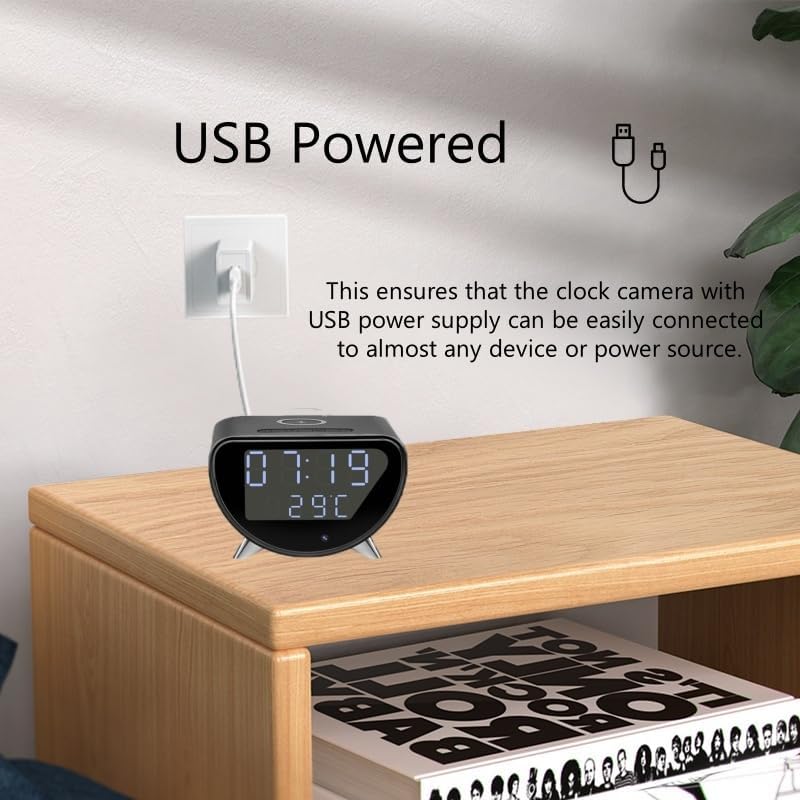
Figure 4.1: USB Power Connection
4.2 Setting Time and Temperature
Follow these steps to set the time and switch temperature units:
- Enter Time Setting: While the time is displayed, long press the 'M' button to enter the 12/24 hour setting mode.
- Switch 12/24 Hour Format: Short press the '△' (up) or '▽' (down) button to switch between 12-hour and 24-hour formats.
- Set Time: Short press the 'M' button again to move to setting hours, then minutes. Use the '△' (add) or '▽' (reduce) buttons to adjust the values.
- Exit Setting: Continue short pressing 'M' until you exit the time setting mode.
- Switch Temperature Unit: While the time is displayed, long press the '△' button to switch between Celsius (C) and Fahrenheit (F).

Figure 4.2: Time and Temperature Setting Interface
4.3 App Connection (Wi-Fi Setup)
To access camera features, you need to connect the clock to the dedicated mobile application. Refer to the included user manual for specific app download and connection instructions, typically involving QR code scanning for quick linking via 2.4GHz WiFi6.

Figure 4.3: Live View on the App and Wi-Fi Connection
4.4 SD Card Installation
Insert a Micro SD card (up to 512GB, not included) into the designated slot for local video storage. Ensure the card is inserted correctly until it clicks into place.
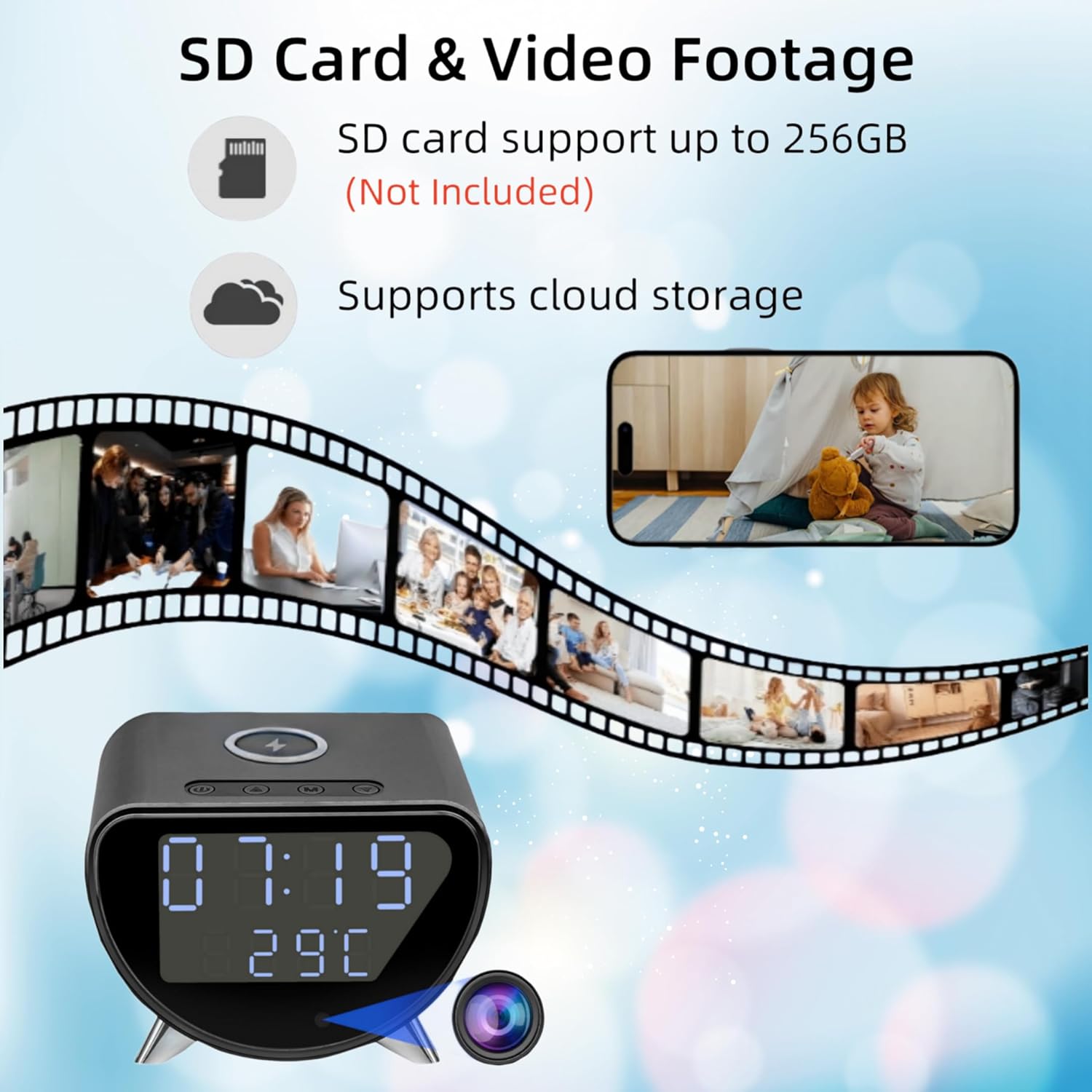
Figure 4.4: SD Card and Video Footage
5. Operating Instructions
5.1 Using the Alarm Function
The alarm function can be set via the device's buttons or through the connected mobile application. Please refer to the detailed instructions in the dedicated app section of the full user manual for advanced alarm settings.
5.2 Wireless Charging
Place your Qi-compatible smartphone directly on the wireless charging pad located on top of the clock. Ensure the phone is centered for optimal charging. A charging indicator may appear on your phone's screen.
5.3 Camera Operation (via App)
All camera functions, including live view, recording, motion detection settings, and playback, are managed through the mobile application. Once connected:
- Live View: Open the app to view the real-time 4K video feed from the camera.
- Recording: The camera supports seamless loop recording to the inserted SD card. You can also initiate manual recordings via the app.
- Motion Detection: Configure motion detection sensitivity and define specific motion zones within the app. When motion is detected, the camera will capture an image shot and send an alert to your device.
- Playback: Access recorded footage from the SD card or cloud storage (subscription required for cloud and AI human detection) directly through the app.

Figure 5.1: Motion Detection Feature

Figure 5.2: Loop Recording Functionality
6. Maintenance
To ensure the longevity and optimal performance of your InCliick 4K Camera Clock:
- Cleaning: Use a soft, dry cloth to clean the surface of the device. Avoid abrasive cleaners or solvents.
- Placement: Place the clock on a stable, flat surface away from direct sunlight, excessive heat, or moisture.
- Power: Always use the recommended 5V 1A power supply.
- SD Card: Periodically check the SD card for errors or fill status. Format the card through the app if necessary (this will erase all data).
7. Troubleshooting
| Problem | Possible Cause | Solution |
|---|---|---|
| Clock display is off or flickering. | Power supply issue; loose cable connection. | Ensure USB cable is securely connected. Try a different USB power adapter or port. |
| Cannot connect to Wi-Fi/App. | Incorrect Wi-Fi password; 5GHz network; app issues. | Ensure you are connecting to a 2.4GHz Wi-Fi network. Double-check Wi-Fi password. Restart the clock and your router. Reinstall the app. |
| No video recording to SD card. | SD card not inserted; card full or corrupted; incorrect format. | Ensure SD card is properly inserted. Check card capacity. Format the SD card via the app (backup data first). Use a compatible SD card (up to 512GB). |
| Wireless charging not working. | Phone not Qi-compatible; phone not centered; thick phone case. | Verify your phone supports Qi wireless charging. Reposition the phone on the pad. Remove thick phone cases. |
| Clock face turns off after a few seconds. | Display brightness/sleep setting activated. | Long press 'M' to enter settings, then short press 'M' until you find 'BR - #' settings. Use '△' or '▽' to set it to 'BR - 0' to keep the display on. |
8. Specifications
- Brand: InCliick
- Model: B0F2FR6CGD
- Color: Black
- Display Type: Digital
- Product Dimensions: 4.02"W x 3.15"H
- Power Source: Corded Electric (USB 5V 1A)
- Indoor/Outdoor Usage: Indoor
- Frame Material: Acrylonitrile Butadiene Styrene
- Mounting Type: Tabletop
- Camera Resolution: 4K Ultra HD (Day-time only, No Night Vision)
- Audio: No Audio Support
- Angle of View: 100°
- SD Card Support: Max. 512GB (not included)
- Wireless Charging: Yes
- UPC: 700362322528
- Item Weight: 12.6 ounces
9. Warranty and Support
For any questions, technical assistance, or warranty inquiries regarding your InCliick 4K Camera Clock, please contact our customer support team. Refer to the contact information provided on the product packaging or the official InCliick website. Please retain your purchase receipt for warranty validation.
Ask a question about this manual
Ask about setup, troubleshooting, compatibility, parts, safety, or missing instructions. Manuals+ will review the question and use this page’s manual context to help answer it.