
1. Introduction
This manual provides essential instructions for the proper setup, operation, and maintenance of your SMACKAPE WLMOUSE Beast X Miao Ultralight Gaming Mouse. Please read this manual thoroughly before using the product to ensure optimal performance and longevity.
2. Safety Information
- Do not expose the mouse to water or excessive moisture.
- Avoid dropping or subjecting the mouse to strong impacts.
- Do not attempt to disassemble or repair the mouse yourself. Contact customer support for assistance.
- Keep the mouse away from extreme temperatures.
- Use only the provided charging cable.
3. Package Contents
Verify that all items are present in your package:
- SMACKAPE WLMOUSE Beast X Miao Ultralight Gaming Mouse
- 2.4G Wireless Dongle (1K Polling Rate)
- 8K Polling Rate Wireless Dongle
- USB Type-C Ultra-Flex Paracord Cable
- User Manual (this document)
- Customizable Cat Paw Grip Pads (if included with your specific model)
4. Product Overview
The SMACKAPE WLMOUSE Beast X Miao is an ultralight gaming mouse designed for precision and comfort. It features a magnesium alloy shell, a high-performance PAW3950HS sensor, and dual-mode connectivity.

Figure 1: Front-top view of the pink WLMOUSE Beast X Miao gaming mouse, showcasing its perforated magnesium alloy shell and cat paw themed scroll wheel.
Key Features:
- Ultralight Design: Weighs approximately 31g, ideal for fast movements and reduced fatigue.
- Magnesium Alloy Shell: Provides durability while maintaining a low weight.
- PAW3950HS Sensor: High-speed optical sensor for precise tracking.
- 8000Hz Polling Rate: Adjustable polling rate for ultra-low latency.
- Dual-Mode Connectivity: 2.4G wireless and USB Type-C wired connection.
- TTC/OM Switches: Equipped with either TTC Nihil Transparent Black Dot Switches or OM Optical Switches for responsive clicks.
- TTC Dustproof Encoder: Ensures consistent scroll wheel performance.

Figure 2: Diagram illustrating key features of the Beast Miao mouse, including size (3.58x2.17x1.34 inches), weight (31±2g), magnesium alloy construction, Nordic 52840 MCU, PAW3950HS sensor, 125-8000Hz adjustable polling rate, Omron Opticals, and 220mAh Lithium-ion battery capacity.
5. Setup Instructions
5.1 Charging the Mouse
- Connect the USB Type-C end of the provided cable to the mouse's charging port.
- Connect the USB-A end of the cable to an available USB port on your computer or a USB wall adapter.
- The mouse's indicator light will show charging status (refer to LED indicator section for details). A full charge typically takes approximately 1-2 hours.
5.2 Wireless Connection (2.4G)
- Locate the 2.4G wireless dongle (1K or 8K, depending on desired polling rate) from the package.
- Plug the dongle into an available USB port on your computer.
- Turn on the mouse using the power switch located on the bottom of the mouse.
- The mouse should automatically connect to the dongle. If not, press the pairing button (if available, refer to product diagram) or cycle the power.
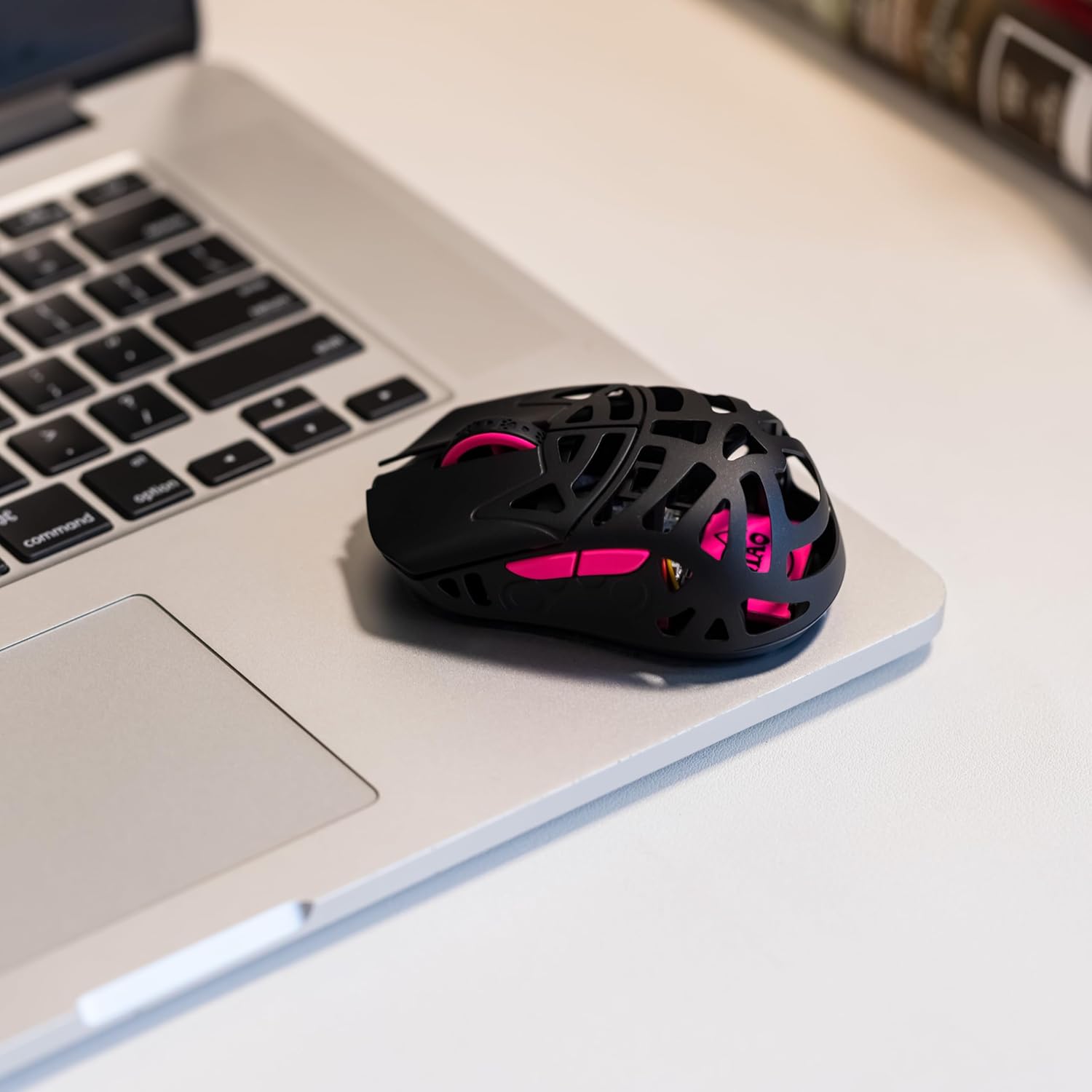
Figure 3: The WLMOUSE Beast X Miao gaming mouse positioned on a laptop trackpad, demonstrating its compact size and portability for use with various devices.
5.3 Wired Connection
- Connect the USB Type-C end of the provided cable to the mouse.
- Connect the USB-A end of the cable to an available USB port on your computer.
- The mouse will function immediately in wired mode and will also charge simultaneously.
6. Operating Instructions
6.1 DPI Adjustment
The mouse features a dedicated DPI button (usually on the bottom or top, refer to product diagram) to cycle through preset DPI levels. Each press will change the sensitivity. The current DPI level may be indicated by an LED color change (refer to product software for customization).
6.2 Polling Rate Adjustment
The Beast X Miao supports adjustable polling rates up to 8000Hz. The polling rate is primarily determined by the dongle used (1K or 8K) and can be further configured via the web-based configuration software.
- 1K Dongle: Provides polling rates up to 1000Hz.
- 8K Dongle: Provides polling rates up to 8000Hz.
For detailed polling rate settings and other customizations, access the official SMACKAPE web-based configuration software (URL typically found on the product packaging or official website).
6.3 Customizing Grip Pads
Your mouse may include customizable cat paw grip pads. These can be applied to the sides of the mouse for enhanced grip and personalized aesthetics. Ensure the mouse surface is clean and dry before applying the pads.
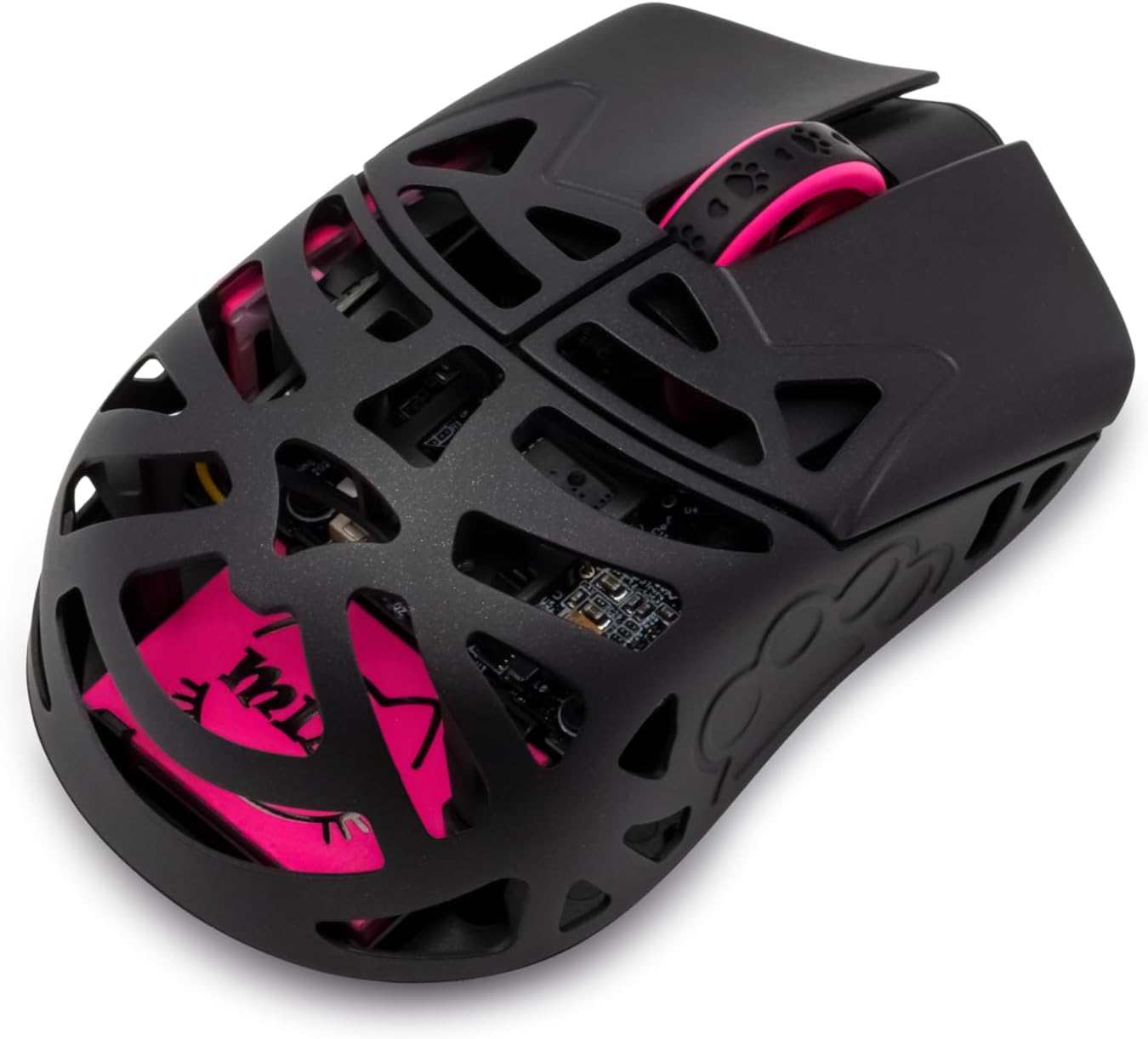
Figure 4: A black variant of the WLMOUSE Beast X Miao gaming mouse, highlighting its internal structure and pink accents visible through the perforated shell.
7. Maintenance
7.1 Cleaning
- Disconnect the mouse from your computer before cleaning.
- Use a soft, dry, lint-free cloth to wipe the surface of the mouse.
- For stubborn dirt, lightly dampen the cloth with water or a mild cleaning solution. Avoid harsh chemicals.
- Use compressed air to clear dust from crevices and the sensor area.
7.2 Storage
When not in use for extended periods, store the mouse in a cool, dry place away from direct sunlight and extreme temperatures.
8. Troubleshooting
| Problem | Possible Cause | Solution |
|---|---|---|
| Mouse not responding | Low battery; Dongle not connected; Mouse not powered on; Driver issue. | Charge the mouse; Ensure dongle is securely plugged in; Turn on the mouse; Try a different USB port; Reinstall mouse drivers. |
| Lag or stuttering movement | Interference; Low battery; Incorrect polling rate setting; Dirty sensor. | Move dongle closer to mouse; Charge mouse; Adjust polling rate in software; Clean the optical sensor. |
| DPI not changing | DPI button malfunction; Software conflict. | Ensure button is pressed firmly; Check software settings; Reset mouse to factory defaults (if option available). |
9. Specifications
| Feature | Detail |
|---|---|
| Model Name | Beast X Miao |
| Brand | SMACKAPE |
| Sensor | PAW3950HS Optical Sensor |
| MCU | Nordic 52840 |
| Connectivity | 2.4G Wireless, USB Type-C Wired |
| Polling Rate | 125Hz - 8000Hz (Adjustable) |
| DPI Range | 50 - 30000 DPI |
| Switches | TTC Nihil Transparent Black Dot or OM Optical Switches |
| Encoder | TTC Dustproof Encoder |
| Battery | 220mAh Lithium Battery |
| Weight | Approx. 31g |
| Dimensions (L x W x H) | 91 x 55 x 34 mm (3.58 x 2.17 x 1.34 inches) |
| Shell Material | Magnesium Alloy |
10. Warranty and Support
SMACKAPE products are designed and manufactured to the highest quality standards. For warranty information, technical support, or customer service inquiries, please refer to the official SMACKAPE website or contact your retailer.
Please retain your proof of purchase for any warranty claims.


