
Introduction
This manual provides essential information for the proper installation, operation, and maintenance of the CungSu SDCS-IOB-3 3BSE004086R1 Industrial I/O Board. Please read this manual thoroughly before attempting to install or operate the device. Retain this manual for future reference.
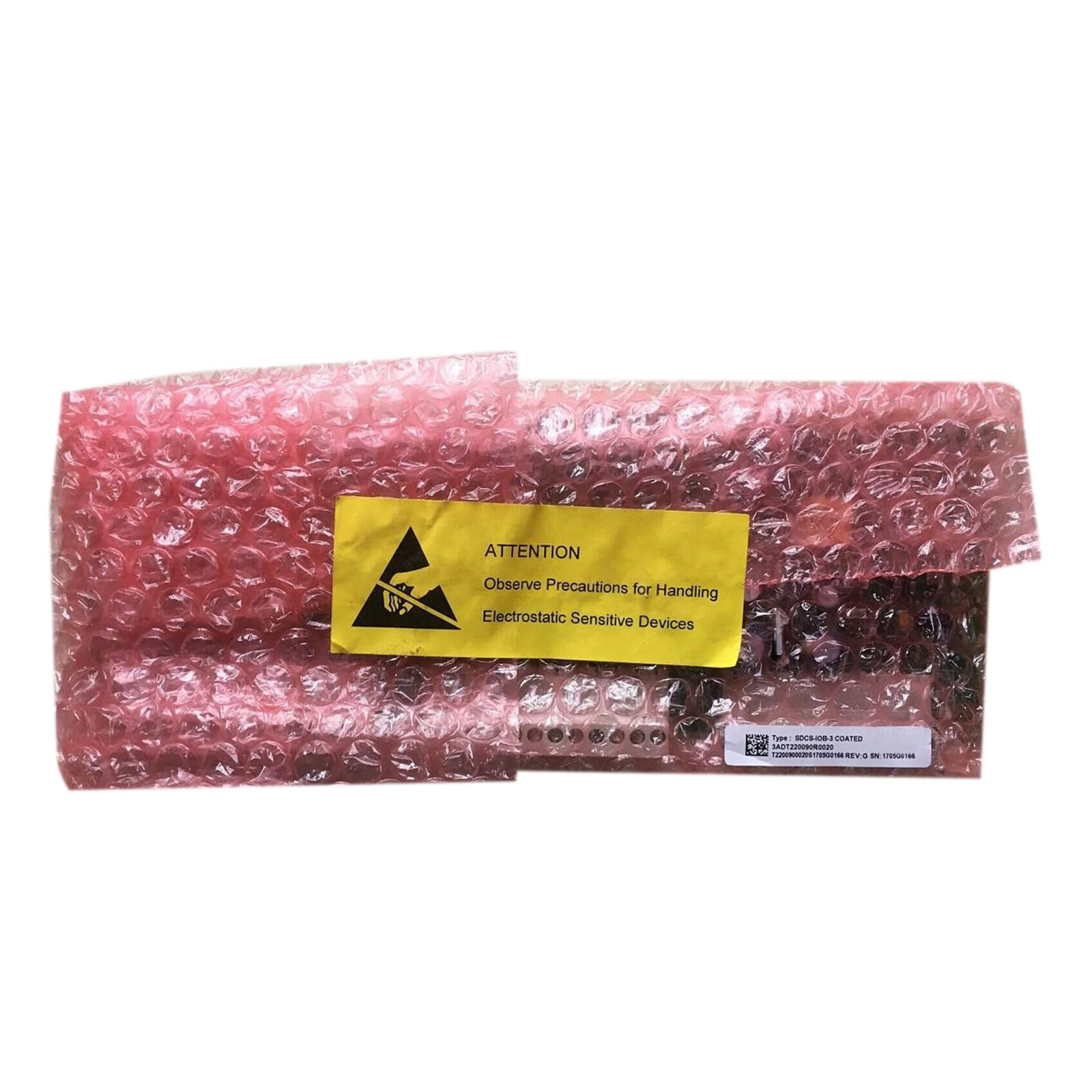
This image shows the CungSu SDCS-IOB-3 3BSE004086R1 industrial input/output board, typically used in automation systems. The board features various connectors and components for interfacing with industrial equipment.
Setup
The CungSu SDCS-IOB-3 3BSE004086R1 is shipped new with a factory seal, ensuring its integrity upon arrival. Proper setup is crucial for reliable operation.
Safety Precautions
- Ensure all power to the system is disconnected before installation or removal of the I/O board.
- Wear appropriate personal protective equipment (PPE) as required by industrial safety standards.
- Handle the board by its edges to avoid touching electronic components and connectors.
- Prevent electrostatic discharge (ESD) by using grounding straps and working on an ESD-safe surface.
Installation Steps
- Unpacking: Carefully remove the I/O board from its packaging. Inspect for any visible damage.
- Mounting: Securely mount the SDCS-IOB-3 3BSE004086R1 board within its designated enclosure or rack using appropriate fasteners. Ensure adequate ventilation.
- Wiring: Connect all necessary input and output signals, as well as power connections, according to your system's wiring diagrams. Double-check all connections for proper polarity and secure fit. Refer to your system's specific documentation for detailed wiring schematics.
- Power Connection: Once all signal wiring is complete and verified, connect the power supply to the board.
Operating
The SDCS-IOB-3 3BSE004086R1 functions as an interface between industrial processes and control systems. Its operation is typically managed by a programmable logic controller (PLC) or similar automation device.
Initial Power-Up
- After installation, apply power to the system. Observe any indicator lights on the I/O board for proper power and status.
- Consult your control system's documentation for specific power-up sequences and diagnostic indicators.
Configuration and Programming
The functionality of the I/O board is determined by the configuration and programming of the connected control system. This typically involves:
- Defining input and output addresses within the control system's software.
- Configuring signal types (e.g., digital, analog) and ranges as per application requirements.
- Developing control logic to process inputs and drive outputs.
Refer to the documentation of your specific control system for detailed instructions on configuring and programming I/O modules.
Maintenance
Regular maintenance helps ensure the longevity and reliable performance of the SDCS-IOB-3 3BSE004086R1 I/O board.
Routine Checks
- Visual Inspection: Periodically inspect the board for any signs of dust accumulation, corrosion, loose connections, or damaged components.
- Cleaning: If necessary, gently clean the board using a soft, dry, lint-free cloth. For stubborn dirt, use an electronics-safe cleaning solution applied to the cloth, not directly to the board. Ensure the board is powered off and completely dry before re-applying power.
- Environmental Control: Ensure the operating environment remains within the specified temperature and humidity ranges to prevent premature component failure.
No user-serviceable parts are inside the sealed unit. Do not attempt to open or repair the board yourself, as this may void any warranty.
Troubleshooting
If you encounter issues with the SDCS-IOB-3 3BSE004086R1, follow these general troubleshooting steps:
- Check Power: Verify that the board is receiving proper power. Check power supply connections and voltage levels.
- Inspect Connections: Ensure all input, output, and communication cables are securely connected and free from damage.
- Review System Status: Consult the diagnostic indicators on the I/O board and the connected control system. Error codes or status lights can provide valuable clues.
- Software Configuration: Verify that the I/O board is correctly configured within the control system's software. Check for any addressing conflicts or incorrect parameter settings.
- Isolate the Problem: If possible, test the I/O board in a known working system or test individual inputs/outputs to determine if the issue is with the board itself or an external component.
If the problem persists after performing these steps, contact customer support for further assistance.
Specifications
Key specifications for the CungSu SDCS-IOB-3 3BSE004086R1 Industrial I/O Board:
| Attribute | Value |
|---|---|
| Part Number | SDCS-IOB-3 3BSE004086R1 |
| Manufacturer | CungSu |
| ASIN | B0F2CYXLLY |
| Date First Available | March 25, 2025 |
| Product Status | New with Factory Seal |
Warranty and Support
The CungSu SDCS-IOB-3 3BSE004086R1 is supplied new with a factory seal. For specific warranty terms and conditions, please refer to the documentation provided with your purchase or contact the seller directly.
Customer Service
For any issues regarding the product, technical support, or warranty claims, please contact the seller, Realing US. They are committed to providing excellent customer service and can assist with product-related inquiries.
Seller: Realing US