
1. Introduction
Welcome to the HOTWAV Hyper 7 Rugged Phone user manual. This guide provides essential information for setting up, operating, maintaining, and troubleshooting your device. The Hyper 7 is designed for durability and high performance, featuring advanced 5G connectivity, a powerful processor, and a robust build for challenging environments.

Image: Front and back view of the HOTWAV Hyper 7 Rugged Phone, highlighting its robust design and camera module.
2. What's in the Box
Upon unboxing your HOTWAV Hyper 7, please ensure all the following items are present:
- HOTWAV Hyper 7 Rugged Phone
- Power Adapter
- USB OTG Adapter
- Screen Protector (pre-applied or in box)
- USB Cable
- SIM Ejector Tool
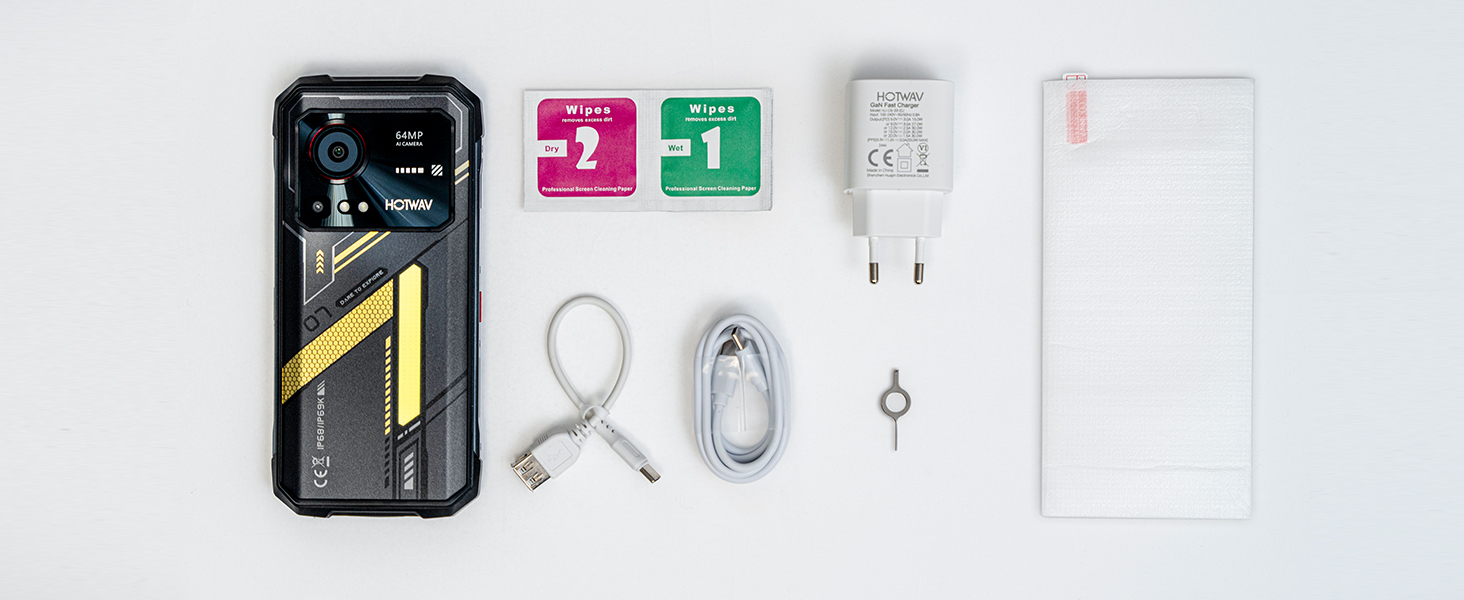
Image: All accessories included in the HOTWAV Hyper 7 retail packaging, laid out neatly.
3. Setup
3.1 SIM Card and MicroSD Card Installation
The HOTWAV Hyper 7 supports dual SIM cards and a MicroSD card for expanded storage up to 2TB. Locate the SIM tray on the side of the device. Use the provided SIM ejector tool to open the tray. Carefully place your Nano-SIM cards and/or MicroSD card into the designated slots, ensuring correct orientation. Gently push the tray back into the phone until it clicks into place.
3.2 Initial Power On and Network Compatibility
Press and hold the power button until the HOTWAV logo appears. Follow the on-screen instructions to complete the initial setup, including language selection, Wi-Fi connection, and Google account setup.
Important Network Notice: HOTWAV rugged smartphones do not support AT&T or Verizon networks. They are compatible with carriers such as T-Mobile, Mint, and Boost (USA). Supported Network Bands include: 5G: N1/N2/N3/N5/N7/N8/N12/N20/N25/N28/N38/N40/N41/N66/N77/N78/N79; 4G: FDD: B1/B2/B3/B4/B5/B7/B8/B12/B13/B17/B18/B19/B20/B25/B26/B28A/B28B/B66; TDD: B34/B38/B39/B40/B41; 3G: WCDMA: B1/B2/B4/B5/B8; CDMA: BC0/BC1; 2G: GSM: B2/B3/B5/B8. Please verify your carrier's band compatibility before use.
4. Operating Instructions
4.1 Display and Visuals
The Hyper 7 features a 6.6-inch FHD+ display with a 2K resolution (1080*2408) and a 120Hz refresh rate, providing a smooth and immersive visual experience. Adjust brightness and display settings in the 'Settings' menu.

Image: The vibrant 6.6-inch display of the Hyper 7, showcasing its 2K resolution and 120Hz refresh rate.
4.2 Performance and Storage
Powered by the MediaTek Dimensity 7050 5G flagship chip, the Hyper 7 offers robust performance. It comes with 8GB of RAM, expandable to 20GB virtually, and 256GB of internal storage, expandable up to 2TB with a MicroSD card. This ensures smooth multitasking and ample space for your data.

Image: Diagram illustrating the MediaTek Dimensity 7050 5G processor and its performance capabilities.

Image: Visual representation of the 8GB+12GB RAM and 256GB internal storage with 2TB expansion capability.
4.3 Battery and Charging
The Hyper 7 is equipped with a massive 10800mAh battery, providing extended usage times. It supports 33W fast charging for quick power-ups and 10W OTG reverse charging, allowing you to use your phone as a power bank for other devices.

Image: Visuals demonstrating the 10800mAh battery capacity, 33W fast charging, and reverse charging capabilities.
4.4 Camera Features
Capture stunning photos and videos with the 64MP ultra-sensitive main camera (PureCel Plus technology) and a 32MP Sony selfie camera. Features include 4K video recording, Night Mode for low-light conditions, and Pro Mode for advanced control.

Image: Details of the Hyper 7's 64MP rear camera and 32MP front camera, with sample photos and video recording capabilities.
4.5 Artificial Intelligence (Gemini AI)
The Hyper 7 integrates the Gemini AI language model, Google's powerful AI. This allows the phone to understand and generate text, images, audio, and video, enhancing productivity and user interaction.
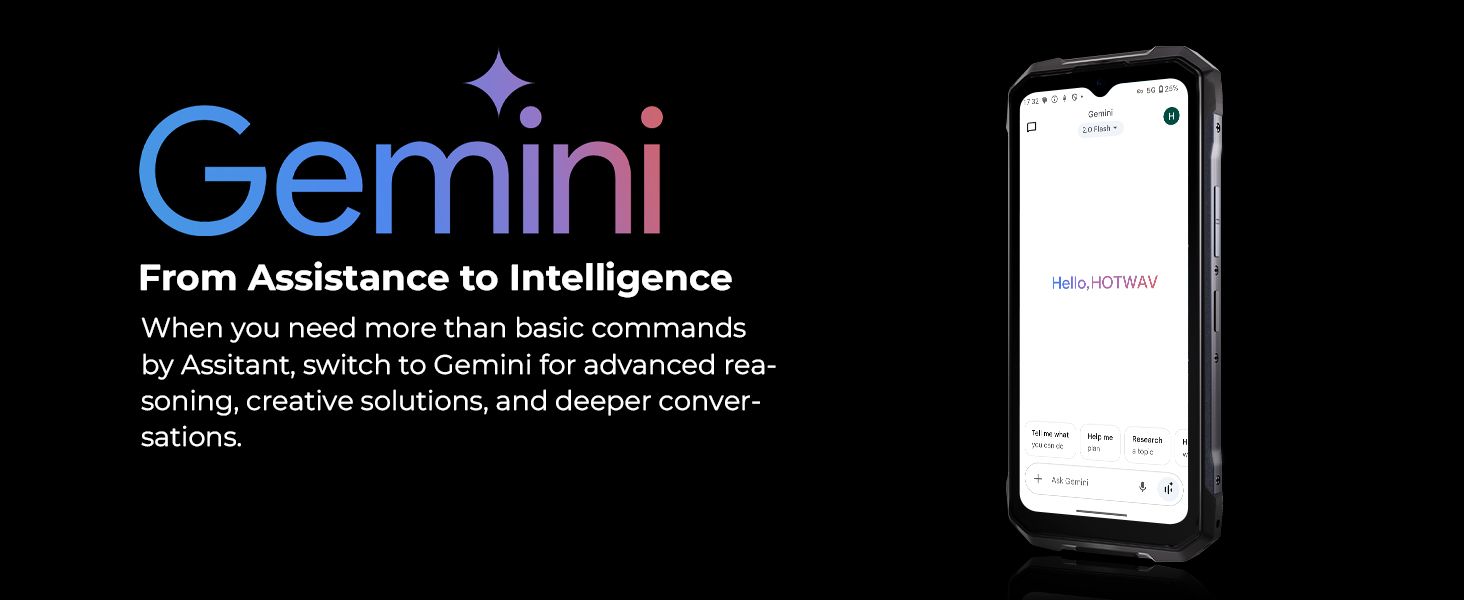
Image: Illustration of Gemini AI capabilities on the Hyper 7, from assistance to advanced intelligence.
4.6 Connectivity and Navigation
Enjoy fast and reliable connectivity with 5G and Dual-band Wi-Fi 6. The phone also features NFC for contactless payments and access control, and GPS L1+L5 dual-frequency technology for precise outdoor navigation.
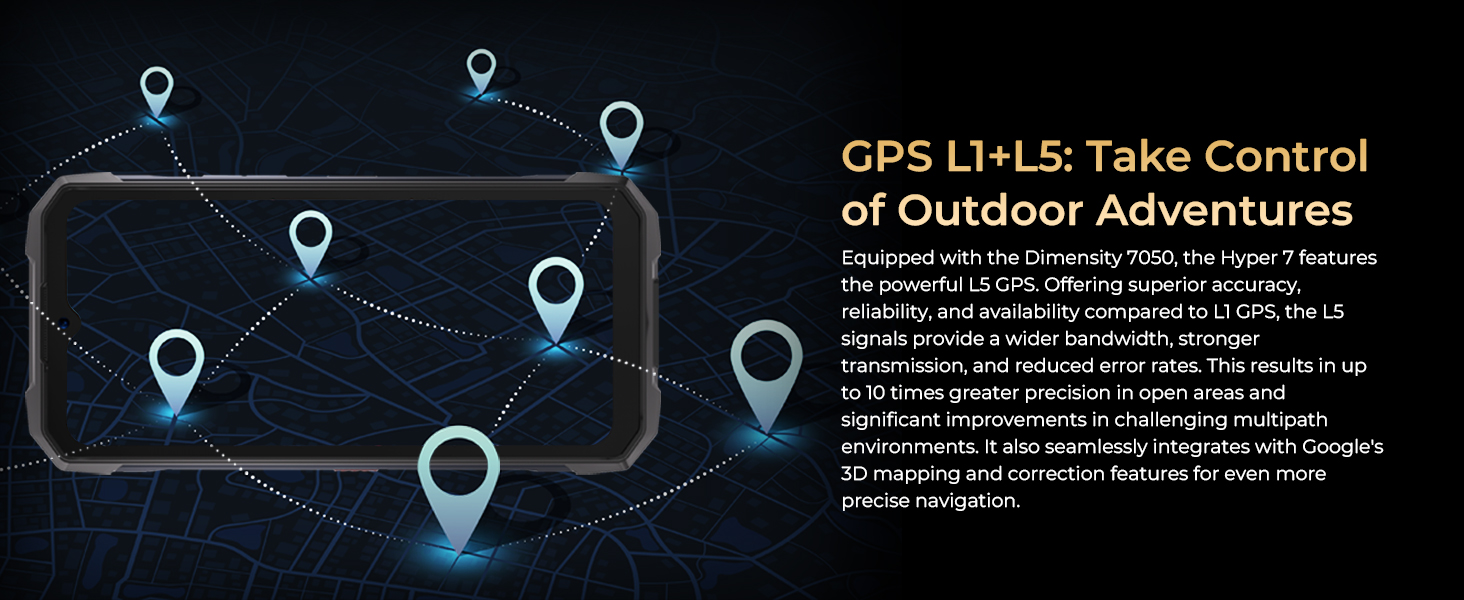
Image: Depiction of the Hyper 7's GPS L1+L5 capabilities for accurate outdoor navigation.
4.7 Special Features
- Camping Light: A powerful 280-lumen LED camping light on the back for outdoor illumination.
- Glove Mode: Allows you to operate the touchscreen even while wearing thick gloves.
- Face ID: Secure and convenient 3D facial unlocking.
- RGB Dynamic Light: An interactive three-color RGB light on the back for notifications and calls.
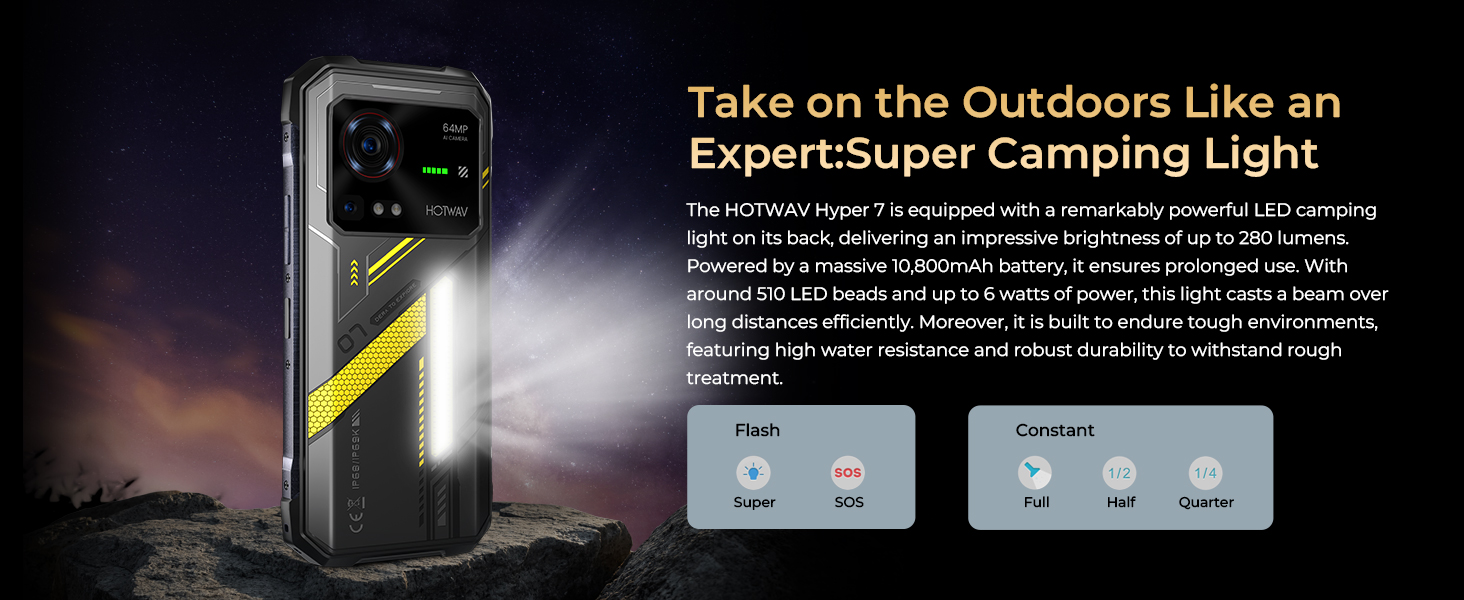
Image: The Hyper 7 showcasing its powerful Super Camping Light on the back.
5. Durability and Protection
The HOTWAV Hyper 7 is built to withstand harsh conditions, meeting IP68, IP69K, and MIL-STD-810H standards. This means it is highly resistant to drops, water, and dust. The display is protected by Corning Gorilla Glass 3 for enhanced scratch and impact resistance.
- IP68: Submersible in water up to 1.5 meters for 30 minutes.
- IP69K: Resistant to high-pressure, high-temperature water jets.
- MIL-STD-810H: Military-grade durability against drops, shocks, and extreme temperatures.

Image: Visuals demonstrating the Hyper 7's resistance to water, dust, and drops, highlighting its IP68, IP69K, and MIL-STD-810H certifications.
6. Specifications
| Feature | Detail |
|---|---|
| Model Name | Hyper 7 |
| Operating System | Android 14 |
| Processor | MediaTek Dimensity 7050 5G (2.6 GHz CPU Speed) |
| RAM | 8 GB (expandable to 20 GB virtual) |
| Storage | 256 GB (expandable up to 2 TB with MicroSD) |
| Display | 6.6 Inches FHD+ (1080 x 2400 Resolution), 120 Hz Refresh Rate |
| Main Camera | 64 MP |
| Front Camera | 32 MP |
| Battery Capacity | 10800 mAh |
| Charging | 33W Fast Charge, 10W OTG Reverse Charging |
| Durability | IP68, IP69K, MIL-STD-810H |
| Dimensions | 6.89 x 3.23 x 0.71 inches |
| Item Weight | 1.67 pounds |
7. Maintenance
To ensure the longevity and optimal performance of your HOTWAV Hyper 7, follow these maintenance guidelines:
- Cleaning: Wipe the phone regularly with a soft, damp cloth. Avoid harsh chemicals or abrasive materials.
- Software Updates: Keep your device's software updated to the latest version to benefit from performance improvements, security patches, and new features. Check for updates in 'Settings > System > System update'.
- Battery Care: Avoid extreme temperatures. While the phone has a large battery, prolonged exposure to very hot or very cold conditions can affect battery life.
- Storage Management: Periodically clear unnecessary files and apps to maintain optimal performance.
8. Troubleshooting
If you encounter issues with your HOTWAV Hyper 7, refer to the following common troubleshooting steps:
- Phone Not Turning On: Ensure the battery is charged. Connect the phone to the charger for at least 15 minutes, then try powering it on again. If it still doesn't turn on, perform a forced restart by holding the power button for 10-15 seconds.
- Network Connectivity Issues: Check if your SIM card is properly inserted. Verify that your carrier is supported by the device (refer to Section 3.2). Try toggling Airplane Mode on and off. If issues persist, contact your network provider.
- Battery Draining Quickly: Reduce screen brightness, close unused apps running in the background, and disable features like Wi-Fi, Bluetooth, or GPS when not in use. Check battery usage in 'Settings > Battery' to identify power-hungry apps.
- Apps Crashing/Freezing: Clear the cache of the problematic app in 'Settings > Apps > [App Name] > Storage > Clear cache'. If the issue continues, try reinstalling the app or performing a factory reset (back up your data first).
- Touchscreen Unresponsive: Restart the device. If the issue persists, ensure the screen is clean and free of debris.
For more complex issues, please contact HOTWAV customer support.
9. Warranty and Support
The HOTWAV Hyper 7 rugged smartphone comes with a 2-year worry-free warranty. Our professional technical team is available to assist you with any questions or issues you may have regarding your device.
If you require support or have questions, please feel free to leave us a message on Amazon. We aim to reply within 24 hours and provide a satisfactory solution.
For further assistance, you may also visit the official HOTWAV store on Amazon: HOTWAV Store