
KARTOOSH ZM331BGD46
KARTOOSH Gold Battery Operated Sconce User Manual
Model: ZM331BGD46
Introduction
Thank you for choosing the KARTOOSH Gold Battery Operated Sconce. This product is designed to provide versatile and convenient lighting for your home without the need for complex wiring. Featuring dimmable brightness, adjustable color temperature, and 360-degree rotation, these wireless wall lights are perfect for enhancing the ambiance of living rooms, bedrooms, hallways, and more. Please read this manual carefully to ensure proper installation, operation, and maintenance.
Product Features
- Cordless Installation: No electrical wiring required, installs in minutes.
- Rechargeable Battery: Built-in battery provides 20-50 hours of lighting (depending on brightness) and recharges in 5 hours via USB-C.
- Magnetic 360° Adjustable Design: Easily rotate the light to direct illumination where needed.
- Dimmable Brightness: Stepless adjustment from 25% to 100% brightness.
- Adjustable Color Temperature: 3 color temperatures (3000K-6000K) for varied ambiance.
- Remote & Touch Control: Conveniently adjust settings with the included remote or directly via touch.
- Night Light Mode: Dedicated mode for soft, low-level illumination.
- Timer Setting: Options for 30, 60, or 120-minute automatic shut-off.
- Memory Function: Remembers your last brightness and color temperature settings.
- Premium Construction: Features luxury matte gold metal and a cream acrylic shade for uniform, glare-free light.
What's in the Box
- 2 x KARTOOSH Gold Battery Operated Wall Sconce
- 2 x Magnetic Mounting Plate
- 1 x Remote Control
- 1 x USB-C Charging Cable
- Installation Hardware (screws, anchors)
- User Manual
Setup and Installation
The KARTOOSH wall sconces are designed for easy, cordless installation. No electrical wiring is needed.
- Prepare the Sconce: Gently detach the sconce light bar from its base by sliding it off the magnetic mounting plate.
- Mount the Plate: Choose your desired installation location. Use the included screws and anchors to securely mount the circular magnetic plate to the wall. Ensure the plate is level.
- Attach the Sconce: Align the sconce's base with the mounted magnetic plate. The strong magnets will securely hold the sconce in place.
- Adjust Angle: Once attached, the sconce can be rotated 360 degrees to direct light as desired.

Figure 1: Cordless installation, no wiring or electrician required.

Figure 2: The sconce offers 360-degree rotation for flexible lighting direction.
Video 1: Demonstrates the easy installation process and the versatile 360-degree rotation of the wall sconce.
Operating Instructions
Remote Control Functions:
- ON/OFF: Press the power button to turn the light on or off.
- Stepless Dimming: Long press the ON/OFF button to smoothly adjust brightness from 25% to 100%.
- Brightness Levels: Use the dedicated buttons (25%, 50%, 75%, 100%) for quick brightness selection.
- Color Temperature Adjustment: Press the 'K+' or 'K-' buttons to cycle through 3000K (Warm White), 4000K (Neutral White), and 6000K (Daylight White). Long press for stepless color temperature adjustment.
- Night Light Mode: Press the moon icon button to activate a soft, low-brightness warm light (15% brightness).
- Timer Setting: Set the light to automatically turn off after 30, 60, or 120 minutes using the timer buttons.
- Memory Function: The sconce will remember your last brightness and color temperature settings when turned back on.
Touch Control Functions:
- ON/OFF: Briefly touch the button on the sconce base to turn the light on or off.
- Adjust Brightness/Color Temperature: Long press the button on the sconce base to cycle through brightness levels and color temperatures. Release to select.

Figure 3: Dimmable brightness and adjustable color temperature settings.

Figure 4: Remote and touch control options for convenient operation.

Figure 5: Night light mode and timer settings for enhanced usability.
Video 2: Illustrates the various functions of the wall sconce, including remote and touch controls, dimming, and color temperature adjustments.
Charging Instructions
The sconce features a built-in rechargeable battery. When the light dims significantly or stops working, it's time to recharge.
- Detach for Charging: Gently detach the sconce light bar from its magnetic base.
- Connect USB-C: Locate the USB-C charging port on the sconce base. Connect the included USB-C cable to the port and plug the other end into a compatible USB power adapter (not included).
- Charging Indicator: A red light indicates the sconce is charging. The light will turn green when fully charged.
- Charging Time: A full charge typically takes 4-5 hours.
- Battery Life: Enjoy 20-50 hours of lighting per charge, depending on the brightness setting used.
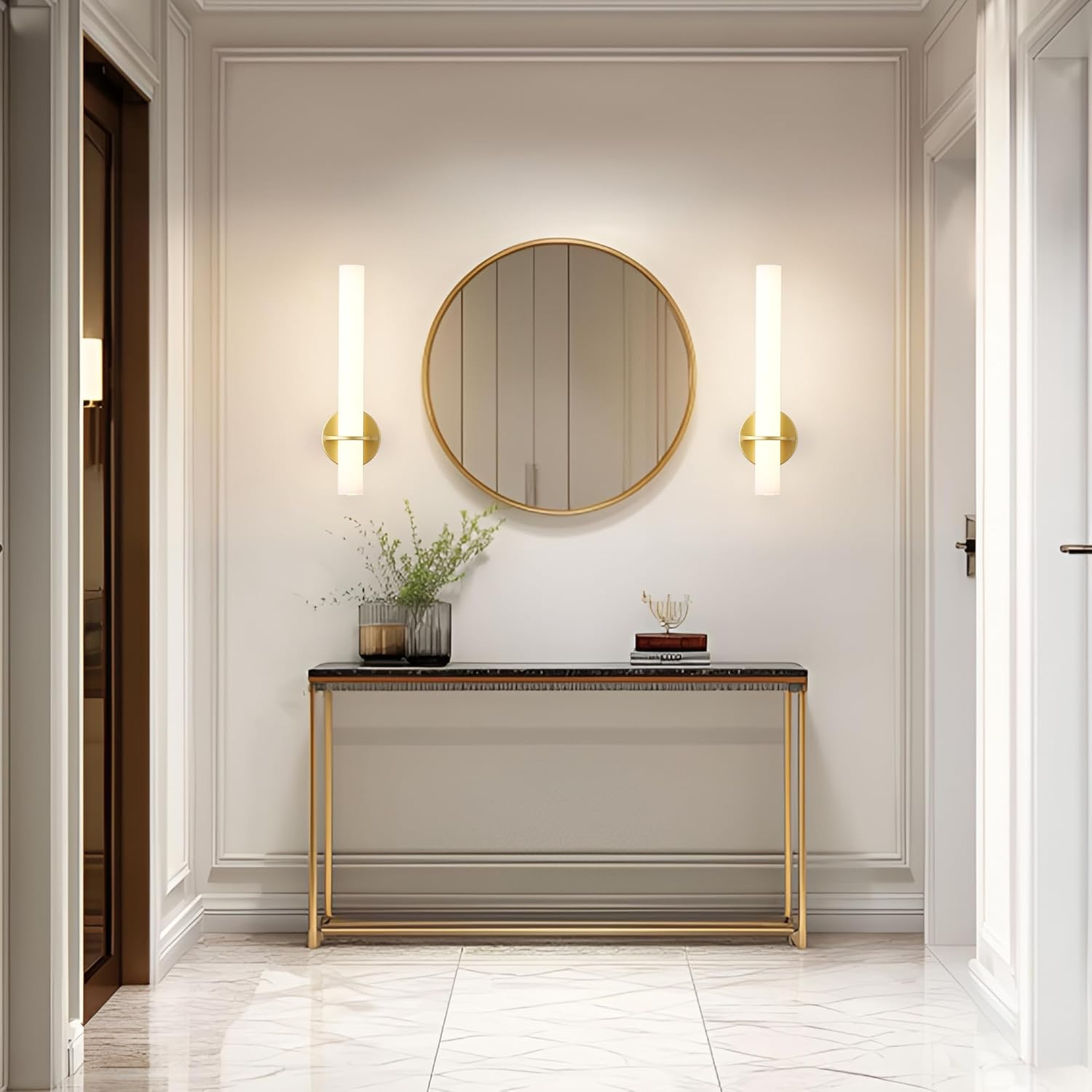
Figure 6: Battery life estimates based on brightness levels.
Maintenance
- Cleaning: Wipe the sconce with a soft, dry cloth. Do not use abrasive cleaners or solvents.
- Battery Care: To prolong battery life, avoid fully discharging the battery frequently. Recharge when the indicator light turns red.
- Storage: If storing for an extended period, charge the battery to about 50% and store in a cool, dry place. Recharge every 3-6 months to prevent deep discharge.
Troubleshooting
| Problem | Possible Cause | Solution |
|---|---|---|
| Light does not turn on. | Battery is depleted. Remote control battery is low/dead. Sconce not properly attached to magnetic base. | Charge the sconce using the USB-C cable. Replace remote control batteries (AAA). Ensure the sconce is securely seated on the magnetic base. |
| Light is dim or flickers. | Low battery. Incorrect brightness setting. | Recharge the sconce. Adjust brightness using the remote or touch control. |
| Remote control not working. | Batteries are dead or inserted incorrectly. Obstruction between remote and sconce. | Replace AAA batteries, ensuring correct polarity. Ensure clear line of sight to the sconce. |
| Sconce falls from wall. | Magnetic plate not securely mounted. Wall surface not suitable for mounting. | Re-mount the plate using appropriate anchors for your wall type. Ensure screws are tightened. |
Specifications
| Attribute | Detail |
|---|---|
| Brand | KARTOOSH |
| Model Name | ZM331BGD46 |
| Color | Gold |
| Material | Metal, Acrylic |
| Light Source Type | LED |
| Power Source | Battery Powered |
| Product Dimensions | 18"L x 4.7"W x 4.2"H |
| Item Weight | 4.99 pounds (for the set) |
| Color Temperature | 3000K-6000K (Adjustable) |
| Brightness | 25%-100% (Stepless Dimmable) |
| Battery Type | Rechargeable (4 AAA batteries included in product, likely internal rechargeable pack) |
| Control Method | Remote Control, Touch Control |
| Special Features | Adjustable Color Temperature, Dimmable, Timer, Night Light Mode, Memory Function |
| Indoor/Outdoor Usage | Indoor |
Warranty and Support
KARTOOSH products are manufactured with high-quality standards. For any questions, concerns, or technical support, please contact KARTOOSH customer service through the retailer's platform or the official brand website. Please retain your proof of purchase for warranty claims.
Ask a question about this manual
Ask about setup, troubleshooting, compatibility, parts, safety, or missing instructions. Manuals+ will review the question and use this page’s manual context to help answer it.