Introduction
Thank you for choosing the Blaupunkt ATOMIK Kolors 35W Boombox. This manual provides essential information for the safe and efficient operation of your device. Please read it thoroughly before use and retain it for future reference.
The Blaupunkt ATOMIK Kolors is a portable 35W boombox designed for powerful and clear audio output, featuring a wireless karaoke microphone with voice changer functions, Bluetooth connectivity, and intelligent light modes.
Safety Instructions
- Do not expose the device to extreme temperatures, direct sunlight, or high humidity.
- Keep away from water and liquids. While IPX6 rated for splash and dust resistance, it is not submersible.
- Do not disassemble or attempt to repair the device yourself. Refer all servicing to qualified personnel.
- Use only the provided or recommended charging cable.
- Avoid prolonged listening at high volume levels to prevent hearing damage.
- Ensure proper ventilation when operating.
Package Contents
Verify that all items are present in the package:
- Blaupunkt ATOMIK Kolors Boombox
- Wireless Microphone
- Charging Cable
- User Manual (this document)

Image: Blaupunkt ATOMIK Kolors Boombox with its accompanying wireless microphone.
Product Overview
Familiarize yourself with the main components and controls of your boombox.

Image: Front view of the Blaupunkt ATOMIK Kolors Boombox, showcasing the speaker grille and light bar.

Image: Rear view of the Blaupunkt ATOMIK Kolors Boombox, showing the input ports and bass radiator.
Controls and Ports:
- Power Button: Turns the device on/off.
- Volume Controls (+/-): Adjusts the playback volume.
- Mode Button: Switches between Bluetooth, FM, USB, TF card, and AUX modes.
- Play/Pause Button: Controls media playback.
- Microphone Input: For connecting the wireless microphone.
- USB Port: For USB drive playback.
- TF Card Slot: For TF (microSD) card playback.
- AUX Input: For wired audio connection.
- Charging Port: USB-C for charging the internal battery.
Setup
1. Charging the Boombox
Before first use, fully charge the boombox. Connect the charging cable to the charging port on the device and the other end to a suitable USB power adapter (not included). The LED indicator will show charging status.
The boombox is equipped with a 3600 mAh Lithium Polymer battery for extended playtime and supports fast charging.

Image: Illustration highlighting the 3600 mAh battery capacity and fast charging capability of the boombox.
2. Powering On/Off
Press and hold the Power button for a few seconds to turn the boombox on or off.
Operating Instructions
Bluetooth Mode
- Turn on the boombox. It will automatically enter Bluetooth pairing mode, indicated by a flashing LED.
- Enable Bluetooth on your smartphone, tablet, or laptop.
- Search for "Blaupunkt ATOMIK Kolors" in the list of available devices and select it to pair.
- Once paired, the LED indicator will become solid, and you can begin playing audio wirelessly.
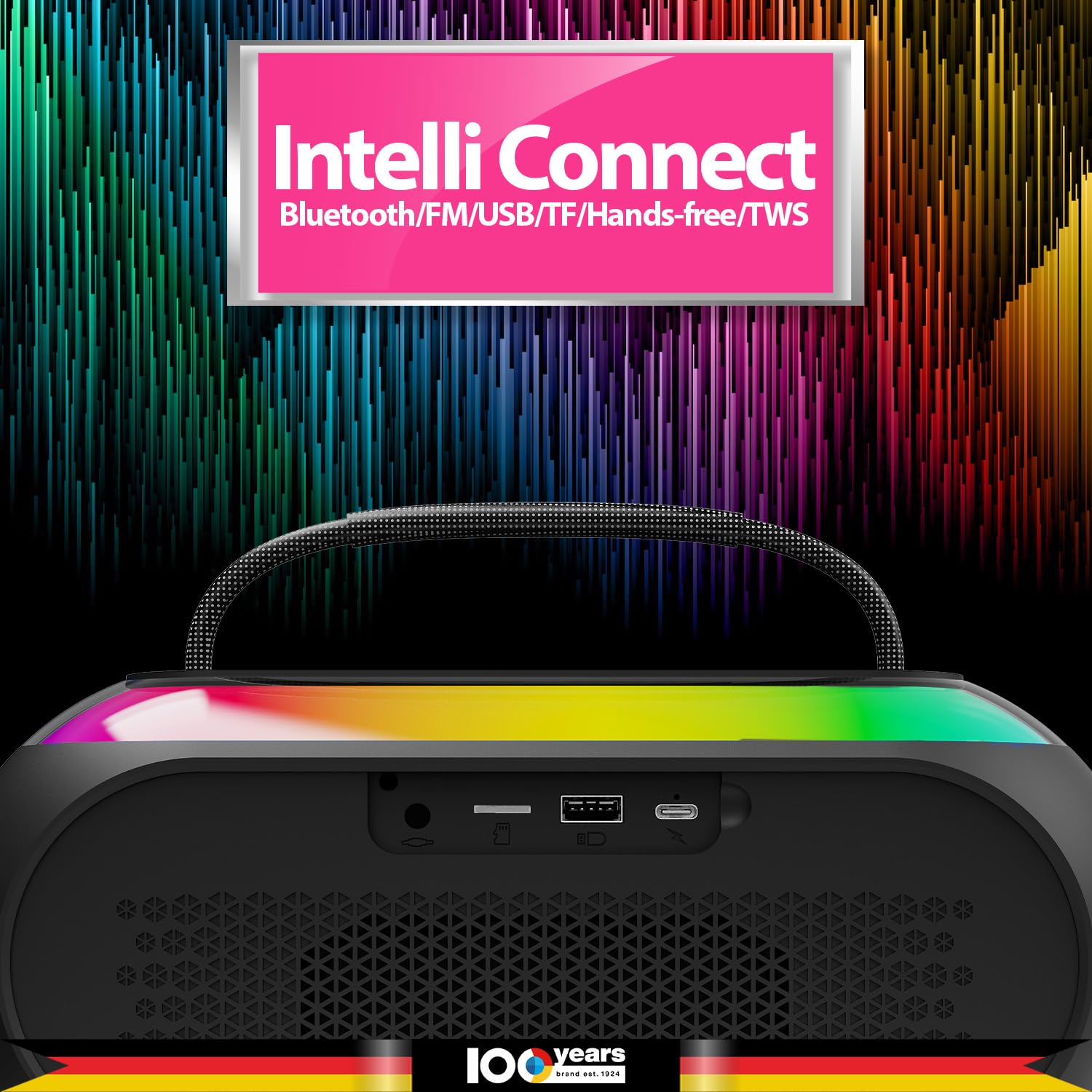
Image: The boombox highlighting its "Intelli Connect" features, including Bluetooth, FM, USB, TF, and Hands-free/TWS connectivity.
Karaoke Function with Wireless Microphone
- Ensure the wireless microphone is charged and powered on.
- The microphone will automatically connect to the boombox.
- Adjust microphone volume using the controls on the microphone or boombox.
- Voice Changer: The microphone features an EFF Voice Changer with multiple voice modes (e.g., Dude Voice, Tough Voice, Girl Voice, Kid Voice). Press the dedicated EFF button on the microphone to cycle through these effects.

Image: The wireless microphone, illustrating its EFF Voice Changer feature with four distinct voice modes.
Other Playback Modes (FM/USB/TF/AUX)
- Mode Selection: Press the "Mode" button on the boombox to switch between available input sources.
- USB/TF Card: Insert a USB drive or TF (microSD) card into the respective slot. The boombox will automatically detect and play audio files.
- AUX Input: Connect an external audio device using a 3.5mm AUX cable (not included) to the AUX port.
- FM Radio: In FM mode, press the Play/Pause button to auto-scan and save available radio stations. Use the Next/Previous track buttons to navigate between saved stations.
Intelligent Light Modes
The boombox features a "Halo of Intelligent Lights" that actively involve with the music being played. These multi-mode lights enhance the listening experience.

Image: The boombox displaying its "Halo of Intelligent Lights" with various multi-modes that synchronize with music.
Maintenance
- Cleaning: Use a soft, dry cloth to clean the surface of the boombox. Do not use abrasive cleaners or solvents.
- Storage: When not in use for extended periods, store the device in a cool, dry place away from direct sunlight.
- Battery Care: To prolong battery life, avoid fully discharging the battery frequently. Charge the device regularly, even if not in use.
Troubleshooting
| Problem | Possible Cause | Solution |
|---|---|---|
| No power | Battery is low or depleted. | Charge the boombox fully. |
| No sound | Volume is too low; incorrect mode selected; device not paired (Bluetooth). | Increase volume; switch to correct input mode; re-pair Bluetooth device. |
| Microphone not working | Microphone battery low; not connected properly. | Charge the microphone; ensure it is powered on and paired. |
| Bluetooth connection unstable | Device too far from boombox; interference. | Move devices closer; avoid obstacles; turn off other Bluetooth devices. |
Specifications
| Feature | Detail |
|---|---|
| Model Name | Atomik Kolors BK |
| Speaker Type | Outdoor |
| Output Wattage | 35 Watts |
| Connectivity Technology | Bluetooth |
| Battery Capacity | 3600 mAh Lithium Polymer |
| Included Components | Boombox, Wireless Mic |
| Product Dimensions (LxWxH) | 27.9 x 10.5 x 20 cm |
| Item Weight | 1 kg |
| IP Rating | IPX6 (Splash and Dust Proof) |
| Manufacturer | HUIZHOU JIEMEISI TECHNOLOGY CO., LTD |
| Country of Origin | China |

Image: An internal view of the Blaupunkt ATOMIK Kolors Boombox, highlighting its dual metal KORE™ drivers for higher sound output and minimal distortion.

Image: A transparent view of the Blaupunkt ATOMIK Kolors Boombox, revealing its internal audio technology and circuitry.
Warranty and Support
For warranty information and customer support, please refer to the contact details provided by the manufacturer or importer.
- Manufacturer: HUIZHOU JIEMEISI TECHNOLOGY CO., LTD
- Importer: Envent Worldwide Pvt Ltd, 105-107, 1st Floor, Tower B4 Spaze ITech Park, Sohna Road Sector-49, Gurgaon
- Customer Care WhatsApp Support: +91 8860022600
Please retain your purchase receipt for warranty claims.