
Introduction
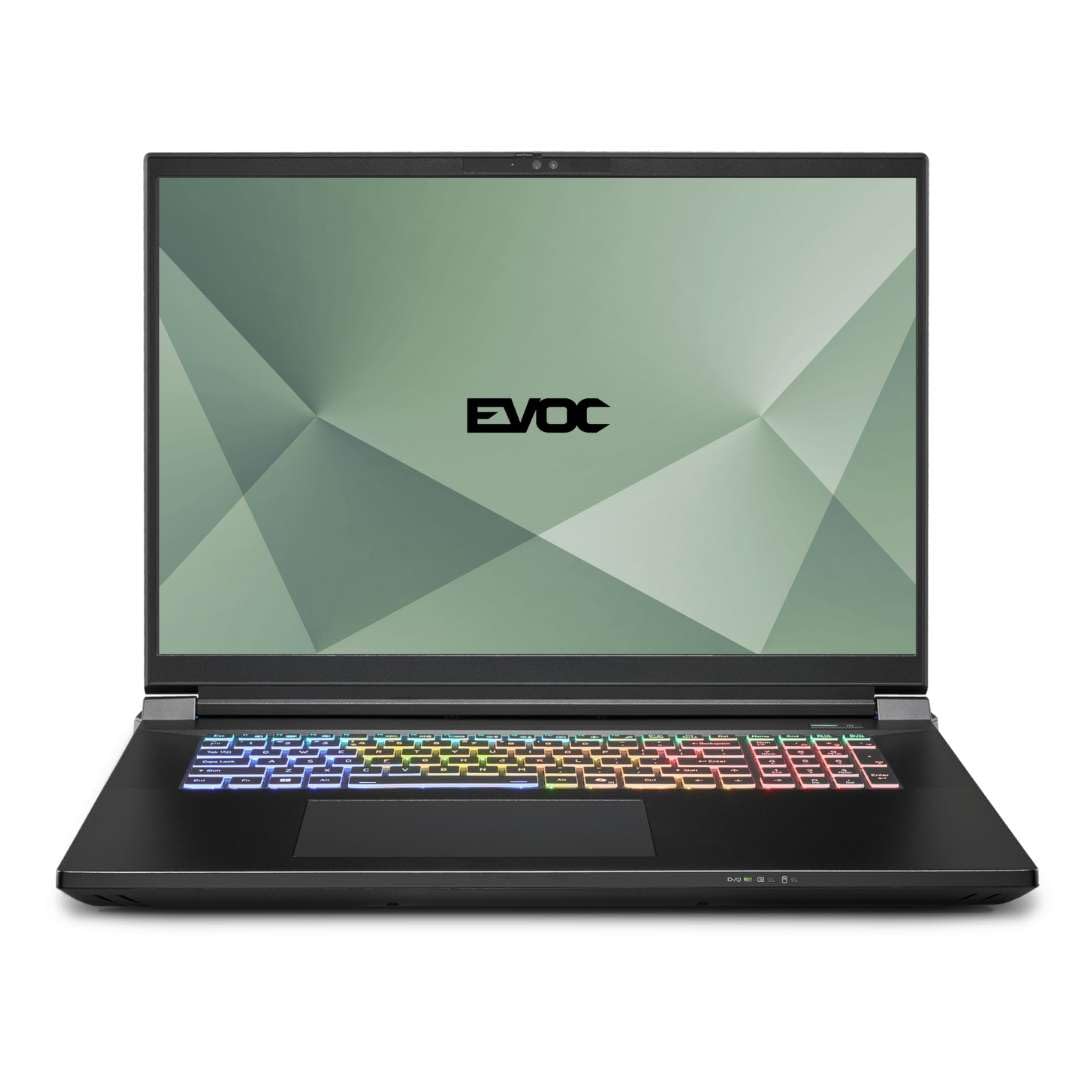
This manual provides instructions for the setup, operation, maintenance, and troubleshooting of your HIDevolution EVOC X5801C (X580WNT-G) 18" Gaming Laptop. Please read this manual thoroughly before using your device to ensure proper functionality and longevity.
1. Initial Setup
1.1 Unpacking
Carefully remove the laptop and all accessories from the packaging. Ensure all components are present: the laptop, power adapter, and any included documentation.
1.2 Connecting Power
Connect the power adapter to the laptop's power input port and then to a functional wall outlet. The laptop can be used while charging, and it is recommended to keep it plugged in for optimal performance during demanding tasks.
1.3 First Boot
Press the power button to turn on the laptop. Follow the on-screen instructions to complete the Windows 11 Pro initial setup, including language selection, network connection, and user account creation.
2. Operating Your Laptop
2.1 Display
Your laptop features an 18-inch QHD+ (2560x1600) 240Hz display with wide viewing angles, 100% DCI-P3 color gamut, and G-Sync technology for smooth visuals. The matte finish reduces glare, providing a comfortable viewing experience.

2.2 Keyboard and Touchpad
The laptop is equipped with a multi-language LED per-key full-color illuminated keyboard, including a numeric pad. The built-in click pad supports Microsoft PTP multi-gesture and scrolling functions for intuitive navigation.

2.3 Power Management and Operating System
The laptop is powered by an embedded 99WH Polymer battery pack, providing portable power. The operating system is Windows 11 Pro, 64-bit, English version, offering a secure and feature-rich computing environment.

3. Maintenance
3.1 Thermal Management
To ensure optimal performance and system longevity, your HIDevolution laptop utilizes Gelid GC Extreme thermal interface material on both the CPU and GPU. This helps maintain lower system temperatures, prevents thermal throttling during intensive use, and minimizes fan noise.
Regularly clean the fan vents to prevent dust buildup, which can impede airflow and reduce cooling efficiency. Use compressed air to gently clear dust from the vents.

3.2 Storage Management
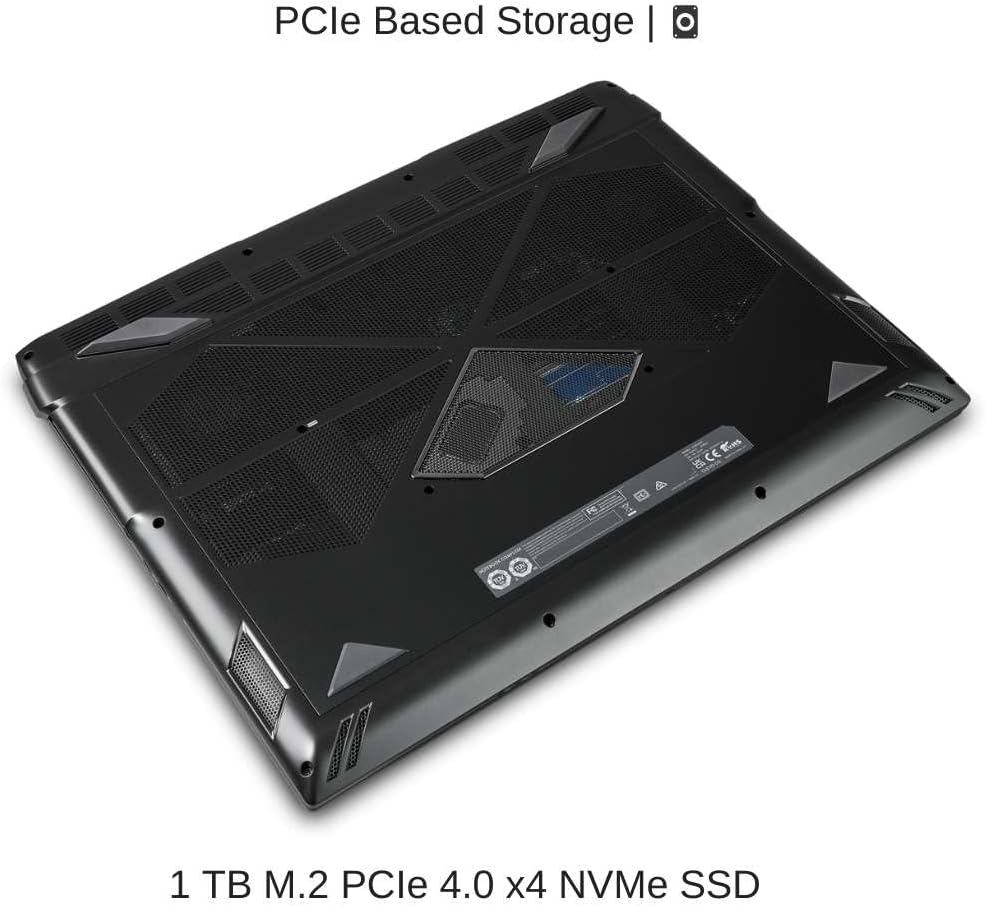
The 1 TB M.2 PCIe 4.0 x4 NVMe SSD provides fast boot-up and load times. To maintain performance, avoid filling the drive to full capacity. Periodically run disk cleanup utilities provided by Windows 11 Pro to remove temporary files and optimize storage.
3.3 RAM Management
The laptop is equipped with 16 GB (2 x 8 GB) of DDR5 5600MHz dual-channel RAM, allowing for smooth multitasking and handling of memory-intensive applications. Ensure that unnecessary applications are closed when not in use to free up system resources.

4. Troubleshooting
4.1 Power Issues
- Laptop does not turn on: Ensure the power adapter is securely connected to both the laptop and a working power outlet. Check if the power outlet is functional.
- Battery not charging: Verify the power adapter connection. If the issue persists, contact support.
4.2 Display Issues
- No display: Connect an external monitor to check if the issue is with the laptop's internal display. Restart the laptop.
- Flickering screen: Update graphics drivers. Check display cable connections if using an external monitor.
4.3 Performance Issues
- Slow performance: Close unnecessary applications. Check for background processes consuming high CPU/RAM. Ensure adequate free space on the SSD.
- Overheating: Ensure fan vents are clear of obstructions. Consider reducing demanding workloads if temperatures remain high.
4.4 Keyboard/Touchpad Issues
- Keyboard or touchpad unresponsive: Restart the laptop. Check for updated drivers in Windows Device Manager.
5. Technical Specifications
| Component | Detail |
|---|---|
| Model Name | EVOC X5801C (X580WNT-G) |
| Processor | Intel Core Arrow Lake Ultra 9-275HX (2.1 GHz, Max Turbo 5.5 GHz, 24 Core - 24 Thread) |
| Graphics | NVIDIA GeForce RTX 5090 w/ 24 GB GDDR7 |
| Display | 18" QHD+ (2560x1600) 240Hz, Wide View Angle, 100% DCI-P3, G-Sync, Matte Finish |
| RAM | 16 GB (2 x 8 GB) DDR5 5600MHz |
| Storage | 1 TB M.2 PCIe 4.0 x4 NVMe SSD |
| Operating System | Windows 11 Pro |
| Keyboard | Multi-languages LED Per Key full color illuminated, numeric pad |
| Touchpad | Microsoft PTP multi-gesture and scrolling function |
| Battery | Embedded Polymer battery pack, 99WH |
| Dimensions (LxWxH) | 15.59 x 10.95 x 0.98 inches |
| Weight | 7.25 pounds |
| USB Ports | 2x USB 3.0 (minimum, based on provided data) |

6. Warranty and Support
Your HIDevolution EVOC X5801C (X580WNT-G) laptop comes with an EVOC 1-Year Warranty. HIDevolution is an authorized EVOC Build-to-Order (BTO) dealer, ensuring quality and reliable service.
For any warranty claims, technical assistance, or support, please contact HIDevolution's expert support staff. Refer to your purchase documentation for specific contact details.
