
Introduction
This manual provides comprehensive instructions for the StitchGreen LX-10 Hybrid Active Noise Cancelling Wireless Earbuds. It covers initial setup, operation, maintenance, troubleshooting, and detailed product specifications. Please read this manual thoroughly to ensure proper use and optimal performance of your earbuds.
The StitchGreen LX-10 earbuds feature Hybrid Active Noise Cancelling (ANC) for an immersive audio experience, Bluetooth 5.4 for stable connectivity, and an IPX4 waterproof rating for durability. The included charging case boasts a full-color touch screen for intuitive control.
What's in the Box
Upon unboxing, please verify that all the following components are present:
- StitchGreen LX-10 Wireless Earbuds (Left and Right)
- Wireless Charging Case with Touch Screen
- Eartips (various sizes)
- User Manual (this document)
Setup
1. Charging the Earbuds and Case
Before first use, fully charge the earbuds and the charging case. The case features a built-in battery to recharge the earbuds multiple times on the go.
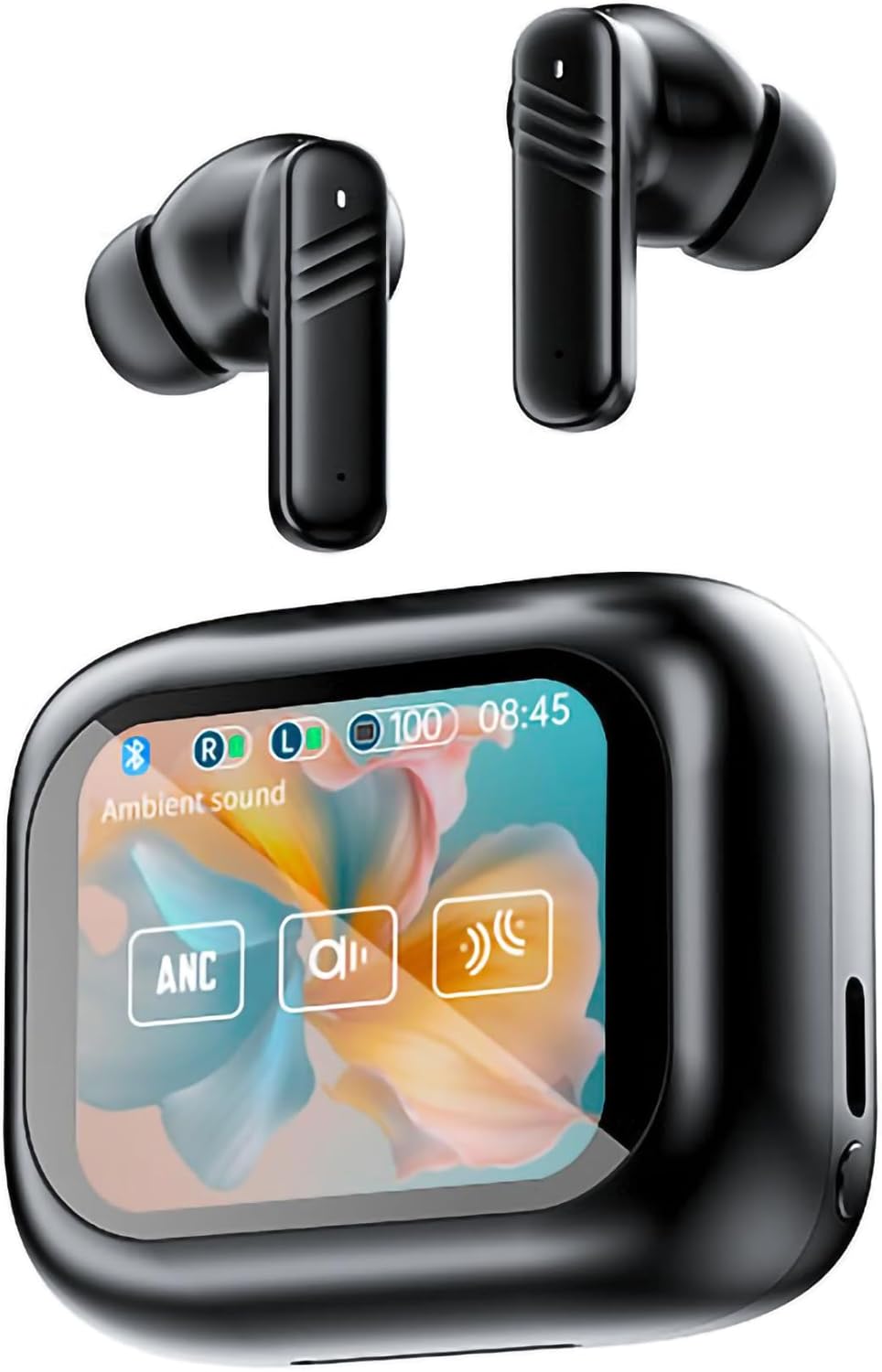
Image: The StitchGreen LX-10 Hybrid ANC Wireless Earbuds resting in their smart charging case, which features a vibrant display.

Image: A visual representation of the StitchGreen LX-10 earbuds and case, highlighting the 4-5 hours of single endurance and 120 hours of standby time.
- Place the earbuds into the charging case. Ensure they are correctly seated.
- Connect the charging case to a power source using the provided USB cable.
- The touch screen on the case will indicate charging status.
2. Pairing with a Device
The LX-10 earbuds utilize Bluetooth 5.4 for a stable and fast connection.

Image: A smartphone screen displaying Bluetooth settings, with the StitchGreen LX-10 earbuds and case shown, illustrating the Bluetooth 5.4 connection process.
- Open the charging case. The earbuds will automatically enter pairing mode.
- On your device (smartphone, tablet, etc.), enable Bluetooth.
- Search for available devices and select "LX-10" from the list.
- Once connected, the earbuds will indicate successful pairing (e.g., a voice prompt or LED indicator).
Operating Instructions
1. Touch Controls
The LX-10 earbuds feature intuitive touch controls for managing audio playback, calls, and noise cancellation modes. The charging case also has a full-color touch screen for advanced settings.

Image: A hand interacting with the LED full-color touch screen of the StitchGreen LX-10 charging case, showing various functional icons.
- Single Tap: Play/Pause, Answer/End Call
- Double Tap (Left Earbud): Previous Track
- Double Tap (Right Earbud): Next Track
- Triple Tap: Activate Voice Assistant
- Long Press (Left Earbud): Decrease Volume
- Long Press (Right Earbud): Increase Volume
- Long Press (Either Earbud, during call): Reject Call
- Touch Screen on Case: Access ANC modes, gaming mode, equalizer settings, and more.
2. Noise Control Modes
The LX-10 offers Hybrid Active Noise Cancelling (ANC) and Environment Noise Cancelling (ENC) for calls.

Image: A person wearing a StitchGreen LX-10 earbud, with sound waves illustrating the active noise cancellation effect.
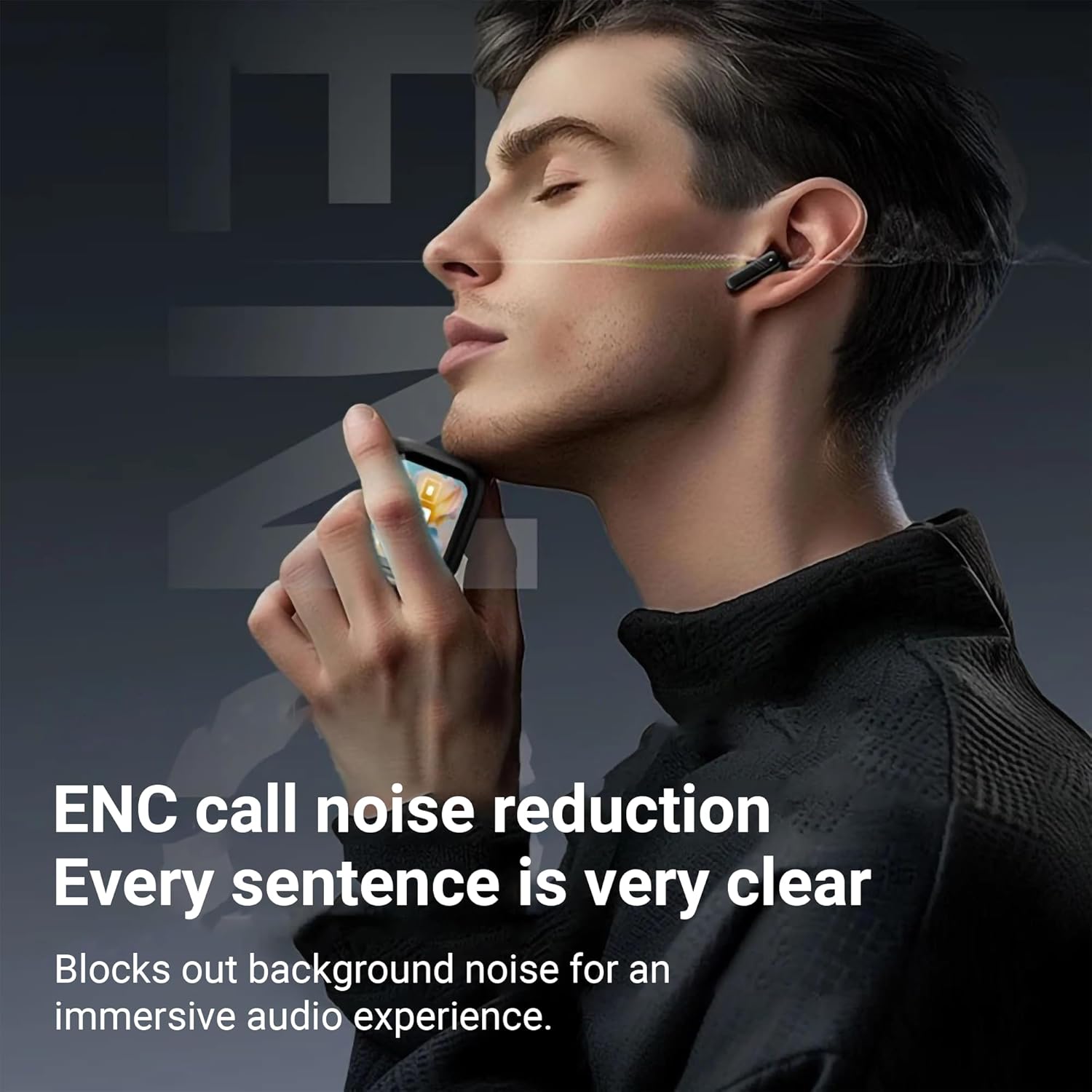
Image: A person wearing a StitchGreen LX-10 earbud, with visual cues indicating effective ENC call noise reduction for clear communication.
- Active Noise Cancelling (ANC): Reduces ambient noise for an immersive listening experience. Activate/deactivate via the touch screen on the charging case or specific earbud gestures (refer to case display for current settings).
- Environment Noise Cancelling (ENC): Specifically designed to reduce background noise during phone calls, ensuring your voice is clear to the recipient. This feature is automatically active during calls.
3. Gaming Mode
For an optimized gaming experience, the LX-10 offers a low-latency gaming mode.
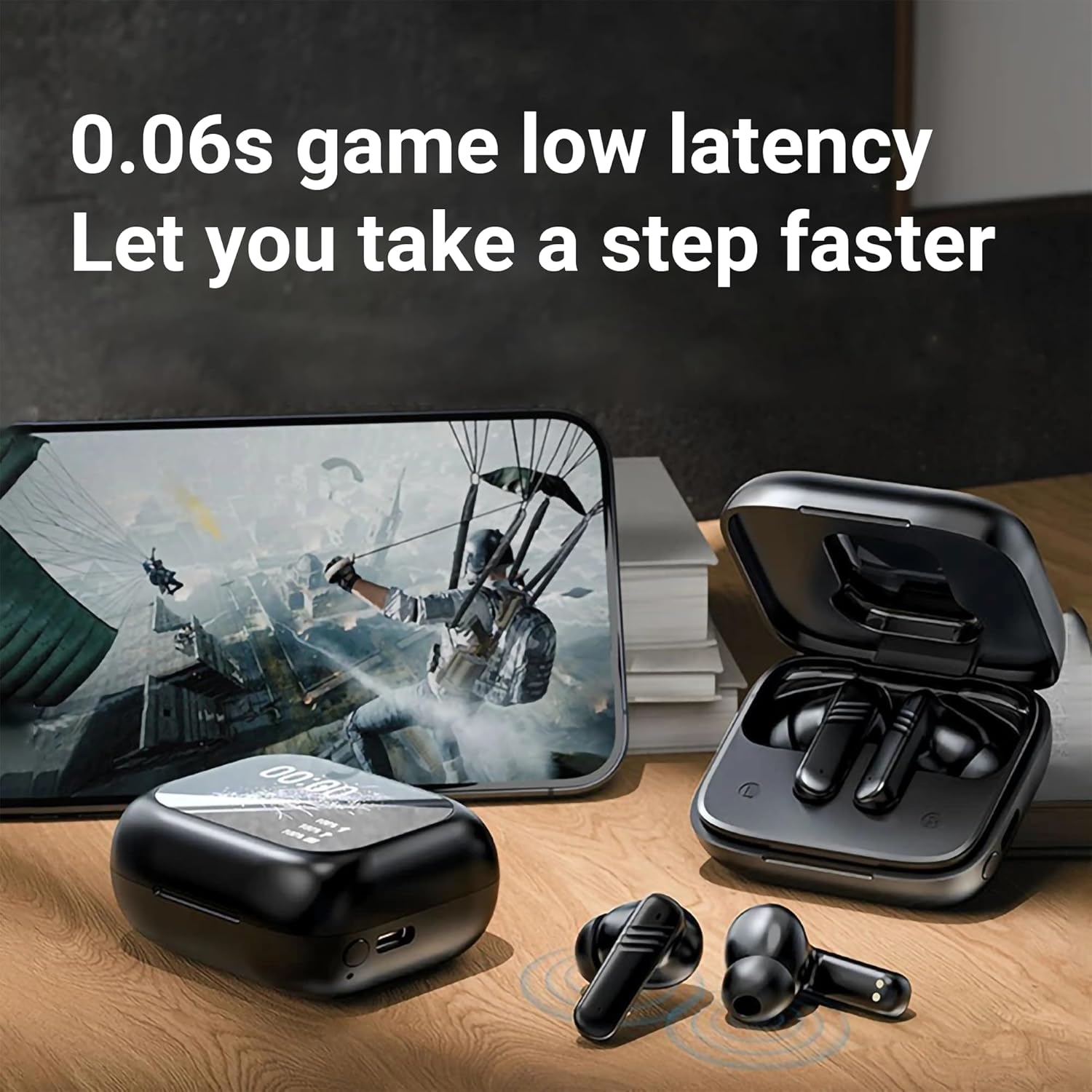
Image: The StitchGreen LX-10 earbuds and charging case positioned next to a smartphone displaying a game, emphasizing the 0.06s low latency for gaming.
- Activate Gaming Mode via the touch screen on the charging case. This mode minimizes audio delay, providing a more synchronized audio-visual experience for gaming.
Maintenance
Proper maintenance ensures the longevity and performance of your StitchGreen LX-10 earbuds.
1. Cleaning
- Regularly clean the earbuds, especially the eartips and charging contacts, with a soft, dry, lint-free cloth.
- Remove eartips and clean any earwax or debris from the speaker mesh using a small, soft brush.
- Clean the charging case with a soft, dry cloth. Avoid using abrasive materials or harsh chemicals.
2. Water Resistance
The LX-10 earbuds are rated IPX4 waterproof, meaning they are resistant to splashing water from any direction. They are not designed for submersion in water.

Image: The StitchGreen LX-10 earbuds shown with water splashing around them, illustrating their IPX4 waterproof capability.
- Do not submerge the earbuds or charging case in water.
- If the earbuds get wet from sweat or splashes, wipe them dry before placing them back in the charging case.
3. Storage
- Store the earbuds in their charging case when not in use to protect them and keep them charged.
- Avoid extreme temperatures and direct sunlight.
Troubleshooting
If you encounter issues with your LX-10 earbuds, refer to the following common solutions:
| Problem | Possible Cause | Solution |
|---|---|---|
| Earbuds not pairing | Bluetooth off on device, earbuds not in pairing mode, interference. | Ensure Bluetooth is on. Place earbuds in case, close, then open to re-enter pairing mode. Move closer to device. |
| No sound or low volume | Volume too low, earbuds not properly seated, device volume low, earbud battery low. | Adjust volume on earbuds and device. Ensure earbuds are fully charged. Check earbud fit. |
| Charging issues | Poor connection, dirty contacts, faulty cable/charger. | Ensure earbuds are correctly seated in case. Clean charging contacts. Try a different USB cable or power adapter. |
| ANC not effective | Improper fit, ANC mode not activated. | Ensure earbuds fit snugly in your ears. Verify ANC is activated via the charging case touch screen. |
| Intermittent connection | Distance from device, interference, low earbud battery. | Reduce distance to device. Avoid areas with strong Wi-Fi or other Bluetooth signals. Charge earbuds. |
If the problem persists after trying these solutions, please contact StitchGreen customer support for further assistance.
Specifications
Detailed technical specifications for the StitchGreen LX-10 Wireless Earbuds:
- Model Name: TWS Earbuds
- Connectivity Technology: Wireless
- Wireless Communication Technology: Bluetooth 5.4
- Audio Driver Type: Hybrid Driver
- Frequency Range: 20 Hz - 20,000 Hz
- Battery Life (Earbuds): Approximately 4-5 Hours (per charge)
- Control Type: Touch Control
- Noise Control: Hybrid Active Noise Cancellation, Adaptive Noise Cancellation, Environment Noise Cancellation (ENC)
- Water Resistance Level: IPX4 (Waterproof)
- Material: Acrylonitrile Butadiene Styrene (ABS), Plastic
- Item Weight: 150 Grams (total, including case) / 5.3 ounces
- Compatible Devices: Cellphones, Smart Watch, Tablets, Television, iPhone
- Recommended Uses: Audio Monitoring, Calling, Cycling, Gaming, Motorcycling, Office Meetings, Studio, Entertainment
- Included Components: Eartip, Protective Case, User Manual, Wireless Charging Case
- Manufacturer: Shenzhen Jiexuan You Electronics Co., Ltd.
Warranty and Support
For warranty information or technical support, please refer to the official StitchGreen website or contact their customer service directly. Keep your purchase receipt as proof of purchase.
You can visit the StitchGreen Store on Amazon for more product information and support resources.