
Introduction
Thank you for choosing the MAHANCRIS Natural Nightstand with Charging Station. This manual provides essential information for the safe assembly, operation, and maintenance of your new nightstand. Please read these instructions carefully before beginning assembly and retain them for future reference.
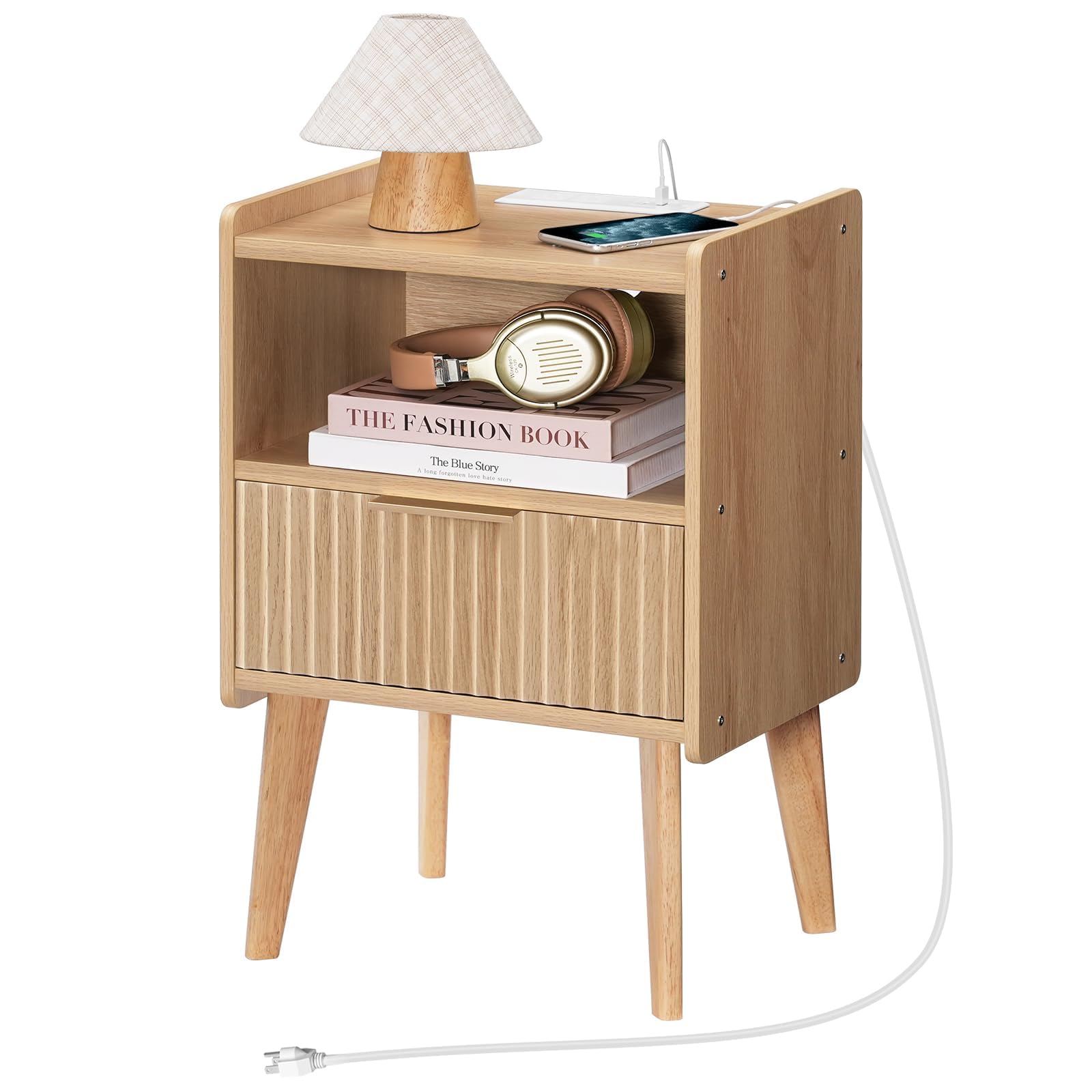
Image: The MAHANCRIS Natural Nightstand, showcasing its design and functionality in a bedroom setting.
Safety Information
Important Safety Warning: If there are children in the home, be sure to protect them and make sure they are kept away from the power source. Always ensure the nightstand is stable and properly assembled to prevent tipping. Do not overload the charging station. Use only in dry, indoor environments.
Product Specifications
| Feature | Detail |
|---|---|
| Brand | MAHANCRIS |
| Model Number | ETNA61E01 |
| Product Dimensions | 11.8"D x 15.9"W x 23.4"H (30cm D x 40.5cm W x 59.5cm H) |
| Item Weight | 7.9 Kilograms (17.4 lbs) |
| Maximum Weight Recommendation | 66 Pounds (29.9 kg) |
| Frame Material | Engineered Wood |
| Color | Natural |
| Charging Station | 2 AC Outlets, 1 Type-C Port, 1 USB Port |
| Number of Drawers | 1 |
| Required Assembly | Yes |
| Tools Recommended For Assembly | Screw Driver, Wrench (not included) |

Image: Product dimensions for the MAHANCRIS Nightstand, including overall size and drawer capacity.
Setup and Assembly
The MAHANCRIS Natural Nightstand is designed for easy assembly. A detailed, illustrated manual and clearly numbered installation parts are included in the package. Please follow the step-by-step guide provided with your product for effortless assembly. Recommended tools include a screwdriver and a wrench.
General Assembly Steps:
- Unpack all components and verify against the parts list in the included manual.
- Identify all hardware and tools required.
- Attach the legs to the base of the nightstand.
- Assemble the main frame of the nightstand.
- Install the drawer slides and assemble the drawer.
- Insert the drawer into the assembled frame.
- Install the charging station into the designated slot on the top surface.
- Ensure all screws are tightened and the nightstand is stable.
Video: An overview of the MAHANCRIS Fluted Nightstand, demonstrating its features and design, which can aid in understanding the assembly process.
Operating Instructions
Charging Station:
The integrated charging station provides convenient power access. It includes 2 standard AC outlets, 1 Type-C port, and 1 USB port. To use, simply plug the nightstand's power cord into a wall outlet. Then, connect your electronic devices (phones, computers, desk lamps, etc.) to the appropriate ports on the charging station. The cord management hole helps keep wires tidy and prevents tangles.
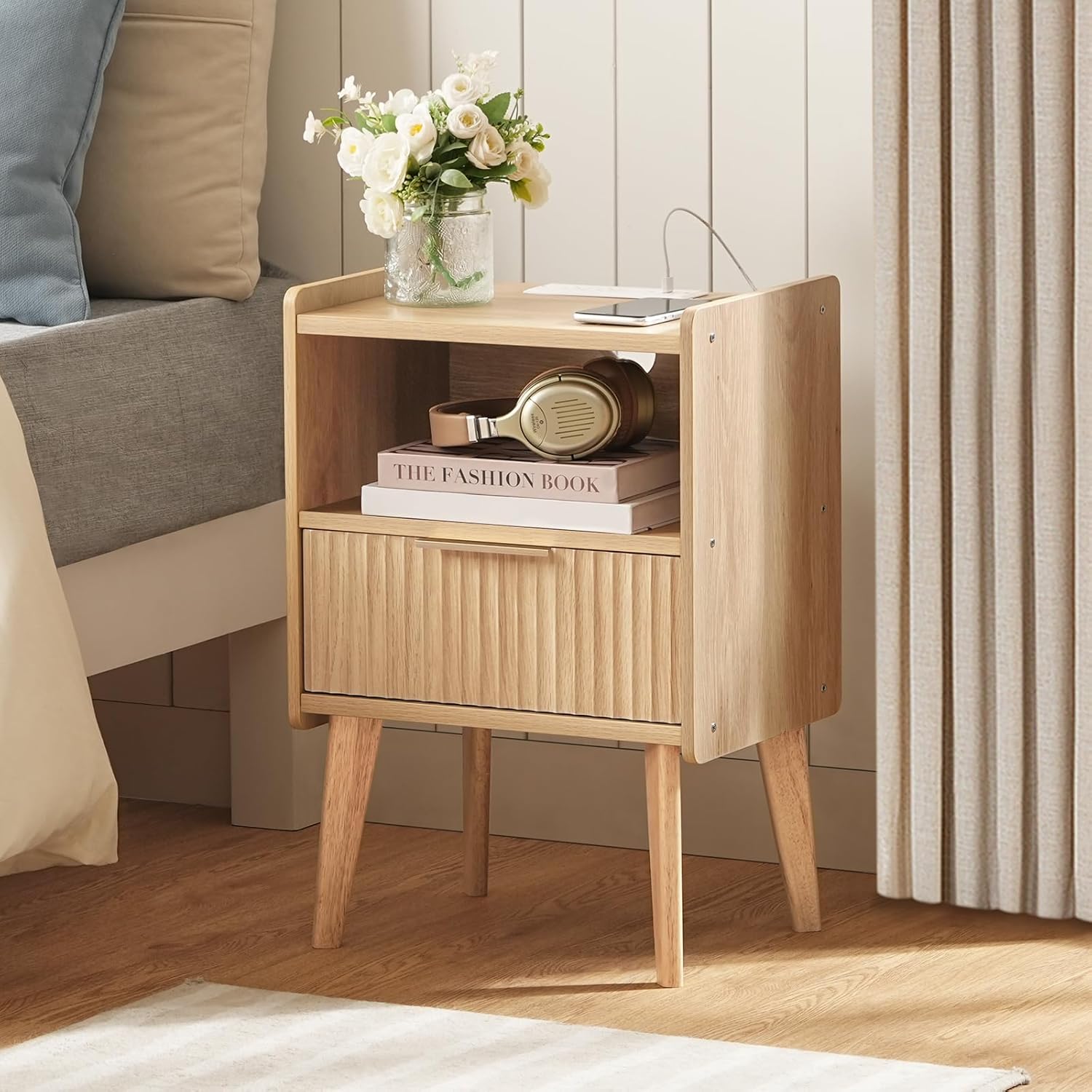
Image: Detail of the charging station, highlighting the 2 AC outlets, 1 USB port, and 1 Type-C port, with a phone actively charging.
Video: A demonstration of the MAHANCRIS Nightstand with Charging Station, illustrating how to use the integrated power outlets and USB/Type-C ports.
Storage:
The nightstand features a storage drawer and an open shelf. Use the drawer for items you wish to keep out of sight, such as remote controls or personal items. The open shelf is ideal for books, headphones, or decorative items. The wide top surface can accommodate a lamp, clock, or potted plant.

Image: The nightstand with its drawer pulled out, showing the interior storage capacity.
Maintenance
Cleaning:
- Wipe surfaces with a soft, damp cloth.
- Avoid using harsh chemicals or abrasive cleaners, as these can damage the finish.
- For spills, wipe immediately with a dry cloth.
General Care:
- Keep the nightstand away from direct sunlight and extreme temperature changes to prevent warping or fading.
- Avoid placing hot items directly on the surface; use coasters or protective pads.
- Periodically check and tighten all screws and fasteners to ensure stability.
Troubleshooting
Charging Station Not Working:
- Check Power Connection: Ensure the nightstand's power cord is securely plugged into a functional wall outlet.
- Device Compatibility: Verify that your device is compatible with the USB, Type-C, or AC outlets.
- Overload Protection: If the charging station stops working, unplug all devices and the nightstand from the wall, wait a few minutes, then plug it back in and try again with fewer devices.
Nightstand is Wobbly:
- Tighten Screws: Carefully re-tighten all assembly screws. Do not overtighten.
- Even Surface: Ensure the nightstand is placed on a flat, even surface. Adjust non-slip foot pads if necessary.
Drawer Not Sliding Smoothly:
- Check Alignment: Ensure the drawer slides are correctly aligned and free from obstructions.
- Lubrication: Apply a small amount of silicone spray or wax to the drawer slides if they are stiff.
Warranty and Support
For warranty information or product support, please refer to the documentation included with your purchase or contact MAHANCRIS customer service directly. Keep your proof of purchase for any warranty claims.