
1. Product Overview
The Veeniix V995 Mini Drone is designed for kids and beginners, offering an easy-to-control and durable flying experience. It features a compact design with protective guards, making it suitable for both indoor and outdoor use. Key functionalities include 3D flips, 360° rotation, Circle Fly, Auto Hover, and Headless Mode, ensuring versatile and stable flight.

Image: The Veeniix V995 Mini Drone in red, showcasing its compact size and protective propeller guards.
2. What's in the Box
Your Veeniix V995 Mini Drone package includes the following components:
- 1 x V995 Mini Drone
- 1 x Remote Controller
- 4 x Spare Propellers
- 2 x USB Chargers
- 1 x User Manual
- 3 x Batteries
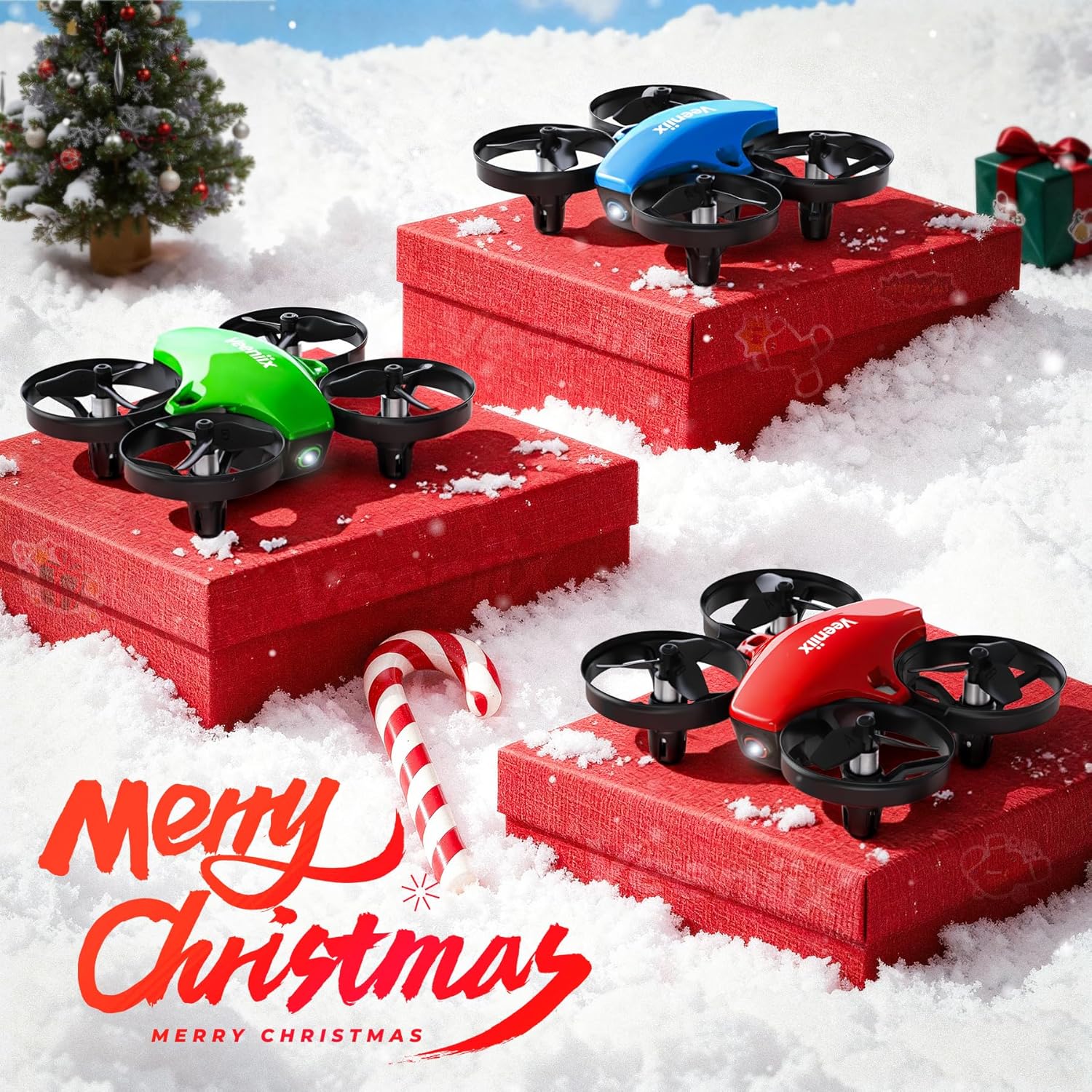
Image: All components of the Veeniix V995 Mini Drone package, including the drone, remote, spare propellers, USB chargers, user manual, and three batteries.
3. Setup
3.1 Battery Installation
Before first use, ensure all batteries are fully charged using the provided USB chargers. The drone comes with three rechargeable Lithium Ion batteries, offering extended flight time.
- For the Drone: Carefully open the battery compartment on the drone. Connect a charged battery to the drone's power connector. Close the compartment securely.
- For the Remote Controller: Open the battery cover on the back of the remote. Insert 3 AAA batteries (not included) according to the polarity markings. Close the cover.
3.2 Controller Pairing
To establish a connection between the drone and the remote controller:
- Turn on the drone using the ON/OFF switch. The drone's indicator lights will flash.
- Turn on the remote controller.
- Push the left joystick up and then down. The remote will beep, and the drone's lights will become solid, indicating successful pairing.
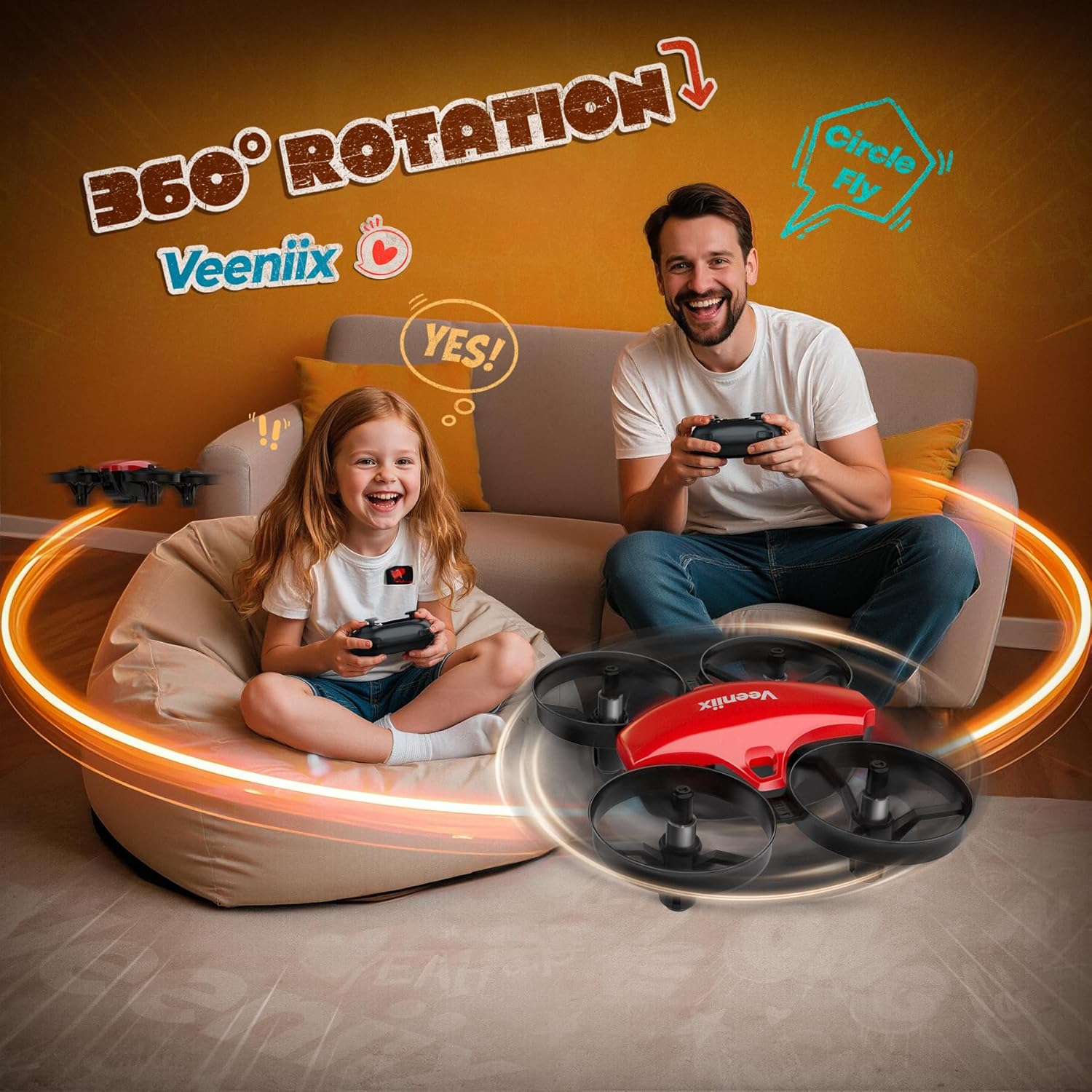
Image: A remote controller with joysticks and buttons, demonstrating one-key takeoff/landing with the drone hovering above a hand.
4. Operating Instructions
4.1 Basic Flight
- One-Key Takeoff: After pairing, press the one-key takeoff button on the remote. The drone will automatically ascend and hover at a stable altitude.
- Auto-Hover: The V995 is equipped with altitude hold, allowing it to maintain a steady hover height without constant throttle input.
- Directional Control: Use the right joystick to control forward, backward, left, and right movement.
- Rotation: Use the left joystick to control the drone's rotation (yaw).
- One-Key Landing: Press the one-key landing button, and the drone will slowly descend and land automatically.
4.2 Special Flight Modes
- 3D Flips: Press the 3D flip button (usually on the right shoulder of the remote) and then move the right joystick in any direction to perform an acrobatic flip.
- 360° Rotation / Circle Fly: The drone supports 360° rotation and Circle Fly maneuvers. Refer to the user manual for specific button combinations to activate these features.
- Headless Mode: Activate Headless Mode to eliminate orientation confusion. In this mode, the drone's forward direction is always relative to the pilot, regardless of the drone's actual front. This is ideal for beginners.

Image: A child flying the Veeniix V995 Mini Drone outdoors, illustrating the three adjustable speed settings (Low, Middle, High).

Image: A child and an adult interacting with the Veeniix V995 Mini Drone, highlighting its 360° rotation and Circle Fly capabilities.
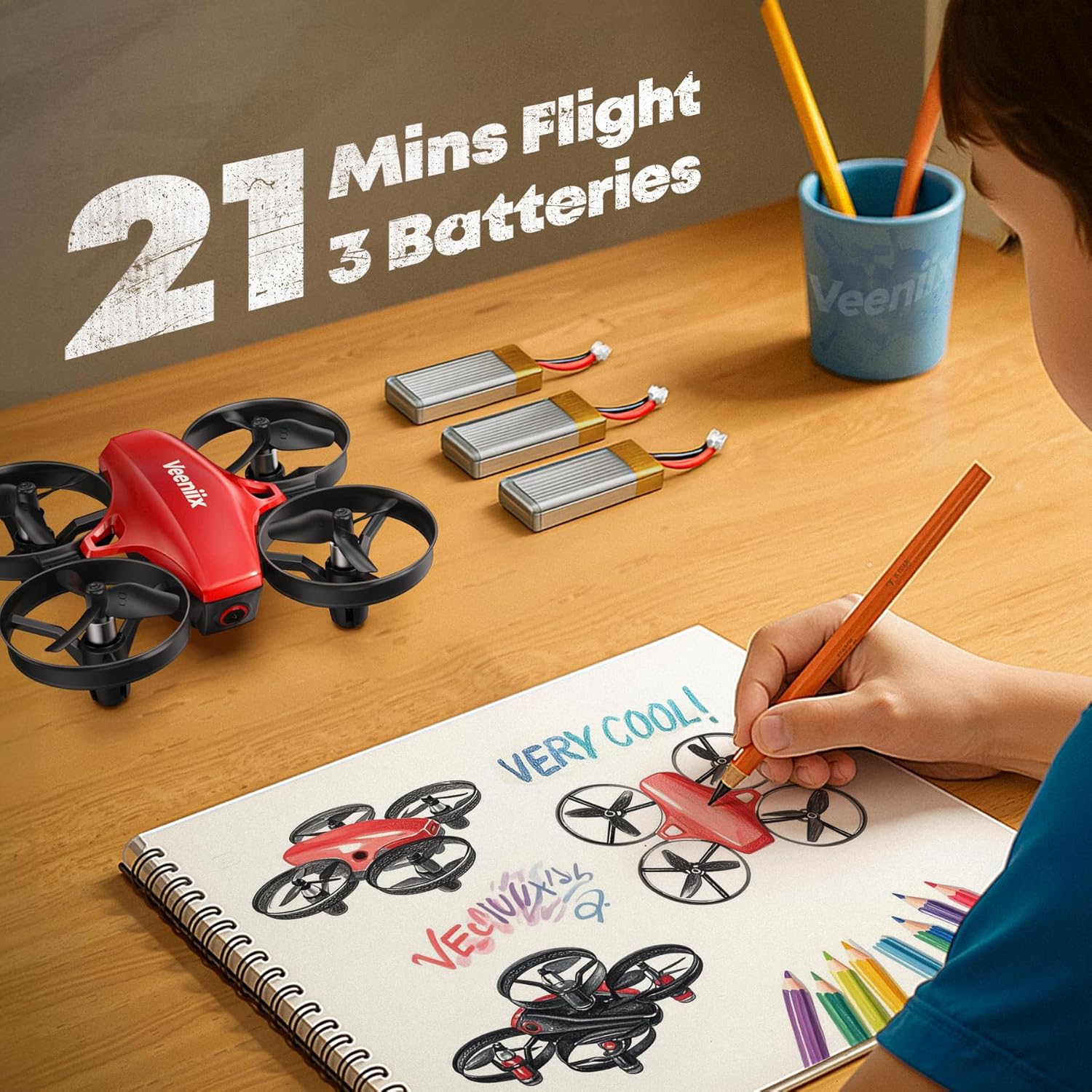
Image: The Veeniix V995 Mini Drone flying indoors, demonstrating the Headless Mode feature for simplified control.
4.3 Speed Adjustment
The V995 Mini Drone offers adjustable speed settings (Low, Medium, High) to suit different skill levels and flying environments. Press the speed switch button on the remote to cycle through the available speeds.
4.4 Indoor and Outdoor Flying
The drone's compact size and protective guards make it suitable for indoor flying. For outdoor use, choose calm weather conditions with minimal wind to ensure optimal control and prevent loss of the drone.
4.5 Official Product Videos
Video: An official Veeniix video showcasing the V995 Mini Drone's flight capabilities and features, encouraging users to enjoy the flight experience.
Video: An official Veeniix video demonstrating the V995 Mini Drone in action, highlighting various play scenarios and flight maneuvers.
5. Maintenance
5.1 Charging Batteries
The drone includes 3 Lithium Ion batteries, providing up to 21 minutes of flight time (7 minutes per battery). Use the provided USB chargers to recharge the batteries. A low battery alarm will alert you when power is running low.
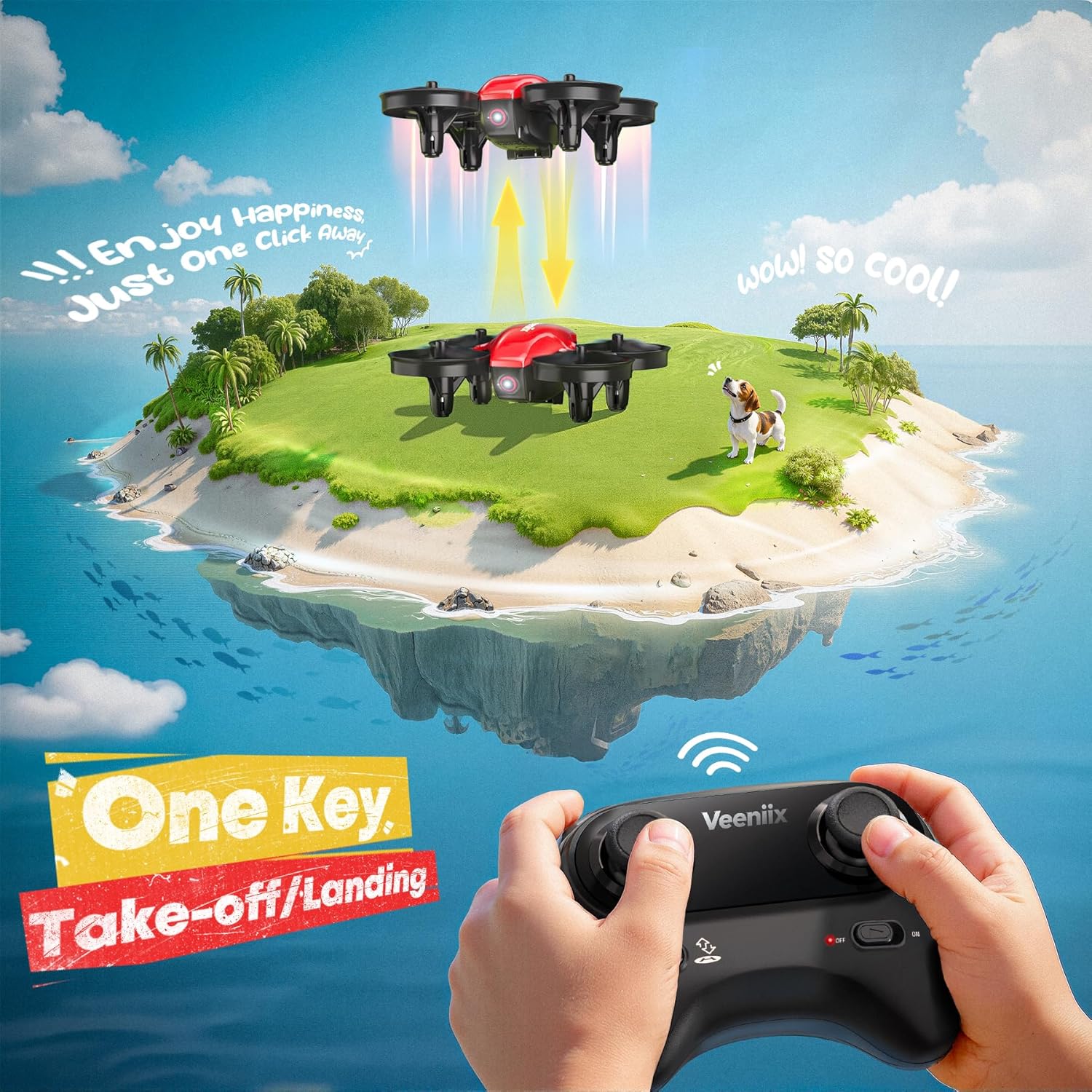
Image: A child drawing the Veeniix V995 Mini Drone, with three batteries and the text '21 Mins Flight 3 Batteries' visible, emphasizing extended play time.
5.2 Propeller Replacement
In case of damage, replace propellers using the spare set included in the package. Carefully remove the damaged propeller and install a new one, ensuring it is correctly oriented (A or B as marked on the propeller and motor arm).
5.3 General Care
Keep the drone clean and free from dust and debris. Store it in a cool, dry place away from direct sunlight and extreme temperatures. Avoid exposing the drone to water or moisture.
6. Troubleshooting
- Drone unstable after takeoff: Ensure the drone is placed on a flat, level surface before takeoff. Perform a calibration by holding the right joystick to the lower right until the lights blink, as mentioned in customer reviews.
- Drone not responding to remote: Re-pair the drone and remote controller following the steps in Section 3.2. Check if both the drone and remote have sufficient battery power.
- Short flight time: Ensure batteries are fully charged. Flight time can vary based on flight style and environmental conditions.
- Propellers not spinning: Check for any obstructions (like hair or debris) around the propellers. Ensure propellers are securely attached and not damaged. Replace if necessary.
7. Specifications
| Brand | Veeniix |
| Model Name | V995 |
| Age Range | Kid |
| Item Weight | 22.3 Grams |
| Material | Plastic |
| Control Type | Remote Control |
| Wireless Communication Technology | Radio Frequency |
| Battery Cell Composition | Lithium Ion |
| Special Features | 360 Degree Flip, One Key Rotation, Portable, Rechargeable, Auto Hover, Headless Mode |
