
1. Introduction
Welcome to the NOWIFICAM CHUZHAO Mini Retro Digital Camera M1 instruction manual. This guide provides essential information for setting up, operating, and maintaining your new camera. Designed with a vintage Twin-Lens Reflex (TLR) style, this compact and portable digital camera is ideal for beginners, teens, and adults looking to capture memories with a unique aesthetic.
Video Description: An official seller video showcasing the CHUZHAO Vintage Mini Camera, highlighting its retro design and compact size.
2. What's in the Box
Your NOWIFICAM CHUZHAO Mini Retro Digital Camera M1 package includes the following items:
- Mini Retro Twin-Lens Reflex Camera
- 16GB Storage Card
- Neck Strap
- USB Data/Charging Cable
- User Manual

Image Description: A flat lay image displaying all items included in the CHUZHAO Mini Retro Digital Camera package: the camera, a 16GB storage card, a neck strap, a USB data/charging cable, and the user manual, arranged neatly on a light-colored surface.
3. Product Overview
Familiarize yourself with the camera's components and controls:

Image Description: A detailed diagram of the CHUZHAO Mini Retro Digital Camera, illustrating its dimensions (1.67 x 2.05 x 3.52 inches) and labeling key components: Album button, Delete button (short press to switch autofocus), Joystick (to record mute video), Shutter button (to take photos & audio video), and Power On/Off button.
- Album Button: Press to enter the album interface.
- Delete Button: Short press to switch autofocus mode.
- Joystick: Rotate to navigate menus and start recording mute video.
- Shutter Button: Press to take photos and record audio video.
- Power On/Off & Filter Switch Button: Long press to power on/off. Short press to cycle through color/black & white filters.
4. Setup
4.1. Charging the Camera
Before first use, fully charge the camera's built-in 1000mAh lithium battery. Connect the provided USB data/charging cable to the camera's USB-C port and to a 5V USB charger (not included). A full charge typically takes approximately 3 hours and supports up to 4 hours of continuous shooting.
4.2. Inserting the Memory Card
Your camera comes with a 16GB MicroSD storage card already inserted. The camera supports up to 64GB expandable storage. Ensure the card is properly seated before use.
5. Operating Instructions
5.1. Power On/Off
Long press the Power On/Off & Filter Switch Button to turn the camera on or off.
5.2. Taking Photos
The camera features automatic focus. Frame your shot using the waist-level viewfinder, and press the Shutter Button to capture a 12MP photo. Photos are automatically saved to the inserted memory card.
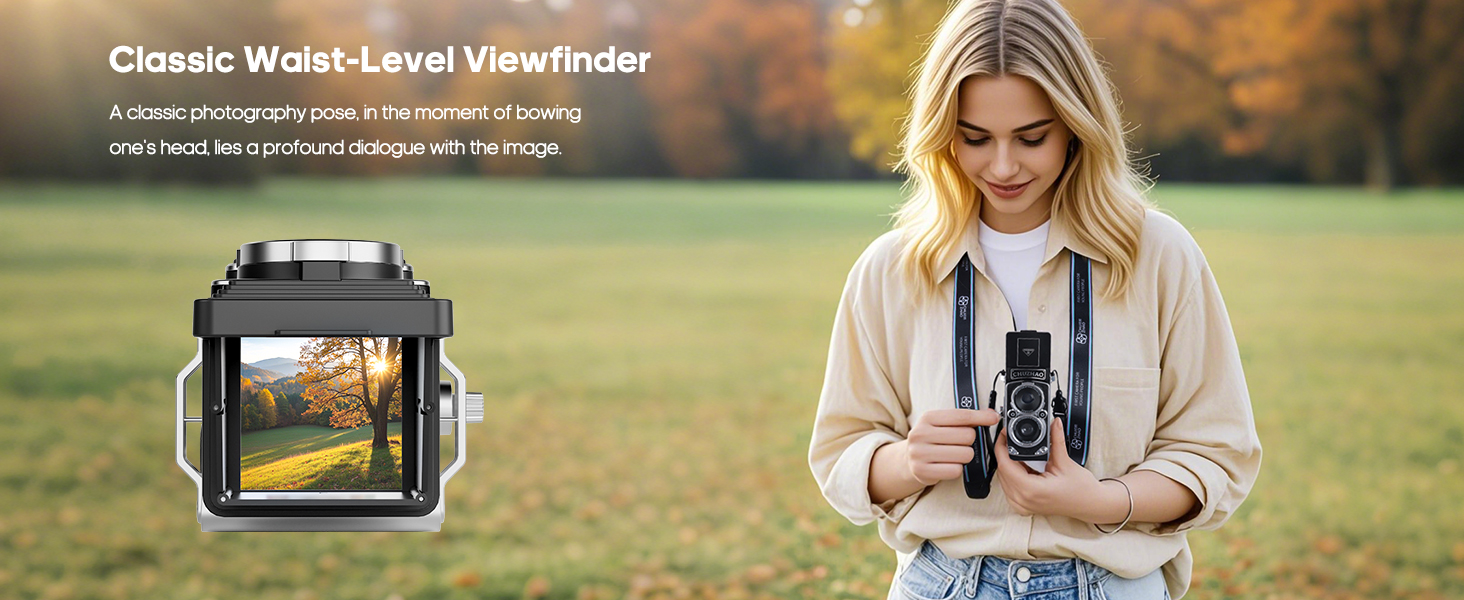
Image Description: A woman is shown using the camera's classic waist-level viewfinder, looking down into the top screen to compose her photograph in a park setting.
5.3. Recording Video
To record 1080P HD video, use the Joystick. The camera supports recording mute video. Videos are saved to the memory card.
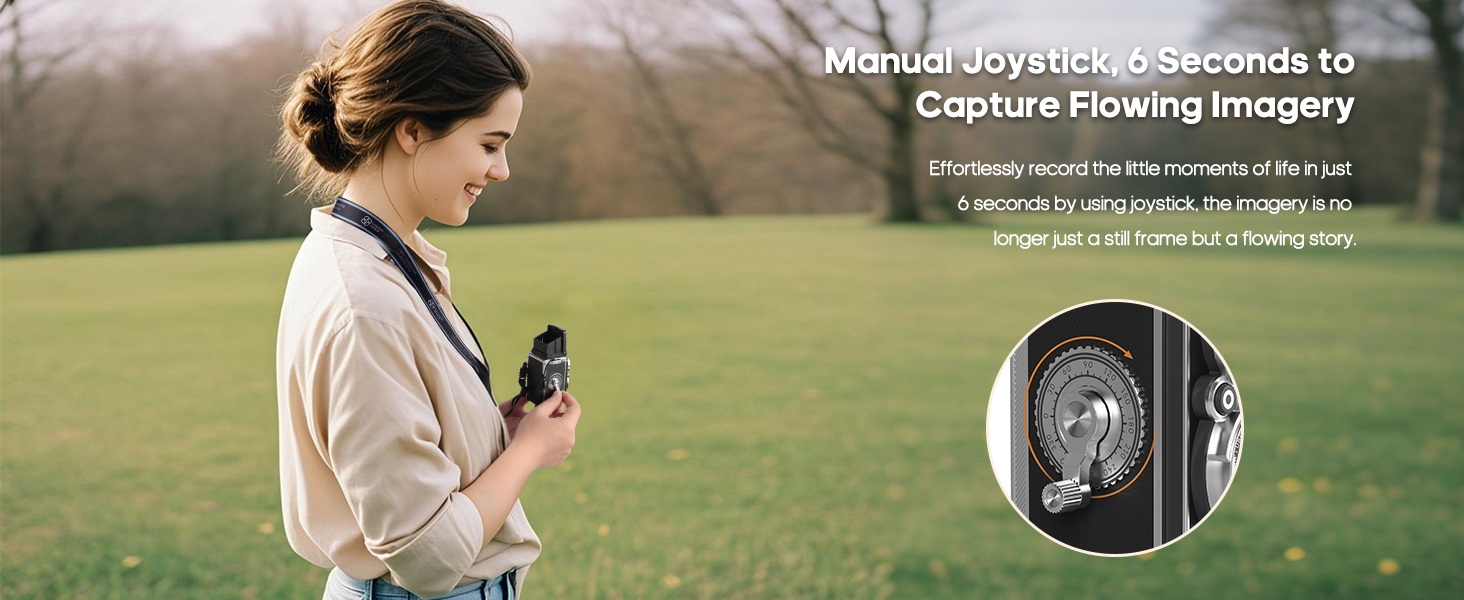
Image Description: A woman is depicted using the manual joystick on the side of the CHUZHAO camera, suggesting its use for capturing flowing imagery or video.
5.4. Applying Filters
The camera offers two creative filters: color and black & white. Short press the Power On/Off & Filter Switch Button to switch between these filter modes.
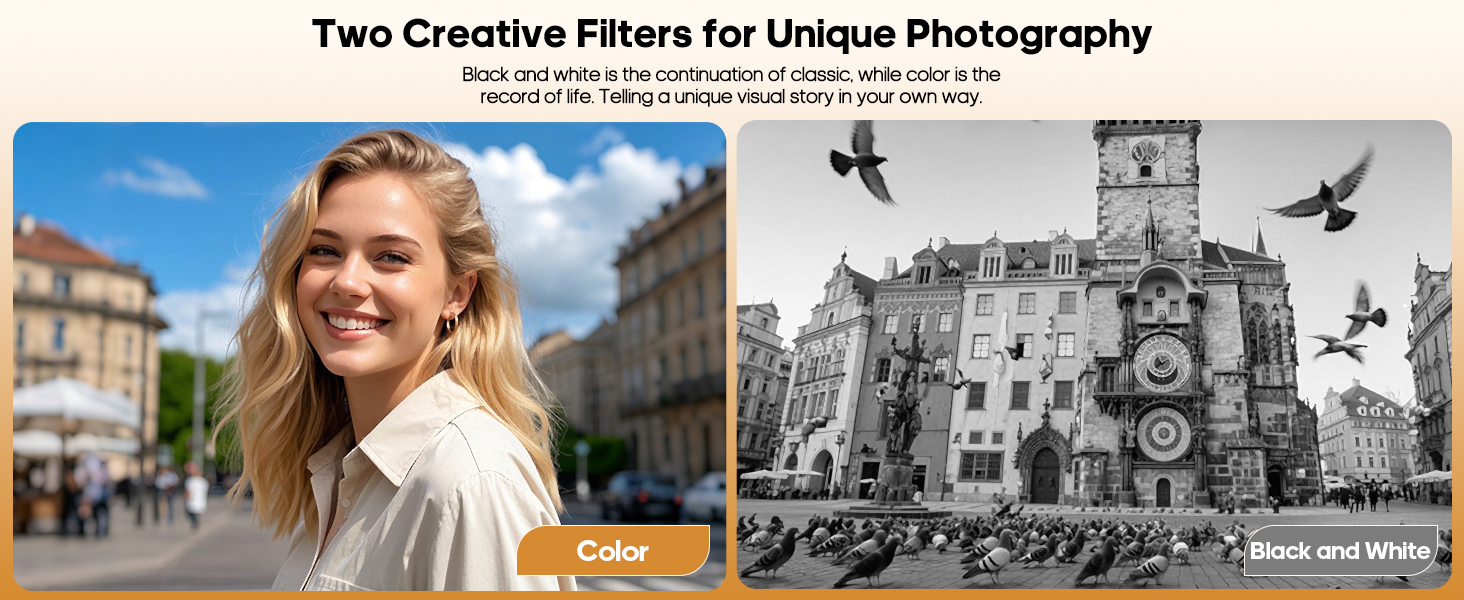
Image Description: A split image showing the same subject (a smiling woman) and background, with one side in vibrant color and the other in classic black and white, illustrating the camera's two creative filter options.
5.5. Viewing Media
Press the Album Button to enter the album interface and view your captured photos and videos. Use the Joystick to navigate through your media.