
1. Introduction
The NOWIFICAM A22 Pro is a compact and portable 4G LTE cellular security camera designed for surveillance in locations without Wi-Fi access. It features 2K HD video resolution, infrared night vision, and PIR motion detection for comprehensive monitoring. This manual provides essential information for setting up, operating, and maintaining your camera.

Image 1.1: The NOWIFICAM A22 Pro camera with its mounting bracket, 4G SIM card, 64GB SD card, and USB-C charging cable.
2. Package Contents
Verify that all items are present in your package:
- NOWIFICAM A22 Pro 4G LTE Cellular Security Camera
- Mounting Bracket
- SIM Card (with 100MB trial data)
- USB-C Charging Cable
- User Manual (this document)
3. Setup
3.1 Initial Charging
Before first use, fully charge the camera using the provided USB-C cable and a standard 5V/1A USB power adapter (not included). The charging port is located on the device. A full charge ensures optimal battery performance.
3.2 SIM Card and SD Card Installation
- Locate the SIM card slot and the Micro SD card slot on the camera.
- Insert the provided 4G LTE SIM card into its designated slot. Ensure correct orientation. The camera comes with 100MB of trial data. Additional data plans are available for purchase.
- Insert the included 64GB Micro SD card into its slot. This card is used for local video storage. The camera supports up to 256GB Micro SD cards.

Image 3.2: Visual representation of the camera's dimensions and included accessories, highlighting the SIM and SD card.
3.3 App Download and Camera Pairing
- Download the official NOWIFICAM application from your smartphone's app store (iOS or Android).
- Create an account and follow the in-app instructions to add your camera. This typically involves scanning a QR code on the camera or manually entering its device ID.
- Ensure your smartphone has an active internet connection during the pairing process.
3.4 Mounting the Camera
Use the provided mounting bracket to install the camera in your desired location. The bracket allows for adjustable viewing angles. Ensure the camera is placed in an area with good 4G LTE signal strength for optimal performance.

Image 3.4: The NOWIFICAM A22 Pro camera demonstrating its 4G LTE capability, indicating no Wi-Fi is required for operation.
4. Operating Instructions
4.1 Powering On/Off
The camera powers on automatically when charged or connected to power. To power off, disconnect from power and hold the power button (if available) or allow the battery to deplete. Refer to the app for specific power management options.
4.2 Live View and Recording
Access the NOWIFICAM app on your smartphone to view live video feeds from your camera. You can initiate manual recordings or capture screenshots directly from the app. Recorded footage is stored on the installed Micro SD card.

Image 4.2: The NOWIFICAM app interface showing the ability to view live feeds from multiple camera locations simultaneously.
4.3 PIR Motion Detection
The camera features a Passive Infrared (PIR) sensor to detect motion from people or animals. When motion is detected, the camera will:
- Send instant notifications to your smartphone via the app.
- Initiate video recording.
- Optionally trigger an alarm siren (configurable in the app).
Adjust motion sensitivity settings within the app to minimize false alarms.

Image 4.3: The NOWIFICAM A22 Pro camera's smart PIR motion detection feature, showing an alert on a smartphone when movement is detected.
4.4 Night Vision
The A22 Pro is equipped with 6 infrared LED lights for invisible IR night vision. This allows the camera to capture clear 1296P HD video in low-light conditions or complete darkness, up to a range of 10 meters.
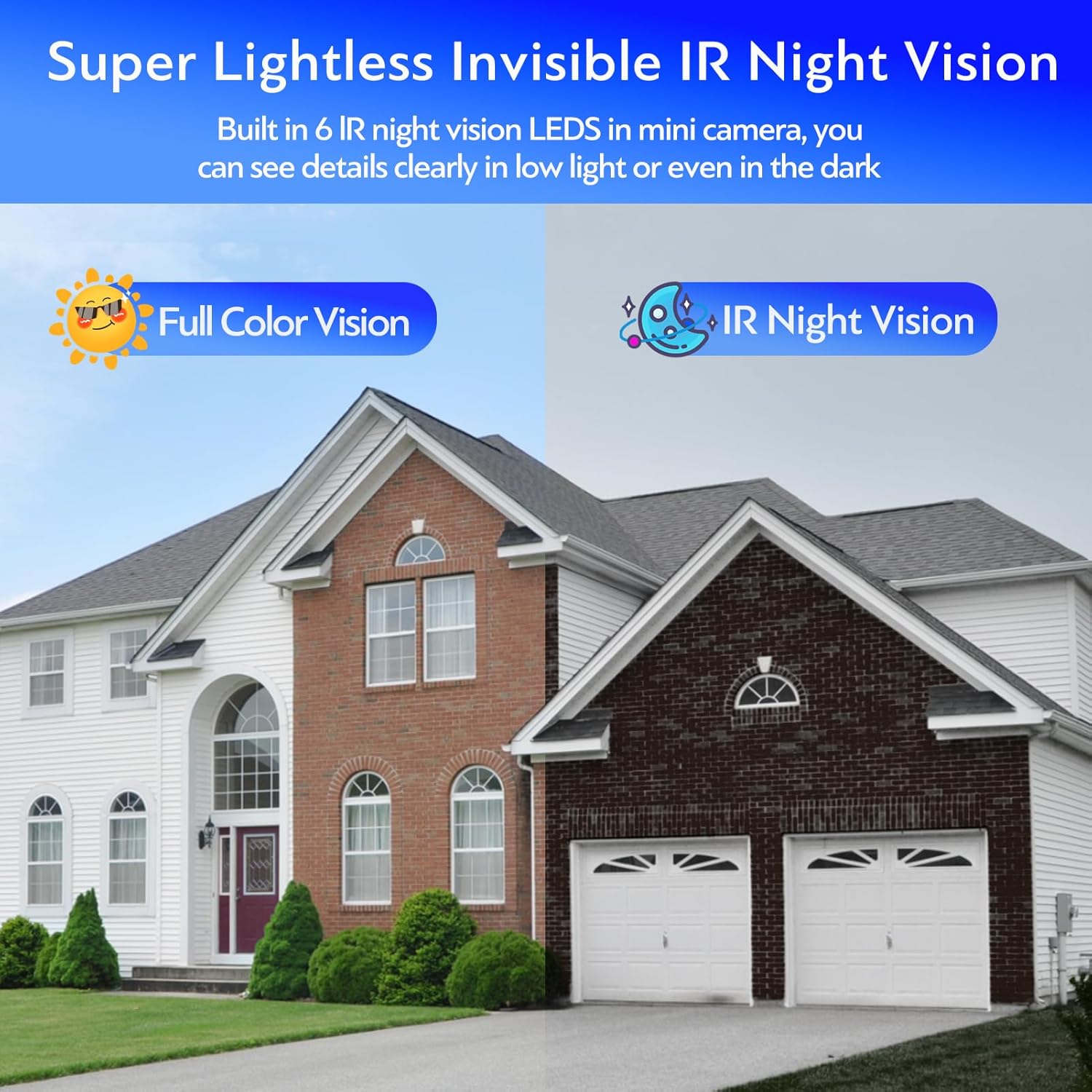
Image 4.4: Illustration of the camera's full-color daytime vision versus its invisible IR night vision capabilities.
4.5 Audio Recording
The camera includes a built-in microphone for audio recording, providing comprehensive surveillance alongside video footage.
5. Maintenance
5.1 Battery Management
The A22 Pro features a 2800mAh built-in battery. Battery life varies based on usage and settings:
- Up to 30 days in low-sensitivity mode.
- Up to 90 days in power-saving mode.
For continuous operation, connect the camera to a power source via the USB-C charging cable.
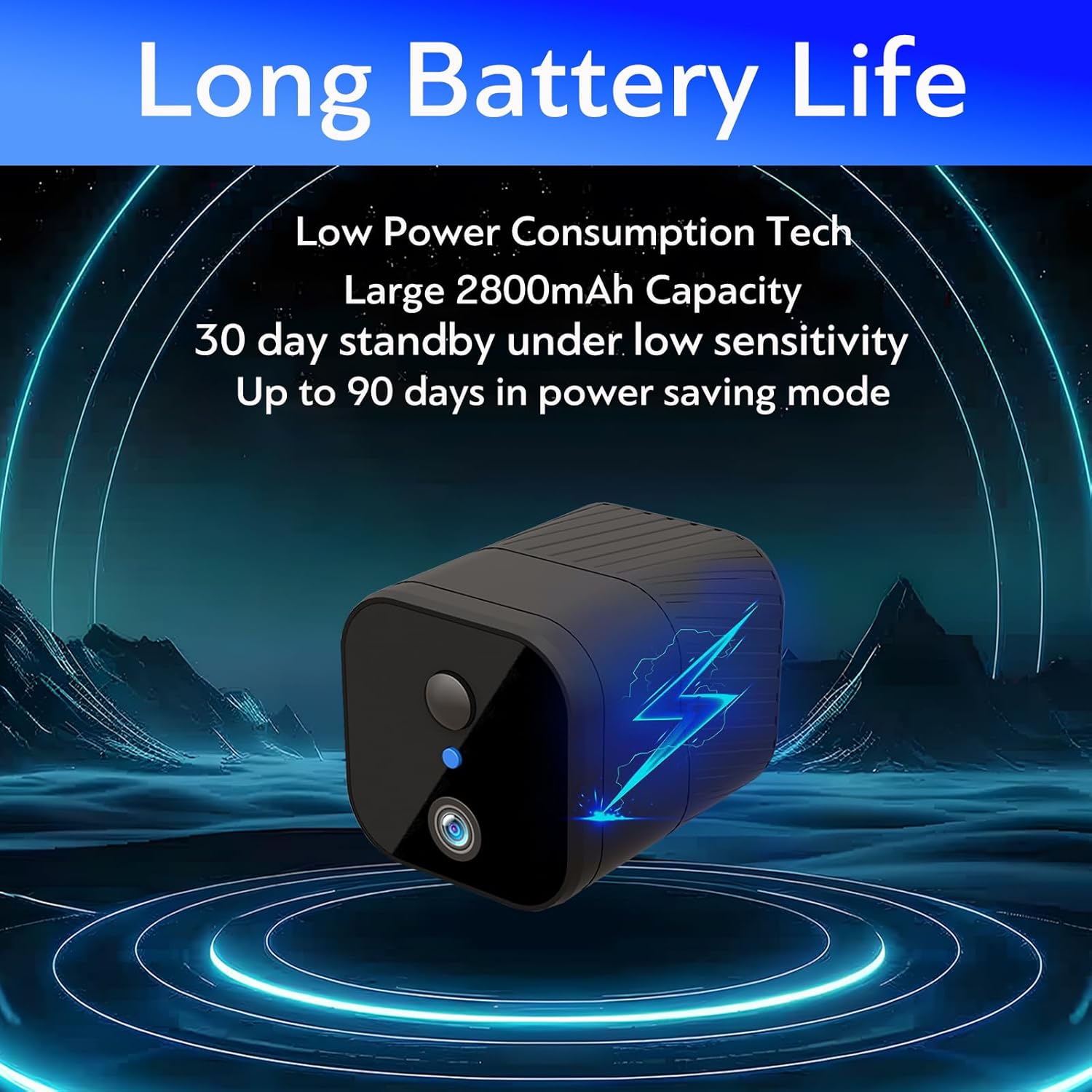
Image 5.1: The NOWIFICAM A22 Pro highlighting its extended battery life and low power consumption technology.
5.2 Cleaning
Gently wipe the camera lens and body with a soft, dry cloth. Avoid using harsh chemicals or abrasive materials that could damage the device.
5.3 SD Card Management
Regularly check the storage capacity of your Micro SD card through the app. Format the SD card periodically to maintain optimal recording performance and free up space. Back up important recordings before formatting.
6. Troubleshooting
- Camera not connecting to 4G LTE network:
Ensure the SIM card is correctly inserted and activated. Check for adequate 4G LTE signal strength in the camera's location. Verify that your data plan is active and has sufficient data. - No notifications received:
Check app notification settings on your smartphone and within the NOWIFICAM app. Ensure the camera's motion detection is enabled and sensitivity is set appropriately. - Poor video quality:
Ensure the camera lens is clean. Check for sufficient lighting; while the camera has night vision, extreme darkness or glare can affect quality. - Short battery life:
Frequent motion detection events, continuous live viewing, and poor signal strength can increase power consumption. Adjust motion sensitivity, reduce live viewing time, or connect to continuous power if needed. - App freezing or unresponsive:
Close and restart the NOWIFICAM app. Ensure your smartphone's operating system and the app are updated to the latest versions.
7. Specifications
| Feature | Detail |
|---|---|
| Model Number | A22 Pro |
| Connectivity | 4G LTE Cellular (No Wi-Fi Needed) |
| Video Resolution | 1296p HD (2K equivalent) |
| Night Vision | 6 IR LEDs, 10 meters range |
| Motion Detection | PIR (Passive Infrared) |
| Viewing Angle | 120 Degrees |
| Battery Capacity | 2800mAh Lithium Ion |
| Battery Life | Up to 90 days (power-saving mode) |
| Storage | Micro SD Card (up to 256GB, 64GB included) |
| Audio | Built-in Microphone |
| Dimensions (L x W x H) | 1.65 x 2.17 x 1.65 inches |
| Weight | 7 ounces |
| Power Source | Battery Powered, USB-C Charging |
| Included Components | Camera, Mounting Bracket, SIM Card, USB-C Cable, User Manual |
| UPC | 603134994216 |
8. Warranty and Support
For warranty information, please refer to the documentation included with your product packaging or contact the seller directly. For technical support or further assistance, please reach out to NOWIFICAM customer service through their official channels.