Introduction
This multi-functional G-shaped device seamlessly integrates an atmosphere lamp, Bluetooth speaker, wireless charging pad, alarm clock, and sunrise wake-up light. Designed for modern living, it enhances your bedroom, office, or home decor while providing essential functionalities. Please read this manual carefully to ensure proper use and maintenance of your device.
Safety Information
- Do not expose the device to water or excessive moisture.
- Avoid extreme temperatures and direct sunlight.
- Use only the recommended power adapter (9V/2A or 5V/2A) for optimal performance and safety.
- Keep out of reach of children and pets.
- Do not disassemble or attempt to repair the device yourself. Contact customer support for assistance.
- Ensure proper ventilation around the device during operation.
Package Contents
Please check the package for the following items:
- G-shaped Multi-functional Lamp (Main Unit)
- USB Cable
- User Manual
Product Overview
Familiarize yourself with the components of your G-shaped lamp:

Image: Front view of the G-shaped lamp, showcasing its integrated digital clock, wireless charging area, and colorful LED lighting.
Key Components:
- G-shaped LED Light Panel: Provides ambient lighting with various color modes.
- Wireless Charging Pad: Located on the base for compatible smartphones.
- Digital Display: Shows time, alarm status, and other indicators.
- Control Buttons: Typically located on the base or side for power, light modes, alarm settings, and Bluetooth control.
- Speaker Grille: For audio output from the Bluetooth speaker.
- USB Power Input: For connecting the device to a power source.
Setup
Initial Power-Up:
- Connect the provided USB cable to the power input port on the G-shaped lamp.
- Plug the other end of the USB cable into a compatible power adapter (9V/2A or 5V/2A recommended, not included) and then into a wall outlet.
- The digital display will light up, indicating the device is powered on.
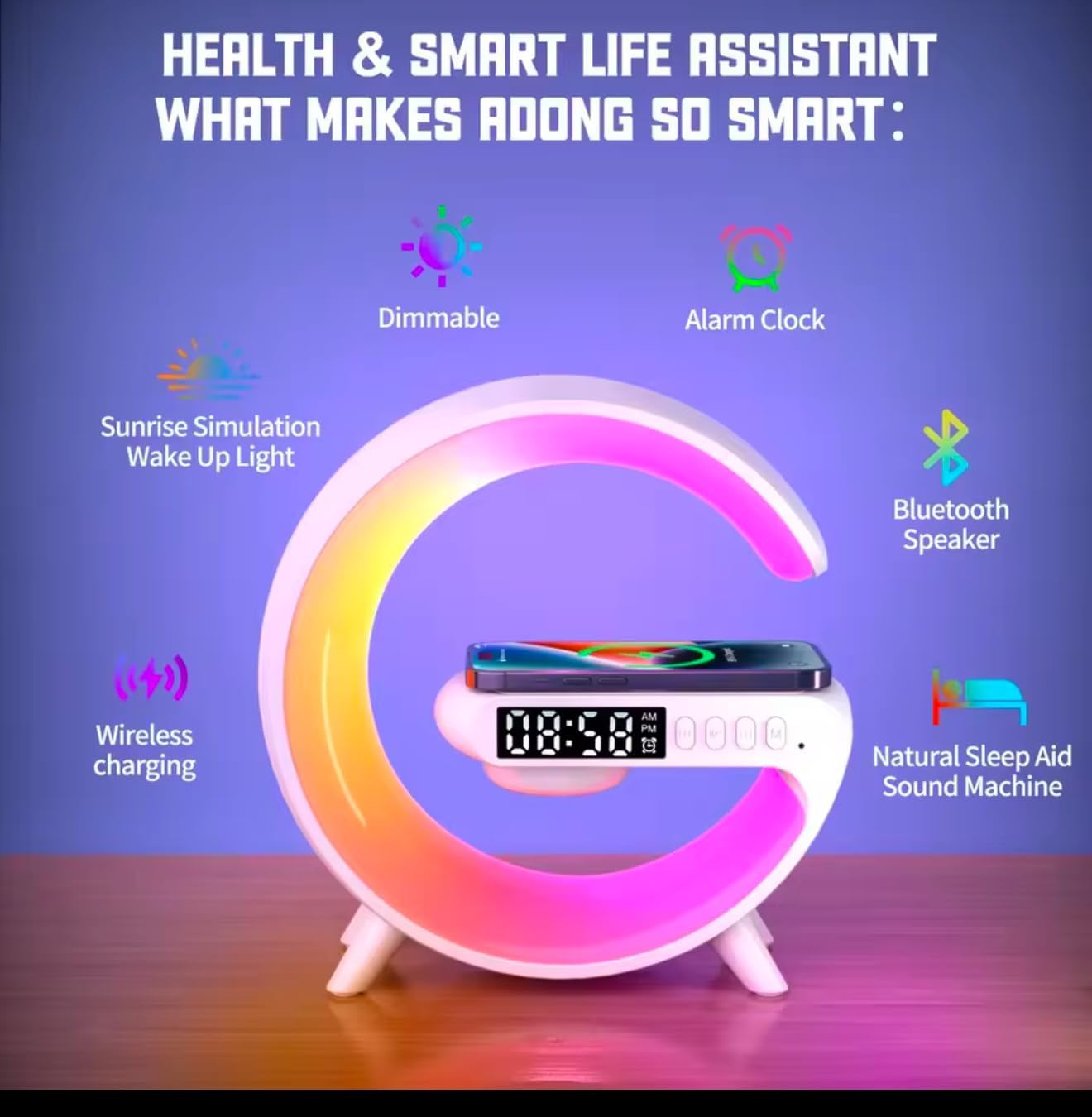
Image: An infographic illustrating the various smart features of the G-shaped lamp, including dimmable lighting, alarm clock, sunrise simulation, Bluetooth speaker, wireless charging, and natural sleep aid sound machine.
Operating Instructions
Power On/Off:
Press and hold the Power button (usually marked with a power symbol) for a few seconds to turn the device on or off. A short press may toggle the display or light.
Bluetooth Speaker Function:
The device features Bluetooth 5.3 for stable audio streaming.
- Ensure the lamp is powered on.
- Activate Bluetooth on your smartphone, tablet, or computer.
- Search for Bluetooth devices and select "G6" (or similar name) from the list to pair.
- Once paired, you can play music through the lamp's speaker.
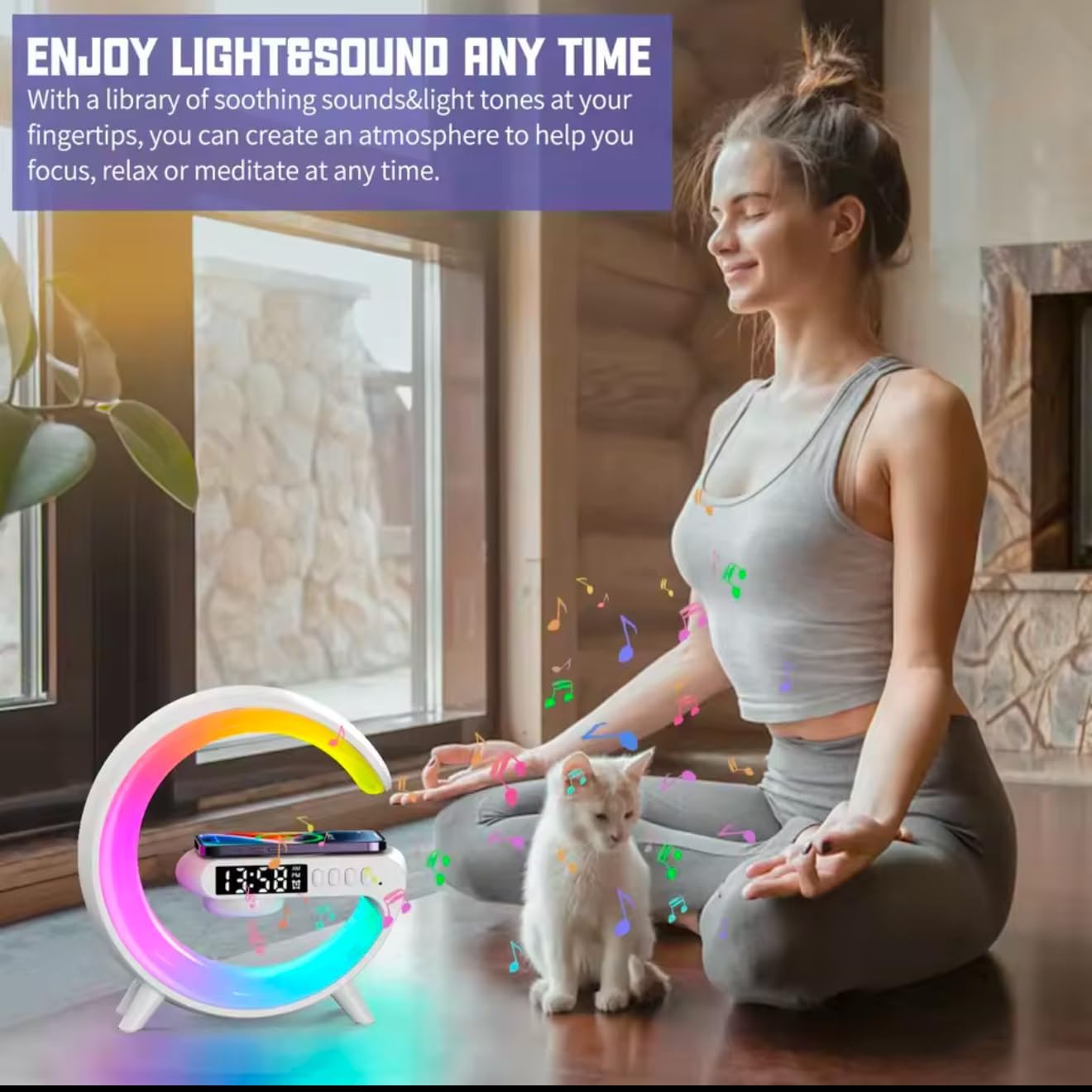
Image: A person meditating with the G-shaped lamp, illustrating how the device integrates light and sound to create a relaxing atmosphere.
Wireless Charging:
The lamp provides 15W fast wireless charging for compatible mobile phones.
- Place your Qi-compatible smartphone directly on the designated charging induction area on the lamp's base.
- Ensure the phone is centered on the charging pad for optimal connection.
- The phone's screen should indicate that it is charging.
Light Modes and Atmosphere Lighting:
The G-shaped lamp offers a variety of lighting options to suit your mood and environment.
- Color Modes: The lamp features 10 kinds of color modes, allowing you to choose from a spectrum of colors.
- Dynamic Lighting: Explore 256 light modes and 16 million light colors for a truly customizable ambiance.
- Adjusting Brightness: Use the dedicated buttons (often +/- or a rotary control) to adjust the brightness of the light.

Image: Children engaging with the G-shaped lamp, demonstrating its fun and interactive light modes with a vibrant display of colors.
Alarm Clock & Sunrise Wake-up Light:
Customize your wake-up experience with the integrated alarm clock and sunrise simulation.
- Setting Time: Use the time setting buttons (refer to specific button labels on your device) to set the current time.
- Setting Alarm: Press the Alarm button to enter alarm setting mode. Use the adjustment buttons to set your desired alarm time.
- Sunrise Simulation: The light will gently simulate a sunrise (in warm color) approximately 3 minutes before your set alarm time, gradually increasing in brightness to provide a natural wake-up experience.
- Snooze Function: Press any button (except power off) when the alarm sounds to activate snooze.
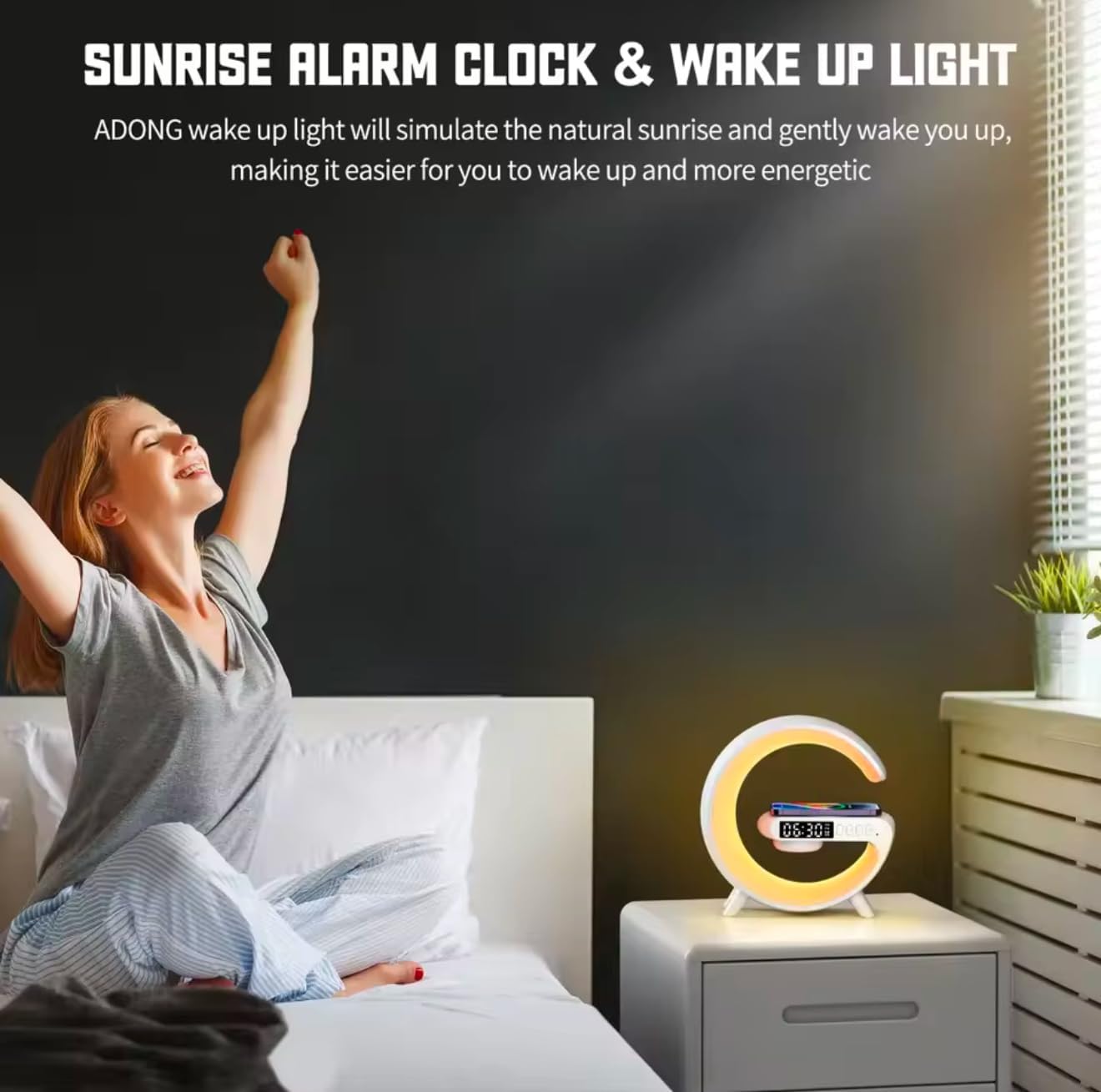
Image: A person waking up and stretching in bed, with the G-shaped lamp on a bedside table emitting a warm light, simulating a sunrise to aid in a gentle awakening.
Natural Sleep Aid Sound Machine:
The device may include a natural sleep aid sound machine feature. Refer to your device's specific controls to activate and select soothing sounds for relaxation or sleep.
Maintenance
To ensure the longevity and optimal performance of your G-shaped lamp, follow these maintenance guidelines:
- Cleaning: Wipe the device with a soft, dry, or slightly damp cloth. Do not use abrasive cleaners, solvents, or harsh chemicals.
- Storage: When not in use for extended periods, store the device in a cool, dry place away from direct sunlight.
- Avoid Obstructions: Ensure the wireless charging pad and speaker grille are free from dust and debris.
Troubleshooting
If you encounter any issues with your device, please refer to the following table:
| Problem | Possible Cause | Solution |
|---|---|---|
| Device does not power on. | No power connection or faulty adapter. | Ensure the USB cable is securely connected and the power adapter is working. Try a different outlet. |
| Bluetooth not connecting. | Device not in pairing mode, or too far from source. | Ensure Bluetooth is enabled on both devices. Move closer to the lamp. Restart both devices. |
| Wireless charging not working. | Phone not compatible, not aligned, or foreign objects. | Ensure your phone supports Qi wireless charging. Realign phone on the pad. Remove any metal objects or thick cases. |
| Light modes not changing. | Incorrect button press or temporary software glitch. | Refer to the operating instructions for light mode controls. Try restarting the device. |
| Alarm not sounding. | Alarm not set correctly or volume too low. | Verify alarm settings and ensure the alarm volume is audible. |
Specifications
| Feature | Detail |
|---|---|
| Model Number | G6 |
| Brand | Generic |
| Product Dimensions | 6"W x 6"H (approx. 6 x 1.5 x 6 inches) |
| Item Weight | 4.1 ounces |
| Power Source | Corded Electric |
| Wireless Charging Output | 15W (requires 9V/2A or 5V/2A adapter) |
| Bluetooth Version | 5.3 |
| Light Modes | 10 color modes, 256 light modes, 16 million colors |
| Display Type | Digital |
| Special Features | Adjustable Brightness, Alarm, Adjustable Volume, Charging Station, Sunrise Simulation |
| Material | Plastic |
| Indoor/Outdoor Usage | Indoor |
Warranty and Support
Upon opening the package, you will find this detailed instruction manual. If you encounter any issues during use, please do not hesitate to reach out to Treligate Customer Service. Ensuring your satisfaction is our service commitment, and we will do our utmost to provide you with a satisfactory solution.
For support, please refer to the contact information provided with your purchase or visit the official Treligate support website.