
brotect AirGlass Screen Protector for Zeblaze GTS 3 Pro
User Manual: BROTECT AirGlass Screen Protector
Model: AirGlass for Zeblaze GTS 3 Pro | Brand: brotect
1. Introduction
This user manual provides comprehensive instructions for the installation, use, and maintenance of your BROTECT AirGlass Hybrid-Glass Screen Protector, designed specifically for the Zeblaze GTS 3 Pro smartwatch. Please read this manual carefully before proceeding with installation to ensure optimal performance and longevity of your screen protector.

Figure 1: BROTECT AirGlass Screen Protector for Zeblaze GTS 3 Pro.
2. What's in the Box
Each package of the BROTECT AirGlass Screen Protector for Zeblaze GTS 3 Pro contains the following items:
- 6x BROTECT AirGlass Glass Screen Protectors compatible with Zeblaze GTS 3 Pro
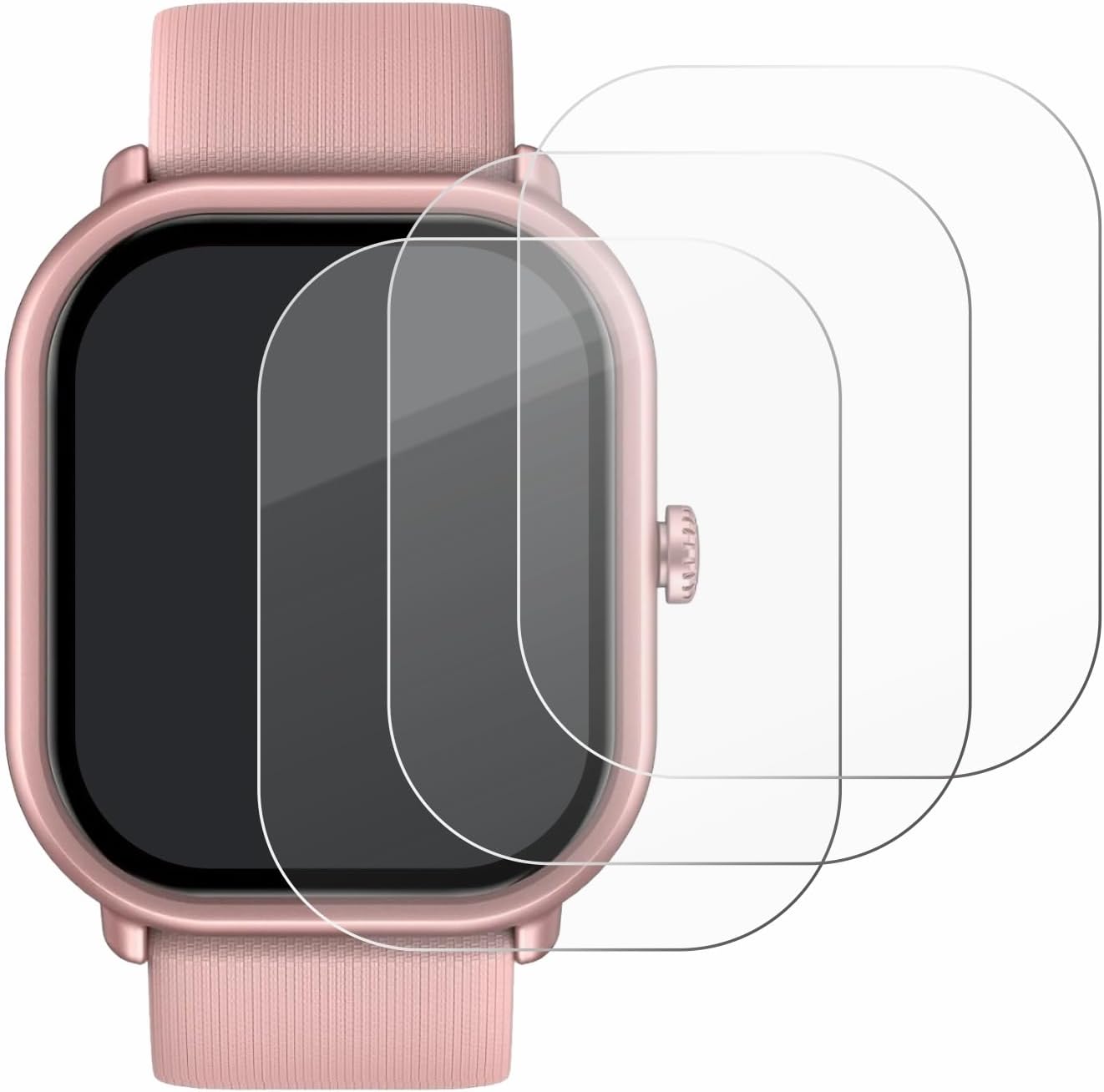
Figure 2: Contents of the BROTECT AirGlass Screen Protector package.
3. Setup and Installation
Proper installation is crucial for the performance and longevity of your screen protector. Follow these steps carefully:
- Prepare the Surface: Locate a dust-free area (e.g., bathroom) and thoroughly clean the device's screen to remove any dust, dirt, or smudges. Use a microfiber cloth for best results.
- Remove Protective Film (Step 1): Carefully peel off half of the first protective film from the screen protector. Align the exposed adhesive side of the screen protector with one edge of your device's screen. Ensure it is perfectly centered.
- Apply and Smooth: Once aligned, slowly lower the screen protector onto the device. Use a credit card or a soft, flat tool to gently smooth the screen protector from the aligned edge towards the opposite side, pushing out any air bubbles as you go. Simultaneously, peel off the remaining protective film as you smooth.
- Remove Remaining Bubbles: If any small air bubbles remain, gently push them towards the edges of the screen protector using the credit card or soft tool. Minor bubbles typically disappear within 24-48 hours.

Figure 3: Visual guide for screen protector installation.
4. Product Features and Usage
The BROTECT AirGlass Hybrid-Glass Screen Protector offers advanced protection and maintains the original display quality of your Zeblaze GTS 3 Pro. Key features include:
- 9H Extreme Hardness: Provides robust protection against scratches and impacts, similar to traditional tempered glass, despite being significantly thinner.
- Ultra-Thin and Flexible: At 2x thinner than standard tempered glass, it offers superior flexibility without compromising protection.
- High Transparency: Ensures crystal-clear viewing of your device's screen content with no distortion.
- Anti-Fingerprint Layer: Reduces smudges and fingerprints, keeping your screen cleaner.
- Bubble-Free Installation: The optimized adhesive layer allows for smooth, easy, and bubble-free application.

Figure 4: Key features of the BROTECT AirGlass Screen Protector.

Figure 5: The flexible nature of AirGlass technology.
5. Maintenance
To maintain the clarity and effectiveness of your screen protector:
- Cleaning: Use a soft, lint-free cloth to wipe the screen protector. For stubborn smudges, slightly dampen the cloth with water or a screen cleaner designed for electronics. Avoid harsh chemicals or abrasive materials.
- Avoid Sharp Objects: While the protector is scratch-resistant, extreme pressure from sharp objects can still cause damage.
- Replacement: If the screen protector becomes heavily scratched or damaged, it is recommended to replace it to maintain optimal screen visibility and protection for your device.
6. Troubleshooting
| Problem | Possible Cause | Solution |
|---|---|---|
| Bubbles after installation | Dust particles trapped underneath, or uneven application. | Gently lift the nearest edge of the protector and re-apply, pushing out bubbles with a card. For small bubbles, wait 24-48 hours as they may dissipate. Ensure the screen is completely dust-free before application. |
| Protector not adhering properly | Screen not clean, or protector misaligned. | Ensure the screen is thoroughly cleaned before application. Re-align the protector carefully. If the adhesive is compromised by excessive dust, a new protector may be required. |
| Reduced touch sensitivity | Rare, but can occur if protector is not fully adhered or if there's a manufacturing defect. | Ensure the protector is fully adhered without air gaps. If the issue persists, contact customer support for assistance. |
7. Specifications
| Attribute | Detail |
|---|---|
| Product Name | BROTECT AirGlass Hybrid-Glass Screen Protector |
| Compatible Device | Zeblaze GTS 3 Pro |
| Material | Hybrid-Glass (AirGlass) |
| Hardness | 9H (Extreme Hardness) |
| Special Features | High-Transparency, Anti-Fingerprint, Bubble-Free, Flexible |
| Number of Items | 6 per pack |
| Color | Clear |
| Product Dimensions | 6.69 x 4.13 x 0.5 inches (Packaging) |
| Item Weight | 0.409 ounces |
| Manufacturer | BROTECT |
| Country of Origin | Germany |
| ASIN | B0F1QG1BTM |
8. Warranty and Support
BROTECT products are manufactured with high quality standards in Germany. For specific warranty information or technical support, please refer to the official BROTECT website or contact your retailer.

Figure 6: BROTECT Quality and Warranty Seal.
For further assistance, you may also refer to the seller's information on the product page where you purchased this item.
Manufacturer: BROTECT