
1. Introduction
Welcome to the Philips Norelco Shaver i9000 Prestige Ultra experience. This advanced electric shaver is engineered for an exceptionally close and comfortable shave, utilizing cutting-edge SenseIQ Pro Technology and a Triple Action Lift & Cut system. This manual provides essential information for the safe and effective use, setup, operation, and maintenance of your new shaver.
2. Safety Information
Please read all safety warnings and instructions carefully before using the shaver.
- Always hold the shaver away from your face when turning it on or off.
- Exercise caution when using the shaver on wet skin or in the shower to prevent slips.
- Always unplug the shaver before cleaning or replacing any parts.
- Allow the shaver to cool down completely before storing it.
- Keep the shaver out of reach of children and pets at all times.
- Adhere strictly to the cleaning and maintenance instructions to prevent bacterial growth and ensure optimal performance.
- Do not use the shaver if the power cord is damaged or if the device has been dropped in water.
3. What's in the Box
Your Philips Norelco Shaver i9000 Prestige Ultra package includes the following components:

Figure 1: Philips Norelco Shaver i9000 Prestige Ultra with UV power case, quick clean pod, precision trimmer, and USB-A charging cable.
- Philips Norelco Shaver i9000 Prestige Ultra (XP9401/92)
- UV Power Case (for charging and sanitization)
- Quick Clean Pod (for deep cleaning)
- Precision Trimmer attachment
- USB-A Charging Cable (Power adapter not included)
4. Setup
4.1 Initial Charging
Before first use, fully charge your shaver. Connect the USB-A charging cable to the UV Power Case or directly to the shaver, then plug the USB-A end into a compatible power adapter (not included). The display will show the battery percentage. A full charge provides up to 6 weeks of shaving time.
4.2 Attaching Shaving Heads/Attachments
The shaver features interchangeable heads. To attach or remove a head:
- Gently pull the current shaving head straight off the shaver handle.
- Align the desired attachment (e.g., Precision Trimmer or the main shaving head) with the shaver handle.
- Push the attachment straight down onto the handle until it clicks securely into place. Do not twist.
5. Operating Instructions
5.1 Basic Shaving (Wet & Dry)
The Philips Norelco i9000 Prestige Ultra is designed for both wet and dry shaving. You can use it dry for convenience or with shaving foam/gel for a refreshing wet shave.
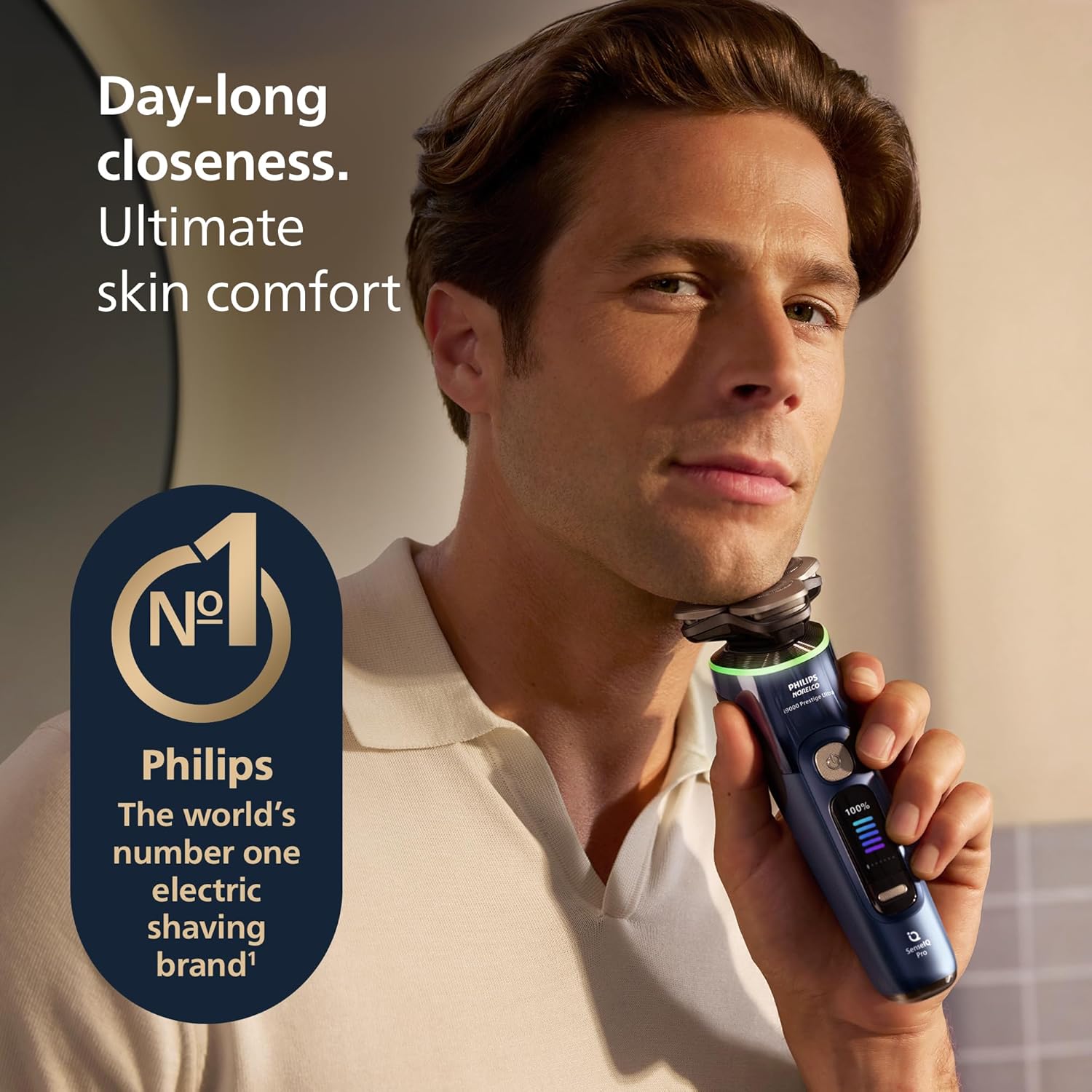
Figure 2: Man using the shaver for a day-long close shave.
For optimal results, move the shaver in small, circular motions over your skin. The 360° Precision Flexing Heads adapt to your facial contours, ensuring maximum skin contact.
5.2 SenseIQ Pro Technology & Shaving Modes
The shaver is powered by AI with SenseIQ Pro Technology, offering a personalized shaving experience. It features a dual-function Pressure and Motion Sensor with real-time light guidance and 5 custom shaving modes.

Figure 3: SenseIQ Pro features including 5 shaving modes, pressure & motion guidance, and Hydro SkinGlide coating.
- Light Guidance: The shaver provides real-time feedback through LED lights around the shaving head. Blue indicates too little pressure, green indicates optimal pressure, and orange indicates too much pressure.
- Shaving Modes: Select from 5 custom shaving modes (e.g., Sensitive, Regular, Intense, Foam, Custom) via the shaver's display to match your skin type and beard density. The 'Custom' mode allows for personalized settings via the app.
5.3 Using the Precision Trimmer
Attach the Precision Trimmer for detailing sideburns, mustaches, or hard-to-reach areas. Use gentle, controlled strokes for precise styling.
6. Maintenance & Cleaning
6.1 Quick Clean Pod
For thorough cleaning, use the Quick Clean Pod. Place the shaver head-down into the pod. The shaver will automatically initiate a 60-second cleaning cycle, indicated by a countdown timer on the display. After cleaning, allow the shaver head to air dry; do not wipe with a cloth or paper towel to avoid damaging the blades or leaving lint.
6.2 UV Power Case
The UV Power Case not only charges your shaver but also kills 99.9% of bacteria, ensuring hygienic use. Place the shaver in the UV Power Case for charging and sanitization.
6.3 General Cleaning
After each shave, rinse the shaver head under running water. For a more thorough clean, open the shaving head by pressing the release button and rinse the inside. Ensure all hair clippings are removed. Allow the shaver to air dry completely before reassembling or storing.
7. Key Features Explained
- Triple Action Lift & Cut System: Gently lifts hair to cut it at root-level (up to -0.08mm below skin) for a day-long close shave, even in hard-to-shave areas.
- 360° Precision Flexing Heads: Provides 20% more precision compared to previous models, adapting to every curve of your face and neck for optimal contact.
- NanoTech Precision Blades: Features 360 rotating NanoTech Precision blades with 165,000 cutting actions per minute, designed to efficiently cut hair in any direction, even on a 7-day beard.
- Hydro SkinGlide Coating: A coating with 500,000 hydrophilic beads per cm² reduces friction by 50%, ensuring a smoother glide and ultimate skin comfort.
- Bluetooth Enabled & Custom Color Display: Connects to an app for personalized settings and efficiency tracking, displayed on a full custom color screen.
8. Specifications
| Feature | Detail |
|---|---|
| Model Name | i9000 Prestige Ultra |
| Item Model Number | XP9401/92 |
| Brand | Norelco |
| Power Source | Battery Powered (1 Lithium Ion battery included) |
| Special Feature | NanoTech Dual Precision Blades, SenseIQ Pro Technology |
| Recommended Uses | Beard, Face, Mustache, Sideburns |
| Package Dimensions | 9.57 x 6.85 x 6.73 inches; 3.35 Pounds |
| Date First Available | March 17, 2025 |
9. Troubleshooting
9.1 Common Issues & Solutions
- Shaver not turning on/charging: Ensure the charging cable is securely connected to both the shaver/UV Power Case and a functional power adapter. If using the UV Power Case, verify it is properly connected to power.
- UV Power Case not working: If the UV Power Case charges but does not initiate cleaning or UV sanitization, ensure the shaver is correctly seated. If issues persist, contact Philips Norelco customer service.
- Battery drains quickly: If the shaver's battery drains faster than expected, especially when connected to the app, ensure the app is closed when not in use. If the issue continues, contact customer support.
- Less clean shave/irritation: Ensure the shaving heads are clean and free of debris. Replace shaving heads every 12 months for optimal performance. Use the light guidance feature to ensure correct pressure and motion during shaving.
10. Warranty & Support
The Philips Norelco Shaver i9000 Prestige Ultra is designed to last and built for the future. Enjoy ultimate reliability and performance every day. Register your product to enjoy up to a 7-year warranty.
For further support, troubleshooting, or warranty claims, please visit the official Philips Norelco website or contact their customer service directly.
11. Official Product Video
Video 1: Official Philips Norelco i9000 Series product overview, showcasing key features and benefits.


