
DUMOS CH2776-YE
DUMOS Office Desk Chair Instruction Manual
Model: CH2776-YE | Brand: DUMOS
Introduction
Welcome to your new DUMOS Office Desk Chair. This manual provides detailed instructions for assembly, operation, maintenance, and troubleshooting to ensure you get the most out of your chair. Please read this manual thoroughly before assembly and use.
Safety Information
- Ensure all parts are present and undamaged before assembly.
- Do not stand on the chair.
- Do not use the chair if any components are missing or damaged.
- Keep small parts away from children.
- Do not use abrasive cleaners on the chair's surfaces.
- Maximum weight capacity: 250 pounds.
Parts List
Before assembly, verify that all components listed below are included in your package.
| Item | Description | Quantity |
|---|---|---|
| (1) | Back Cushion | 1 |
| (2) | Seat Cushion | 1 |
| (3) | Mechanism | 1 |
| (4) | Gas Lift | 1 |
| (5) | Casters | 5 |
| (6) | Five-Star Base | 1 |
| (7) | Base Legs | 5 |
| (8) | Bolts (for base legs) | 10 |
| (9) | Bolts (for mechanism) | 4 |
| (10) | Bolts (for back cushion) | 4 |
| (11) | Wrench | 1 |
Assembly Instructions
Follow these steps carefully to assemble your DUMOS Office Desk Chair. An assembly video is provided for visual guidance.
Assembly Video
This video demonstrates the complete assembly process for the DUMOS Office Desk Chair.
Step-by-Step Assembly
Step 1: Assemble the Chair Base. Turn the Five-Star Base (6) upside down. Insert the Base Legs (7) one by one into the Five-Star Base. Next, screw ten Bolts (8) into the pre-drilled holes with the Wrench (11) to attach the base and the legs securely.
Step 2: Attach the Casters. Press the Casters (5) firmly into the holes at the end of each Base Leg (7). Ensure they are securely seated.
Step 3: Insert the Gas Lift. Insert the Gas Lift (4) into the central hole of the assembled Five-Star Base (6).
Step 4: Attach the Mechanism to the Seat Cushion. Align the Mechanism (3) over the pre-drilled holes underneath the Seat Cushion (2). Make sure the front of the mechanism is facing the front of the seat. Attach the Mechanism to the Seat with four Bolts (9), and tighten all bolts with the Wrench (11).
Step 5: Attach the Back Cushion to the Seat Cushion. Turn the Back Cushion (1) upright and attach the Seat Cushion (2) while aligning four holes on the seat and mechanism. Attach four Bolts (10) with the Wrench (11).
Step 6: Connect the Seat Assembly to the Gas Lift. Align the hole at the bottom of the seat assembly with the Gas Lift (4). Carefully put the body of the chair onto the Gas Lift, pressing down firmly to secure it.
Your DUMOS Office Desk Chair is now assembled.
Operating Instructions
Your DUMOS Office Desk Chair is designed for comfort and versatility.
Height Adjustment
To adjust the chair's height, locate the lever on the right side underneath the seat.
- To raise the chair: While seated, lift the lever and slightly lift your weight off the seat. The chair will rise. Release the lever at the desired height.
- To lower the chair: While seated, lift the lever and apply pressure to the seat. The chair will lower. Release the lever at the desired height.

Image: A close-up of the chair's height adjustment lever and the gas lift mechanism.
Swivel Function
The chair features a 360-degree swivel function, allowing for easy rotation without moving the base. Simply rotate the seat in any direction.
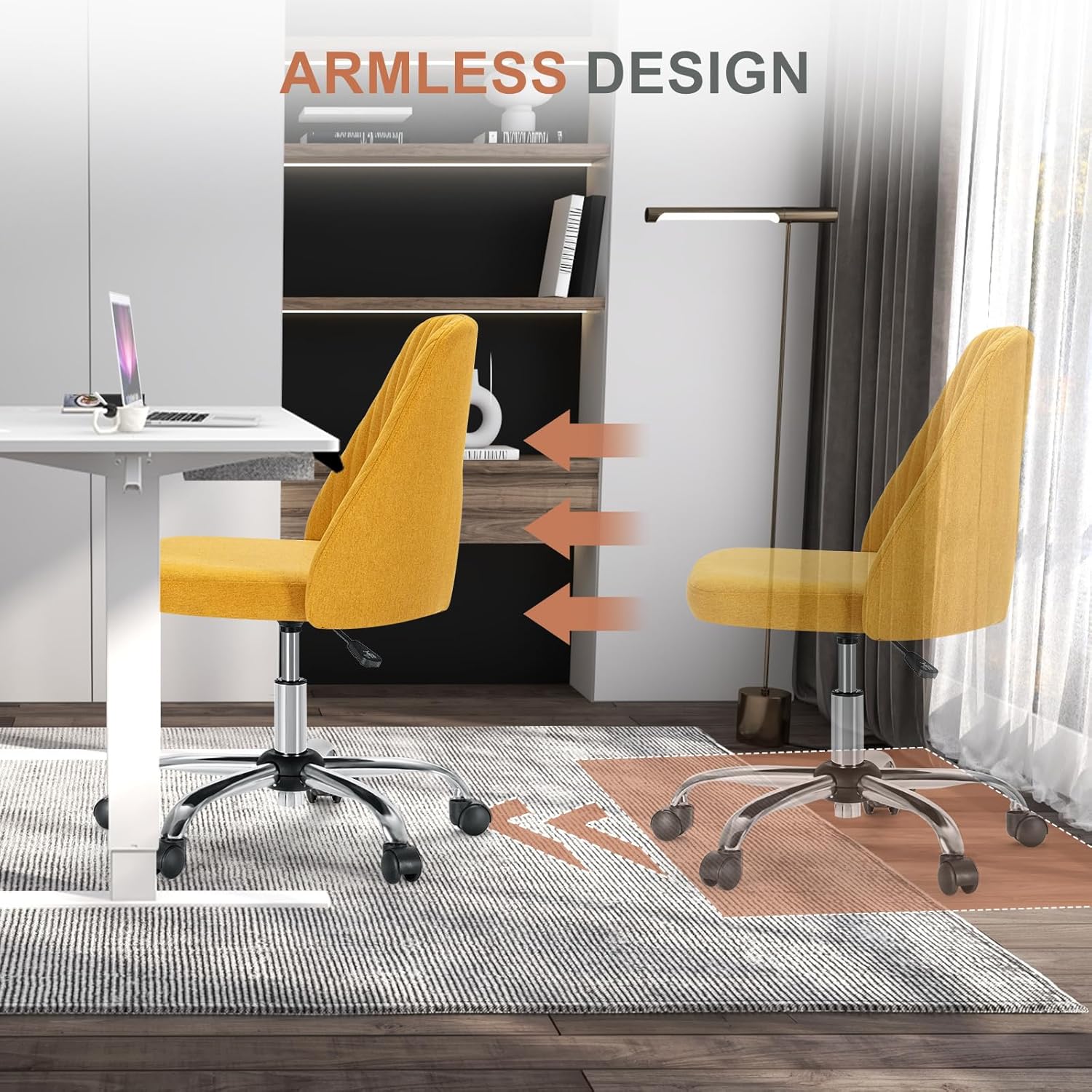
Image: An illustration showing the 360-degree rotation capability of the chair.
Mobility
The chair is equipped with smooth-rolling casters for easy movement across various floor surfaces.
Image: A close-up of the chair's flexible caster wheels.
Maintenance
Cleaning
- For fabric surfaces: Spot clean with a mild detergent and a damp cloth. Blot dry. Do not saturate the fabric.
- For metal parts: Wipe with a soft, dry cloth. Avoid abrasive cleaners.
General Care
- Periodically check all bolts and screws to ensure they are tight. Retighten if necessary.
- Avoid exposing the chair to direct sunlight or extreme temperatures to prevent fading or material degradation.
- Do not use the chair on uneven surfaces.
Troubleshooting
| Problem | Possible Cause | Solution |
|---|---|---|
| Chair does not adjust height. | Gas lift not properly installed or damaged. | Ensure the gas lift is fully inserted into the base and the mechanism. If still not working, the gas lift may need replacement. |
| Chair wobbles. | Loose bolts or uneven floor. | Check and tighten all assembly bolts. Ensure the chair is on a flat, even surface. |
| Casters not rolling smoothly. | Debris in casters or casters not fully inserted. | Remove any hair or debris from the caster wheels. Ensure casters are fully pressed into the base legs. |
| Squeaking noise. | Loose connections or friction. | Tighten all bolts. Apply a small amount of silicone spray to moving metal parts if the noise persists. |
Specifications
| Feature | Detail |
|---|---|
| Brand | DUMOS |
| Model Name | Office Desk Chair |
| Model Number | CH2776-YE |
| Color | Butter |
| Product Dimensions | 17"D x 17"W x 33"H |
| Item Weight | 16 pounds |
| Maximum Weight Recommendation | 250 Pounds |
| Back Style | Mid Back |
| Arm Style | Armless |
| Furniture Base Movement | Swivel |
| Fill Material | Foam |
| UPC | 762501481015 |
Warranty and Support
For warranty information or technical support, please contact DUMOS customer service. Refer to your purchase documentation for specific warranty terms and contact details.
You can also visit the official DUMOS store for more information: DUMOS Store on Amazon.
Ask a question about this manual
Ask about setup, troubleshooting, compatibility, parts, safety, or missing instructions. Manuals+ will review the question and use this page’s manual context to help answer it.