
innioasis Y1
Innioasis Y1 MP3 Player User Manual
Model: Y1-128G
Introduction
This manual provides comprehensive instructions for the Innioasis Y1 MP3 Player. Please read this manual carefully before using the device to ensure proper operation and to maximize its features. Keep this manual for future reference.
Package Contents
- Digital MP3 Player (Y1) x1
- Wired Headphones x1
- User Manual x1
Device Overview
Familiarize yourself with the physical components and interface of your Innioasis Y1 MP3 Player.

Image: Front view of the Innioasis Y1 MP3 Player, yellow in color, displaying the main menu on its screen and the circular click wheel for navigation.
Controls and Ports
- Screen: Displays menus, music information, videos, and photos.
- Click Wheel: Used for navigation, selection, and volume control.
- Headphone Jack: 3.5mm port for wired headphones.
- USB Port: For charging and data transfer.
- Built-in Speaker: For audio playback without headphones.
Setup
Charging the Device
Before first use, fully charge your Innioasis Y1 MP3 Player. Connect the device to a USB power adapter (not included) or a computer's USB port using the provided USB cable. The battery indicator on the screen will show charging status.

Image: The Innioasis Y1 MP3 Player connected to a charging cable, illustrating the charging process and the device's long battery life capability.
Transferring Music and Files
To transfer music, videos, or other files to your device:
- Connect the Y1 MP3 Player to your computer using the USB cable.
- The device will appear as a removable disk drive on your computer.
- Open the device's storage. You can drag and drop your audio, video, and image files into the respective folders (e.g., "Music", "Videos", "Photos").
- For audiobooks, create a folder named "audio book" and place your audiobook files inside.
- Safely eject the device from your computer before disconnecting the USB cable.

Image: The Innioasis Y1 MP3 Player connected to a laptop, demonstrating the process of transferring audiobook files to the device's "audio book" folder.
Operating Instructions
Basic Navigation
The Innioasis Y1 uses a classic click wheel for navigation. Touch and rotate the outer ring to scroll through menus and options. Press the center button to select an item.

Image: A detailed view of the classic click wheel control on the Innioasis Y1 MP3 Player, highlighting its touch and rotate functionality for light, compact, and portable operation.
Music Playback
The Y1 supports 21 music formats including MP3, WAV, FLAC, APE, OGG, M4A, AAC, WMA, MP2, AMR, MID, M4R, MMF, WV, AIF, AIFF, AU, RA, MKA, AC3, CAF.

Image: The Innioasis Y1 MP3 Player showing a music track playing, with visual representations of 21 compatible music formats such as MP3, WAV, FLAC, and AAC.
To play music:
- From the main menu, select "Music".
- Browse by Artist, Album, Genres, or access your custom playlists. You can also browse by "Folders".
- Select a song to begin playback.
The device offers features like shuffle, loop, custom EQ, and song search to enhance your listening experience.

Image: The Innioasis Y1 MP3 Player's screen displaying its powerful music management features, including song categorization, playlist creation, and search functionality.
Bluetooth Connectivity
The Y1 MP3 Player features Bluetooth 4.2 for stable connections with headphones, speakers, and car stereos.

Image: The Innioasis Y1 MP3 Player's screen displaying the Bluetooth settings, indicating fast pairing and stable connection capabilities with various Bluetooth audio devices.
To pair a Bluetooth device:
- Go to the "Bluetooth" menu from the main screen.
- Turn Bluetooth "On".
- The player will scan for available devices. Select your device from the list to pair.
Video Playback
The Y1 MP4 supports 720p video playback. For optimal performance, use wired headphones and maintain 50% brightness. Higher resolutions (>720p) may result in out-of-sync audio and video.
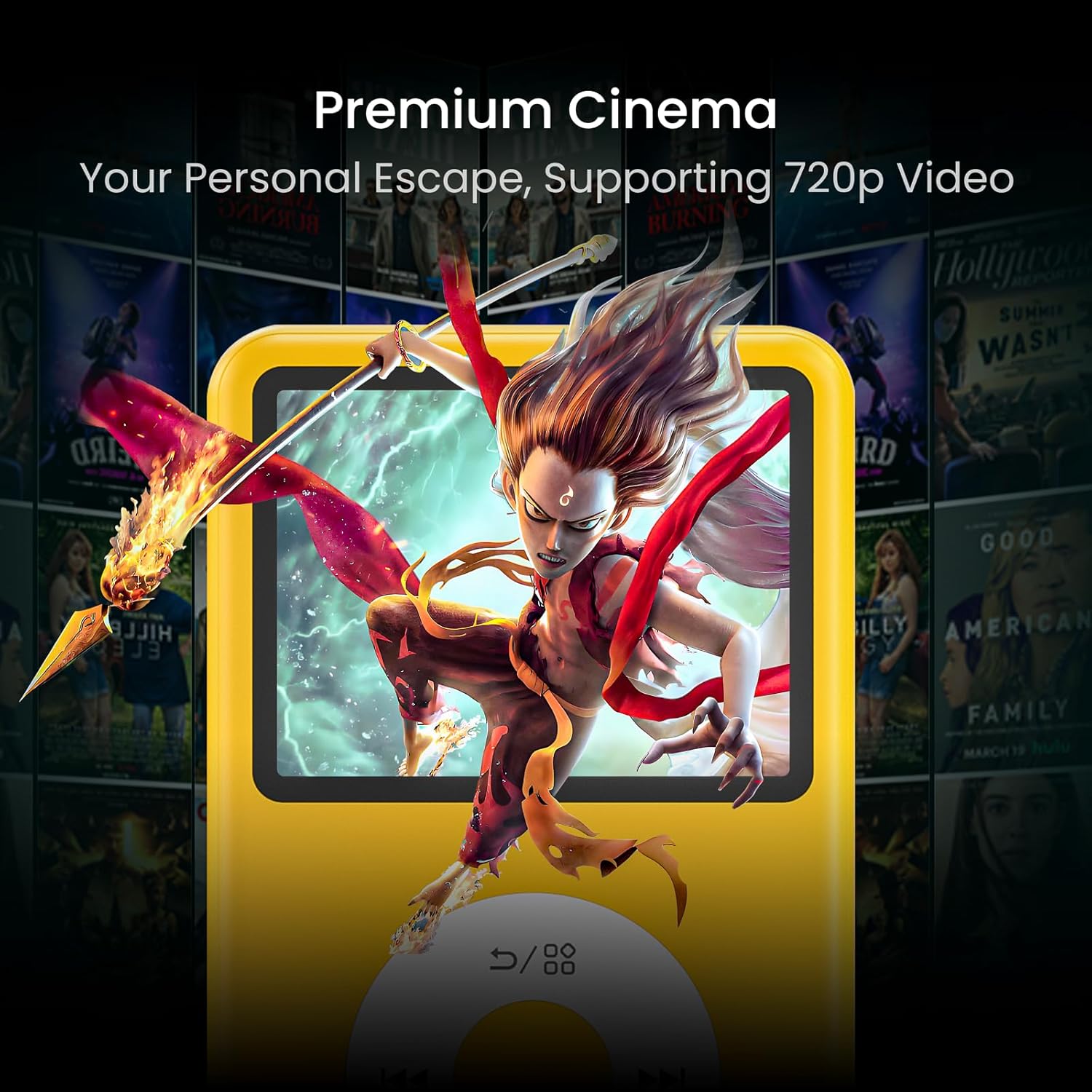
Image: The Innioasis Y1 MP3 Player showcasing its video playback capability, supporting 720p resolution for a personal viewing experience.
Audiobook Player
The Y1 functions as an audiobook player with features like A-B repeat, bookmarking, and speed options.

Image: The Innioasis Y1 MP3 Player displaying a list of audiobooks, demonstrating its dedicated audiobook support.
To create a bookmark, long-press during audiobook playback. Bookmarks can be found under the "Audio Books" menu.
FM Radio and Recording
The built-in FM radio app allows you to listen to and record your favorite shows. You can switch audio output between a Bluetooth headset or the built-in speaker.
Maintenance
Battery Life
The Y1 MP3 Player has a 1250mAh lithium battery, providing 25-35 hours of continuous music playback. For video, it supports 4 hours of uninterrupted 720p playback at 50% brightness with wired headphones at max volume.
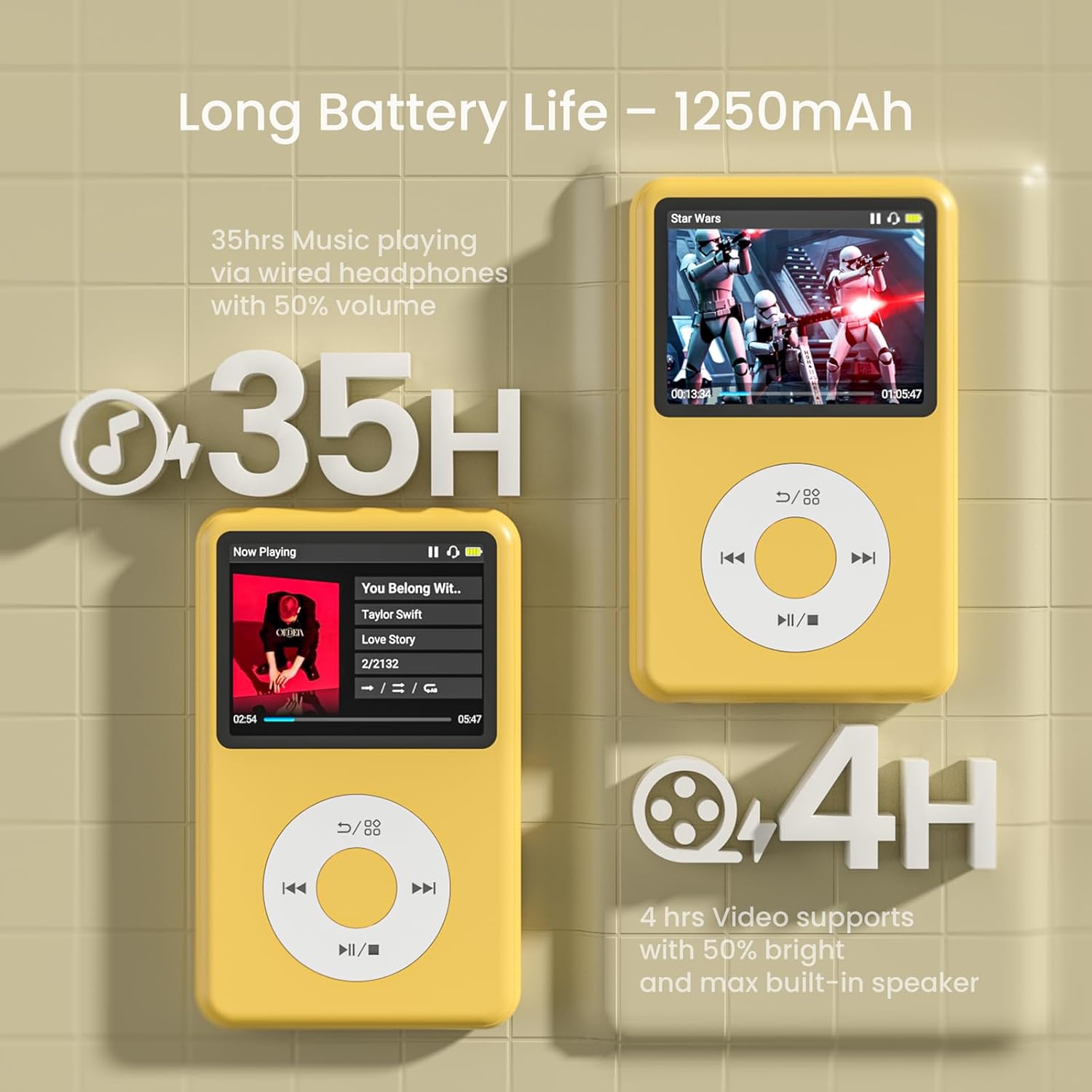
Image: Visual representation of the Innioasis Y1 MP3 Player's long battery life, indicating up to 35 hours of music playback and 4 hours of video playback.
Cleaning and Care
- Wipe the device with a soft, dry cloth.
- Avoid using harsh chemicals or abrasive materials.
- Keep the device away from water and extreme temperatures.
Troubleshooting
| Problem | Possible Cause | Solution |
|---|---|---|
| Device does not turn on. | Low battery; device frozen. | Charge the device for at least 30 minutes. If still unresponsive, perform a hard reset (refer to device overview for reset button location, if any, or hold power button for 10-15 seconds). |
| Cannot connect to Bluetooth device. | Bluetooth not enabled; device out of range; pairing issue. | Ensure Bluetooth is enabled on both devices. Move devices closer. Try unpairing and re-pairing. Ensure the other device is in pairing mode. |
| Audio/Video out of sync during video playback. | Video resolution too high. | Ensure video resolution is 720p or lower. Convert video files if necessary. |
| Files not appearing on device after transfer. | Incorrect file format; files placed in wrong folder. | Verify file formats are supported (e.g., MP3, WAV for audio). Ensure files are placed in the correct corresponding folders (Music, Videos, Photos, audio book). |
Specifications
- Model Name: Y1-128G
- Product Dimensions: 3.86 x 2.4 x 0.35 inches
- Item Weight: 6 ounces
- Manufacturer: innioasis
- ASIN: B0F1MT32C2
- Country of Origin: China
- Batteries: 1 Nonstandard Battery (included)
- Connectivity Technology: Bluetooth 4.2
- Memory Storage Capacity: 128 GB (internal, non-expandable)
- Color: Yellow
- Screen Size: 2.4 inches
- Display Technology: LCD
- Supported Audio Formats: MP3, WAV, FLAC, APE, OGG, M4A, AAC, WMA, MP2, AMR, MID, M4R, MMF, WV, AIF, AIFF, AU, RA, MKA, AC3, CAF
- Supported Video Resolution: Up to 720p
- Battery Life (Music): 25-35 hours
- Battery Life (Video): 4 hours (720p, 50% brightness, max volume wired headphones)
- Special Feature: Built-In Speaker, Click Wheel Operation
Warranty and Support
Warranty Information
For information regarding product warranty, please refer to the warranty card included with your purchase or contact Innioasis customer support directly. Keep your proof of purchase for warranty claims.
Customer Support
If you encounter any issues or have questions not covered in this manual, please contact Innioasis customer support. Visit the official Innioasis store on Amazon for contact details and further assistance:
Related documentsY1


Ask a question about this manual
Ask about setup, troubleshooting, compatibility, parts, safety, or missing instructions. Manuals+ will review the question and use this page’s manual context to help answer it.