
1. Introduction
Thank you for choosing the Soundcast XD15 DSP Active Speaker. This 15-inch bi-amplified speaker is designed to deliver powerful and clear audio for various applications, including parties, bars, restaurants, schools, lectures, churches, and social events. It features a robust 1500W peak power output, Bluetooth TWS connectivity, and integrated DSP presets for optimized sound. This manual provides essential information for safe and effective use of your XD15 DSP speaker.
2. Safety Information
Please read all safety instructions carefully before operating the device.
- Power Supply: Connect the speaker only to a power source specified in this manual or on the unit. Ensure the voltage (100-240V, 50/60Hz) matches your local power supply.
- Grounding: Do not defeat the safety purpose of the polarized or grounding-type plug.
- Ventilation: Do not block any ventilation openings. Install in accordance with the manufacturer's instructions.
- Water and Moisture: Do not use this apparatus near water or expose it to dripping or splashing.
- Heat: Do not install near any heat sources such as radiators, heat registers, stoves, or other apparatus (including amplifiers) that produce heat.
- Cables: Protect the power cord from being walked on or pinched, particularly at plugs, convenience receptacles, and the point where they exit from the apparatus.
- Servicing: Refer all servicing to qualified service personnel. Servicing is required when the apparatus has been damaged in any way, such as power-supply cord or plug is damaged, liquid has been spilled or objects have fallen into the apparatus, the apparatus has been exposed to rain or moisture, does not operate normally, or has been dropped.
- High Volume: Prolonged exposure to high volume levels can cause permanent hearing damage. Use caution when setting volume levels.
3. Package Contents
Please check the box for the following items:
- Soundcast XD15 DSP Active Speaker
- Power Cable
- User Manual (this document)
If any items are missing or damaged, please contact your dealer immediately.
4. Product Overview
The Soundcast XD15 DSP is a versatile active speaker featuring a 15-inch woofer and a 2-inch titanium driver. It includes a comprehensive control panel for various audio inputs, DSP sound processing, and Bluetooth connectivity.
4.1 Rear Panel Controls and Connections
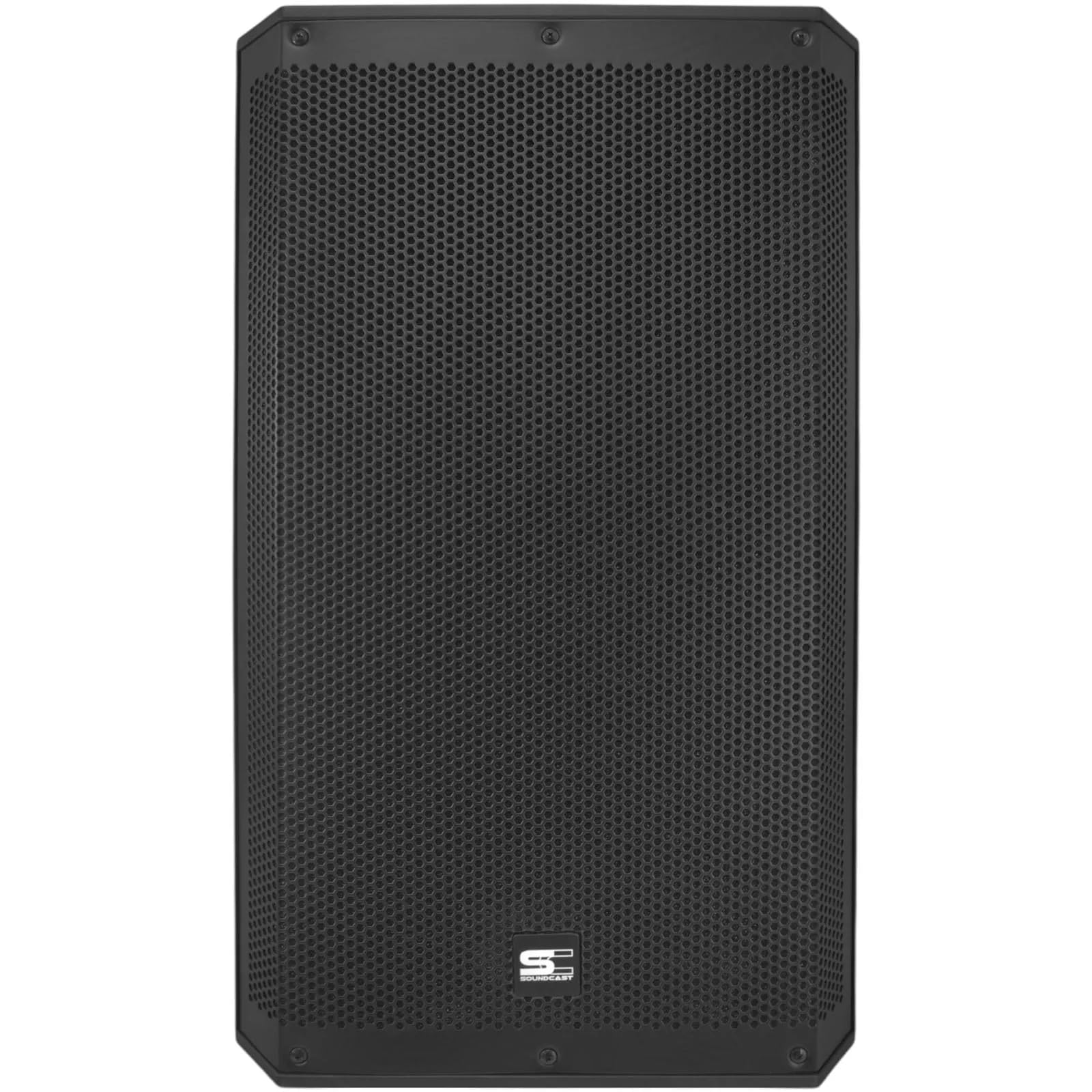
Figure 1: Rear Control Panel of the XD15 DSP Speaker
The rear panel houses all the essential controls and connection points for the speaker. This includes power input, audio inputs, output, volume controls, and the integrated media player with DSP functions.

Figure 2: Detailed View of Media Player and Channel Controls
- Power Switch: Turns the speaker on or off.
- AC Input: Connects the power cable.
- USB/SD Slots: For playing audio files from USB drives or SD cards.
- Bluetooth Display: Shows Bluetooth status and media player information.
- Media Player Controls: Buttons for play/pause, skip tracks, mode selection (USB, SD, Bluetooth).
- TWS Button: Initiates True Wireless Stereo pairing.
- DSP Presets: Buttons for selecting 'Music', 'Speech', or 'Flat' sound modes.
- CH1 Level: Volume control for Channel 1 input.
- MP3/CH1 Switch: Selects between the media player (MP3/USB/SD/BT) or the CH1 Combo/RCA input.
- CH2 Level: Volume control for Channel 2 input.
- CH1 Input (Combo XLR/P10): Accepts XLR or 1/4" TRS/TS connectors.
- RCA Stereo Input: Line-level input for devices with RCA outputs.
- CH2 Input (XLR): Accepts XLR connectors.
- LINE OUT (XLR-M): Provides a balanced output signal for connecting to other speakers or audio devices.
- Indicators: Power, Signal, Limit, DSP mode indicators.
4.2 Physical Features
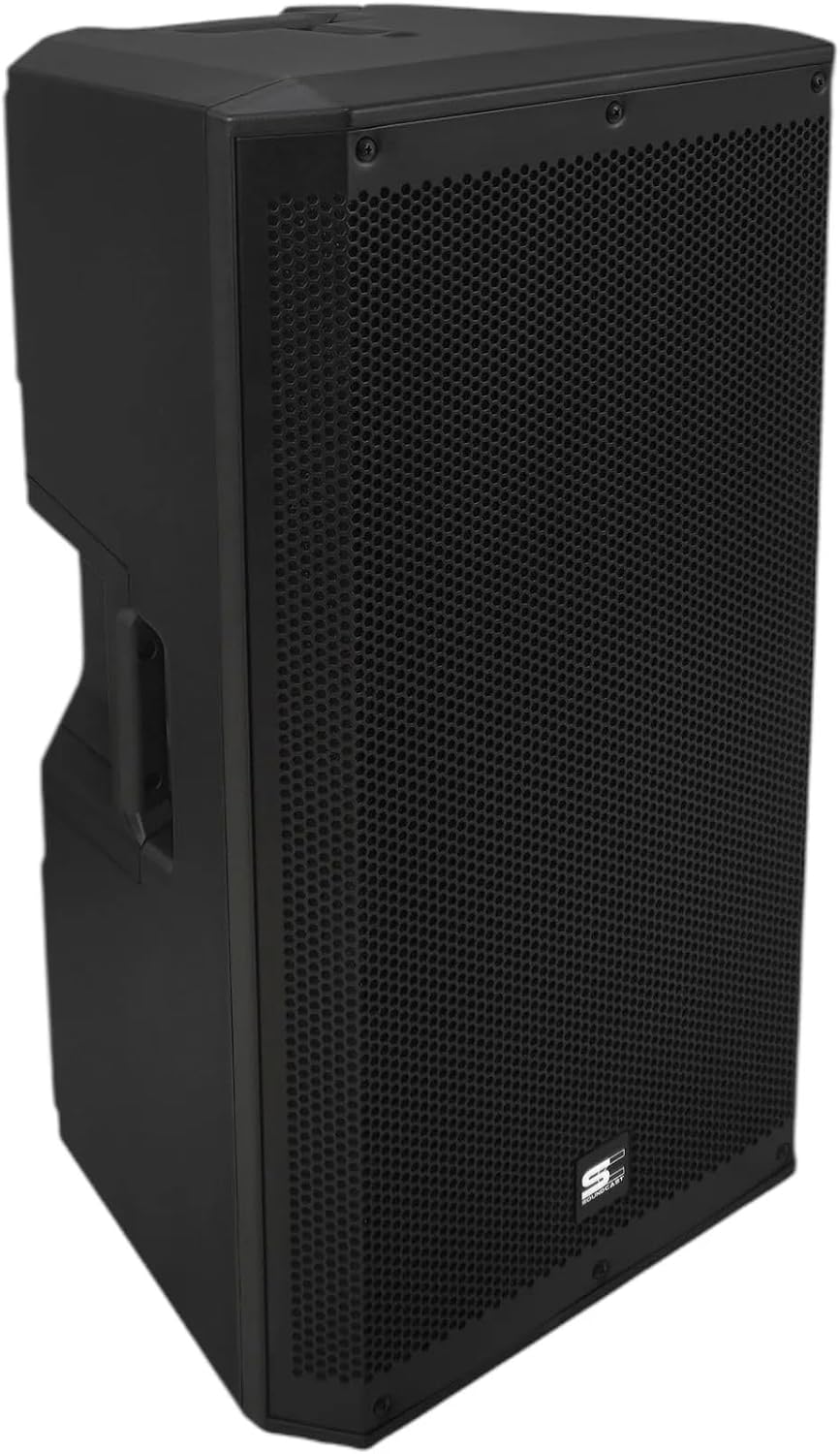
Figure 3: Overall View of the XD15 DSP Speaker
- Cabinet: H-PP material with acoustic fabric metal grille for durability and sound protection.
- Handles: One handle on top and two on the sides for easy transport.
- Pole Mount: Standard socket for mounting on a speaker stand.
- Suspension Points: Three points for suspended installation.
5. Setup
5.1 Placement
- Floor Placement: Place the speaker on a stable, flat surface.
- Speaker Stand: Insert the speaker onto a standard speaker pole mount. Ensure the stand is stable and rated for the speaker's weight (24 kg).
- Suspension: For suspended installations, use appropriate rigging hardware and consult with a qualified professional.
5.2 Power Connection
- Ensure the power switch on the speaker is in the OFF position.
- Connect the supplied power cable to the AC Input on the rear panel.
- Plug the other end of the power cable into a suitable electrical outlet (100-240V, 50/60Hz).
5.3 Audio Connections
The XD15 DSP offers multiple input options:
- Channel 1 (Combo XLR/P10): Connect microphones, mixers, or other line-level devices using an XLR or 1/4" TRS/TS cable.
- RCA Stereo Input: Connect consumer audio devices (e.g., CD players, media players) using RCA cables.
- Channel 2 (XLR): Connect additional microphones or line-level devices using an XLR cable.
- LINE OUT (XLR-M): Use this output to send the mixed audio signal to another active speaker or an external amplifier.
6. Operating Instructions
6.1 Powering On/Off
- Ensure all volume controls are set to minimum before powering on.
- Flip the Power Switch to the ON position. The Power indicator LED will illuminate.
- To power off, set all volume controls to minimum, then flip the Power Switch to the OFF position.
6.2 Adjusting Volume
- CH1 Level: Adjusts the volume for the Channel 1 input.
- CH2 Level: Adjusts the volume for the Channel 2 input.
- Master Volume (VOL): Adjusts the overall output volume of the speaker.
6.3 Media Player Operation (USB/SD/Bluetooth)
- Input Selection: Press the 'MODE' button on the media player section to cycle through USB, SD, and Bluetooth modes.
- USB/SD Playback: Insert a USB drive or SD card into the respective slot. The speaker will automatically detect and begin playing compatible audio files. Use the media player controls (play/pause, skip) to navigate.
- Bluetooth Pairing:
- Select Bluetooth mode using the 'MODE' button. The display will show 'BLUE' and flash, indicating it's ready for pairing.
- On your Bluetooth-enabled device, search for 'SOUNDCAST XD15' (or similar) and select it to pair.
- Once paired, the display will stop flashing, and you can play audio from your device.
- TWS (True Wireless Stereo) Function:
- Ensure both XD15 DSP speakers are powered on and in Bluetooth mode, but not yet paired to a device.
- On one speaker, press and hold the 'TWS' button. The display will show 'TWS' and search for another speaker.
- Once connected, one speaker will act as the master (left channel) and the other as the slave (right channel).
- Now, pair your Bluetooth device to the master speaker. Audio will play in stereo across both speakers.
6.4 DSP Presets
The XD15 DSP features three built-in Digital Signal Processing (DSP) presets to optimize sound for different applications:
- Music: Optimized for general music playback, providing a balanced frequency response.
- Speech: Enhances vocal clarity, ideal for presentations, lectures, or announcements.
- Flat: Provides a neutral, uncolored sound, suitable for monitoring or when external processing is used.
Press the corresponding button ('MUSIC', 'SPEECH', or 'FLAT') to select the desired DSP preset.
7. Maintenance
- Cleaning: Use a soft, dry cloth to clean the exterior of the speaker. Do not use abrasive cleaners, solvents, or waxes.
- Ventilation: Ensure the ventilation openings are clear of dust and debris to prevent overheating.
- Storage: When not in use for extended periods, store the speaker in a cool, dry place, away from direct sunlight and extreme temperatures.
- Inspection: Periodically check power cables and audio cables for any signs of damage.
8. Troubleshooting
| Problem | Possible Cause | Solution |
|---|---|---|
| No power | Power cable not connected; Power switch off; No power from outlet | Check power cable connection; Turn power switch ON; Test outlet with another device |
| No sound output | Volume controls too low; Incorrect input selected; Audio source issue; Cable connection issue | Increase CH1/CH2 and Master Volume; Ensure correct input (MP3/CH1 switch); Check audio source (e.g., Bluetooth device volume); Verify all audio cables are securely connected |
| Distorted sound | Input signal too high (clipping); Volume too high; Damaged speaker component | Reduce input level from source; Lower CH1/CH2 or Master Volume; If distortion persists at low volumes, contact service |
| Bluetooth not pairing | Speaker not in Bluetooth mode; Device too far; Already paired to another device | Ensure speaker is in Bluetooth mode (display shows 'BLUE'); Move device closer; Disconnect from other devices and try again |
| TWS not connecting | Both speakers not in Bluetooth mode; TWS button not held long enough; Speakers too far apart | Ensure both speakers are in Bluetooth mode (not paired to a device); Press and hold TWS button on one speaker until 'TWS' appears; Ensure speakers are within range |
| USB/SD not playing | Incorrect mode selected; Incompatible file format; Corrupt media; Drive not inserted correctly | Select USB/SD mode; Ensure files are compatible (e.g., MP3); Try another USB drive/SD card; Reinsert drive/card |
9. Specifications
| Feature | Specification |
|---|---|
| Type | 15" 2-way Active Speaker |
| Frequency Response (-6dB) | 45 Hz - 20 kHz |
| Max. SPL (Sound Pressure Level) | 128 dB |
| Amplifier Type | Class D Bi-Amplified |
| Peak Power | 1500W |
| RMS Power | 600W (LF) + 100W (HF) |
| LF Transducer | 15" Woofer, 3" Voice Coil |
| HF Transducer | 2" Titanium Driver, 2" Voice Coil |
| DSP Module | 24bit 96 kHz |
| DSP Presets | Music, Speech, Flat |
| Media Playback | USB, SD, Bluetooth |
| Bluetooth Features | TWS Function |
| Inputs | Combo XLR/P10, RCA Stereo, XLR |
| Output | XLR-M |
| Cabinet Material | H-PP with paint |
| Handles | 1x Top + 2x Sides |
| Mounting | Pole mount socket, 3x suspension points |
| Power Supply | 100~240V 50/60 Hz (Auto-switching) |
| Dimensions (H x W x D) | 72 x 43 x 39 cm |
| Net Weight | 24 kg |
10. Warranty and Support
The Soundcast XD15 DSP Active Speaker is designed for reliability and performance. For information regarding the standard manufacturer's warranty, please refer to the documentation provided at the time of purchase or contact your local dealer.
Extended warranty and damage protection plans may be available for purchase. These plans typically cover:
- Extended warranty against failures and defects (e.g., 12 or 24 months).
- Damage insurance (e.g., 12 months).
For technical support, service, or inquiries about warranty claims, please contact your authorized Soundcast dealer or the point of purchase. Please have your product model number (XD15 DSP) and proof of purchase ready when contacting support.