Introduction
Thank you for choosing the Generic M100 Clip On Ear Headphones. These open-ear wireless earbuds are designed for comfort and high-quality audio, featuring advanced Bluetooth 5.4 technology, smart touchscreen controls, and intelligent noise cancellation. This manual provides essential information for setting up, operating, and maintaining your headphones.

Image: The Generic M100 Clip On Ear Headphones and their charging case, showcasing the sleek design.
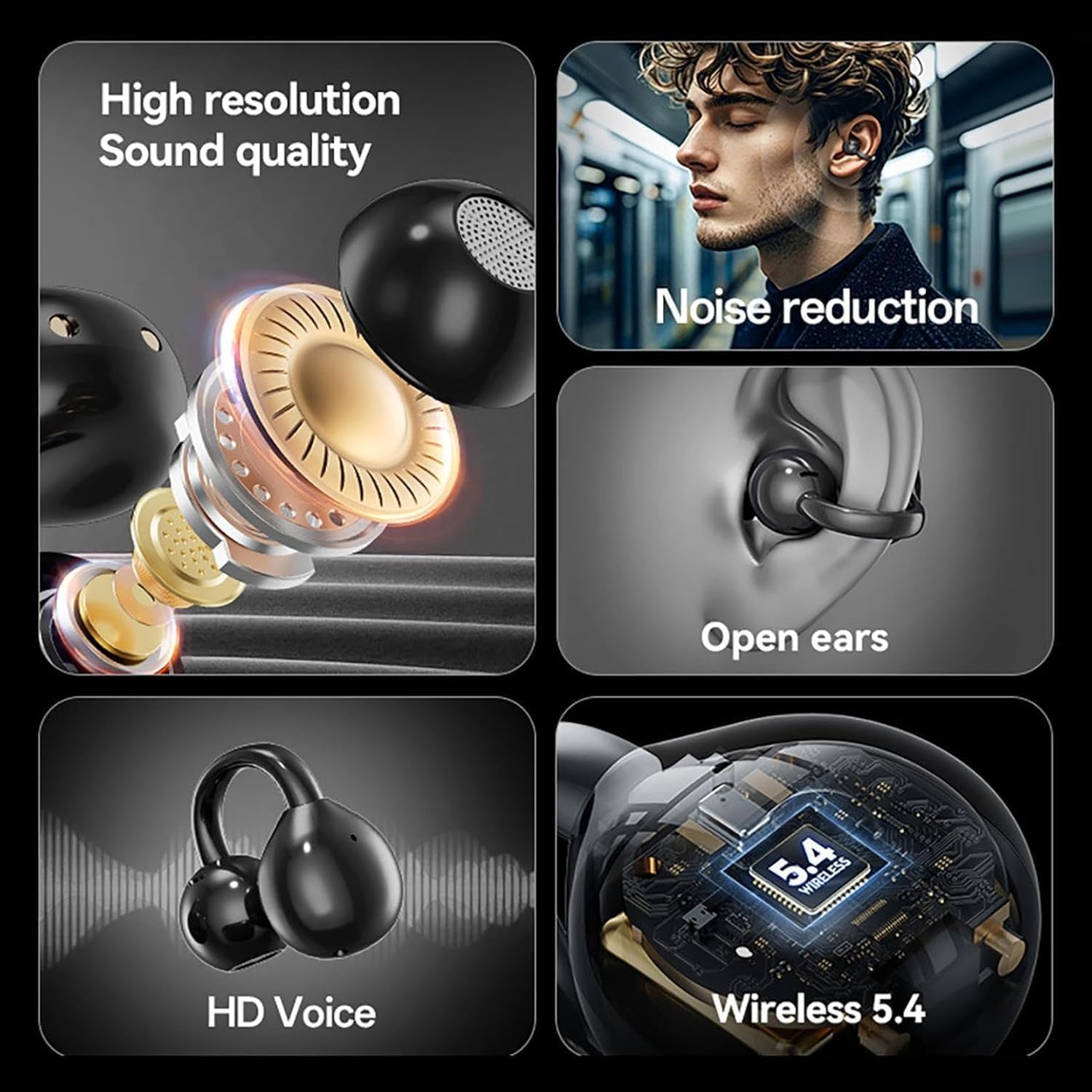
Image: Visual representation of key features including high-resolution sound, noise reduction, open-ear design, HD voice, and Bluetooth 5.4 wireless technology.

Image: A person wearing the M100 earbuds, demonstrating their comfortable and secure open-ear fit, designed to allow awareness of surroundings.
Setup
Charging the Headphones
Before first use, fully charge the headphones and charging case. Connect the provided Type-C charging cable to the charging port on the case and to a compatible USB power source. The LED screen on the case will indicate charging status.
- Charging Time: Approximately 1 hour for a full charge.
Automatic Quick Pairing
- Ensure your device's Bluetooth is enabled.
- Open the charging case. The earbuds will automatically power on and enter pairing mode.
- On your device, search for Bluetooth devices and select "M100" from the list.
- Once connected, the earbuds will automatically pair with your device whenever the charging case is opened.
The M100 headphones utilize a Bluetooth 5.4 chip for a faster and more stable connection.
Operating Instructions
Smart LED Touchscreen
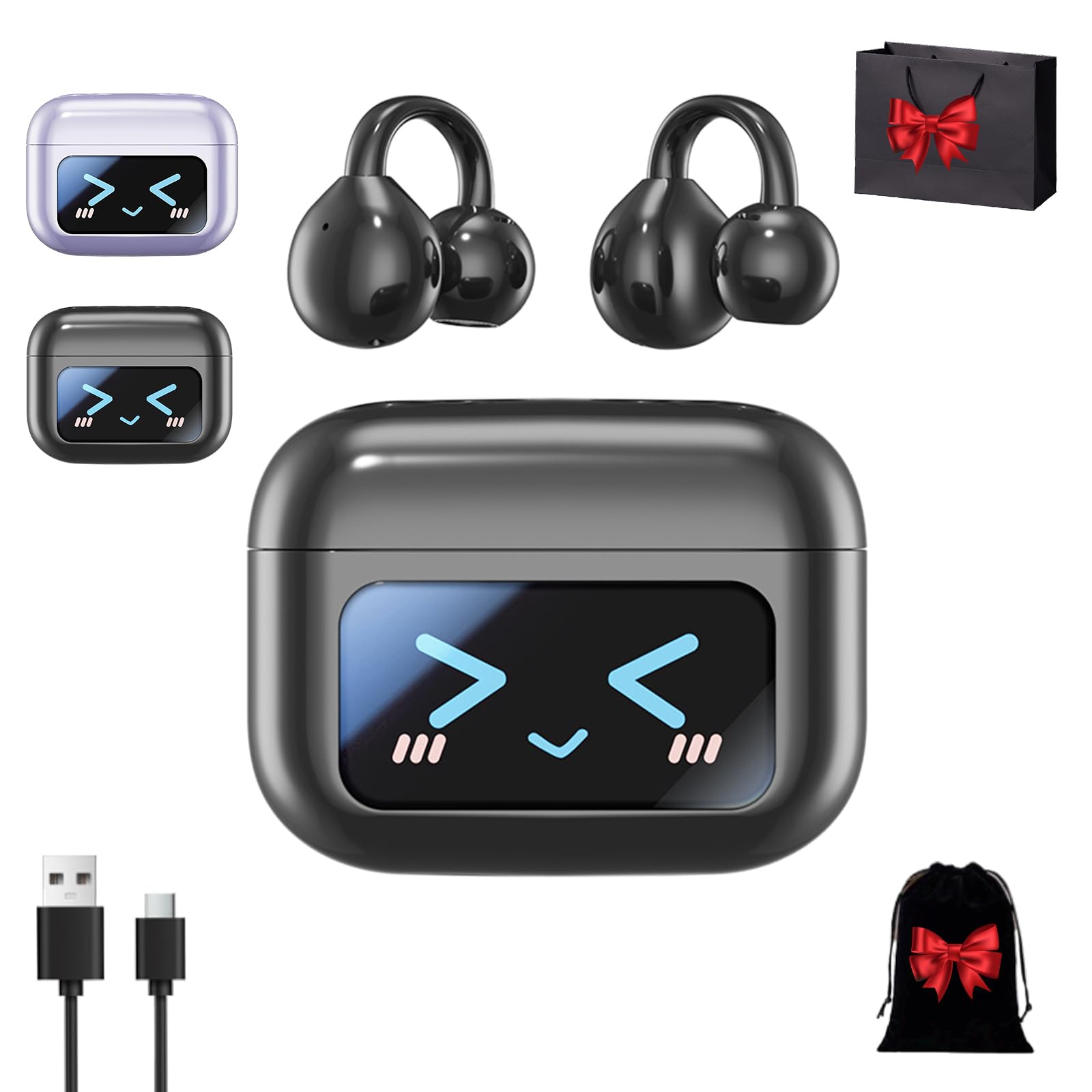
Image: The M100 charging case featuring an LCD touch screen for single-screen control and information display.
The M100 charging case features a smart LED touchscreen that allows you to:
- Control date and time.
- View the battery level of both earbuds and the charging case.
- Check the Bluetooth connection status.
- Access functions such as music equalizer, brightness adjustment, time setting, alarm setting, song volume adjustment, and lyrics display.
Touch Controls

Image: Diagram illustrating the touch control functions on the M100 earbuds.
The earbuds feature intuitive touch controls for managing audio and calls:
- Song Switching: Double click the left or right earbud.
- Reject Incoming Calls: Long press either earbud for 2 seconds.
- Answer/End Call: Double click either earbud.
- Pause/Play: Single click either earbud.
- Volume Adjustment: Triple click the left earbud for volume down, triple click the right earbud for volume up.
- Voice Assistant: Long press either earbud.
Maintenance
Cleaning
Regularly clean your M100 headphones and charging case with a soft, dry, lint-free cloth. Avoid using abrasive materials, alcohol, or chemical cleaners.
Water Resistance
The M100 headphones are water-resistant. However, they are not waterproof. Avoid submerging them in water or exposing them to heavy rain. Dry them thoroughly if they get wet.
Storage
When not in use, store the headphones in their charging case to protect them from dust and damage. Store in a cool, dry place away from extreme temperatures.
Troubleshooting
No Sound or Intermittent Connection
- Ensure the earbuds are charged.
- Check that Bluetooth is enabled on your device and the earbuds are paired.
- Move your device closer to the earbuds to ensure it is within the 10m transmission range.
- Try unpairing and re-pairing the earbuds with your device.
- Restart your device and the earbuds (by placing them back in the case and closing/opening it).
Earbuds Not Charging
- Ensure the charging cable is securely connected to both the case and the power source.
- Check the charging contacts on the earbuds and inside the case for any debris and clean them gently with a dry cotton swab.
- Try a different charging cable or power adapter.
Touch Controls Not Responding
- Ensure your fingers are clean and dry when using the touch controls.
- Restart the earbuds by placing them in the charging case and closing the lid for a few seconds, then reopening.
Specifications
| Product Name | M100 Clip On Ear Headphones |
| Bluetooth Version | V5.4 |
| Transmission Range | Up to 10 meters (33 feet) |
| Working Frequency | 2.402-2.480GHz |
| Earbud Playtime | Approximately 4-5 hours (single charge) |
| Total Playtime (with case) | Up to 50 hours |
| Charging Case Recharges | Can charge earbuds 4+ times |
| Charging Time | Approximately 1 hour |
| Charging Method | Type-C charging |
| Earbud Dimensions | 2.8 x 2.5 x 1.8 cm (approx.) |
| Case Dimensions | 11.5 cm / 4.5 in (width) x 9.2 cm / 3.6 in (height) |
| Material | Plastic |
| Water Resistance Level | Water-resistant |
| Noise Control | Intelligent Noise Cancellation |
| Compatible Devices | Bluetooth-enabled devices |
| Included Components | Wireless Charging Case |

Image: The M100 charging case with indicated dimensions of 11.5 cm (4.5 inches) width and 9.2 cm (3.6 inches) height.
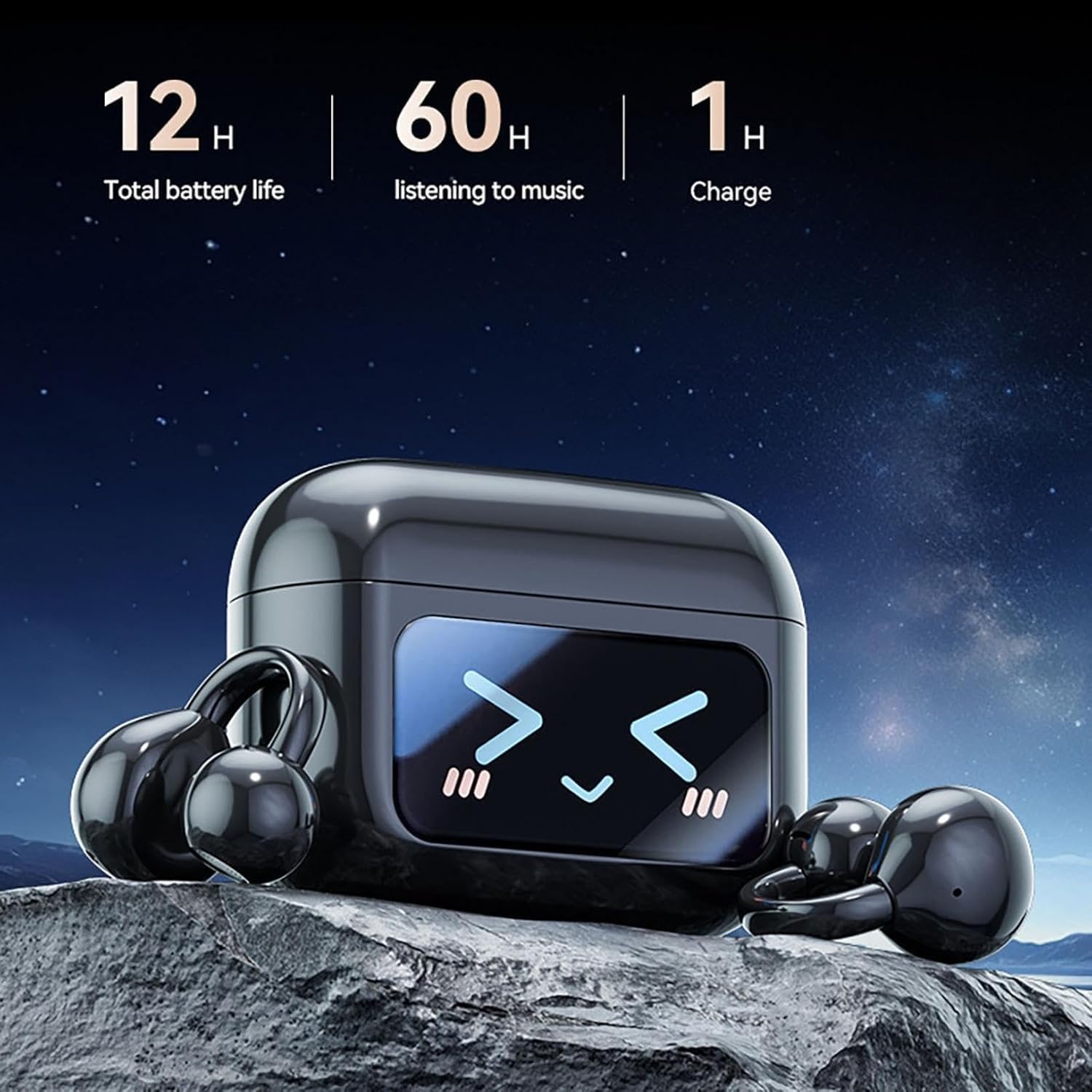
Image: Visual representation of battery life, showing total battery life, listening time, and charge time. (Note: Text specifications provide more detailed battery life information.)
Warranty Information
For specific warranty details, please refer to the retailer or manufacturer's official website where you purchased the Generic M100 Clip On Ear Headphones. Warranty terms and conditions may vary by region and retailer.
Customer Support
If you encounter any issues or have questions regarding your Generic M100 Clip On Ear Headphones that are not covered in this manual, please contact the retailer or manufacturer's customer support for further assistance. Please have your product model (M100) and purchase information ready when contacting support.