
1. Introduction
This manual provides instructions for the FIXR PG01, PG50, and PG50 Plus Replacement Electric Clipper, designed for use with compatible pet grooming kits and vacuum systems. Please read thoroughly before use to ensure proper operation and safety.
2. Safety Information
Adhere to the following safety guidelines to prevent injury or damage:
- Potential electrical hazards. Avoid use near water sources.
- Keep away from eyes and skin.
- Not intended for use on infants or humans.
- Always follow recommended cleaning and maintenance procedures.
- Ensure the main grooming kit and vacuum system is powered off and unplugged before attaching, detaching, or cleaning the clipper.
3. Product Overview
The FIXR Replacement Electric Clipper is a component designed to attach to and function with the FIXR PG01, PG50, and PG50 Plus Pet Grooming Kit and Vacuum systems. It provides the cutting mechanism for pet grooming.
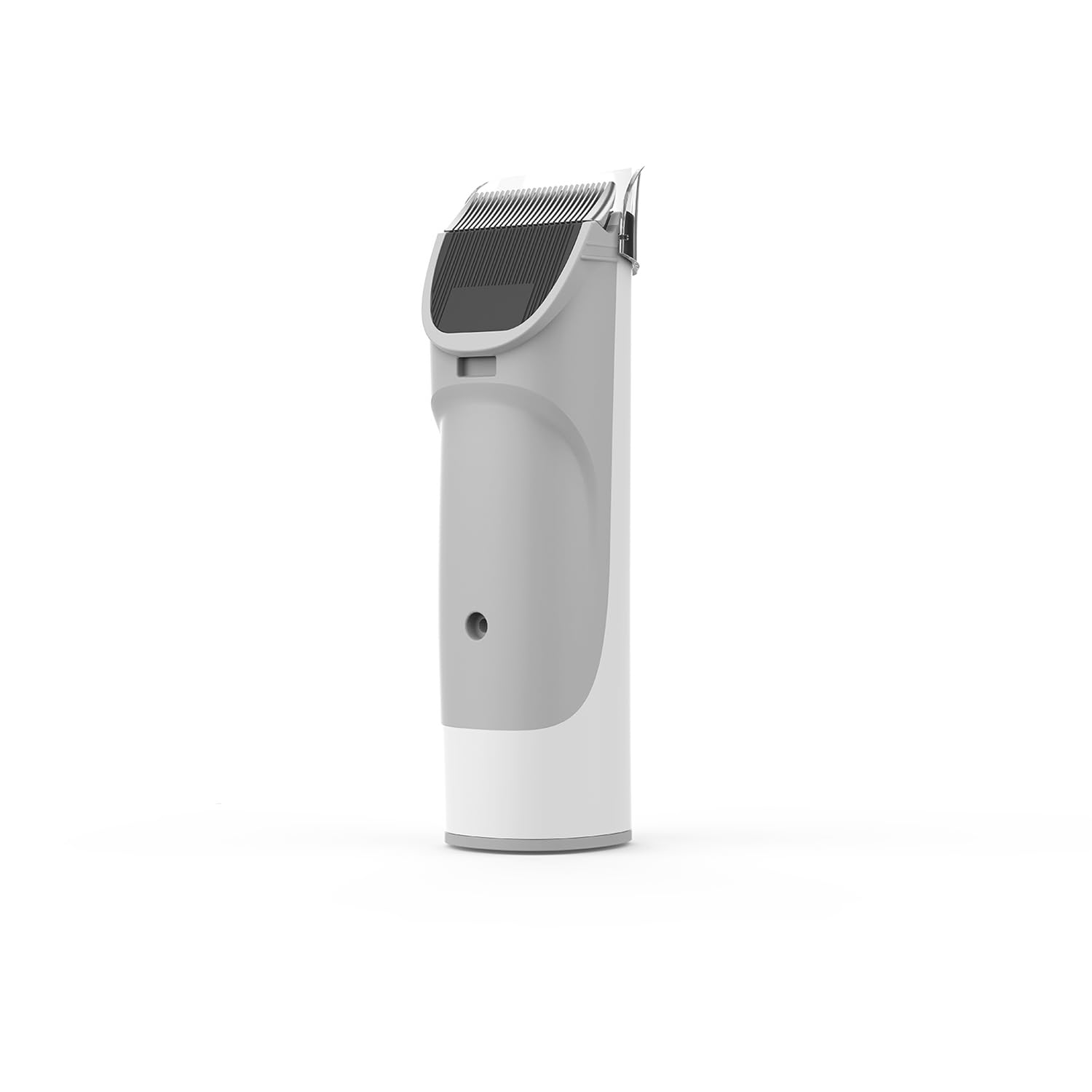
Image: The FIXR Replacement Electric Clipper, a gray-colored attachment for pet grooming systems.
4. Setup
Follow these steps to properly attach the clipper:
- Ensure the main grooming kit and vacuum system is powered off and unplugged before attaching or detaching the clipper.
- Align the replacement electric clipper with the designated attachment point on your FIXR PG01, PG50, or PG50 Plus grooming kit.
- Gently push and secure the clipper until it clicks into place, ensuring a firm connection.
- Verify that the clipper is securely attached and there is no wobble before proceeding.
5. Operating Instructions
To operate the electric clipper:
- Before first use, ensure the clipper blades are clean and lightly oiled (if applicable, refer to your main grooming kit manual for specific blade maintenance).
- Connect the main grooming kit and vacuum system to a power source.
- Turn on the grooming kit. The clipper will activate as part of the system.
- Always use the clipper on clean, dry pet fur. Avoid using on matted or wet fur, which can cause pulling and discomfort.
- Move the clipper smoothly against the direction of hair growth for effective trimming.
- Regularly check the clipper blades for hair buildup and clear as needed to maintain performance.
6. Maintenance and Cleaning
Proper maintenance ensures longevity and optimal performance:
- After each use, disconnect the clipper from the grooming kit and vacuum system.
- Use a small brush (often included with the main grooming kit) to remove loose hair from the blades and housing.
- Wipe the exterior of the clipper with a soft, damp cloth. Do not submerge the clipper in water.
- Periodically apply a drop of clipper oil to the blades as recommended in your main grooming kit manual to ensure smooth operation and longevity.
- Store the clipper in a clean, dry place away from direct sunlight and extreme temperatures.
7. Troubleshooting
Refer to this section for common issues:
- Clipper not turning on: Ensure the clipper is correctly attached to the main grooming kit and the kit is properly powered on. Check the power connection of the main grooming kit.
- Poor cutting performance: Check blades for hair buildup and clean thoroughly. Ensure blades are sharp and properly aligned. Apply clipper oil if blades appear dry.
- Excessive noise or vibration: Verify the clipper is securely attached. Inspect blades for damage or foreign objects. If issues persist, consult the main grooming kit manual or contact customer support.
8. Specifications
| Product Dimensions | 1 x 1 x 1 inches; 6.74 ounces |
| Material | Plastic |
| Power Source | Corded Electric (via main grooming kit) |
| Brand | FIXR |
| Color | Gray |
| Manufacturer | FIXR |
9. Warranty and Support
For warranty information and customer support, please refer to the documentation provided with your complete FIXR PG01, PG50, or PG50 Plus Pet Grooming Kit and Vacuum. You may also visit the official FIXR store for additional resources: FIXR Official Store.


