
1. Product Overview
The Pinelicorn 27 Inch Rolling Filing Cabinet is a metal vertical file cabinet designed for home and office storage. It features six drawers and is equipped with wheels for easy mobility. This cabinet provides an organized solution for storing various items such as files, stationery, and personal belongings.
Key Features:
- Sturdy Construction: Made from high-class cold-rolled steel with a spraying treatment for durability, impact resistance, anti-corrosion, and rust resistance.
- Ample Storage: Six drawers for sorting and storing various essentials, helping to maintain a tidy environment.
- High Load Capacity: Each drawer can hold approximately 17.64-22.05 lbs (8-10 kg).
- Thoughtful Design: Features an anti-fall snap design for smooth and secure drawer operation.
- Mobility: Equipped with four wheels for easy movement and improved stability.
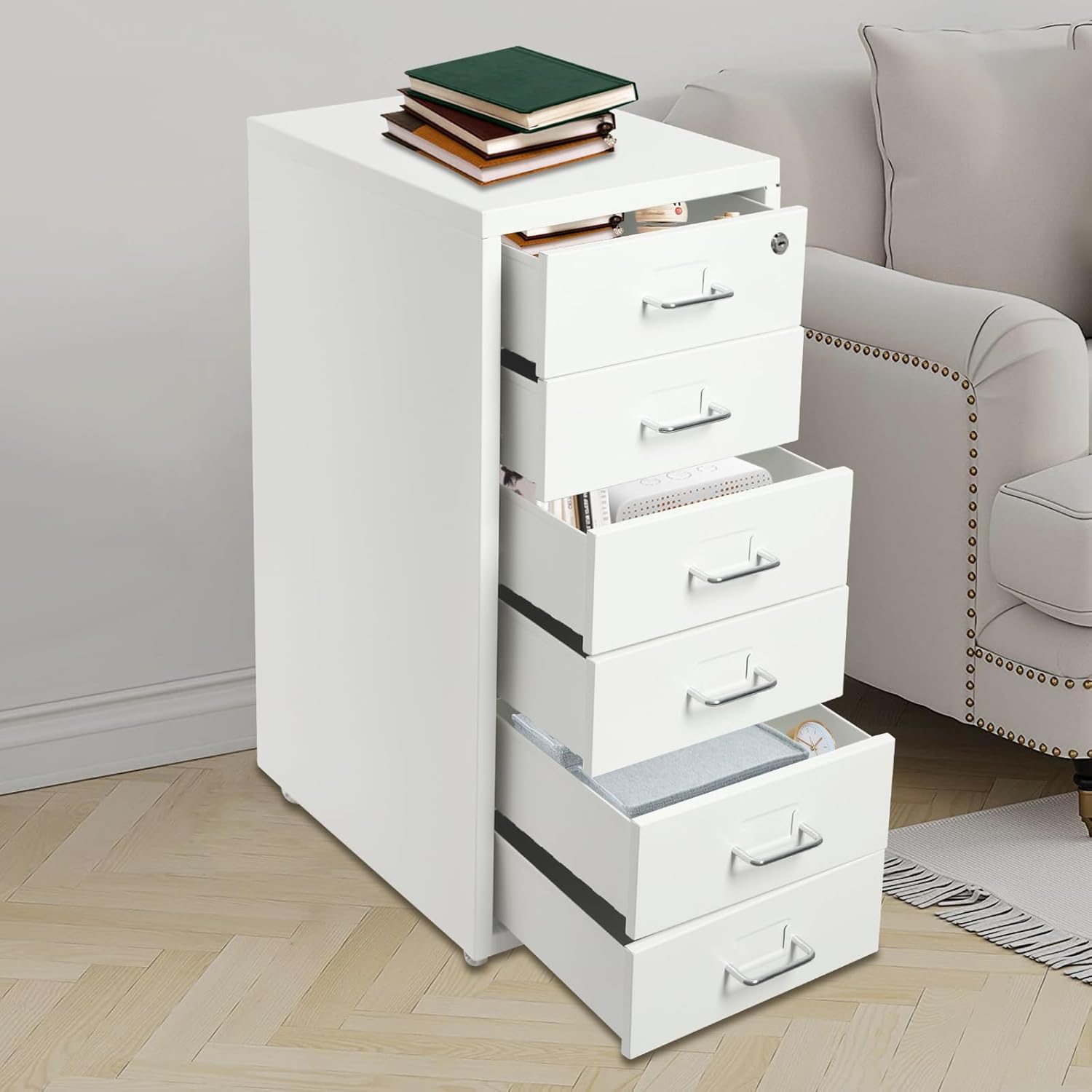
Image 1.1: Pinelicorn Rolling Filing Cabinet with drawers open, demonstrating storage space.
2. Setup and Assembly
This filing cabinet requires assembly. Please follow the instructions carefully to ensure proper setup and stability.
2.1 Package Contents
Before beginning assembly, verify that all components are present:
- 1 x Vertical File Cabinet body
- 4 x Wheels
- Other necessary accessories for assembly (screws, tools if provided)
2.2 Assembly Steps
- Unpack Components: Carefully remove all parts from the packaging and lay them out on a clean, soft surface to prevent scratches.
- Attach Wheels: Securely attach the four wheels to the designated points on the bottom of the cabinet. Ensure they are tightened properly for stability and smooth rolling.
- Insert Drawers: Slide each of the six drawers into their respective slots. Ensure they engage with the anti-fall snap mechanism for secure closure and smooth operation.
- Final Check: Once assembled, gently push and pull each drawer to confirm smooth movement and proper alignment. Verify the cabinet is stable on its wheels.

Image 2.1: Detail of drawer handle and wheel attachment points.
3. Operating Instructions
This section provides guidance on the proper use of your filing cabinet.
3.1 Using the Drawers
- To open a drawer, gently pull the handle. The anti-fall snap design ensures the drawer opens smoothly and prevents accidental detachment.
- To close a drawer, push it firmly until it clicks into place, engaging the anti-fall snap mechanism.
- Avoid overloading drawers. Each drawer is designed to hold approximately 17.64-22.05 lbs (8-10 kg). Distribute weight evenly to maintain stability.
3.2 Moving the Cabinet
- The cabinet is equipped with four wheels for easy relocation.
- Before moving, ensure all drawers are closed and secured.
- Push the cabinet gently from the top or sides to roll it to the desired location. Avoid sudden jerks or pushing on individual drawers.
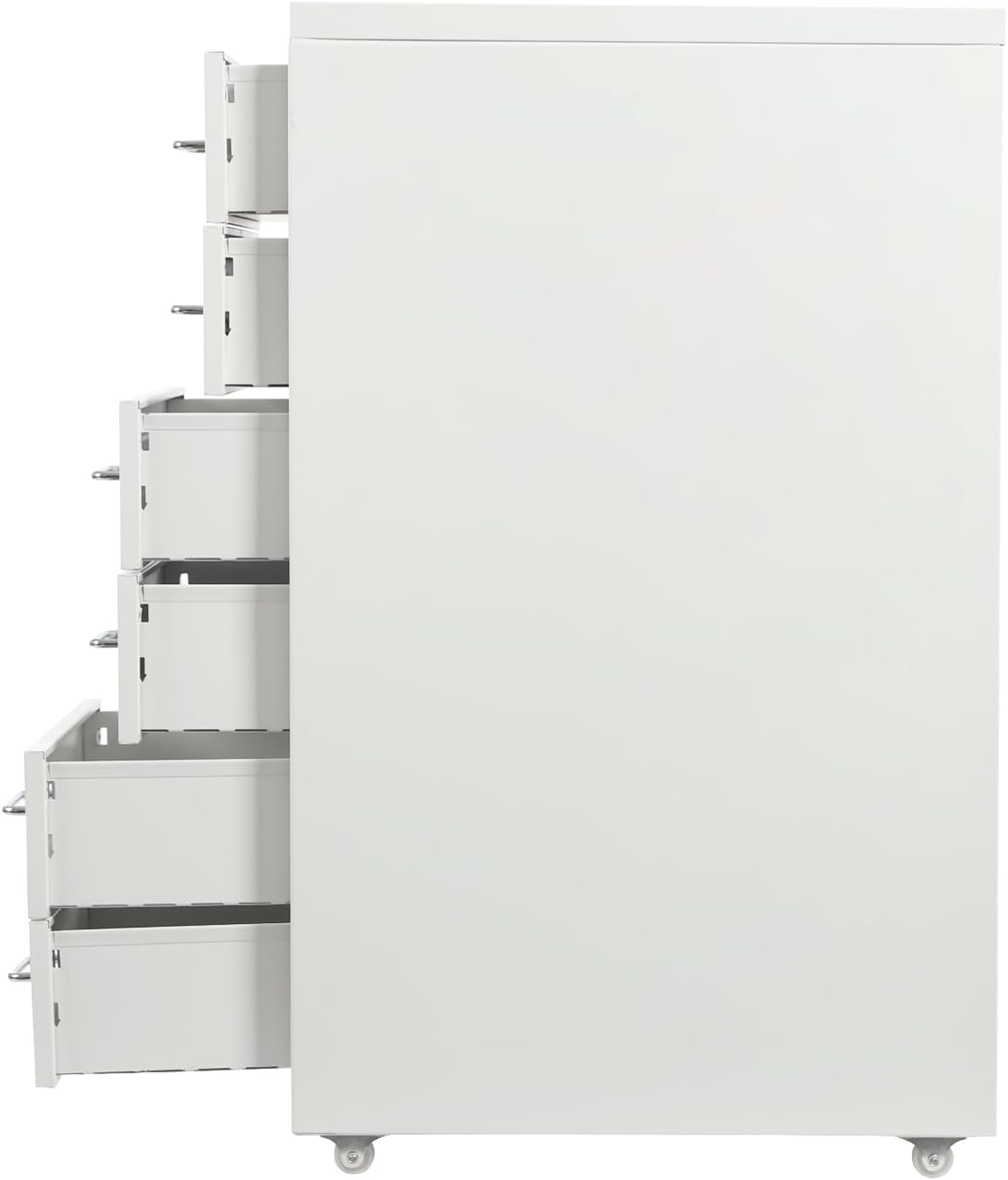
Image 3.1: Cabinet with a single drawer open, illustrating drawer access.
4. Maintenance
Proper maintenance will extend the life and appearance of your filing cabinet.
4.1 Cleaning
- Regularly wipe the exterior surfaces with a soft, damp cloth.
- For stubborn marks, use a mild soap solution and immediately dry with a clean, soft cloth.
- Avoid abrasive cleaners, harsh chemicals, or scouring pads, as these can damage the finish.
4.2 General Care
- Periodically check the wheel attachments and drawer slides for any looseness. Tighten screws if necessary.
- Ensure the cabinet is placed on a level surface to prevent uneven stress on the frame and drawers.
- Do not stand or sit on the cabinet.
5. Troubleshooting
This section addresses common issues you might encounter with your filing cabinet.
5.1 Drawers Not Opening/Closing Smoothly
- Check for Obstructions: Ensure there are no items blocking the drawer slides or caught within the drawer itself.
- Verify Alignment: Make sure the drawer is properly aligned with its runners. Gently push and pull to reseat it.
- Overload: Confirm that the drawer is not overloaded beyond its weight capacity. Remove some contents if necessary.
5.2 Cabinet Instability
- Level Surface: Ensure the cabinet is placed on a flat, level surface. Uneven flooring can cause wobbling.
- Wheel Tightness: Check that all four wheels are securely attached and tightened.
- Weight Distribution: Distribute the contents of the drawers evenly to prevent the cabinet from becoming top-heavy or unbalanced.
6. Specifications
Detailed specifications for the Pinelicorn 27 Inch Rolling Filing Cabinet (Model HT8-0).

Image 6.1: Product dimensions of the filing cabinet.
| Feature | Detail |
|---|---|
| Brand | Pinelicorn |
| Model Number | HT8-0 |
| Color | White Without Lock |
| Material | Alloy Steel |
| Product Dimensions (D x W x H) | 16"D x 11"W x 27"H (41cm x 28cm x 69cm) |
| Item Weight | 23.81 Pounds (10.8 kg) |
| Number of Drawers | 6 |
| Special Feature | Rolling |
| Room Type | Home Office |
| Mounting Type | Freestanding |
| Required Assembly | Yes |
| Each Tier Load Capacity | 17.64-22.05 lbs (8-10 kg) |
| UPC | 753781661587 |
7. Warranty and Support
7.1 Warranty Information
Specific warranty details for the Pinelicorn 27 Inch Rolling Filing Cabinet (Model HT8-0) are not provided in this manual. For information regarding product warranty, including coverage duration and terms, please refer to the product packaging, the seller's website, or contact the manufacturer directly.
7.2 Customer Support
If you have any questions, require assistance with assembly, or need troubleshooting support that is not covered in this manual, please contact the seller or manufacturer. Contact information can typically be found on the product packaging or the retailer's website where the product was purchased.