
1. Introduction
The Native Union Active Power Bank (Model RNE33) is a portable, magnetic power solution designed to keep your compatible devices charged on the go. Featuring a 5000mAh battery capacity and 15W output, it offers both wireless MagSafe compatibility and wired USB-C charging. Its ultra-slim and lightweight design ensures easy portability.
This manual provides instructions for the safe and efficient use of your Active Power Bank.
2. Setup
2.1 Package Contents
- Native Union Active Power Bank
- 15cm USB-C to USB-C Cable
- Instruction Manual (this document)
2.2 Initial Charging of the Power Bank
Before first use, fully charge your Active Power Bank. Use the included USB-C to USB-C cable to connect the power bank's USB-C port to a compatible USB power adapter (not included).
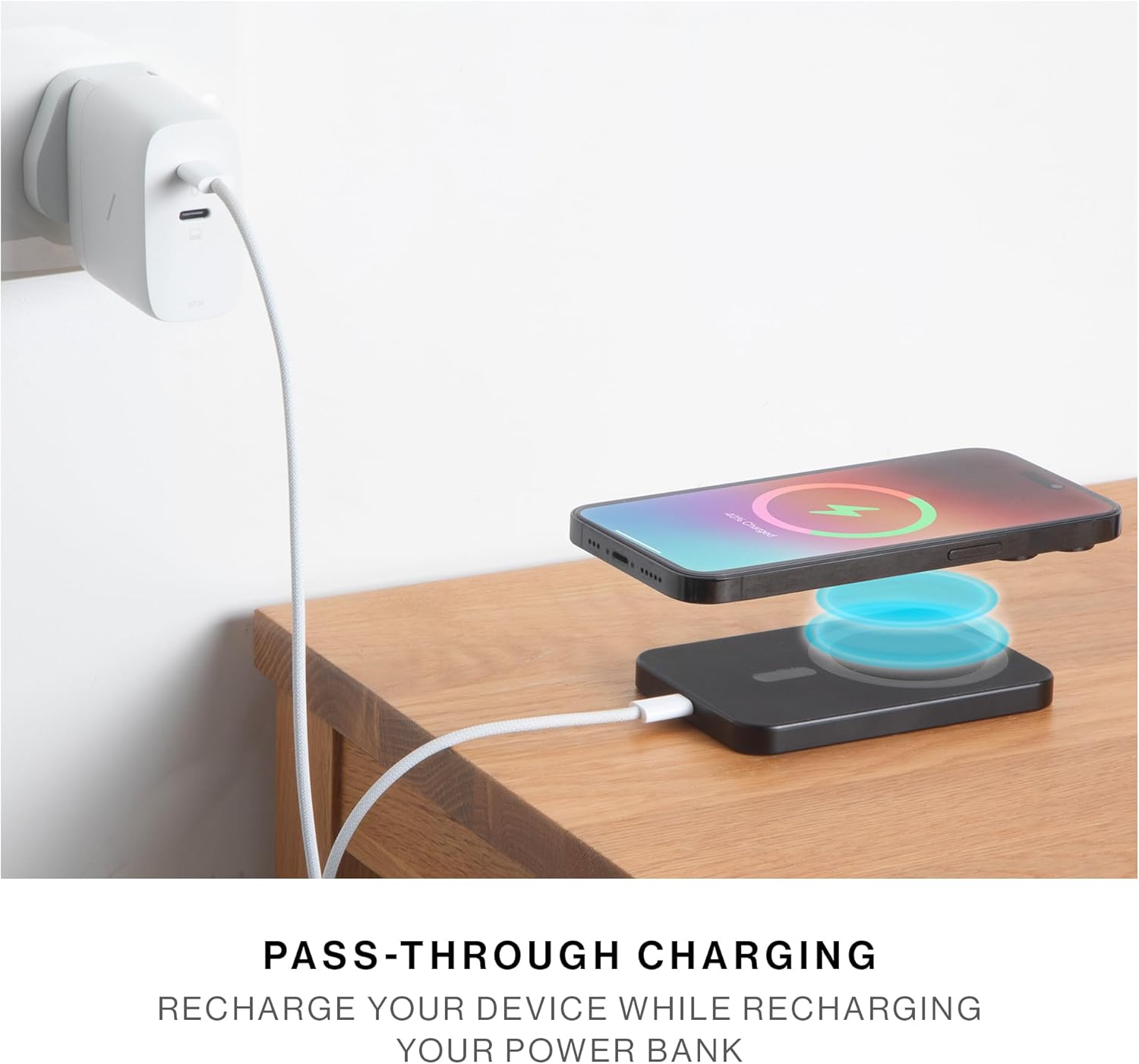
Image: The Active Power Bank being recharged via its USB-C port, demonstrating pass-through charging with a phone on top.
The LED indicator lights on the side of the power bank will illuminate to show the charging status. All LEDs will be solid when fully charged.
3. Operating Instructions
3.1 Wireless Charging (MagSafe Compatible)
For MagSafe compatible devices (e.g., iPhone 12 series and newer), simply align the Active Power Bank with the back of your device. The strong magnetic attachment will secure it in place, and wireless charging will begin automatically.
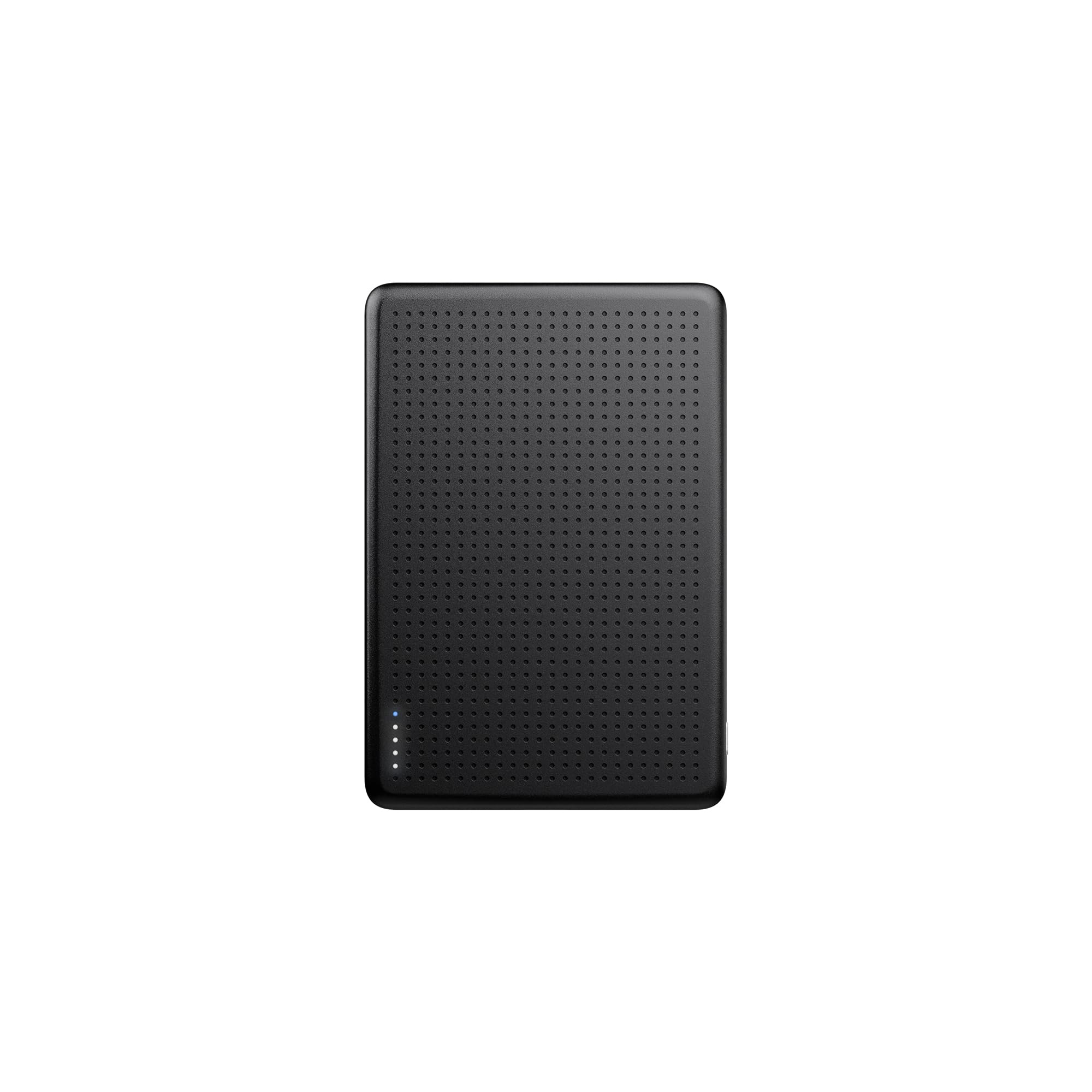
Image: The Active Power Bank magnetically attached to an iPhone, demonstrating its secure connection.
Ensure your device is MagSafe compatible or uses a MagSafe compatible case for optimal magnetic attachment and charging efficiency.
3.2 Wired Charging (USB-C)
To charge devices via a cable, connect your device to the power bank's USB-C port using a compatible USB-C cable (the included cable is for recharging the power bank itself, you may need a different cable for your device if it's not USB-C).
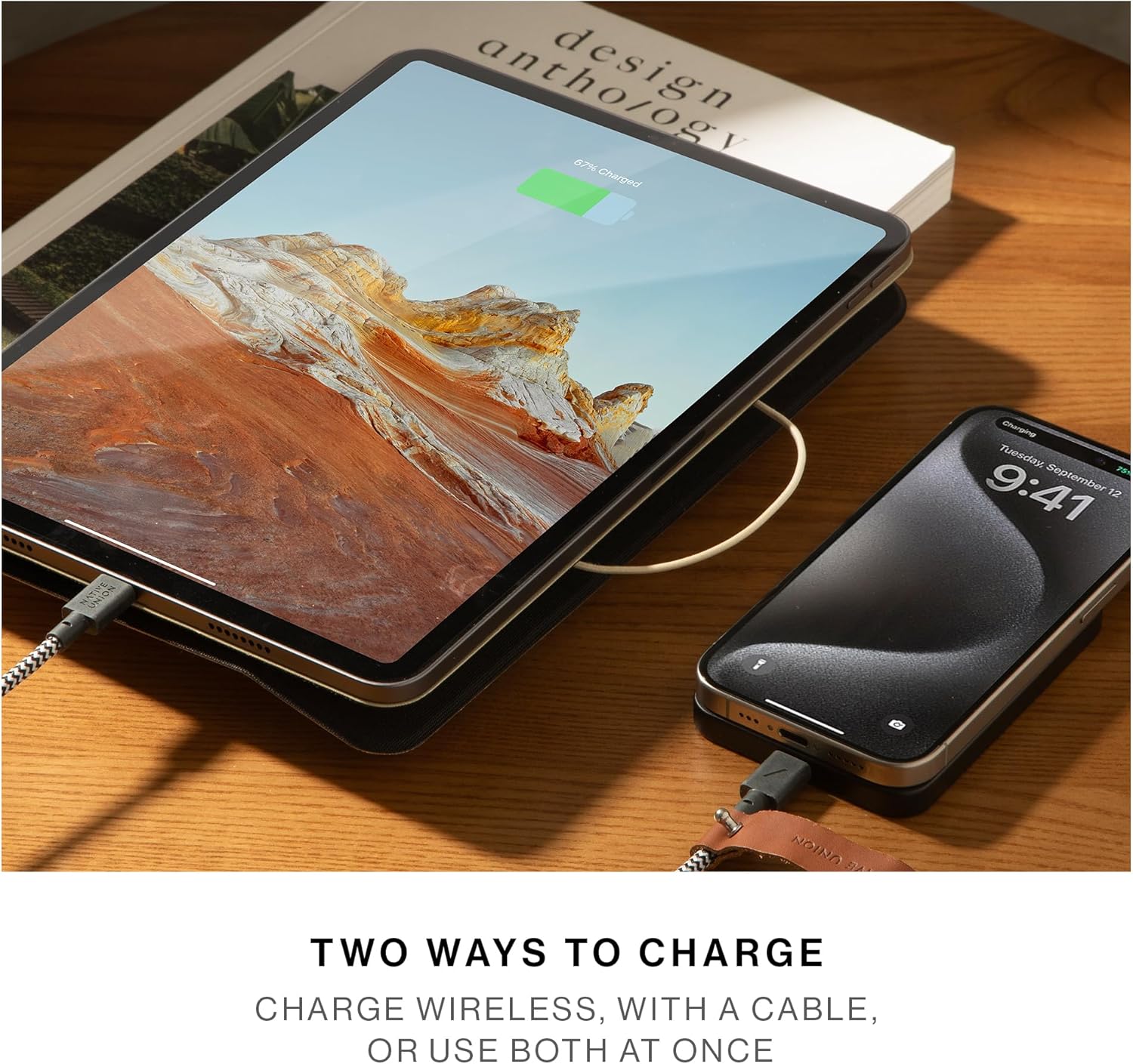
Image: The Active Power Bank simultaneously charging a tablet and a smartphone via USB-C cables.
3.3 Pass-Through Charging
The Active Power Bank supports pass-through charging. This means you can recharge the power bank itself while simultaneously charging a device connected to it (either wirelessly or via USB-C).
3.4 LED Indicator Lights
The LED lights on the side of the power bank indicate the remaining battery level and charging status.
- Solid LEDs: Indicate remaining battery level.
- Flashing LEDs: Indicate the power bank is being recharged.

Image: Close-up view of the power bank's USB-C port and LED indicators.
4. Maintenance
- Cleaning: Wipe the power bank with a soft, dry cloth. Do not use harsh chemicals or abrasive cleaners.
- Storage: Store the power bank in a cool, dry place away from direct sunlight and extreme temperatures.
- Battery Care: To prolong battery life, avoid fully discharging the power bank regularly. Recharge it periodically even if not in use.
- Avoid Water: Do not expose the power bank to water or excessive moisture.
5. Troubleshooting
5.1 Power Bank Not Charging
- Ensure the USB-C cable is securely connected to both the power bank and the power adapter.
- Verify that the power adapter is functioning correctly and plugged into a live outlet.
- Try using a different USB-C cable and/or power adapter.
5.2 Device Not Charging Wirelessly
- Ensure your device is MagSafe compatible or has a MagSafe compatible case.
- Check for any obstructions between the power bank and your device (e.g., thick cases, metal objects).
- Verify the power bank has sufficient charge (check LED indicators).
- Ensure the power bank is properly aligned with your device's MagSafe area.
5.3 Device Not Charging Via USB-C
- Ensure the cable connecting your device to the power bank is fully inserted and compatible with both devices.
- Verify the power bank has sufficient charge (check LED indicators).
- Try using a different USB-C cable.
6. Specifications
| Model Number | RNE33 |
| Brand | Native Union |
| Battery Capacity | 5000 mAh |
| Output Power | 15W (Wireless) |
| Connector Type | USB Type-C |
| Wireless Charging Standard | MagSafe Compatible |
| Dimensions (L x W x Thickness) | 3.78" x 2.6" x 0.37" (96mm x 66mm x 9.5mm) |
| Weight | 115 Grams |
| Compatible Phone Models | iPhone Air, 17, 17 Pro, 17 Pro Max, 17e, iPhone 16, 16 Plus, 16 Pro, 16 Pro Max, iPhone 15, 15 Plus, 15 Pro, 15 Pro Max, iPhone 14, 14 Plus, 14 Pro, 14 Pro Max, iPhone 13, 13 Pro, 13 Pro Max, 13 mini, 12, 12 Pro, 12 Pro Max, 12 mini, Airpods Gen 1–4, Airpods Pro Gen 1–3 |
7. Warranty Information
This product is covered by a manufacturer's warranty. For specific details regarding warranty coverage, duration, and terms, please refer to the warranty card included with your product or visit the official Native Union website.
Optional protection plans may also be available for purchase, offering extended coverage. Please check with your retailer for more information.
8. Customer Support
For further assistance, technical support, or inquiries regarding your Native Union Active Power Bank, please contact Native Union customer service through their official website:
Native Union Official Website: www.nativeunion.com
You can also visit the Native Union Store on Amazon for product information and FAQs.