
Introduction
Welcome to the Surelect Frozen Dance Pad! This interactive electronic music mat is designed to provide an engaging and active play experience for children. Featuring multiple game modes, Bluetooth connectivity, and a durable design, it encourages movement, rhythm, and memory development.
Setup
1. Unpacking and Placement
Carefully remove the dance mat from its packaging. Unfold the mat and place it on a flat, stable surface. No assembly is required for the mat itself.
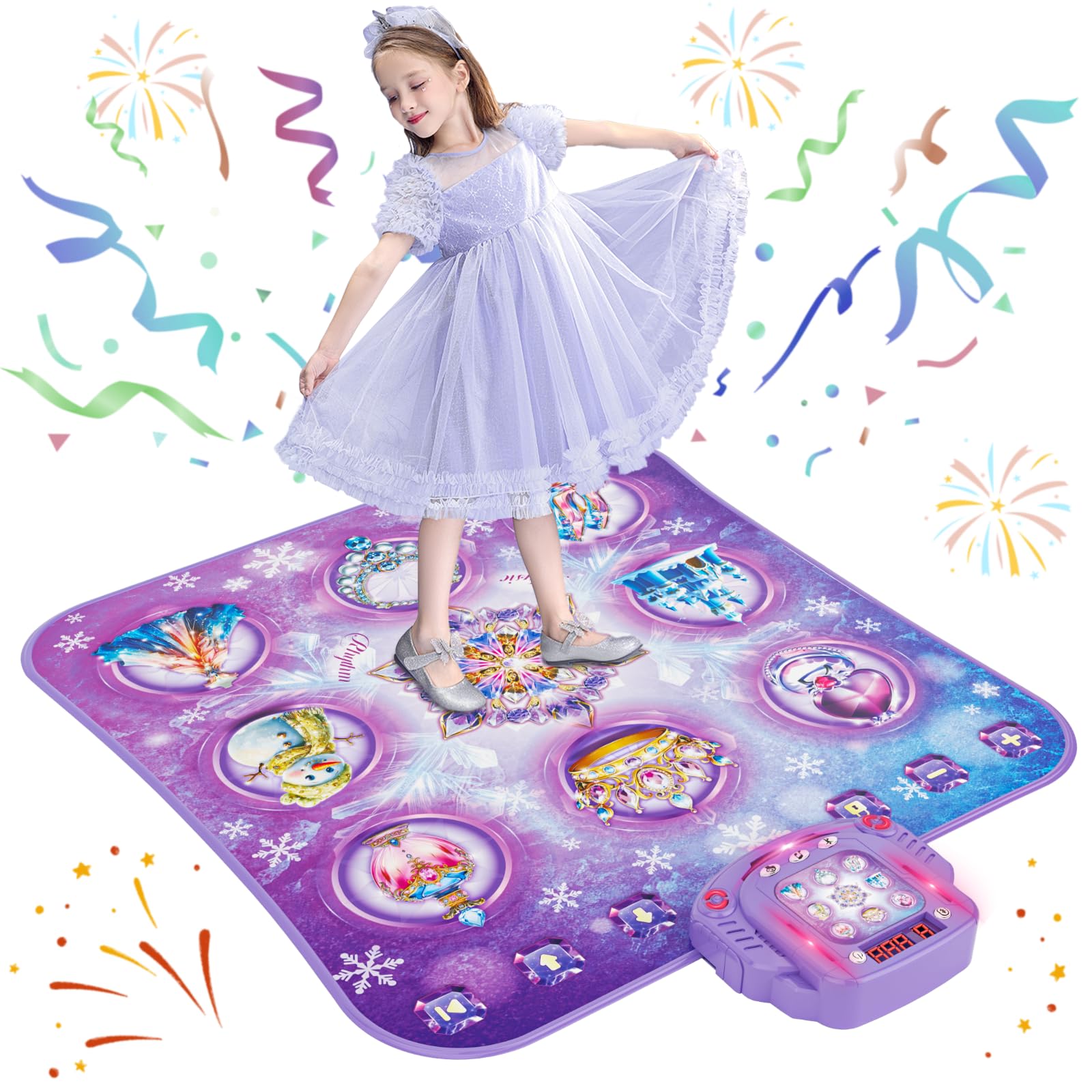
Image: The Surelect Frozen Dance Pad unfolded and ready for use.
2. Battery Installation
The dance mat requires 4 AA batteries (not included). Locate the battery compartment on the underside of the control unit. Use a screwdriver to open the compartment, insert the batteries according to the polarity indicators, and then securely close the cover.
Video: A demonstration of installing 4 AA batteries into the control unit of the dance mat.
3. Adjusting the Control Unit
The control unit features a foldable built-in kickstand, allowing you to adjust the viewing angle for optimal visibility of the LED score display and game indicators. This helps users easily see where to step during gameplay.
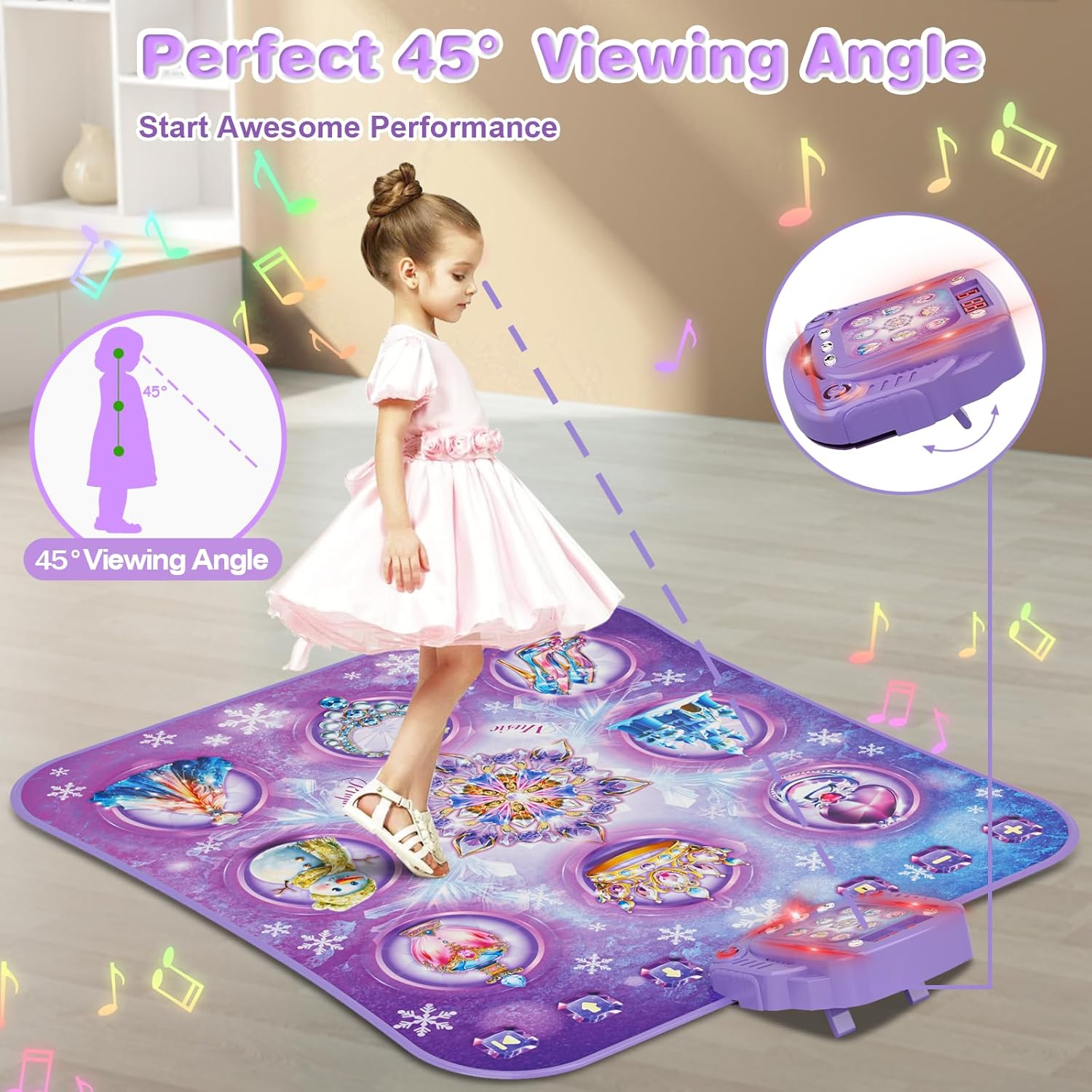
Image: A child using the dance mat with the control unit angled for a perfect 45-degree viewing angle.
Operating Instructions
1. Power On/Off
Press the ON/OFF Key on the control unit to power on the dance mat. The LED display will light up. Press again to turn off.
2. Game Modes
The dance mat offers multiple engaging game modes:
- Dancing Mode: Follow the lights on the mat to match the rhythm. This mode includes 9 challenge levels, from easy to hard, with an LED score display to track performance.
- Piano Mode: Step on the mat's buttons to create piano notes, fostering musical abilities and rhythm.
- Memory Mode: Replicate dance steps by following the light-up buttons on the music box. This mode has 30 levels to help with body exercise and memory development.
- Bluetooth Mode: Connect your device via Bluetooth to play your favorite music and dance freely.

Image: Detailed view of the control unit, showing buttons for modes, volume, and LED score display.
3. Volume Control
Use the Volume + and Volume - buttons on the mat to adjust the sound level. There are five volume levels.
4. Level Selection
In Dancing Mode and Bluetooth Mode, use the Level + and Level - buttons to switch between the 9 challenge levels. The score resets to zero when a new game starts.
5. Play/Pause
Press the Play/Pause Key to activate or pause game operations. Activating pause will put the mat into sleep mode.
6. Bluetooth Connection
To connect via Bluetooth, ensure the dance mat is powered on. Activate Bluetooth on your external device (e.g., smartphone, tablet) and search for "Dance_Mat". Select it to pair. Once connected, you can stream your device's audio through the dance mat's speakers.
Video: A demonstration of connecting a mobile device to the dance mat via Bluetooth to play custom music.
Maintenance
1. Cleaning
The dance mat features a waterproof surface made of high-quality, non-toxic PEVA material. To clean, simply wipe down the surface with a damp cloth. Avoid using harsh chemicals or abrasive cleaners.
2. Storage
The mat is designed to be foldable for easy storage and portability. Fold the mat neatly and store it in a dry place away from direct sunlight or extreme temperatures. Ensure the control unit is powered off before storing.
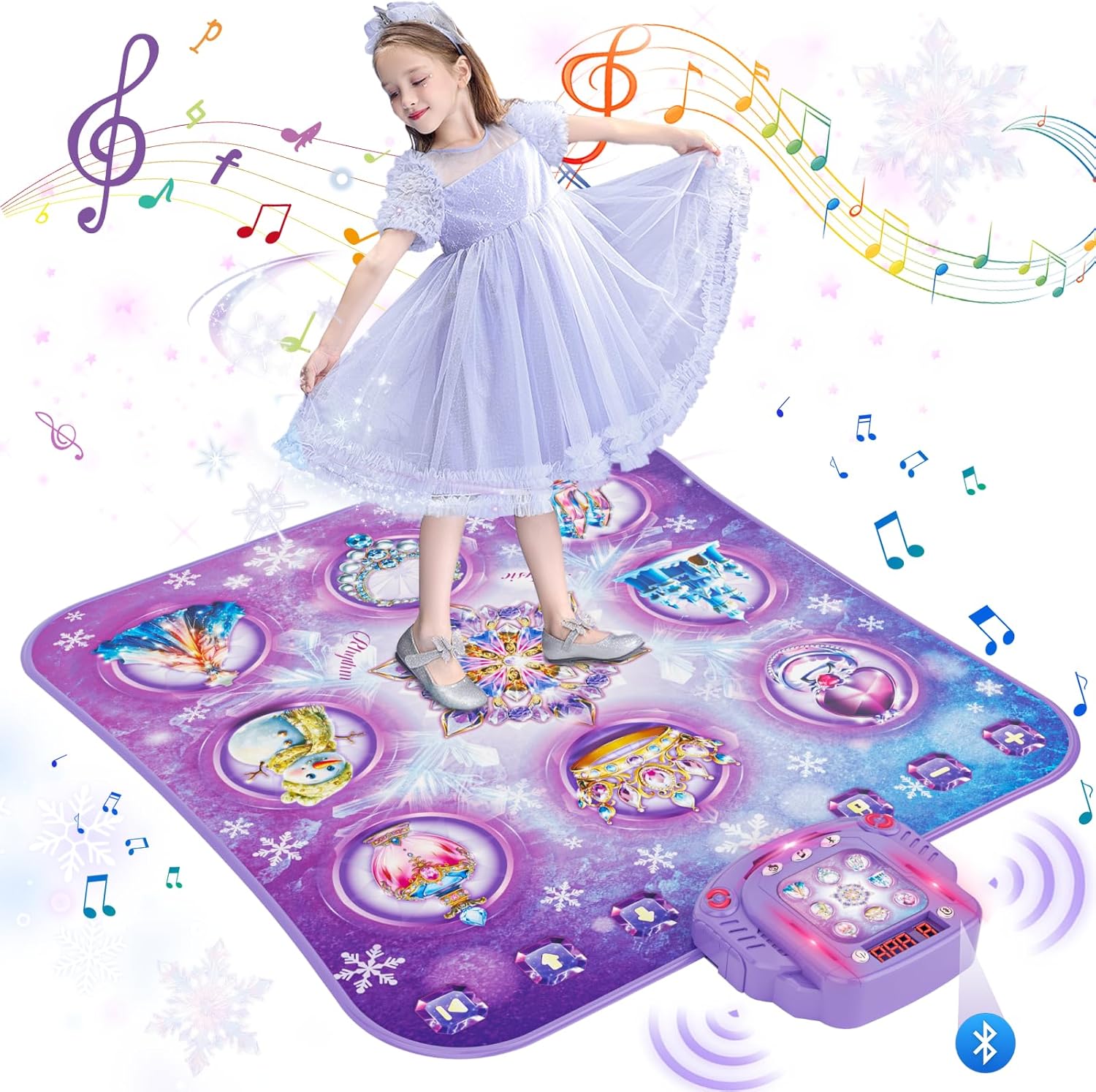
Image: The dance mat shown in a folded state, highlighting its portability.
Troubleshooting
- No Power: Ensure 4 fresh AA batteries are correctly installed in the control unit and the ON/OFF button is pressed.
- Bluetooth Connection Issues:
- Make sure the dance mat is in Bluetooth Mode.
- Ensure your external device's Bluetooth is enabled and within range.
- Try unpairing and re-pairing the device.
- Restart both the dance mat and your external device.
- Buttons Not Responding: Check if the mat is laid flat and there are no obstructions. Ensure the mat surface is clean and dry.
- Game Ends Unexpectedly: If an answer is incorrect or a light is missed in certain modes, the game may end. Restart the game to try again.
Specifications
| Feature | Detail |
|---|---|
| Brand | Surelect |
| Model Number | DANCE01 (YQ813-7) |
| Color | Purple |
| Material Type | PEVA |
| Item Dimensions | 40.6 x 33.5 x 0.78 inches |
| Item Weight | 0.79 Kilograms |
| Power Source | Battery (4 AA batteries required) |
| Number of Players | 1 |
| Educational Objective | Cultivate a sense of music |
| Theme | Frozen, Princess |
| Included Components | Dance Mat |
Safety Warnings
Choking Hazard: Contains small parts. Not suitable for children under 3 years of age. Adult supervision is recommended during play.
Warranty & Support
For any product inquiries, technical support, or warranty information, please contact Surelect customer service through the retailer where the product was purchased. Please retain your proof of purchase for warranty claims.