
Introduction
This manual provides essential information for the safe and effective use of your Generic Electric Migraine Relief Cap Massager. Please read this manual thoroughly before operating the device and retain it for future reference.
Important Safety Information
WARNING: To reduce the risk of electric shock, burns, fire, or injury, observe the following precautions:
- Do not use on broken or irritated skin.
- Ensure proper ventilation during use to prevent overheating.
- Keep out of reach of children.
- Do not immerse the device in water or other liquids.
- Do not use if the power cord or plug is damaged.
- Consult a physician before use if you have any medical conditions, including but not limited to, heart conditions, epilepsy, or are pregnant.
- Discontinue use immediately if you experience discomfort or pain.
- This device is for personal, non-medical use only. It is not intended to diagnose, treat, cure, or prevent any disease or health condition.
Package Contents
Verify that all items are present in the package:
- 1x Head Massager (or 1x Head Massager + 1x Hat)
- 1x Instruction Manual (this document)
- 1x Kraft Paper Box
- 1x Color Box
- 1x Data Cable (USB charging cable)
Product Features
- 6-Airbag Pressure System: Provides gentle pressure around the head for a relaxing and comfortable experience.
- 4 Massage Modes: Offers various massage patterns for personalized comfort.
- 3 Heat Settings: Adjustable heat levels for soothing warmth to the head and eyes.
- 6D Deep Kneading: Mimics human touch with advanced techniques such as kneading, pressing, and grasping.
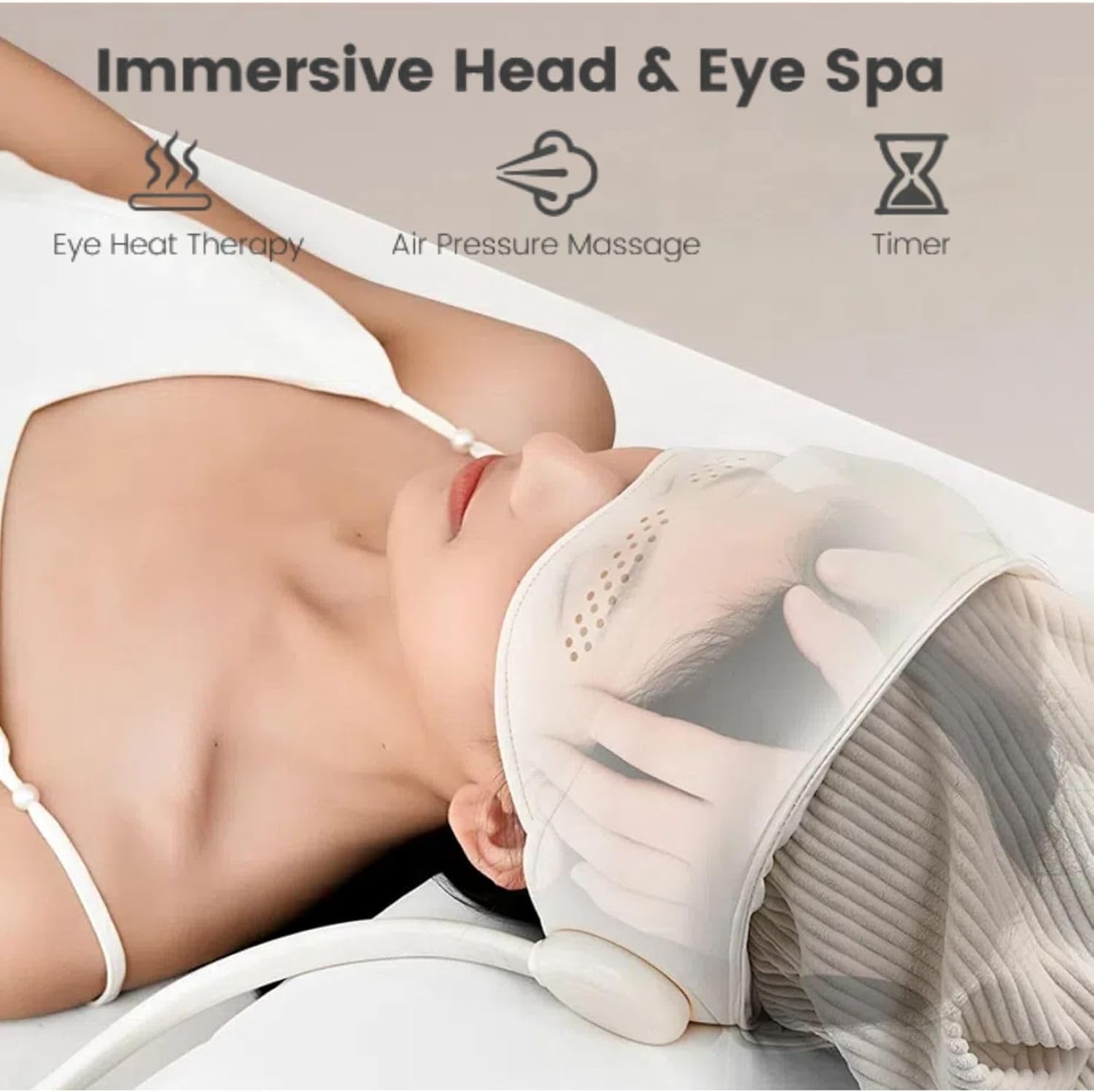
- Integrated Head and Eye Massager: Designed to target both head and eye areas for comprehensive relaxation.
- Double-Row Hollow Brim Design: Blocks light while allowing awareness of surroundings.
- Portable Design: Lightweight and easy to use at home or while traveling.
- Long-lasting Battery: Provides extended use on a single charge.
Setup
- Unpack: Carefully remove all components from the packaging.
- Charge the Device: Before first use, fully charge the massager. Connect the provided data cable to the charging port on the controller and plug the other end into a USB power adapter (not included). The indicator light will show charging status.
- Adjust Fit: Place the massager cap on your head, ensuring it covers your forehead and eyes comfortably. Adjust the straps or elastic bands for a snug but not overly tight fit.

Operating Instructions
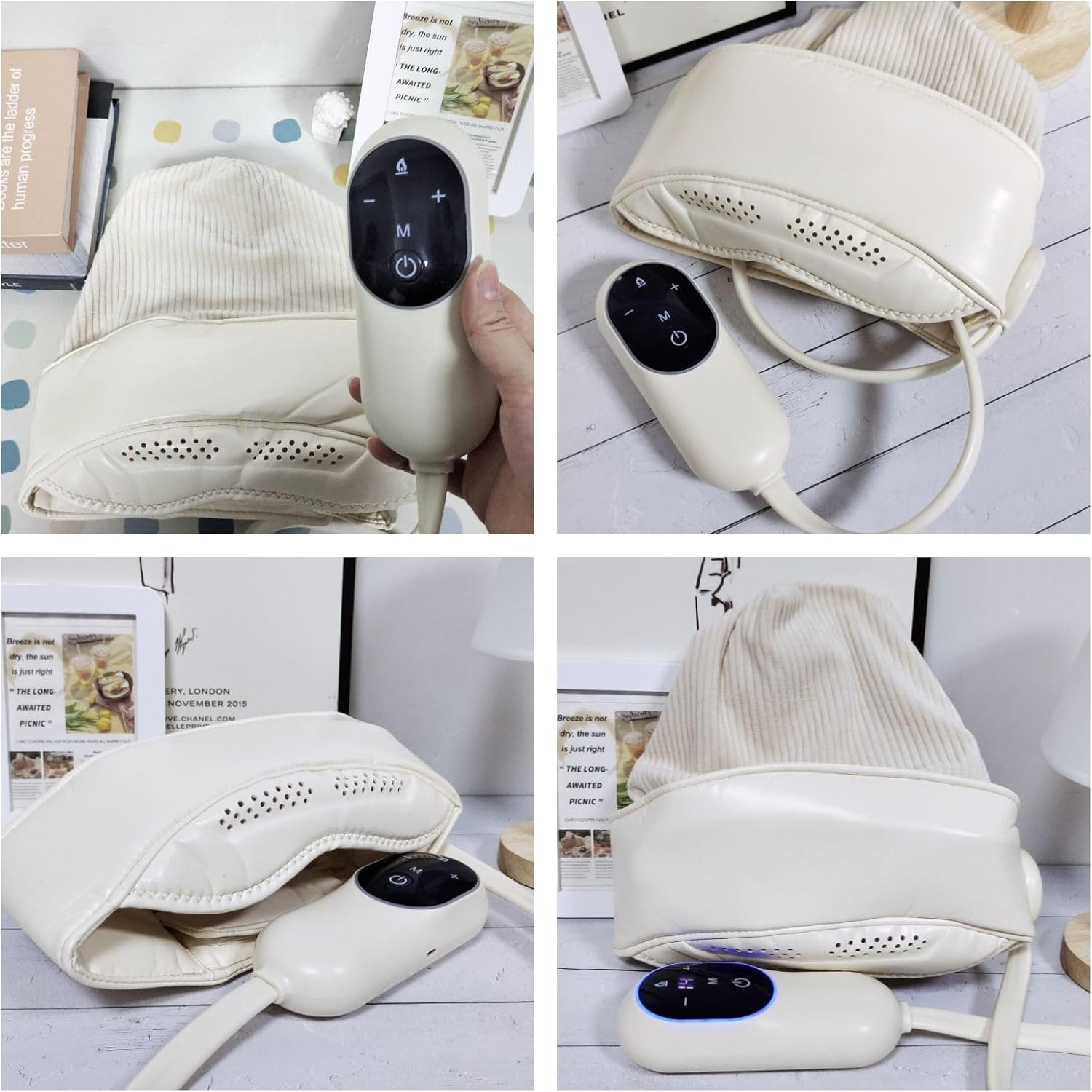
- Power On/Off: Press and hold the Power Button (U) on the handheld controller to turn the device on or off.
- Select Massage Mode: Press the Mode Button (M) to cycle through the 4 available massage modes. Each press will change the mode, indicated by the controller's display.
- Adjust Heat Settings: Press the Heat Settings Button (+ or -) to adjust the heat level. There are 3 heat settings: Low, Mid, and Top.
- LOW: Gentle warmth for daily fatigue (approx. 45°C for eyes).
- MID: Soothing comfort (approx. 50°C for eyes).
- TOP: Deep tissue relief (approx. 55°C for eyes).
- Enjoy the Massage: Relax and allow the massager to work. The device is designed for 15-minute sessions.
- After Use: Turn off the device and store it in a safe, dry place.


Maintenance
- Cleaning: Wipe the massager with a soft, damp cloth. Do not use abrasive cleaners or immerse the device in water.
- Storage: Store the device in a cool, dry place, away from direct sunlight and extreme temperatures.
- Battery Care: To prolong battery life, charge the device regularly, even if not in frequent use.
Troubleshooting
| Problem | Possible Cause | Solution |
|---|---|---|
| Device does not turn on. | Low battery or not charged. | Charge the device fully using the provided USB cable. |
| No heat or weak heat. | Heat setting is too low or not activated. | Increase the heat setting using the '+' button on the controller. Ensure the device is powered on. |
| Massage feels too weak or too strong. | Incorrect massage mode selected. | Cycle through the massage modes using the 'M' button to find a comfortable intensity. |
| Device overheats. | Prolonged use or poor ventilation. | Discontinue use immediately. Allow the device to cool down in a well-ventilated area before resuming use. Ensure proper ventilation during operation. |
Specifications
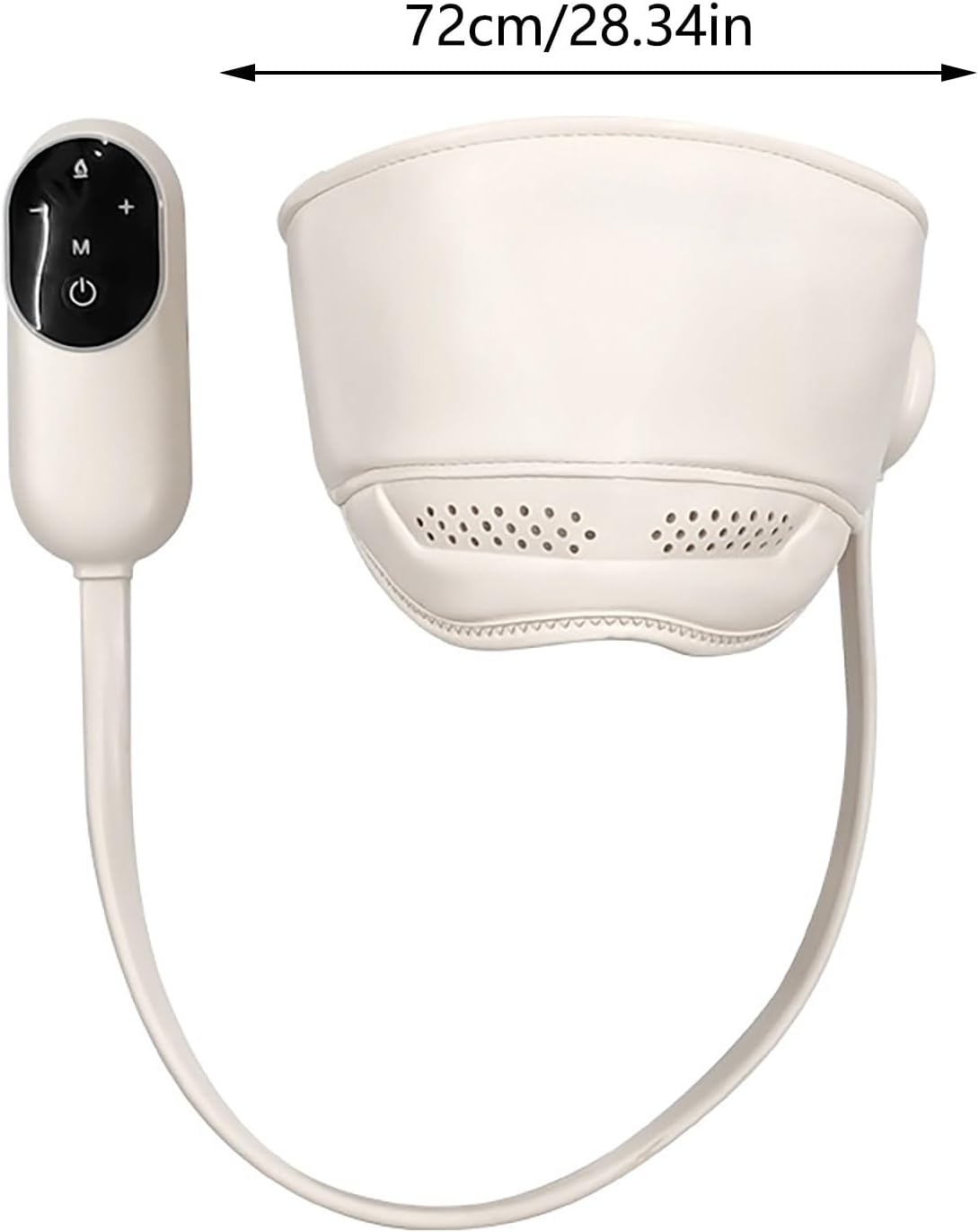
- Product Dimensions: 4.7 x 4.7 x 10.6 inches (11.9 x 11.9 x 26.9 cm)
- Item Weight: 1.65 Pounds (750 Grams)
- Power Source: Battery Powered
- Battery Capacity: 3000mAh
- Rated Voltage: 5V
- Working Voltage: 3.7V
- Rated Power: 5W
- Material Type: Plastic
- Color: White
- Massage Therapy Technique: Kneading
- Special Features: Portable, Cordless
Warranty and Support
This product may be eligible for extended protection plans. Please refer to your purchase documentation for details on available warranty and protection plan options.
For technical support or customer service inquiries, please contact the retailer or manufacturer through the contact information provided at the point of purchase.