
1. Product Overview
The YOBeyux Electric Head Shaver RQ6900S-04 is designed for efficient and comfortable head and face grooming. It features flexible rotary heads, wet/dry shaving capability, and a long-lasting rechargeable battery with an LED display. This manual provides instructions for safe and effective use, maintenance, and troubleshooting.

Image: The YOBeyux Electric Head Shaver, highlighting its 7D floating head design for contour adaptation.
2. Package Contents
Verify that all items are present in the package:
- Electric Head Shaver (main unit)
- Scalpsafe Blade (pre-installed or separate)
- Precision Clipper attachment
- Nose & Ear Trimmer attachment
- Exfoliation Brush attachment
- Scalp Scrubber attachment
- 4 x Clipper Guards (various sizes)
- USB-C Charging Cable
- Cleaning Brush

Image: A visual representation of the head shaver and all its accessories, including various attachments and the charging cable.
3. Safety Information
- Always unplug and turn off the shaver before using it in or near water.
- Be cautious when handling the sharp blades to prevent injury.
- Always keep blades clean and dry.
- Clean the shaver after each use to prevent bacterial growth.
- Do not immerse the charging cable or adapter in water.
- Keep out of reach of children.
4. Setup
4.1 Charging the Shaver
Before first use, fully charge the shaver. The LED display will indicate the battery level.
- Connect the USB-C charging cable to the shaver's charging port.
- Connect the other end of the USB-C cable to a compatible USB power source (e.g., laptop, power bank, USB wall adapter).
- The LED display will show the charging progress. A full charge typically takes approximately 2 hours and provides up to 90 minutes of cordless use.
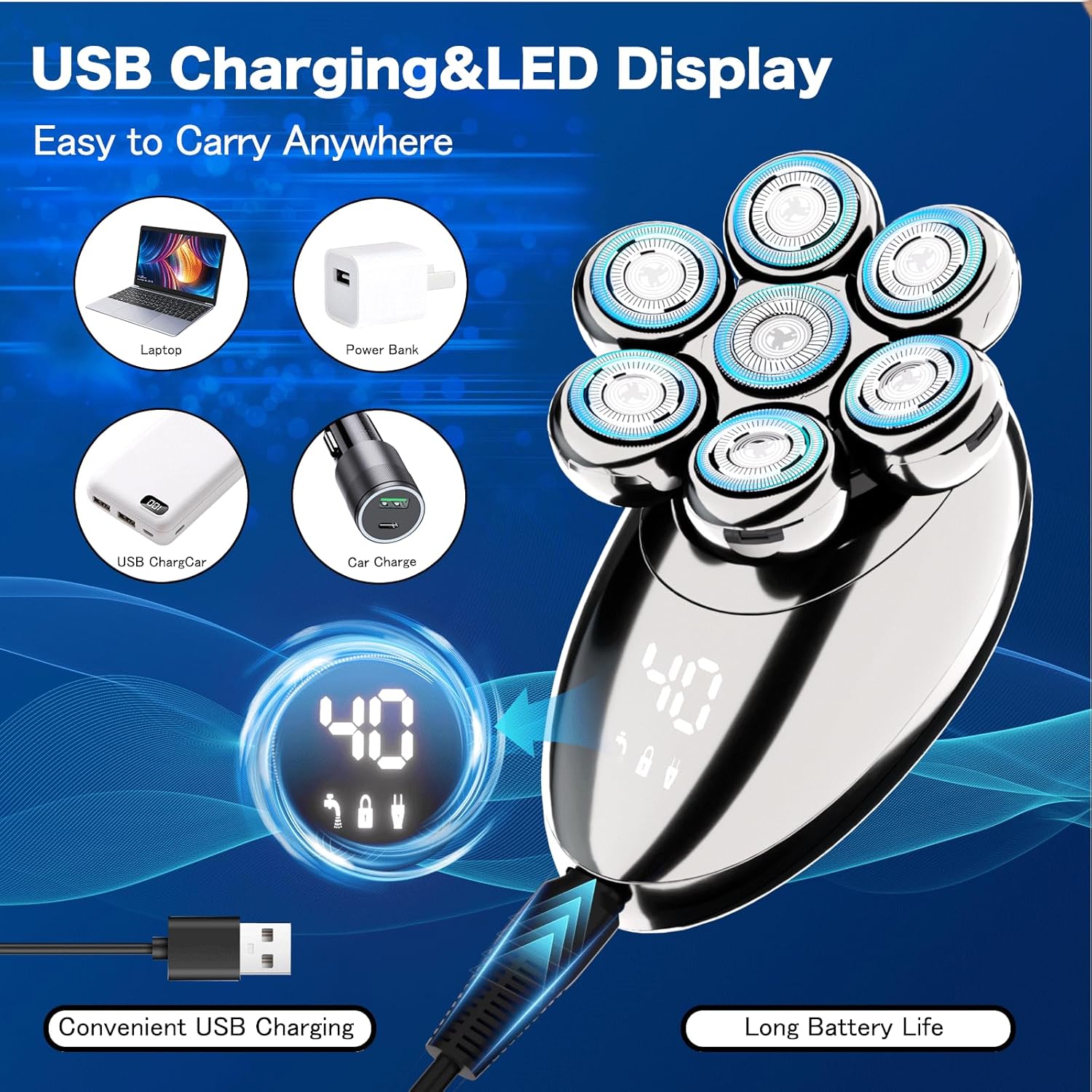
Image: The shaver connected to a USB-C cable, illustrating its charging capability and the LED battery display.
4.2 Attaching/Detaching Heads
The shaver comes with multiple interchangeable heads for various grooming needs.
- To detach a head: Gently pull the head upwards from the main unit.
- To attach a head: Align the head with the main unit's slot and press down until it clicks into place.

Image: Instructions demonstrating the process of removing and installing different shaver attachments by pulling and matching the slot.
5. Operating Instructions
5.1 Power On/Off
Press the power button located on the shaver's body to turn it on or off.
5.2 Wet and Dry Shaving
The shaver is IPX8 waterproof, allowing for both wet and dry shaving.
- Dry Shaving: For a quick and convenient shave, use the shaver on dry skin.
- Wet Shaving: For a refreshing and smoother shave, use with shaving cream, gel, or in the shower.
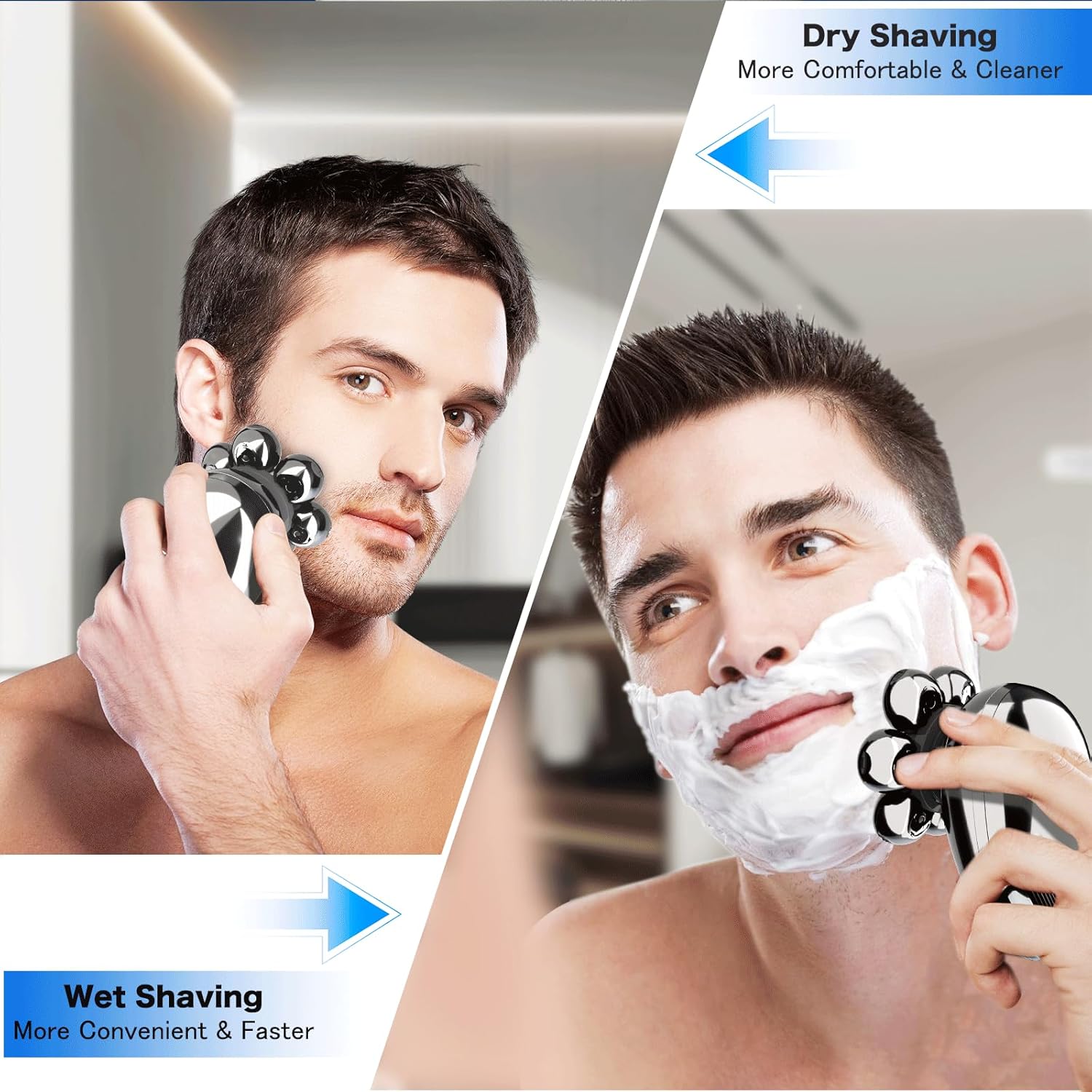
Image: A split image illustrating the shaver's versatility for both dry shaving and wet shaving with foam.
5.3 Shaving Technique
For optimal results, follow these guidelines:
- Hold the shaver at a 90-degree angle to your skin.
- Move the shaver in small, circular motions over the area to be shaved.
- Apply gentle pressure; excessive pressure is not necessary and may cause irritation.
- The flexible heads will adapt to the contours of your head and face for a close shave.
Video: A demonstration of the YOBeyux Electric Head Shaver in use, showing how it glides over the head and face for a smooth shave.
6. Maintenance
6.1 Cleaning the Shaver
Regular cleaning ensures optimal performance and hygiene.
- Turn off and unplug the shaver.
- Detach the shaving head from the main unit.
- Open each individual rotary blade cover by gently twisting or lifting (refer to diagram).
- Rinse the blades and the head under running water to remove hair clippings. Use the provided cleaning brush for stubborn debris.
- Allow all parts to air dry completely before reassembling.

Image: Step-by-step visual guide on how to open the shaver head and clean the blades under running water.
6.2 Replacing Shaving Heads
For continued optimal performance, it is recommended to replace the shaving heads every 6-12 months, depending on usage.
- Replacement heads can be purchased separately from authorized retailers.
- Follow the instructions in Section 4.2 for detaching the old head and attaching the new one.
7. Troubleshooting
| Problem | Possible Cause | Solution |
|---|---|---|
| Shaver does not turn on. | Battery is depleted. | Charge the shaver fully (refer to Section 4.1). |
| Poor shaving performance. | Blades are dull or clogged with hair. | Clean the shaving heads (refer to Section 6.1) or replace them if dull (refer to Section 6.2). |
| Skin irritation after shaving. | Excessive pressure, dry shaving sensitive skin, or dull blades. | Use lighter pressure, try wet shaving with cream, or replace dull blades. |
8. Specifications
- Model Name: RQ6900S-04
- Power Source: Battery Powered (Lithium-ion)
- Special Features: Detachable Head, Dry Shave, Interchangeable Trimmer Heads, Portable, Wet Shave
- Waterproof Rating: IPX8
- Charging Interface: USB-C
- Battery Life: Up to 90 minutes cordless use (after full charge)
- Dimensions: 6.73 x 5.91 x 3.46 inches
- Weight: 15.84 ounces
9. Warranty and Support
For warranty information and customer support, please refer to the product packaging or contact YOBeyux customer service directly. Keep your purchase receipt as proof of purchase.
Legal Disclaimer: Statements regarding this product have not been evaluated by the FDA and are not intended to diagnose, treat, cure, or prevent any disease or health condition.