
1. Introduction
This manual provides comprehensive instructions for the Terloogee Replacement Remote Control, model RC802V. This remote is designed as a direct replacement for various TCL Android Smart 4K UHD TV models, offering immediate functionality without complex setup. Please note that this remote does not support voice control features.
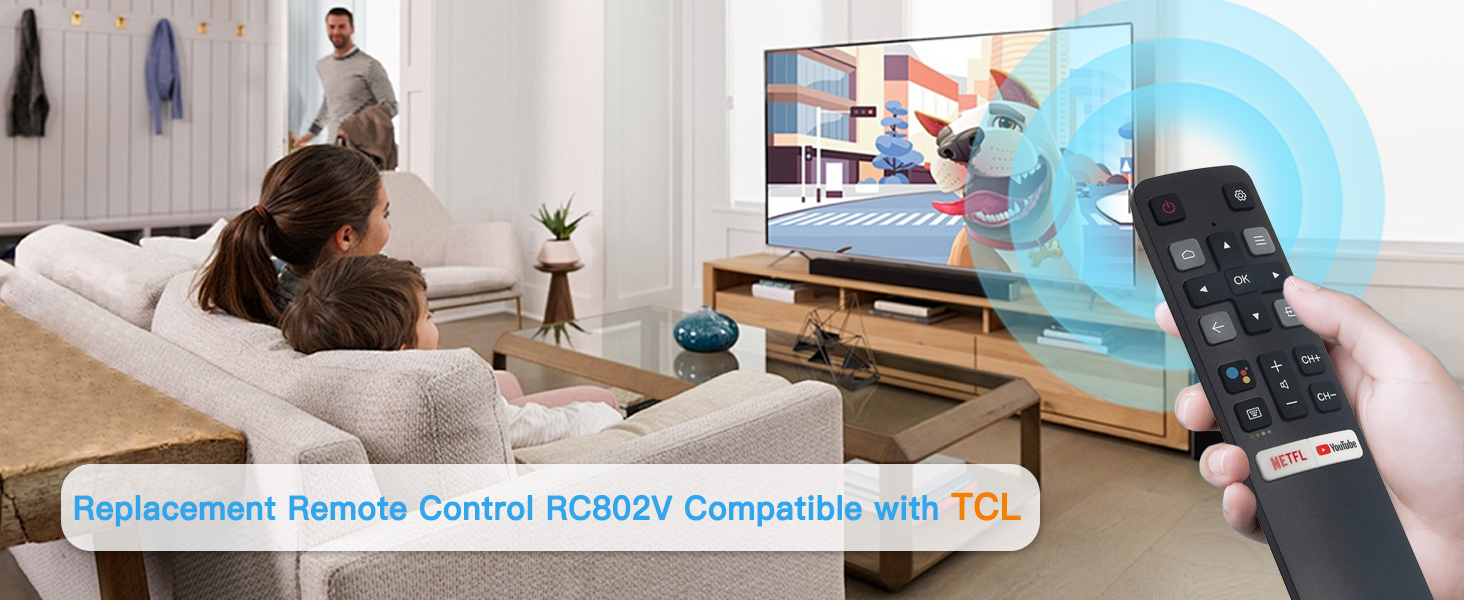
Image 1.1: The Terloogee RC802V remote control, compatible with various TCL Android Smart TVs. This remote does not include voice control functionality.
1.1 Compatible Models
The RC802V remote control is compatible with a wide range of TCL Android Smart 4K UHD TVs. This includes, but is not limited to, the following series and models:
- RC802V series, RC802N series, RC860 series, RC890 series, RC902N series, RC901V series
- Specific models: 43P30FS, 32P30S, 49P30FS, 32S6500A, 65P8S, 65P8, 55P8S, 55P8, 55EP680, 50P8S, 50P8, 49S6800FS, 49S6800, 49S6510FS, 32S6500, 32S6500S, 32S6800S, 32S6510S, 32A325, 32A323, 32S6800, 40S6500, 40S6500FS, 40S6800FS, 40S6510FS, 40S6800, 40S6500FS, 40S6510FS, 40S6800, 43S6500FS, 43S6800FS, 43S6500, 43S6500FS, 40A325, 40A323, 43S6510FS, 49S6500, 49S6500FS, 49S6800FS, 49S6800, 40S330, 32S330, 43S434, 50S434, 55S434, 65S434, 75S434.
Note: This remote is not compatible with Roku TVs.
2. Product Features
- No Setup Required: Ready to use immediately after battery installation.
- Ergonomic Design: Comfortable to hold and easy to grip, reducing the chance of slipping.
- Shortcut Buttons: Includes dedicated shortcut buttons for popular streaming services, allowing quick access to content.
- Long-Distance Control: Provides a reliable transmission signal range of up to 40 feet.
- Fast Response: Designed for quick response times, typically within 0.3 seconds.
- Durable Construction: Made from high-quality ABS plastic for longevity.
- Infrared Technology: Utilizes infrared (IR) connectivity for reliable communication with your TV.

Image 2.1: Key features of the RC802V remote, highlighting its ergonomic design, stable signal transmission, and soft, responsive buttons.
3. Setup
3.1 Battery Installation
The Terloogee RC802V remote control requires two (2) AAA batteries (not included) for operation. Follow these steps to install the batteries:
- Locate the battery compartment on the back of the remote control.
- Slide the battery compartment cover downwards or press the latch and lift to open.
- Insert two AAA batteries, ensuring the positive (+) and negative (-) terminals match the diagrams inside the compartment.
- Replace the battery compartment cover by sliding it back into place until it clicks securely.
Important: Ensure correct battery polarity to prevent damage to the remote control.

Image 3.1: Rear view of the RC802V remote, indicating the battery compartment location.
4. Operating Instructions
Once batteries are installed, the RC802V remote is ready for immediate use with your compatible TCL Android Smart TV. Point the remote directly towards your television for optimal performance.
4.1 Button Functions
| Button | Function |
|---|---|
| Power (Red Button) | Turns the TV on or off. |
| Settings (Gear Icon) | Accesses TV settings menu. |
| Home (House Icon) | Returns to the TV's home screen. |
| Navigation Pad (Up, Down, Left, Right, OK) | Navigates through menus and confirms selections. |
| Back (Arrow Icon) | Goes back to the previous screen or menu. |
| Input (Rectangle with Arrow) | Selects input sources (HDMI, AV, etc.). |
| Volume Up/Down (CH+/CH-) | Adjusts the TV volume. |
| Channel Up/Down (CH+/CH-) | Changes TV channels. |
| Netflix Shortcut | Directly launches the Netflix application. |
| YouTube Shortcut | Directly launches the YouTube application. |

Image 4.1: The RC802V remote featuring dedicated shortcut buttons for popular streaming services like Netflix and YouTube.
5. Troubleshooting
If you encounter issues with your Terloogee RC802V remote control, please refer to the following common solutions:
- Remote Not Responding:
- Ensure the remote is pointed directly at the TV's infrared receiver.
- Check if the batteries are inserted correctly with the correct polarity.
- Replace old batteries with new AAA alkaline batteries.
- Remove any obstructions between the remote and the TV.
- Buttons Require Multiple Presses:
- This can indicate low battery power. Replace batteries.
- Ensure a clear line of sight to the TV's IR receiver.
- No Voice Functionality:
- This remote model (RC802V) does not support voice control. This is a design specification, not a malfunction.
6. Specifications
| Feature | Detail |
|---|---|
| Brand | Terloogee |
| Model Name/Number | RC802V |
| Color | Black |
| Connectivity Technology | Infrared (IR) |
| Max Number of Supported Devices | 1 (Television) |
| Battery Type | 2 x AAA Alkaline Batteries (not included) |
| Maximum Range | 33 Feet (approximately 10 meters) |
| Button Quantity | 12 (excluding navigation pad) |
| Special Feature | Ergonomic Design, No Setup Required |
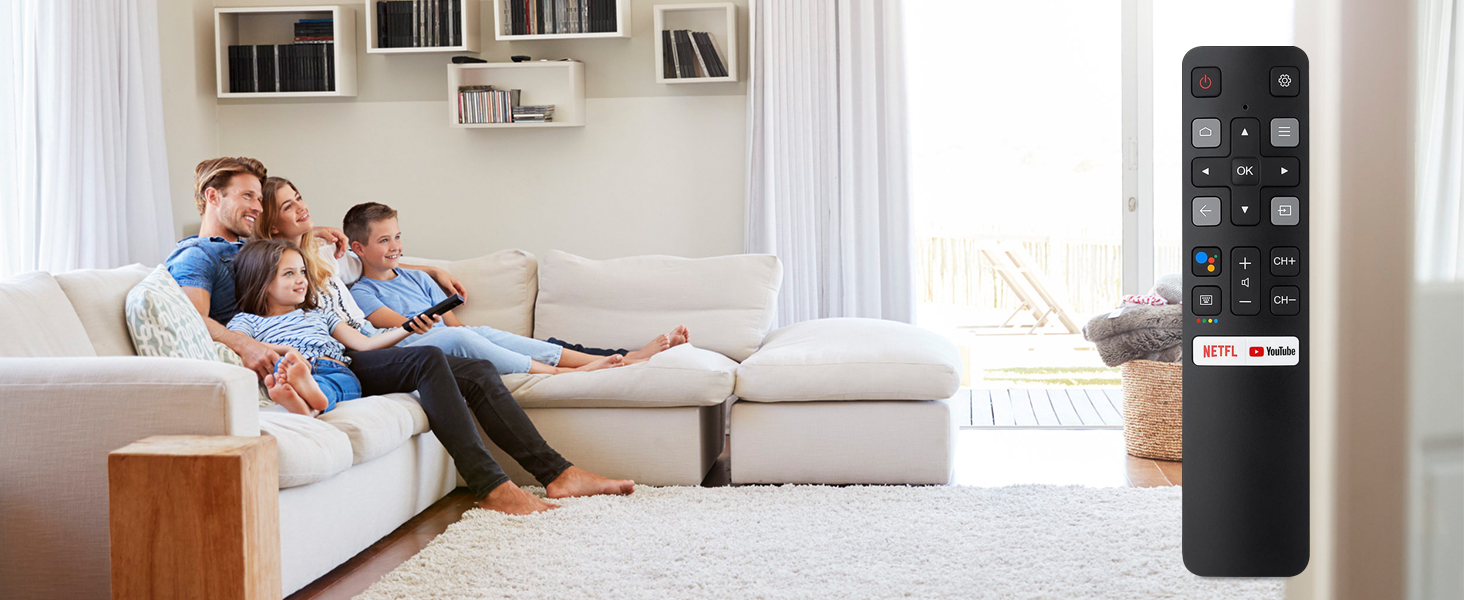
Image 6.1: Physical dimensions of the RC802V remote control.
7. Maintenance
- Cleaning: Use a soft, dry cloth to clean the remote control. Do not use liquid cleaners or abrasive materials.
- Battery Replacement: Replace batteries when the remote's response becomes sluggish or stops working. Always replace both batteries at the same time.
- Storage: Store the remote in a cool, dry place away from direct sunlight and extreme temperatures. If not used for extended periods, remove the batteries to prevent leakage.
8. Warranty and Support
The product comes with a standard manufacturer's warranty. For specific warranty details or technical support, please refer to the information provided at the point of purchase or contact Terloogee customer service.
If you experience any issues not covered in this manual, please reach out to our support team for assistance.


