
1. Introduction
Thank you for choosing the Realdio 9-Inch Android 15 Car Radio. This manual provides detailed instructions for the installation, operation, and maintenance of your new car stereo system. Please read this manual thoroughly before installation and use to ensure proper functionality and to maximize your driving experience.

Image: The Realdio 9-inch Android 15 Car Radio unit, accompanied by its accessories including a backup camera, external microphone, and a visual representation of smartphone mirroring capabilities.
2. Package Contents
Verify that all items listed below are present in your package:
- Realdio Android Stereo (for Toyota GT86/Subaru BRZ Scion FRS)
- Power Cable
- RCA Harness
- GPS Antenna
- AHD Backup Camera
- External Microphone
- Rear Camera Input Cable
- Dual USB Cable
- Installation Tool

Image: A comprehensive diagram illustrating all components included in the package, along with their respective connection points for installation.
3. Vehicle Compatibility & Important Notes
This Android car radio is designed for Toyota GT86, Subaru BRZ, and Scion FRS models from 2012 to 2016.
Important Compatibility Note:
- The provided cable does NOT support original cars equipped with a JBL power amplifier or a large screen. If your vehicle has these features, additional cables may be required (purchase separately).
- If audio does not work after installation, connect the amplifier cable of the RCA harness to the red ACC wire of the power cable. Alternatively, locate and connect the original car's power amplifier control cable to the ACC wire.

Image: A visual comparison showing the car's dashboard before and after the installation of the Realdio 9-inch Android car radio, highlighting the integrated fit.
4. Installation Guide
4.1 General Wiring
Refer to the 'Port Details & Package List' image in Section 2 for a visual guide to all connections. Ensure all cables are securely connected to their corresponding ports.
4.2 Rear View Camera Wiring
Proper connection of the rear view camera is crucial for its functionality. Even if the camera is not immediately used, the reverse input cable must be plugged in to prevent interference with Bluetooth and Wi-Fi signals.
- Red Cable ①: Connects to the positive terminal of the car's reverse light cable.
- Black Cable ②: Connects to the negative terminal of the car's reverse light cable.
- There is no need to connect the other two red extension cables ③ and ④.

Image: A detailed wiring diagram illustrating the correct connections for the reversing camera, including positive and negative terminals.
4.3 Steering Wheel Control (SWC)
The method for activating steering wheel controls depends on whether your vehicle has a CANBUS decoder.
- Without CANBUS Decoder: Connect the plugs or the steering wheel control wires (Key1/Key2) in the power cable to the corresponding port or wire of your original car. Then, navigate to the unit's settings (Car Settings -> Factory (000000) -> SWC) to manually match and activate the button functions.
- With CANBUS Decoder: Connect the CANBUS decoder before powering on the radio. Then, go to the unit's settings (Car Settings -> Factory (000000) -> CarType Setting). Select the brand of the CANBUS decoder and then choose the matching model and year to ensure proper SWC functionality.

Image: A visual guide detailing the connections and software settings required for integrating steering wheel controls with the car radio.
5. Operating Instructions
5.1 Wireless CarPlay & Android Auto
This unit supports both wired and wireless CarPlay and Android Auto. Connect your smartphone via USB or Bluetooth to access your phone's applications directly on the car radio's screen. Activate voice assistants for hands-free control of navigation, calls, messages, and music.

Image: The car radio display showcasing the user interface for wireless CarPlay and Android Auto, along with connection methods.
5.2 GPS Navigation & WiFi Hotspot
The unit features built-in GPS capabilities. You can use online navigation apps (requires WiFi connection) or download offline maps from the Google Play Store. Connect to a WiFi hotspot (e.g., from your smartphone) to access online services, download apps, and stream media.
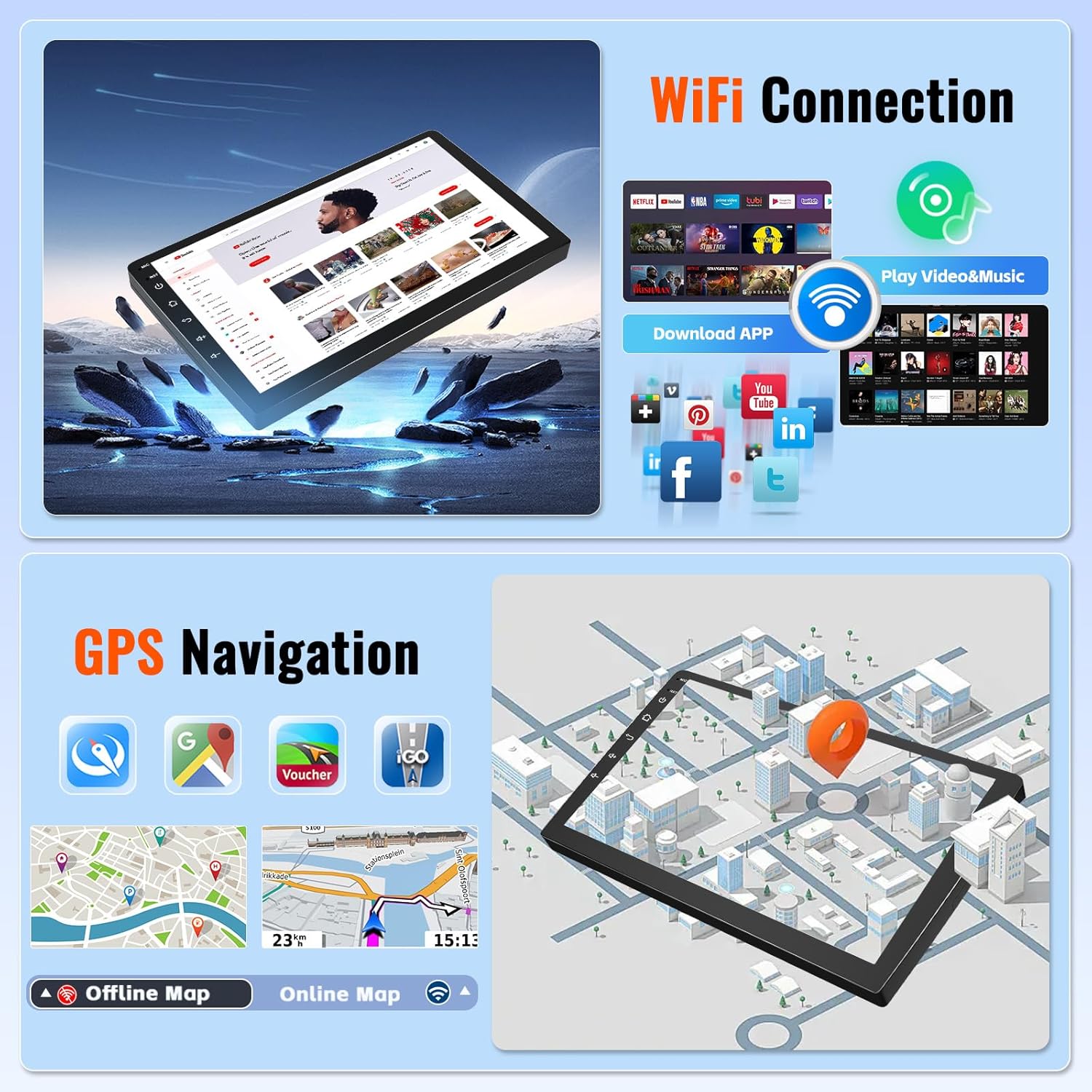
Image: The car radio screen displaying GPS navigation with both online and offline map options, alongside icons representing WiFi connectivity and app downloads.
5.3 Bluetooth Hands-Free Calling & FM/RDS Radio
Pair your smartphone via Bluetooth for hands-free calling and wireless music streaming. The built-in microphone ensures clear communication. The high-quality FM/RDS radio receiver allows you to listen to local radio stations and real-time news broadcasts.

Image: The car radio interface demonstrating Bluetooth connectivity for phone calls and music, along with the FM/RDS radio tuning display.
5.4 UI Themes & Split-Screen Functionality
Personalize your experience with 26 available desktop themes. The split-screen feature allows you to run two applications simultaneously, such as navigation and music playback, on the same screen.

Image: A collage of various user interface themes available for the car radio, along with an example of the split-screen functionality displaying two apps concurrently.
5.5 Rear View Camera Functionality
When reversing, the display automatically switches to the rear view camera feed, providing a clear view of the area behind your vehicle. Dynamic guidelines assist with parking maneuvers.
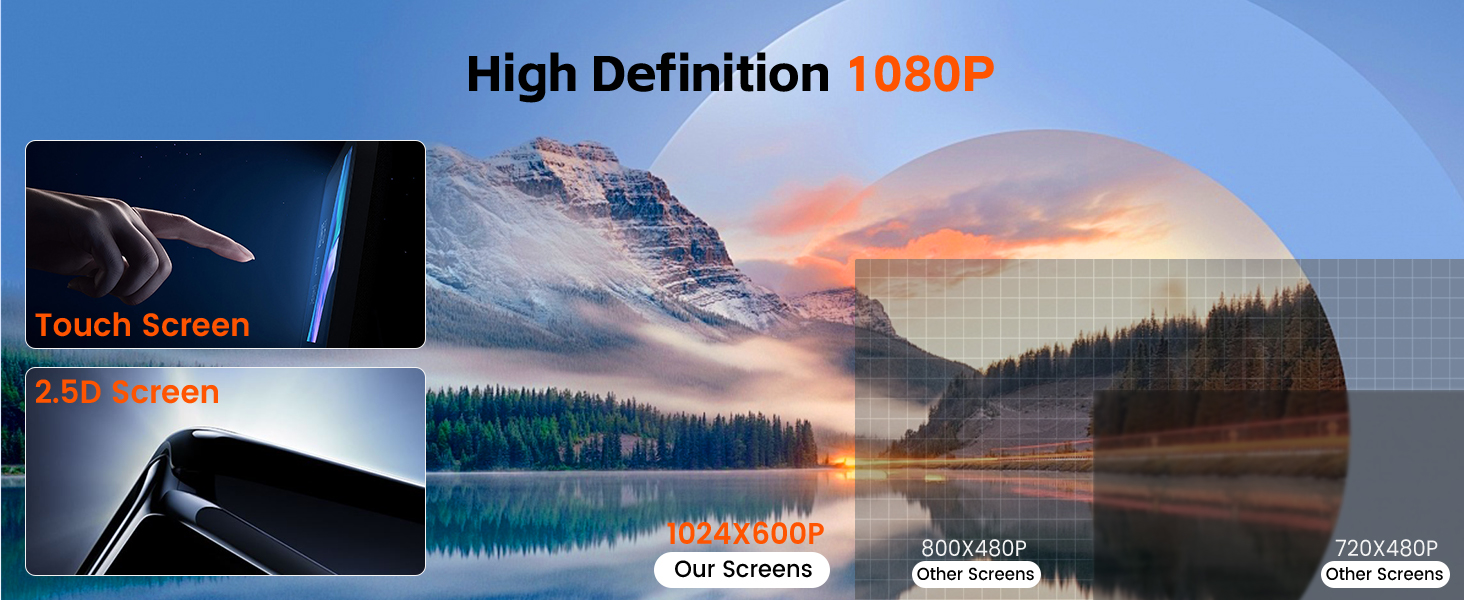
Image: The car radio screen showing the view from the rear camera, complete with parking assistance guidelines overlaid on the image of a parking lot.
6. Maintenance
To ensure the longevity and optimal performance of your Realdio car radio, follow these maintenance guidelines:
- Cleaning: Use a soft, dry cloth to clean the screen and exterior. Avoid abrasive cleaners or solvents that could damage the display or finish.
- Software Updates: Periodically check for available software updates through the system settings or the manufacturer's website to ensure you have the latest features and performance enhancements.
- Environmental Conditions: Avoid exposing the unit to extreme temperatures, direct sunlight for prolonged periods, or excessive moisture.
7. Troubleshooting
If you encounter issues with your car radio, refer to the following common problems and solutions:
- No Audio Output:
- Check the amplifier cable connection. Ensure the amplifier cable of the RCA harness is connected to the red ACC wire of the power cable.
- Verify if your original car has a JBL power amplifier or large screen, which may require specific wiring or adapters not included. - Poor Bluetooth or Wi-Fi Signal:
- Ensure the reverse input cable for the backup camera is plugged in, even if the camera is not in use. This cable can affect signal reception if left disconnected. - Steering Wheel Controls Not Working:
- Review Section 4.3 (Steering Wheel Control) to ensure correct wiring and software configuration based on whether your vehicle has a CANBUS decoder. - Unit Not Powering On:
- Check all power cable connections, especially the ACC and ground wires.
- Verify the vehicle's fuse for the radio. - Touchscreen Unresponsive:
- Try restarting the unit. If the issue persists, contact customer support.
8. Specifications
| Feature | Detail |
|---|---|
| Operating System | Android |
| Display Size | 9 Inches |
| RAM | 2GB |
| ROM | 64GB |
| Connectivity Technology | Bluetooth, USB, Wi-Fi, FM/RDS, RCA |
| Special Features | Responsive Touchscreen, Wireless/Wired CarPlay & Android Auto, GPS Navigation, Mirror Link, EQ Settings, 26 UI Themes, Steering Wheel Control, Backup Camera Input, Split Screen Function, Double USB Port |
| Voice Command | Microphone, Touchscreen |
| Audio Output Mode | APE/FLAC/WAV/MP3/WMA etc |
| Item Weight | 3.1 pounds |
| Package Dimensions | 13.39 x 6.69 x 3.94 inches |

Image: A visual representation emphasizing the high-definition 1080P display, responsive touch screen, and 2.5D curved edge design of the car radio.
9. Warranty and Support
Realdio is committed to providing quality products and customer satisfaction.
- Warranty: This product comes with a 1-year warranty from the date of purchase.
- Returns: Enjoy a 60-day no-worry return policy.
- Customer Support: For any questions, technical assistance, or warranty claims, please contact our professional support team. We aim to provide a fast response within 24 hours.
- Contact Email: realdioservices@163.com

Image: A graphic detailing customer support benefits, including 24-hour response, one-year warranty, 60-day return policy, and professional team lifetime support.