
CDWNEBTV C800S
C800S Hydraulic Check Valve User Manual
Model: C800S | Brand: CDWNEBTV
1. Introduction
The CDWNEBTV C800S Hydraulic Check Valve is designed to allow fluid flow in one direction only, preventing backflow in hydraulic systems. This valve is crucial for maintaining system pressure, protecting pumps, and ensuring the correct sequence of operations in various industrial and scientific applications. It is rated for a maximum pressure of 5000 PSI (345 BAR).
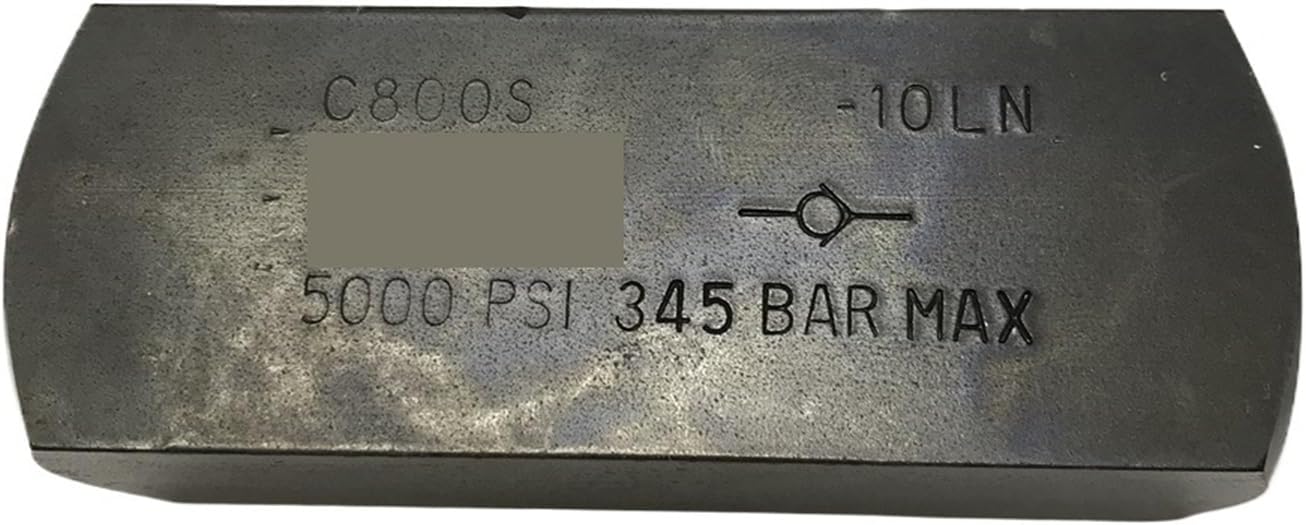
Figure 1: Exterior view of the C800S Hydraulic Check Valve, showing the model number "C800S" and the maximum pressure rating of "5000 PSI 345 BAR MAX". This image highlights the robust construction and clear markings on the valve body.
2. Setup and Installation
Proper installation is critical for the safe and efficient operation of the C800S Hydraulic Check Valve. Always ensure the hydraulic system is depressurized and locked out before beginning installation.
- System Depressurization: Before installation, ensure the hydraulic system is completely depressurized and all power sources are disconnected to prevent accidental fluid discharge or injury.
- Orientation: Identify the flow direction arrow on the valve body. Install the valve so that the arrow points in the desired direction of fluid flow. Incorrect orientation will prevent proper operation.
- Port Preparation: Clean the threads of the valve and the mating ports in the hydraulic system. Apply an appropriate thread sealant (e.g., PTFE tape or liquid sealant) to the male threads to ensure a leak-free connection.
- Tightening: Carefully thread the valve into the system ports. Tighten securely using appropriate tools, ensuring not to overtighten, which can damage threads or the valve body. Refer to system specifications for recommended torque values if available.
- System Re-pressurization: Once installed, slowly re-pressurize the hydraulic system and carefully check for any leaks around the valve connections.
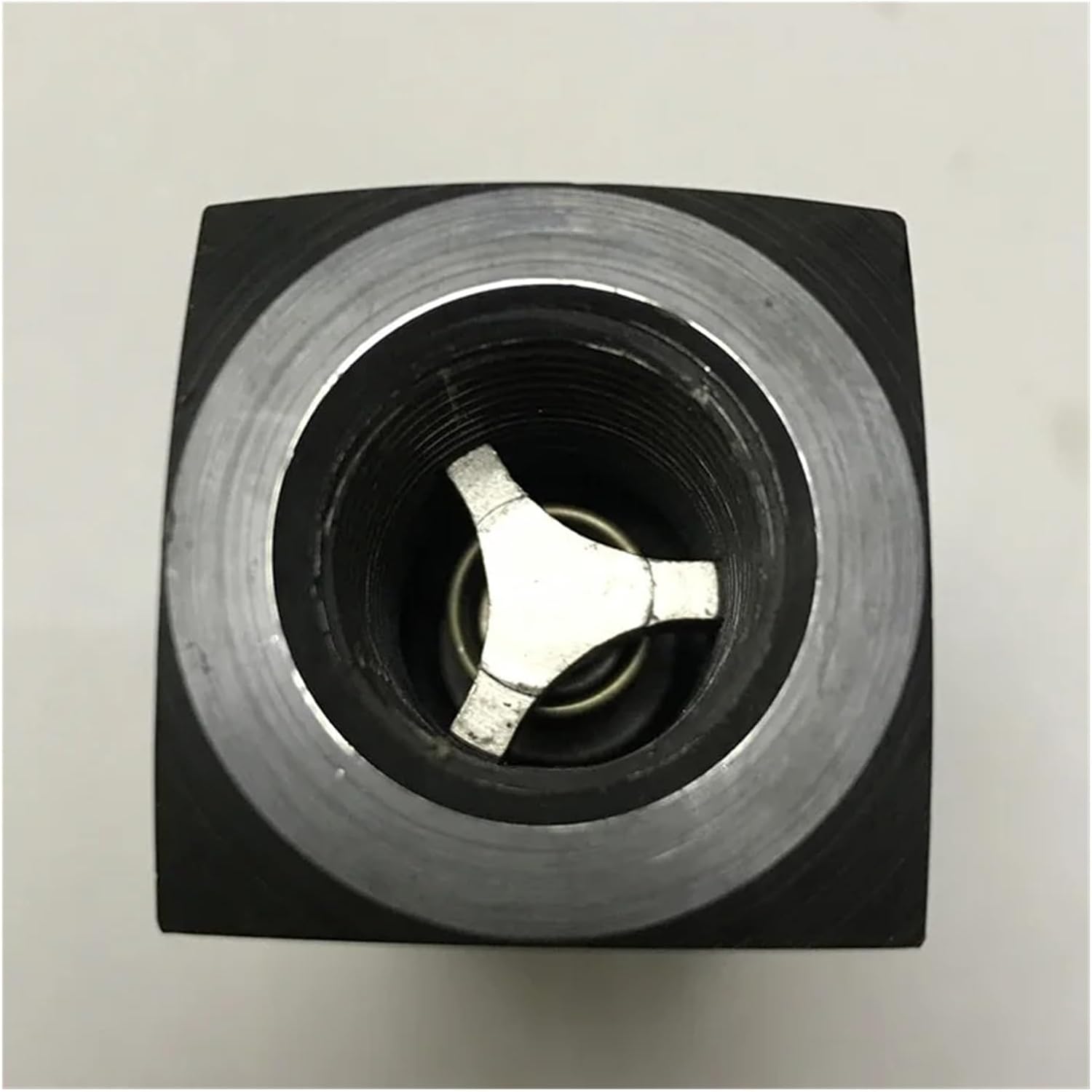
Figure 2: Internal view of the C800S Hydraulic Check Valve, showing the spring-loaded check mechanism. This component is responsible for allowing flow in one direction and preventing it in the reverse direction.
3. Operating Principles
The C800S Hydraulic Check Valve operates based on differential pressure. When fluid pressure at the inlet (upstream) side exceeds the pressure at the outlet (downstream) side plus the cracking pressure of the valve, the internal mechanism (poppet or ball) is pushed open, allowing fluid to flow through. If the pressure at the outlet side becomes higher than the inlet side, or if the inlet pressure drops below the cracking pressure, the internal mechanism is forced closed by the spring and/or reverse flow pressure, preventing backflow.
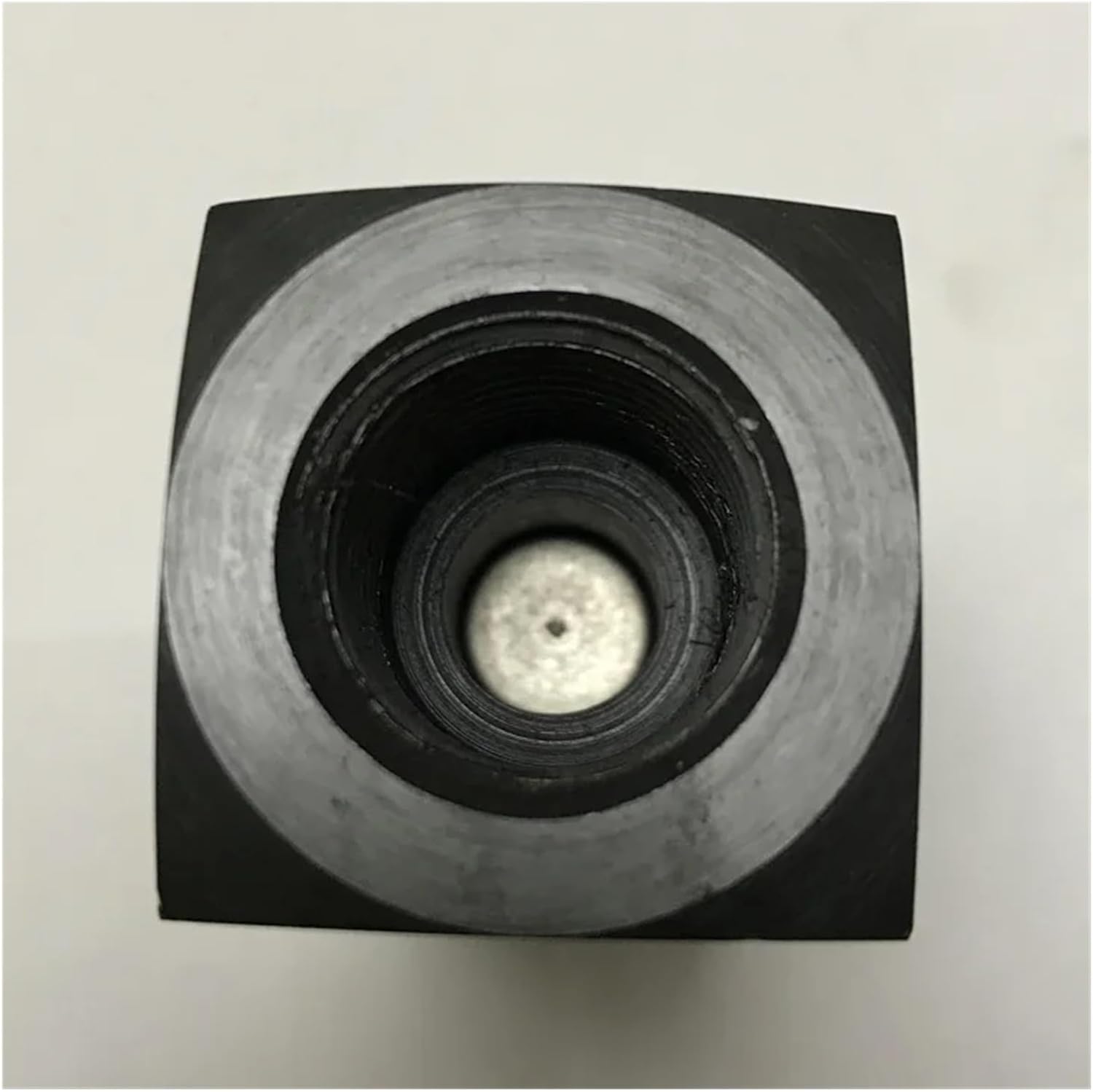
Figure 3: Another internal view of the C800S Hydraulic Check Valve, illustrating the clear fluid path when the valve is open. This perspective helps understand the internal design that facilitates unidirectional flow.
4. Maintenance
The C800S Hydraulic Check Valve is designed for durability and minimal maintenance. However, periodic inspection can help ensure long-term reliable operation.
- Leak Inspection: Regularly inspect the valve and its connections for any signs of hydraulic fluid leaks. Address leaks immediately by tightening connections or replacing seals if necessary (after depressurizing the system).
- Cleanliness: Ensure the hydraulic fluid remains clean and free of contaminants, as particles can interfere with the valve's internal mechanism and lead to premature wear or malfunction.
- Functionality Check: Periodically verify that the valve is operating correctly, allowing flow in one direction and completely blocking it in the reverse direction.
- Replacement: If the valve shows signs of significant wear, damage, or consistent malfunction, it should be replaced with a new unit.
5. Troubleshooting
If you encounter issues with your C800S Hydraulic Check Valve, consider the following common problems and their potential solutions:
| Problem | Possible Cause | Solution |
|---|---|---|
| No flow through valve |
|
|
| Restricted flow |
|
|
| Backflow occurring |
|
|
| Leaks at connections |
|
|
6. Specifications
Key specifications for the C800S Hydraulic Check Valve:
- Model Number: CDWNEBTV (as per product listing, though the product itself is C800S)
- Brand: CDWNEBTV
- Maximum Pressure Rating: 5000 PSI (345 BAR)
- Package Dimensions: 1.18 x 0.79 x 0.39 inches
- Item Weight: 7.1 ounces
- Country of Origin: China
- Assembly Required: No
- Number of Pieces: 1
7. Warranty and Support
This product is subject to the standard return policy of 30 days for refund or replacement as per the purchase terms. For technical support, inquiries, or assistance with troubleshooting beyond the scope of this manual, please refer to the seller's contact information provided at the time of purchase or through the platform where the product was acquired.
For more information, you may visit the product page.
Ask a question about this manual
Ask about setup, troubleshooting, compatibility, parts, safety, or missing instructions. Manuals+ will review the question and use this page’s manual context to help answer it.