
1. Setup and Connection
This charging cable is designed for use with celpack Smart Glasses. To begin charging, follow these steps:
- Connect to Power Source: Insert the USB-A end of the charging cable into a compatible USB power source. This can be a computer's USB port, a laptop, a wall charger (USB power adapter), or a power bank. Ensure the power source provides a stable 5V output.
- Connect to Smart Glasses: Align the magnetic charging pins of the cable with the corresponding charging contacts on your celpack Smart Glasses. The magnetic connection will securely attach the cable to the glasses.
- Verify Connection: Once connected, your celpack Smart Glasses should indicate that they are charging, typically via an LED indicator on the glasses.

Image: The WUNIAK magnetic USB charging cable connected to celpack Smart Glasses, which are placed next to a laptop, illustrating how to charge the glasses using various power sources.
2. Operation and Charging
The WUNIAK charging cable provides efficient and safe power delivery to your celpack Smart Glasses.
- Charging Process: Once properly connected, the cable will automatically begin charging your smart glasses. The magnetic connection ensures a stable and reliable contact.
- Fast Charging: The cable supports fast charging, capable of fully charging your celpack Smart Glasses in approximately 2.5 hours with a 1A output current.
- Safety Features: The cable incorporates a Voltage Regulator (PTC) to prevent damage from overcurrent, over-voltage, short-circuit, and over-temperature, prolonging the lifespan of your device.

Image: The WUNIAK charging cable connected to celpack Smart Glasses, with a clock icon and text indicating fast charging capabilities, achieving a full charge in 2.5 hours with 1A output.
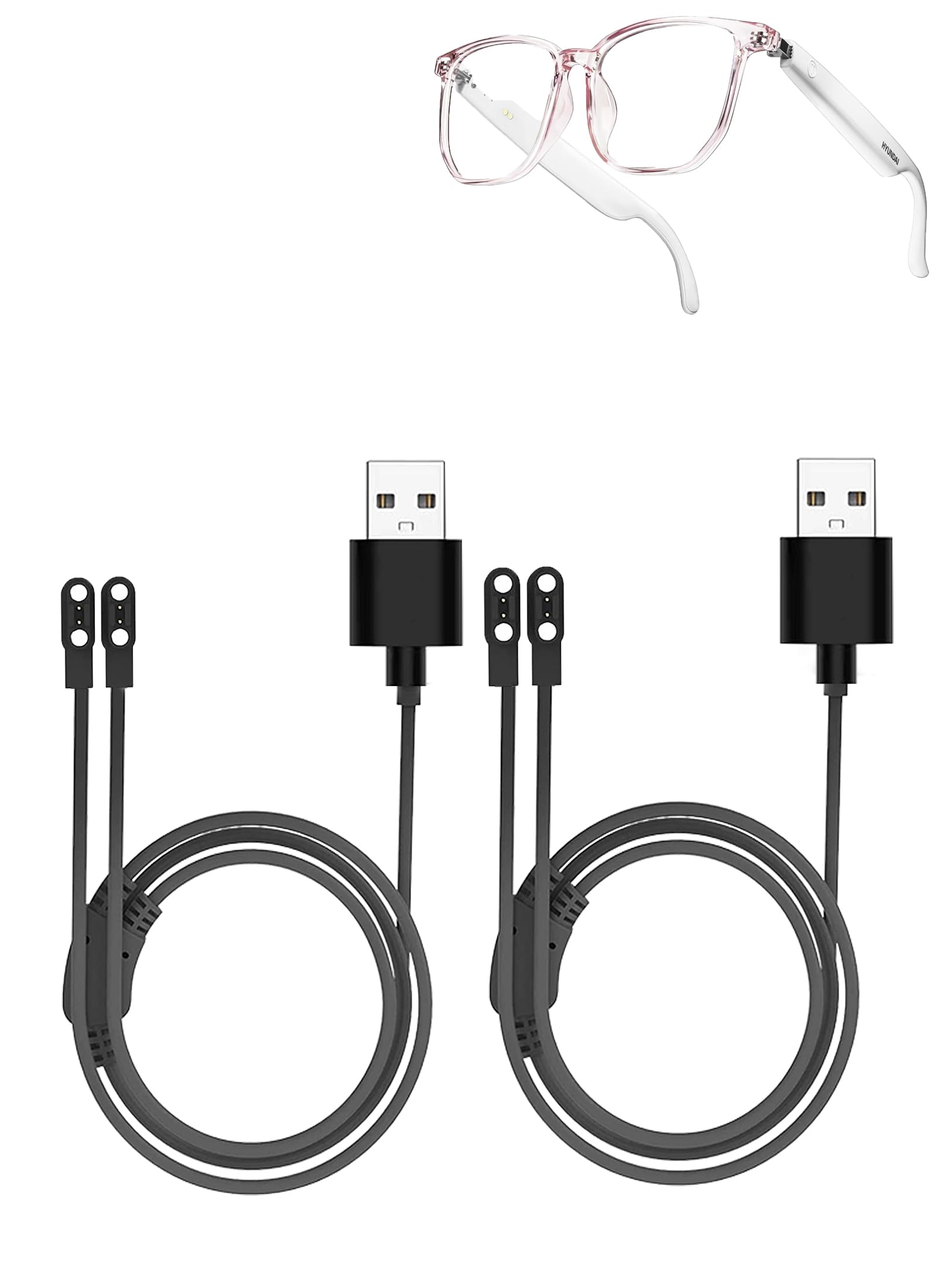
Image: A diagram illustrating the reinforced design and built-in charging safety protection system of the WUNIAK cable, highlighting temperature, over-current, over-voltage, and short-circuit protection.
3. Care and Maintenance
Proper care ensures the longevity and optimal performance of your WUNIAK charging cable.
- Cleaning: Gently wipe the cable and magnetic contacts with a dry, soft cloth to remove dust or debris. Avoid using liquid cleaners directly on the contacts.
- Storage: Store the cable in a clean, dry place away from extreme temperatures and direct sunlight. Its compact design allows for easy storage in bags or car compartments.
- Durability: The cable features a reinforced design and pure copper core for enhanced durability and charging efficiency. It is designed to withstand over 10,000 bends, ensuring a long lifespan.
- Handling: Avoid excessive pulling or sharp bending of the cable, especially near the connectors, to prevent internal damage.

Image: A diagram illustrating the double protection and reliable quality of the WUNIAK charging cable, highlighting its reinforced design, 10,000+ bend lifespan, and stable magnetic connection.

Image: A close-up view of the WUNIAK charging cable's pure copper core, indicating improved charging efficiency and robust internal construction.
4. Troubleshooting
If you encounter issues while charging your celpack Smart Glasses, refer to the following common solutions:
| Problem | Possible Cause | Solution |
|---|---|---|
| Glasses not charging | Loose connection, faulty power source, dirty contacts, incompatible device. |
|
| Slow charging | Low power output from source, background activity on glasses. |
|
| Cable appears damaged | Physical stress, manufacturing defect. |
|
5. Product Specifications
| Brand | WUNIAK |
| Model Name | Magnetic USB Charging Cable for celpack Smart Glasses |
| Compatible Devices | celpack Smart Glasses |
| Connector Type | USB-A to 4-Pin Magnetic |
| Cable Type | Copper Wire |
| Number of Pins | 4 |
| Cable Length | 60 cm (approximately 23.6 inches) |
| Output Current | 1A (for fast charging) |
| Color | Black |
| Item Weight | Approximately 0.01 Pounds |
| Indoor/Outdoor Usage | Indoor |
6. Warranty and Support
WUNIAK is committed to providing high-quality products and customer satisfaction.
- Return Policy: This product is typically eligible for a 30-day return or replacement policy from the date of purchase. Please refer to your retailer's specific return policy for details.
- Customer Support: For any questions, concerns, or technical assistance, please contact WUNIAK customer support. We offer 24/7 email support to ensure a perfect shopping experience.
- Contact Information: Please refer to the contact details provided with your purchase or on the official WUNIAK website for the most up-to-date support channels.