
Introduction
Welcome to the user manual for your new Hwagol Smart Watch G28. This device is designed to enhance your daily life by providing convenient access to communication, fitness tracking, and various smart features directly from your wrist. With its 1.85-inch large touch screen, ability to answer and make calls, multiple sport modes, and voice assistant, the Hwagol Smart Watch G28 is a versatile companion for both men and women using Android and iOS phones. Please read this manual carefully to ensure proper setup, operation, and maintenance of your device.
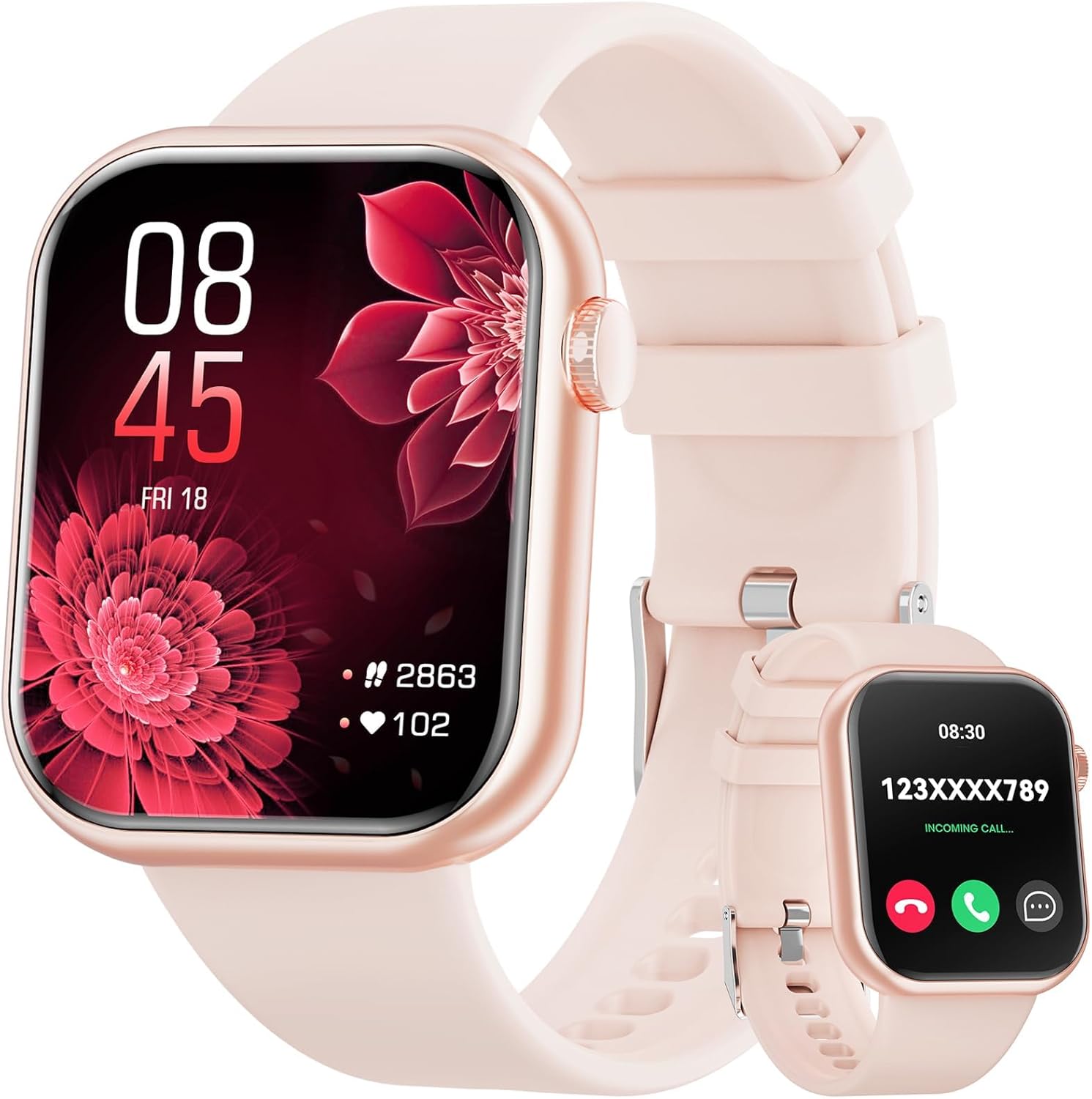
Image: The Hwagol Smart Watch G28, showcasing its vibrant display and sleek design.
Setup Guide
1. Charging the Device
Before first use, fully charge your Hwagol Smart Watch G28.
- Connect the provided charging cable to the charging port on the back of the watch.
- Plug the USB end of the cable into a standard USB power adapter (not included) or a computer's USB port.
- The watch display will indicate charging status. A full charge typically takes approximately 7 hours.

Image: The Hwagol Smart Watch G28 connected to its charging cable, illustrating the charging process.
2. Powering On and App Installation
Once charged, press and hold the side button to power on the watch. To unlock the full potential of your smart watch, you will need to download and install the companion application on your smartphone.
- Scan the QR code displayed on the watch screen or found in the quick start guide (if applicable) to download the official app.
- Alternatively, search for the recommended app (e.g., "Cofit" as mentioned in some user reviews, though verify with product packaging) in your smartphone's app store (Google Play Store for Android, Apple App Store for iOS).
- Install the app and grant necessary permissions for Bluetooth, notifications, and location services.
3. Pairing with Your Smartphone
Follow these steps to pair your Hwagol Smart Watch G28 with your smartphone:
- Ensure Bluetooth is enabled on your smartphone.
- Open the installed companion app on your smartphone.
- Follow the in-app instructions to add a new device. The app will search for available smart watches.
- Select "Hwagol G28" or a similar device name from the list of found devices.
- Confirm the pairing request on both your watch and smartphone if prompted.
- Once paired, the watch will synchronize data with your phone, and you can begin customizing settings.
Operating Instructions
1. Basic Navigation
The Hwagol Smart Watch G28 features a responsive 1.85-inch touchscreen for intuitive navigation.
- Swipe Up/Down: Scroll through menus and notifications.
- Swipe Left/Right: Access different widgets, quick settings, or health data screens.
- Tap: Select an item or open an application.
- Press Side Button: Return to the home screen or power on/off the device.

Image: The 1.85-inch large touch screen of the Hwagol Smart Watch G28, emphasizing its clarity and wide vision.
2. Communication Features (Answer/Make Call & Notifications)
Once paired with your phone, the Hwagol Smart Watch G28 allows you to manage calls and receive notifications directly on your wrist.
- Answering/Making Calls: When an incoming call is received, you can answer or reject it directly from the watch. You can also dial numbers or select contacts to make calls.
- Notifications: Receive alerts for incoming messages (SMS), social media updates, and other app notifications from your paired smartphone. Ensure notification permissions are enabled in the companion app.
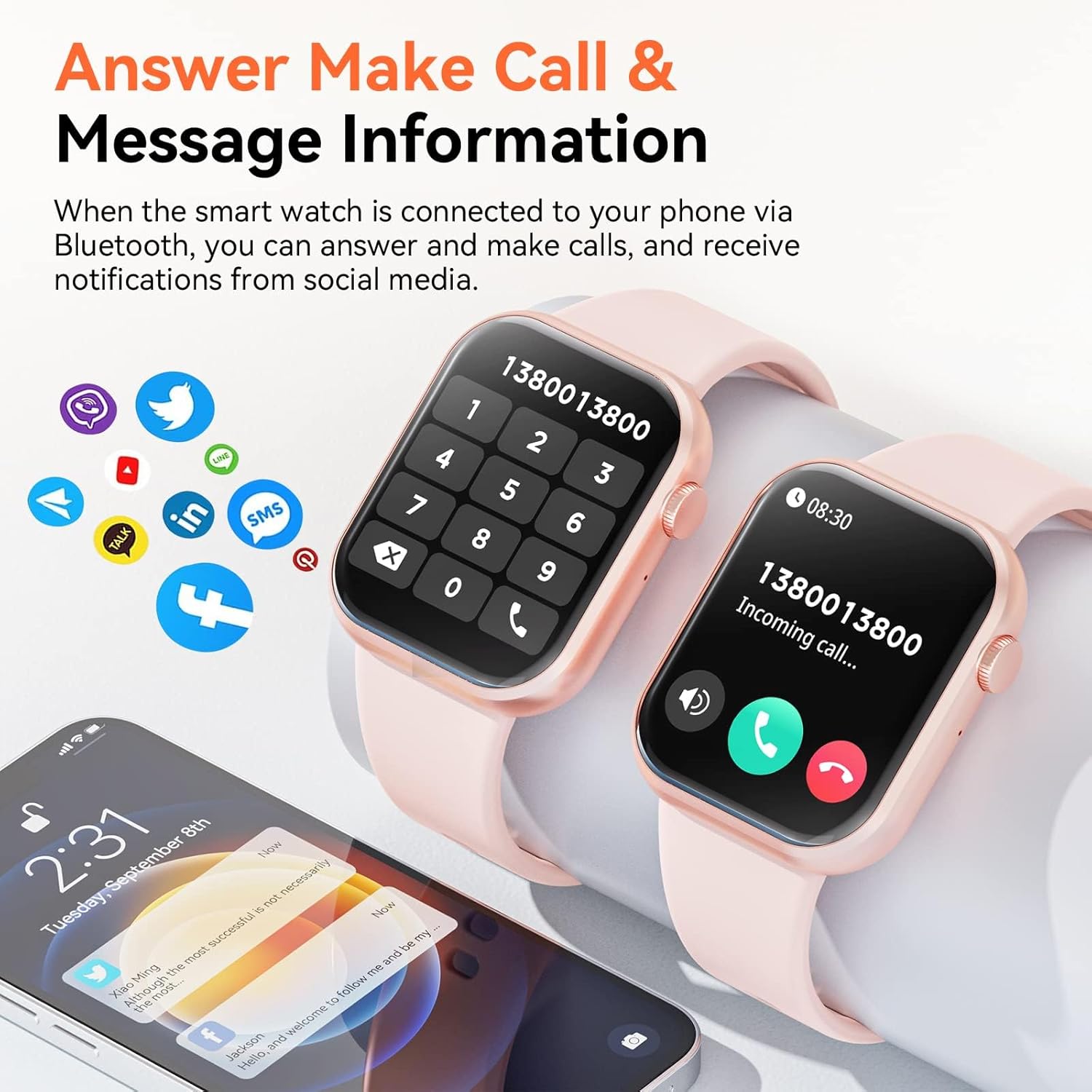
Image: The Hwagol Smart Watch G28 demonstrating its call answering and message notification capabilities, alongside a smartphone displaying various communication app icons.
3. Fitness Tracking and Multiple Sport Modes
The watch serves as your personal fitness tracker, monitoring various activities and health metrics.
- Activity Tracking: Automatically tracks steps, distance, and calories burned throughout the day.
- Sport Modes: Select from multiple pre-set sport modes (e.g., walking, running, cycling, skiing, basketball, jumping rope) to get more accurate data for specific workouts.
- Health Monitoring: Includes features for heart rate monitoring, sleep monitoring, and oximetry (SpO2) monitoring. These features are for reference only and not for medical diagnosis.
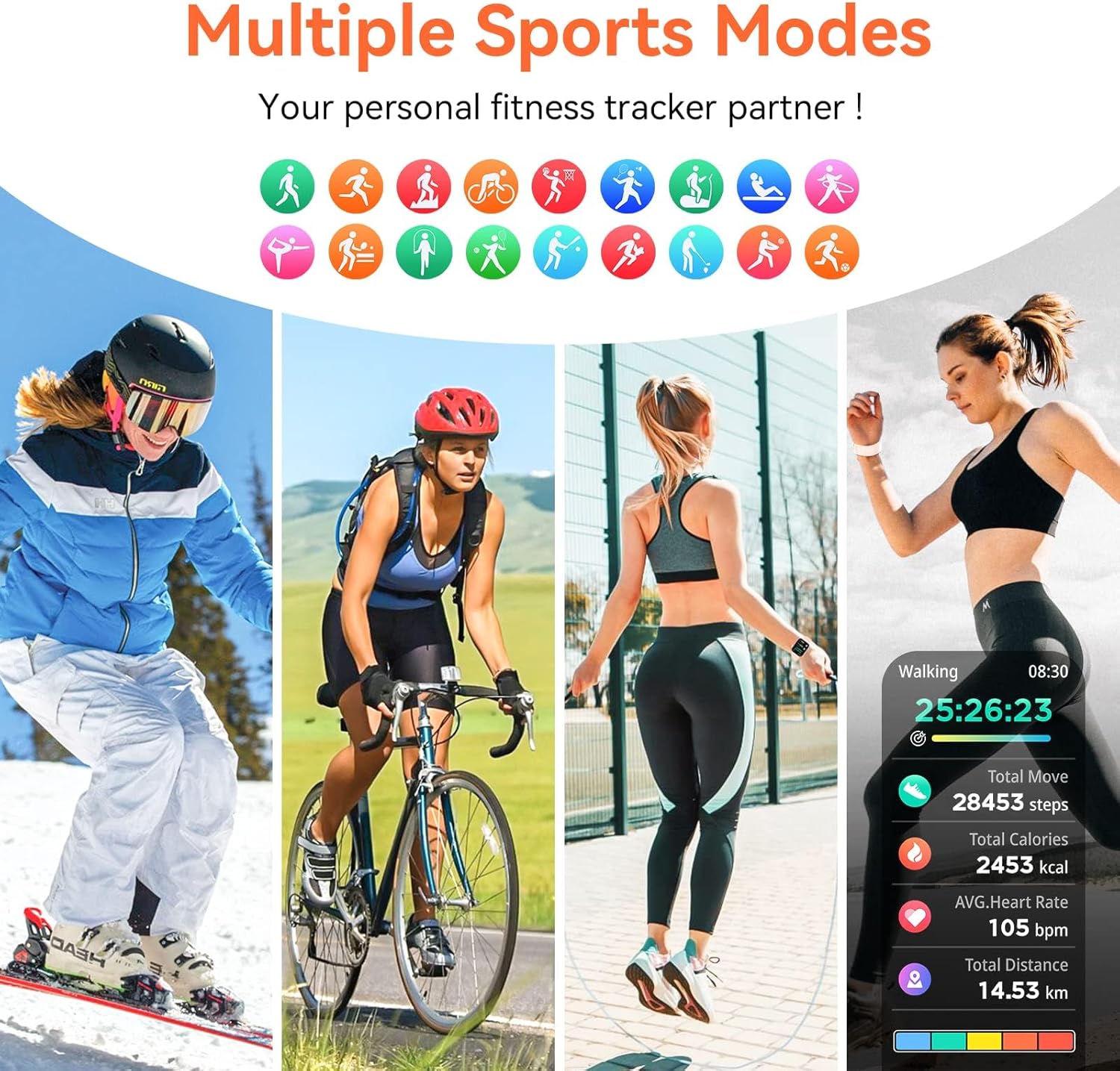
Image: The Hwagol Smart Watch G28 highlighting its multiple sports modes and fitness tracking capabilities, showing various activities and data points.

Image: Visual representation of the Hwagol Smart Watch G28's health monitoring functions, including heart rate, sleep, and oximetry.
4. Customization and Other Features
- DIY Dials/Custom Dial: Personalize your watch face by choosing from a variety of pre-installed dials or creating your own using photos from your phone via the app.
- Music Player Control: Control music playback on your smartphone directly from your watch (play, pause, skip tracks).
- Alarm Clock: Set alarms to vibrate on your wrist.
- Voice Assistant: Utilize the integrated voice assistant for quick commands and information retrieval (requires connection to smartphone's voice assistant).
Maintenance
1. Cleaning Your Smart Watch
To maintain the appearance and functionality of your Hwagol Smart Watch G28:
- Wipe the screen and strap regularly with a soft, lint-free cloth.
- For stubborn dirt, dampen the cloth slightly with water. Avoid using harsh chemicals or abrasive materials.
- Ensure the charging contacts on the back of the watch are clean and dry before charging.
2. Water Resistance (IP67)
The Hwagol Smart Watch G28 is rated IP67 waterproof, meaning it is resistant to dust and can withstand immersion in water up to 1 meter for up to 30 minutes.
- It is suitable for daily use, such as handwashing, sweating, and light rain.
- Do not use it for swimming, diving, hot showers, or saunas, as steam and hot water can compromise the seal.
- After exposure to water, wipe the watch dry before charging or operating.

Image: The Hwagol Smart Watch G28 demonstrating its IP67 waterproof rating, suitable for activities like handwashing and light rain.
3. Battery Care
To maximize battery life and longevity:
- Avoid extreme temperatures, which can degrade battery performance.
- Charge the watch regularly, ideally before the battery is completely depleted.
- Use only the provided charging cable.
Troubleshooting
If you encounter issues with your Hwagol Smart Watch G28, try the following solutions:
- Watch not turning on: Ensure the watch is fully charged. Connect it to the charger and wait a few minutes before attempting to power it on again.
- Cannot pair with smartphone:
- Ensure Bluetooth is enabled on your phone and the watch is within range.
- Restart both your watch and smartphone.
- Check if the companion app is updated to the latest version.
- If previously paired, try "forgetting" the device in your phone's Bluetooth settings and re-pairing.
- Notifications not appearing:
- Verify that notification permissions are granted to the companion app on your smartphone.
- Ensure the watch is connected via Bluetooth.
- Check the app's settings to confirm which app notifications are enabled.
- Inaccurate fitness data:
- Ensure the watch is worn snugly on your wrist, about one finger's width above your wrist bone.
- Calibrate the step counter or other sensors through the companion app if available.
- Note that environmental factors and individual movement patterns can affect accuracy.
- Short battery life:
- Reduce screen brightness.
- Limit the number of apps sending notifications to the watch.
- Disable continuous heart rate monitoring if not needed.
- Ensure the watch is fully charged each time.
If the issue persists, consider performing a factory reset on the watch (refer to the companion app or watch settings for this option). This will erase all data on the watch and restore it to its original settings.
Specifications
| Feature | Detail |
|---|---|
| Brand | Hwagol |
| Model Name | G28 |
| Operating System | iOS/Android Compatible |
| Screen Size | 1.85 Inches |
| Display Type | Digital |
| Battery Average Life | 5 days |
| Charging Time | 7 Hours |
| Battery Capacity | 200 Milliamp Hours (Lithium Ion) |
| Connectivity Technology | Bluetooth |
| Special Features | Activity Tracker, Alarm Clock, Music Player, Notifications, Phone Call |
| Human Interface Input | Touchscreen |
| Water Resistance | IP67 |
| Product Dimensions | 15 x 8 x 1.8 cm |
| Item Weight | 140 g |
Warranty and Support
For information regarding the product warranty, please refer to the warranty card included with your purchase or visit the official Hwagol website.
If you require further assistance or technical support, please contact Hwagol customer service through the contact information provided on the official Hwagol website or through your point of purchase.
Note: This manual is for informational purposes only. Product specifications and features may be subject to change without prior notice.