
1. Introduction
This manual provides comprehensive instructions for the installation, operation, and maintenance of your Toeeklsa 14.4-inch Android Car Stereo Replacement. Designed specifically for Dodge Ram 1500, 2500, and 3500 models from 2019 to 2024, this unit offers an upgraded infotainment experience with advanced features.
Please read this manual thoroughly before installation and use to ensure proper function and to maximize your enjoyment of the product.
2. Product Overview and Key Features
The Toeeklsa 14.4-inch Android Car Stereo is a high-performance replacement unit designed to seamlessly integrate with your Dodge Ram vehicle. It features a large, responsive IPS touchscreen and a powerful Android operating system.
Key Features:
- Compatibility: Specifically designed for Dodge Ram 1500, 2500, 3500 models (2019-2024).
- Operating System: Upgraded Android 13 system for enhanced performance.
- High Performance: 8-Core CPU, 8GB RAM, and 128GB ROM for smooth operation and ample storage.
- Display: 14.4-inch IPS Touch Screen with 1920x1200 resolution for a crisp and vibrant visual experience.
- Wireless Connectivity: Built-in Wireless CarPlay and Android Auto for seamless smartphone integration.
- Audio Quality: Premium AM/FM/RDS radio, Subwoofer support, and Built-in HiFi with a 16-band equalizer for customizable audio.
- Navigation: Integrated GPS functionality with support for online/offline map navigation, real-time traffic updates, and advanced route planning.
- Internet Access: Supports WiFi and 4G connectivity for online applications and services.
- Vehicle Integration: Retains OEM features including Steering Wheel Control and supports OEM Camera for safer parking.
- Bluetooth: Bluetooth 5.4 for hands-free calls and audio streaming.

Figure 2.1: Main interface of the Toeeklsa 14.4-inch Android Car Stereo.
3. Setup and Installation
The Toeeklsa car stereo is designed for a true plug-and-play installation, ensuring compatibility without complex modifications. Free installation tools are provided to assist with self-installation.
3.1 Compatibility Check
Before installation, ensure your vehicle model is suitable. This unit is compatible with Dodge Ram 1500, 2500, and 3500 models manufactured between 2019 and 2024. If you are uncertain, it is recommended to consult with the technical support team by providing a picture of your car's central control panel.

Figure 3.1: Illustration of the car stereo's fit in a Dodge Ram dashboard before and after installation.
3.2 Wiring and Connections
The unit utilizes a plug-and-play design, connecting directly to your vehicle's existing wiring harness. All necessary cables and adapters are included. Ensure all connections are secure to prevent operational issues.

Figure 3.2: Wiring diagram showing various connections for the car stereo.
3.3 Post-Installation Checks
After physical installation, power on the unit and verify that all OEM features, such as steering wheel controls, rear camera, and radar, are functioning correctly. If any issues arise, refer to the Troubleshooting section or contact support.
4. Operating Instructions
This section details the primary functions and how to operate your new car stereo system.
4.1 Wireless CarPlay & Android Auto
The unit supports wireless connection to both Apple CarPlay and Android Auto, allowing you to integrate your smartphone for navigation, music, calls, and messages. Use Siri or Google voice assistant for hands-free control.
Video 4.1: Demonstration of Wireless CarPlay and Android Auto connectivity and features.
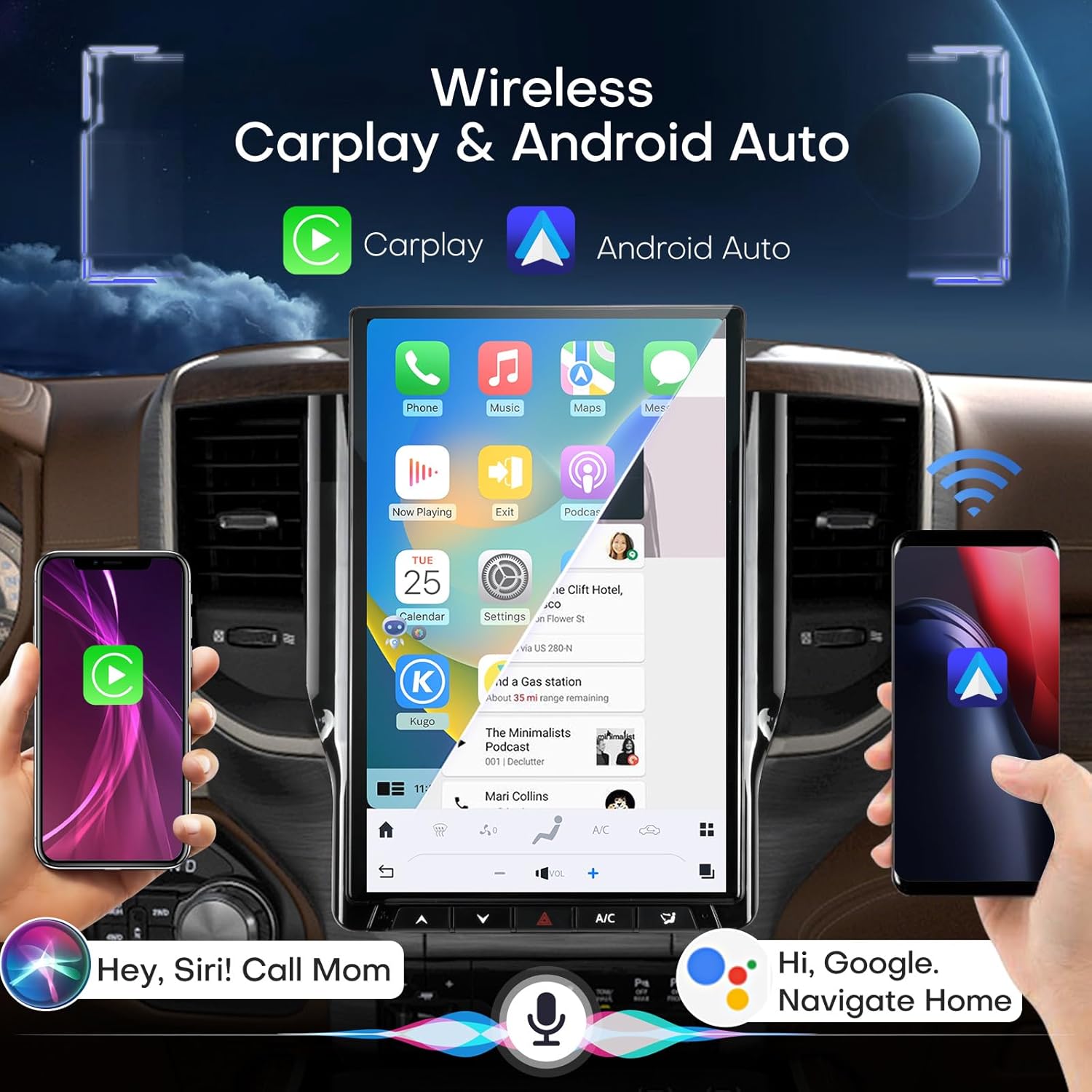
Figure 4.1: Wireless CarPlay and Android Auto in operation, demonstrating voice control.
4.2 GPS Navigation
Utilize the built-in GPS for precise navigation. The system supports both online and offline maps, real-time traffic updates, and advanced route planning. Connect to WiFi or 4G for online services.
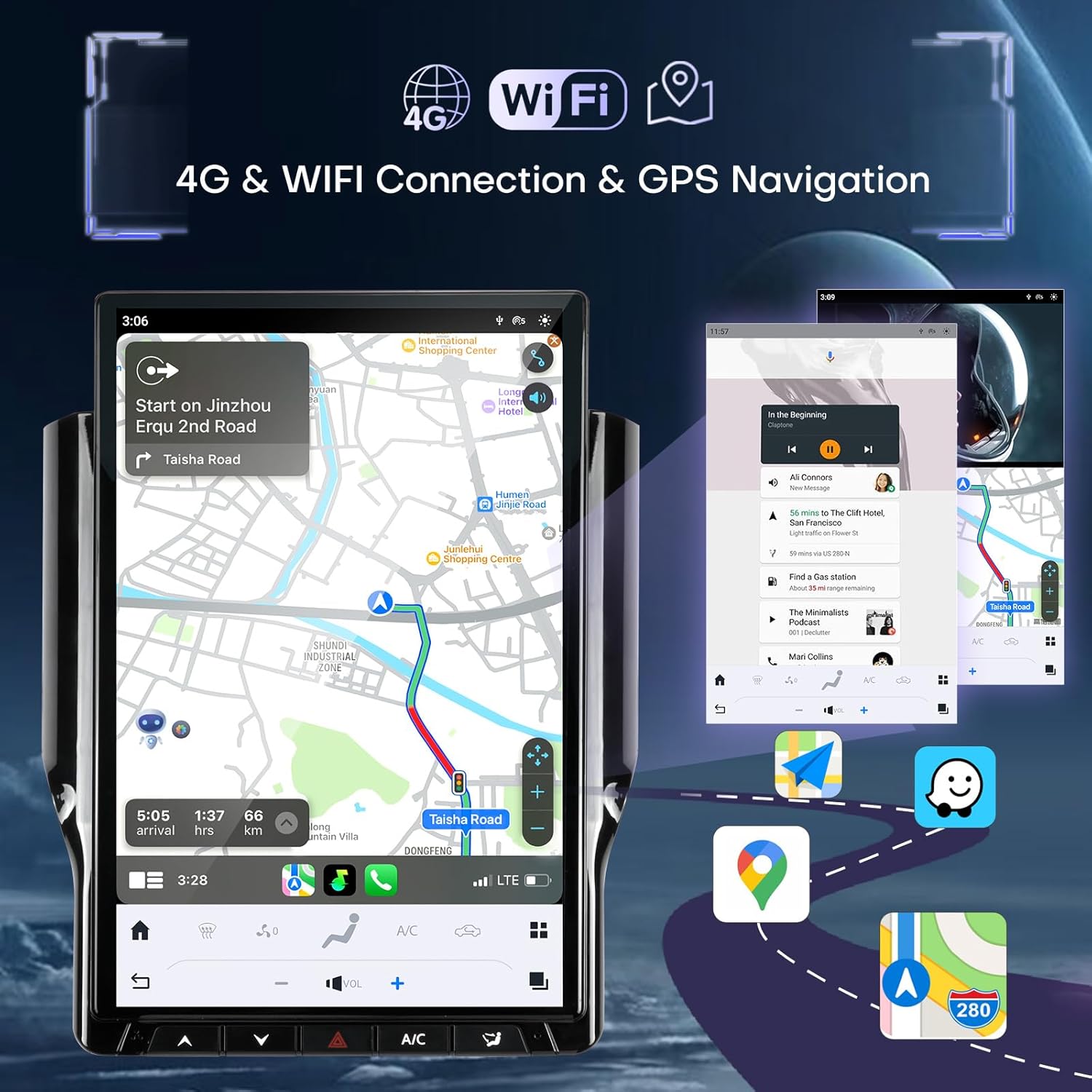
Figure 4.2: GPS navigation in action, displaying a route and local information.
4.3 Audio System (AM/FM/RDS & DSP)
Enjoy high-quality audio with the integrated AM/FM/RDS radio. The 16-band equalizer and Digital Sound Processor (DSP) allow for precise customization of sound settings to match your preferences, ensuring optimal listening pleasure.
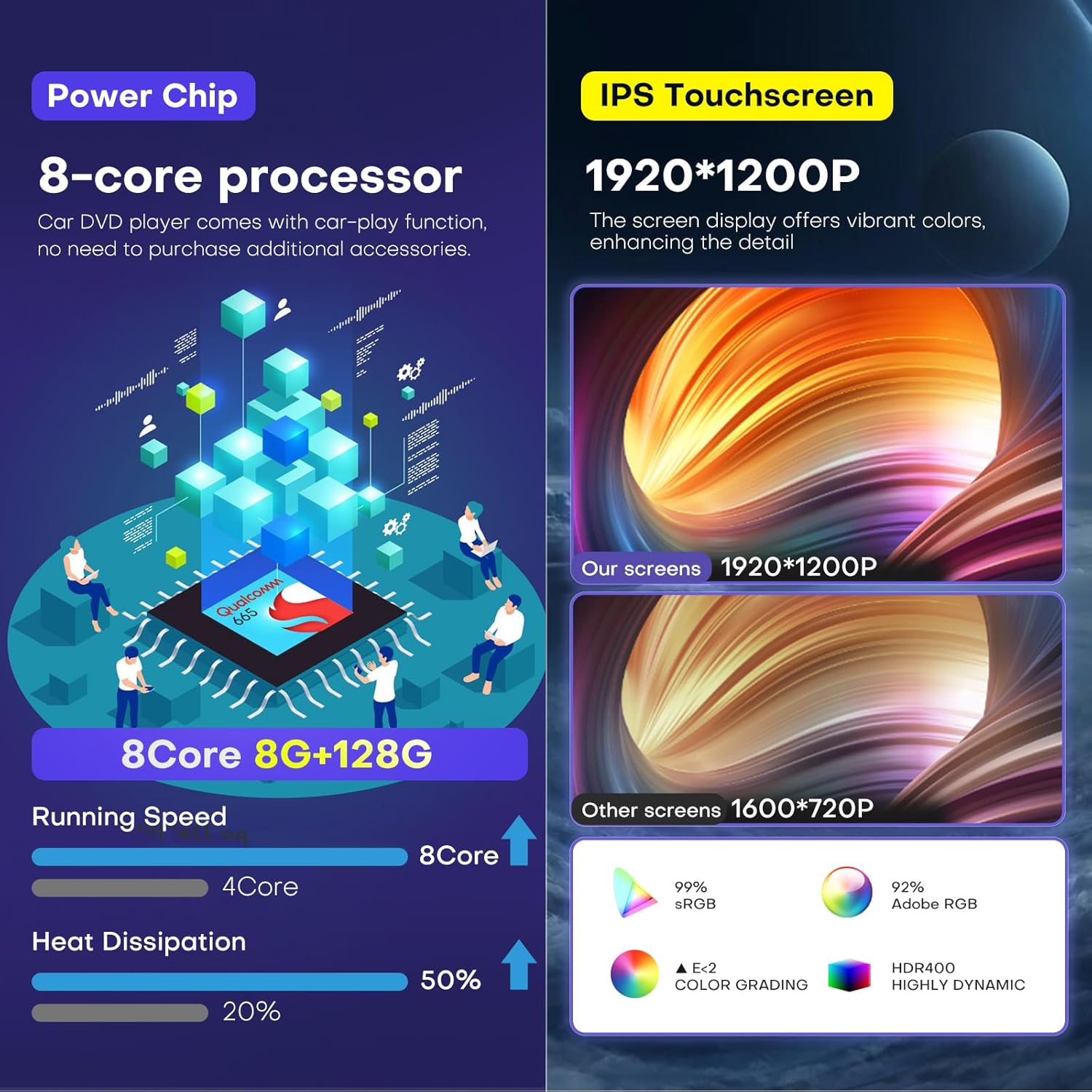
Figure 4.3: DSP interface for fine-tuning audio settings.
4.4 Steering Wheel Control
The unit fully supports your vehicle's existing steering wheel controls, allowing you to manage audio, calls, and other functions without taking your hands off the wheel.

Figure 4.4: Steering wheel controls integration for convenient operation.
4.5 OEM Camera Support
When connected to your vehicle's reversing camera, the stereo automatically displays the rearview image upon engaging reverse gear, enhancing parking safety.

Figure 4.5: OEM camera view assisting with parking maneuvers.
4.6 Split Screen Display
The large 14.4-inch screen supports split-screen functionality, allowing you to run two applications simultaneously, such as navigation and music playback, or a video and a web browser.
5. Maintenance
To ensure the longevity and optimal performance of your car stereo, follow these maintenance guidelines:
- Screen Cleaning: Use a soft, lint-free cloth to gently wipe the touchscreen. Avoid abrasive cleaners or harsh chemicals that could damage the display.
- Software Updates: Periodically check for and install software updates to ensure the system runs efficiently and has the latest features and security patches.
- Environmental Conditions: Avoid exposing the unit to extreme temperatures, direct sunlight for prolonged periods, or excessive moisture.
- Cable Connections: Periodically inspect all cables and connections to ensure they are secure and free from damage.
6. Troubleshooting
This section addresses common issues you might encounter and provides solutions.
| Issue | Possible Cause | Solution |
|---|---|---|
| Unit does not power on. | Loose power connection, blown fuse. | Check all power cables and vehicle fuses. Ensure the unit is correctly seated in its harness. |
| Backup camera not displaying. | Incorrect video input connection, wrong video format setting. | Ensure the correct yellow plug (e.g., alternate yellow plug vs. Yellow CCD) is connected to the special harness (e.g., maroon/brown CCD plug). In settings, switch the video format to CVBS-AHD, save, and reboot the unit. |
| Difficulty connecting to Wi-Fi. | Incorrect password, weak signal, network interference. | Verify Wi-Fi password. Move closer to the Wi-Fi source or check for obstructions. Try restarting both the stereo and the Wi-Fi router. |
| CarPlay/Android Auto not connecting. | Bluetooth not paired, software glitch, phone compatibility. | Ensure Bluetooth is enabled and paired correctly. Restart your phone and the car stereo. Check for software updates on both devices. |
| Steering wheel controls not working. | Incorrect wiring, software configuration. | Verify the steering wheel control wiring is correctly connected. Access the car settings menu on the stereo to configure or recalibrate the steering wheel buttons. |
If the issue persists after attempting these solutions, please contact our technical support team for further assistance.
7. Specifications
| Feature | Detail |
|---|---|
| Model Number | B0DZCT263T |
| Operating System | Android 13 |
| CPU | 8-Core Processor |
| RAM | 8GB |
| ROM (Storage) | 128GB |
| Screen Size | 14.4 Inches |
| Display Resolution | 1920x1200 (IPS Touch Screen) |
| Connectivity | Bluetooth 5.4, Wi-Fi, 4G |
| Navigation | GPS (Online/Offline Maps) |
| Audio Features | AM/FM/RDS Radio, Built-in HiFi, 16-band Equalizer, DSP, Subwoofer Support |
| Vehicle Service Type | Car (Dodge Ram 1500/2500/3500, 2019-2024) |
| Item Weight | 9 Pounds |
| Package Dimensions | 17.7 x 13 x 8 inches |
8. Warranty and Support
Toeeklsa is committed to providing excellent customer service and support for your product.
- Refund Policy: 30-day refund guarantee from the date of purchase.
- Warranty: 12-month warranty policy covering manufacturing defects.
- Technical Support: Lifelong technical support is available for any challenges related to assembly, operation, or other issues.
Contacting Technical Support:
If you require assistance, please follow these steps to contact our professional technical team:
- Visit the product page on Amazon.
- Locate the "Sold by" section and click on "Toeeklsa" (or the seller's name).
- On the seller's storefront, find and click the "Ask a question" button to send your inquiry.

Figure 8.1: Steps to contact technical support.