
Introduction
Thank you for purchasing the PREPOP Remote Control Excavator Toy. This manual provides essential information for the safe and proper operation, maintenance, and troubleshooting of your new toy. Please read it thoroughly before use and retain it for future reference.
Safety Information
- Age Recommendation: This toy is recommended for children aged 6-12 years. Adult supervision is advised during operation.
- Battery Safety: Use only the specified batteries. Do not mix old and new batteries, or different types of batteries. Insert batteries with correct polarity. Remove batteries if the toy will not be used for an extended period.
- Choking Hazard: Small parts may be present. Keep away from young children to prevent choking.
- Operating Environment: Operate the excavator on flat, clear surfaces. Avoid water, sand, or excessively dusty environments to prevent damage to internal components.
- Avoid Obstacles: Ensure the operating area is free of people, pets, and obstacles to prevent accidents.
Package Contents
Verify that all items are present in your package:
- PREPOP Remote Control Excavator Toy
- Remote Control Transmitter
- 2 x 1200mAh Lithium Polymer Batteries (for excavator)
- USB Charging Cable (for excavator batteries)
- Small Screwdriver
- Instruction Manual (this document)
Setup
1. Battery Installation (Excavator)
- Locate the battery compartment on the underside of the excavator.
- Use the provided screwdriver to open the battery compartment cover.
- Connect one of the 1200mAh Lithium Polymer batteries to the excavator's battery connector, ensuring correct polarity.
- Carefully place the battery inside the compartment and close the cover, securing it with the screw.
2. Battery Installation (Remote Control)
- Locate the battery compartment on the back of the remote control.
- Open the battery compartment cover.
- Insert 2 x AA batteries (not included) into the compartment, observing the correct polarity (+/-).
- Close the battery compartment cover.
3. Charging the Excavator Batteries
The excavator comes with two rechargeable 1200mAh Lithium Polymer batteries. Use the included USB charging cable to charge them.
- Connect the USB charging cable to the excavator battery.
- Plug the USB end of the cable into a standard USB power adapter (e.g., phone charger, computer USB port).
- The indicator light on the USB cable will show charging status (e.g., red for charging, off/green for fully charged).
- Charging typically takes 2-3 hours. Do not overcharge.
4. Pairing the Remote Control
- Ensure both the excavator and the remote control have fresh or fully charged batteries installed.
- Turn on the excavator using the power switch. The excavator's lights may flash.
- Turn on the remote control using its power switch.
- The remote control and excavator should automatically pair. A successful connection is usually indicated by a solid light on the excavator and/or a confirmation sound.
- If pairing fails, turn both devices off and repeat the steps.
Operating Instructions
The PREPOP Remote Control Excavator features an 11-channel joystick remote for precise control. Familiarize yourself with the remote control layout:
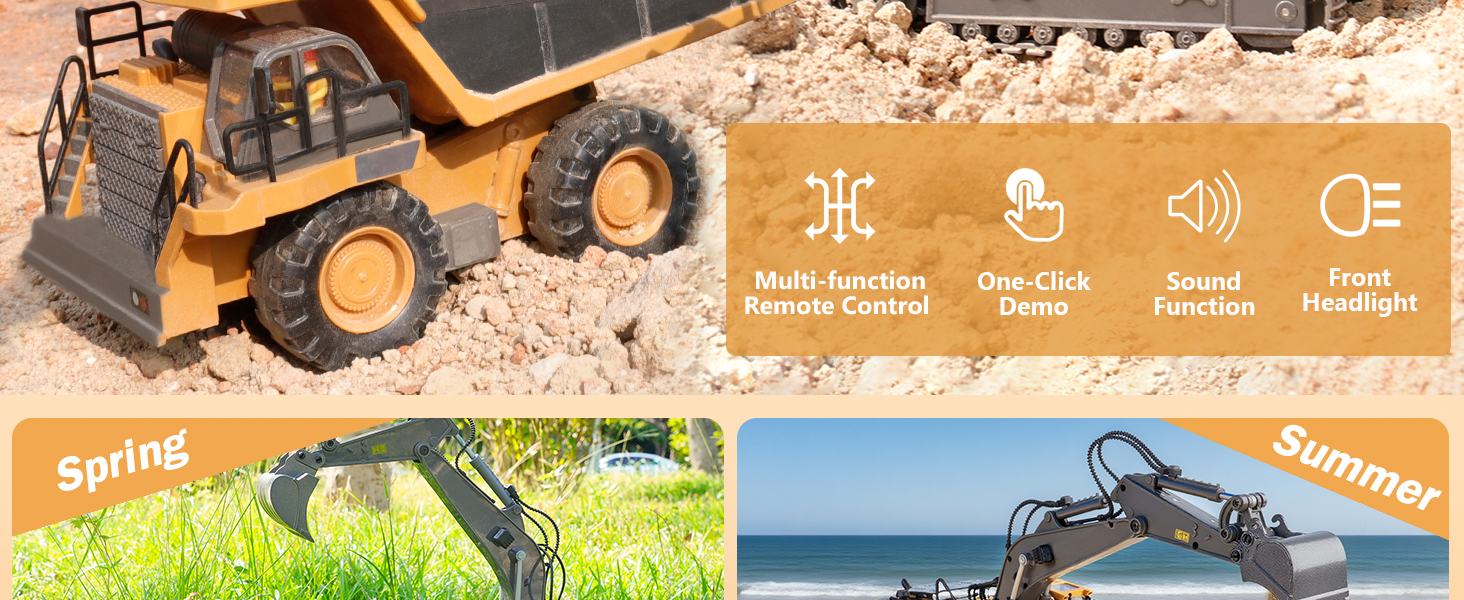
Image: The remote control transmitter with labels for each function, including joysticks for movement and arm control, and buttons for sound and lights.
Basic Controls:
- Forward/Backward: Use the left joystick to move the excavator forward or backward.
- Turn Left/Right: Use the left joystick to steer the excavator left or right while moving.
- Arm Up/Down: Use the right joystick to raise or lower the main arm of the excavator.
- Bucket Digging/Unloading: Use the right joystick to control the digging and unloading action of the bucket.
- 680° Cab Rotation: The excavator's cab can rotate 680 degrees for realistic operation. This is typically controlled by a specific button or combination on the remote.
- Sound Effects: Press the 'Sound' button on the remote to activate realistic engine and operation sounds.
- Lights: Press the 'Light' button to turn on/off the excavator's working lights.
- One-Click Demo: Press the 'Automatic' button for a pre-programmed demonstration of the excavator's functions.
The excavator features a durable alloy bucket for effective digging and lifting, and robust tracks designed for various terrains.
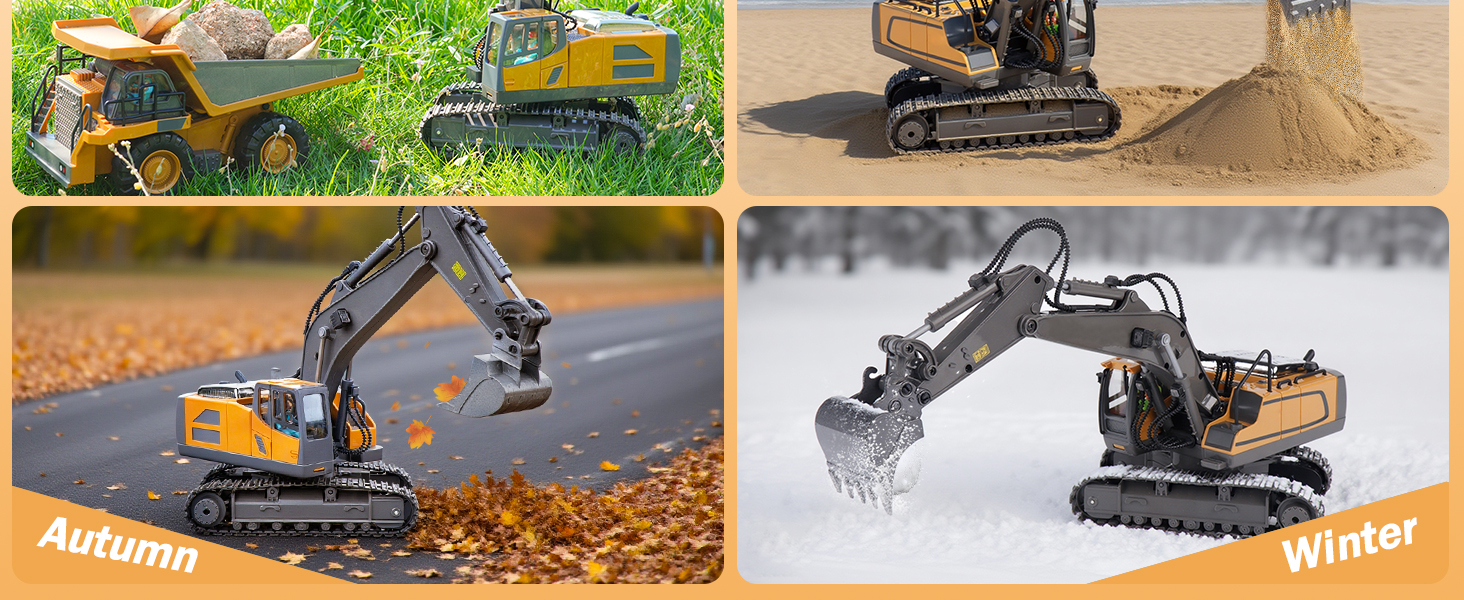
Image: The PREPOP Remote Control Excavator demonstrating its 680-degree cab rotation and highlighting sound effects, indicating realistic play features.

Image: Close-up views of the PREPOP RC Excavator, showcasing its upgraded metal bucket for durability and an openable engine hood for realistic detail.
Maintenance
1. Cleaning
- After each use, especially outdoors, gently wipe down the excavator with a dry or slightly damp cloth to remove dirt, dust, or debris.
- Avoid using harsh chemicals or abrasive cleaners.
- Ensure no water enters the electronic components.
2. Battery Care
- Always fully charge the excavator batteries before use for optimal performance.
- Do not leave batteries charging unattended for extended periods.
- If the toy will not be used for a long time, remove all batteries from both the excavator and the remote control to prevent leakage and damage.
- Store batteries in a cool, dry place.
3. Storage
Store the excavator and remote control in a cool, dry place, away from direct sunlight and extreme temperatures. Keep them in their original packaging or a protective container to prevent damage.
Troubleshooting
| Problem | Possible Cause | Solution |
|---|---|---|
| Excavator does not move or respond. | Low or dead batteries in excavator or remote. Not paired correctly. Power switch off. | Charge/replace batteries. Ensure correct battery installation. Re-pair the remote and excavator. Turn on power switches. |
| Short operating time. | Batteries not fully charged. Old batteries losing capacity. | Ensure batteries are fully charged before use. Consider replacing old batteries if they no longer hold a charge. |
| Interference during operation. | Other RC devices or electronic signals nearby. | Move to an area with less electronic interference. Ensure no other RC toys are operating on the same frequency. |
| Arm or bucket not moving smoothly. | Debris stuck in joints. Low battery power. | Check for and remove any obstructions. Ensure batteries are fully charged. |
Specifications
| Feature | Detail |
|---|---|
| Model Number | B0DZ6CMYG3 |
| Brand | PREPOP |
| Package Dimensions | 13.58 x 6.38 x 5 inches |
| Item Weight | 1.92 pounds |
| Excavator Batteries | 2 Lithium Polymer batteries (included) |
| Remote Control Batteries | AA batteries (not included) |
| Recommended Age | 0 - 1 years (Note: Product title suggests 6-12 years, please refer to product packaging for definitive age range) |
Warranty and Support
For any questions, concerns, or support needs regarding your PREPOP Remote Control Excavator Toy, please refer to the contact information provided on the product packaging or the retailer's website. Specific warranty details are typically included with your purchase documentation.