
LG 86UA7700PUA.AUSQ
LG 86-Inch Class UHD AI 4K UA77 Series Smart TV User Manual
Model: 86UA7700PUA
Brand: LG
1. Introduction
Welcome to the user manual for your new LG 86-Inch Class UHD AI 4K UA77 Series Smart TV. This television is designed to provide an incredible watching experience with stunning 4K resolution and advanced features. This manual will guide you through the setup, operation, and maintenance of your TV, ensuring you can fully utilize its capabilities.
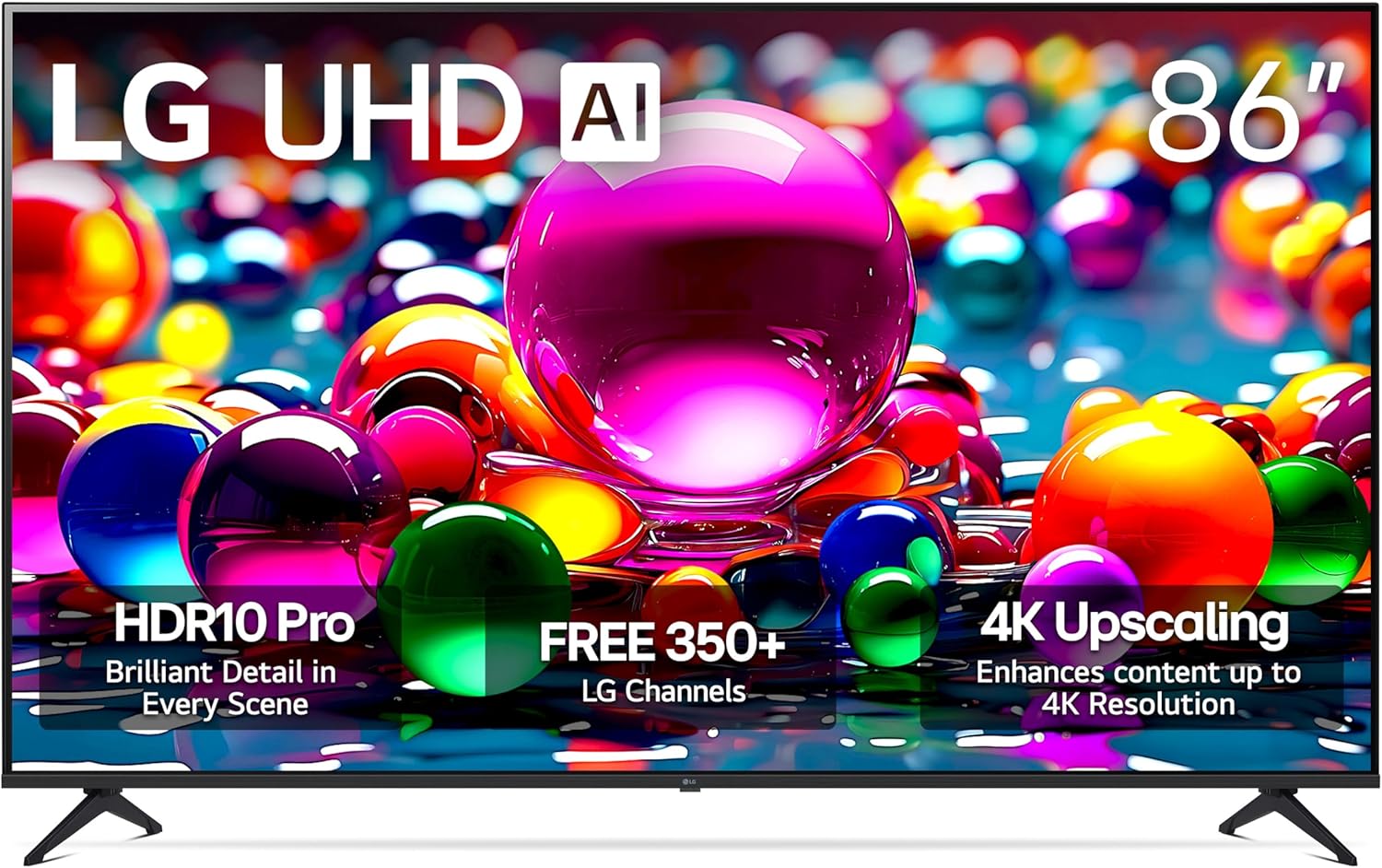
Image: LG 86-Inch Class UHD AI 4K UA77 Series Smart TV
2. Safety Information
Please read all safety instructions carefully before using your TV. Keep this manual for future reference. Always ensure proper ventilation around the TV. Do not block ventilation openings. Avoid placing the TV in direct sunlight or near heat sources. Use only the power cord supplied by LG. Do not overload wall outlets. Disconnect the power plug during lightning storms or when unused for long periods. Refer all servicing to qualified service personnel.
3. What's in the Box
Verify that all components are present in the packaging:
- Power Cable
- Stand
- Remote Control
- User Manual (this document)

Image: Package Contents and Dimensions
4. Setup
4.1 Stand Installation
Carefully place the TV screen-down on a soft, flat surface. Attach the stand components to the TV using the provided screws, ensuring they are securely fastened. Refer to the included Quick Start Guide for detailed diagrams.
4.2 Connecting Power
Connect the power cable to the TV's power input and then to a wall outlet. Ensure the connection is firm.
4.3 Connecting External Devices
Your LG TV offers various ports for connecting external devices:
- HDMI: Connect Blu-ray players, game consoles, soundbars, and other HDMI-enabled devices. Your TV features four HDMI 2.0 ports, including one with eARC/ARC support.
- USB: Connect USB storage devices for media playback.
- LAN (Ethernet): For a wired internet connection.
- Antenna/Cable In: For connecting an antenna or cable TV signal.
- Optical Digital Audio Out: For connecting to external audio systems.

Image: Rear Connectivity Ports

Image: Side HDMI Ports
4.4 Initial Setup Wizard
Upon first power-on, the TV will guide you through an initial setup process. This includes language selection, network connection (Wi-Fi or wired), channel scanning, and agreeing to terms and conditions. Follow the on-screen prompts.
5. Operating Your LG Smart TV
5.1 webOS Smart TV Platform
Your LG TV features the webOS 25 smart platform, providing easy access to streaming apps, live channels, and personalized recommendations. Navigate using the Magic Remote (if included) or standard remote control.
- LG Channels: Access over 350 free channels and thousands of on-demand titles. (Internet connection required)
- App Store: Download and install your favorite streaming services and applications.
- Home Dashboard: Manage connected devices and smart home features.

Image: webOS Smart TV Interface
5.2 AI Features and Picture Quality
The Alpha 7 AI Processor Gen8 enhances brightness, improves sound, and refines picture detail with 4K upscaling and Dynamic Tone Mapping.
- 4K Super Upscaling: Transforms regular content into sharper 4K definition.
- HDR10 Pro: Delivers a dramatic visual experience by enhancing colors for a vivid effect.
- Filmmaker Mode: Preserves the director’s original colors, settings, and frame rates for an authentic cinematic experience.
- AI Search: Provides personalized recommendations and solutions, including integration with Microsoft Copilot.
- Personalized Picture and Sound Wizard: Uses AI to analyze your preferences and create tailored picture and audio settings.
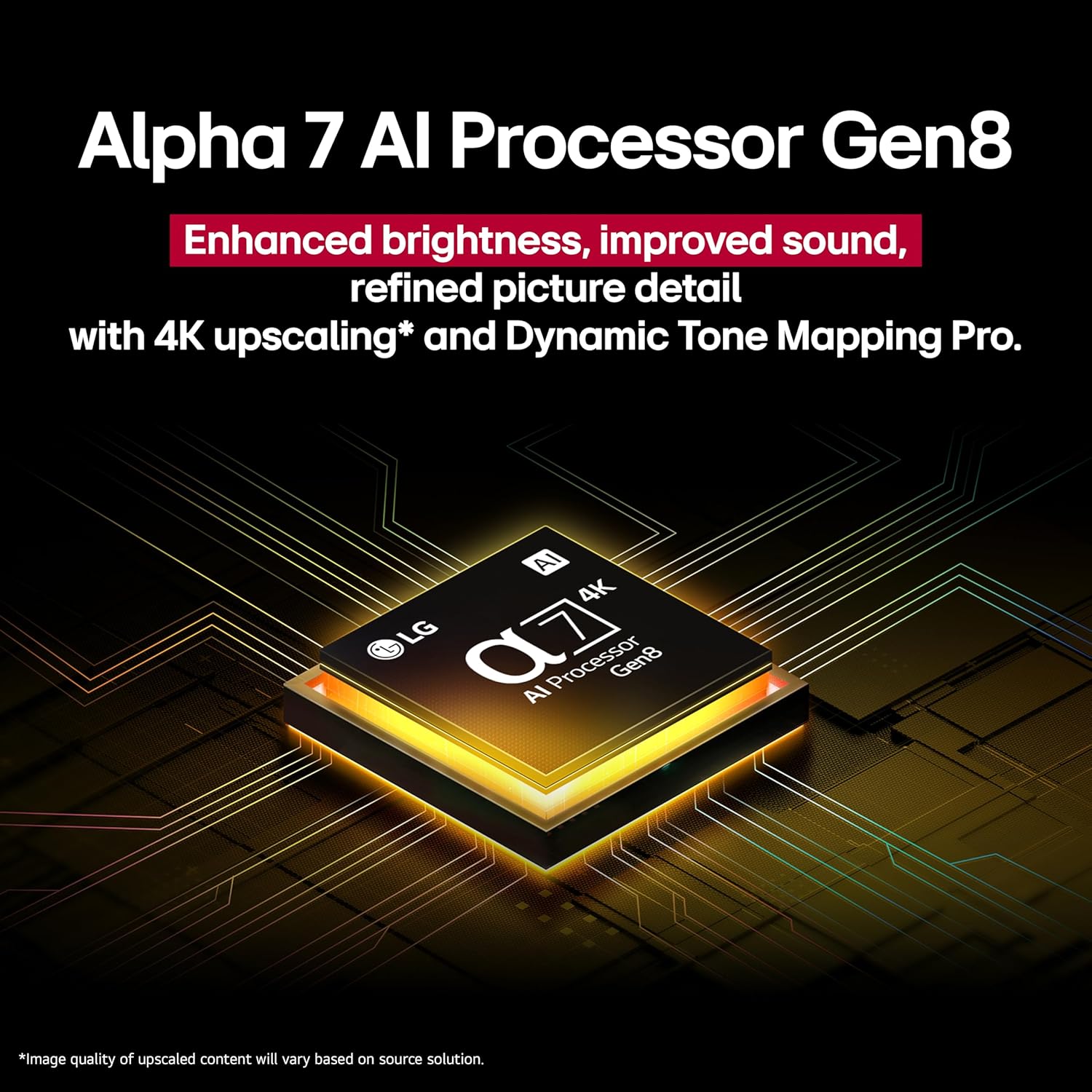
Image: Alpha 7 AI Processor Gen8

Image: HDR10 Pro Visual Enhancement

Image: 4K Super Upscaling

Image: AI Search Interface
5.3 Gaming Features
For gamers, the LG UA77 Series offers features designed for a responsive and immersive experience:
- Game Optimizer: Centralized settings for optimizing your gaming experience.
- FreeSync & VRR (Variable Refresh Rate): Reduces screen tearing and stuttering for smoother gameplay.
- GeForce NOW & Xbox Cloud Gaming: Built-in cloud gaming capabilities (subscription and compatible controller may be required).
- ALLM (Auto Low Latency Mode): Automatically switches to a low-latency mode for gaming.
- eARC (Enhanced Audio Return Channel): For high-quality audio passthrough to compatible sound systems.
5.4 Connectivity and Mirroring
Beyond physical ports, your TV supports:
- Wi-Fi: Wireless internet connection for smart features.
- Bluetooth: Connect wireless headphones, soundbars, and other Bluetooth devices.
- Apple AirPlay 2 & Google Cast: Mirror content from your smartphone, tablet, or computer directly to the TV screen.
6. Maintenance
6.1 Cleaning Your TV
Always unplug the TV before cleaning. Use a soft, dry cloth to wipe the screen and cabinet. For stubborn marks, lightly dampen the cloth with water or a specialized screen cleaner. Do not use abrasive cleaners or solvents.
6.2 Software Updates
Your LG TV will automatically download software updates to improve performance and add new features. You may receive a pop-up notification to accept or deny updates if auto-update is disabled. LG's webOS Re:New Program provides 5 years of software updates and feature refreshes.

Image: webOS Re:New Program
7. Troubleshooting
If you encounter issues with your TV, refer to the following common problems and solutions:
| Problem | Possible Solution |
|---|---|
| No Power | Ensure the power cable is securely connected to the TV and the wall outlet. Check if the outlet is working by plugging in another device. |
| No Signal | Verify that the correct input source is selected. Check all cable connections (HDMI, Antenna, etc.) to external devices. If using an antenna, rescan for channels. |
| No Sound | Check the volume level and ensure the TV is not muted. If using external audio, verify connections and settings. |
| Picture Issues (e.g., blurry, distorted) | Check the input source resolution. Adjust picture settings (brightness, contrast, sharpness). If using an external device, try a different HDMI cable or port. |
| Remote Control Not Working | Replace the batteries. Ensure there are no obstructions between the remote and the TV's IR sensor. |
For more detailed troubleshooting, refer to the on-screen help menu or LG's official support website.
8. Specifications
| Feature | Detail |
|---|---|
| Screen Size | 86 Inches (86.4" Diagonal) |
| Display Technology | LED |
| Resolution | 4K UHD (3840 x 2160) |
| Refresh Rate | 60 Hz |
| Processor | Alpha 7 AI Processor Gen8 |
| HDR Support | HDR10 Pro |
| Smart TV Platform | webOS 25 |
| Connectivity | Wi-Fi, Bluetooth, Ethernet, 4 x HDMI 2.0 (1 with eARC/ARC), USB |
| Special Features | Built-In Speaker, Game Mode, Google Cast built-in, Multiple Voice Assistance, 4K Super Upscaling, Filmmaker Mode, AI Sound, AI Search, Personalized Picture and Sound Wizard, FreeSync, VRR, ALLM |
| Product Dimensions (with stand) | 75.9" W x 46.2" H x 14.3" D |
| Product Dimensions (without stand) | 75.9" W x 43.5" H x 2.4" D |
| Item Weight | 101.2 pounds |
| On-mode power consumption | 195 watts |
| Energy consumption (annual) | 359 Kilowatt Hours Per Year |
9. Warranty and Support
For warranty information and customer support, please refer to the warranty card included with your product or visit the official LG website. You can also find frequently asked questions, software downloads, and service center locations on their support pages.
Online Support: www.lg.com/us/support