
Introduction
This manual provides detailed instructions for the operation and maintenance of your YPMart Q20mini Fitness Timer. Please read this manual thoroughly before using the device to ensure proper function and longevity.
Product Overview
The YPMart Q20mini is a compact and versatile fitness timer designed to enhance your training sessions. It features multiple timing modes, a clear display, and a portable design.
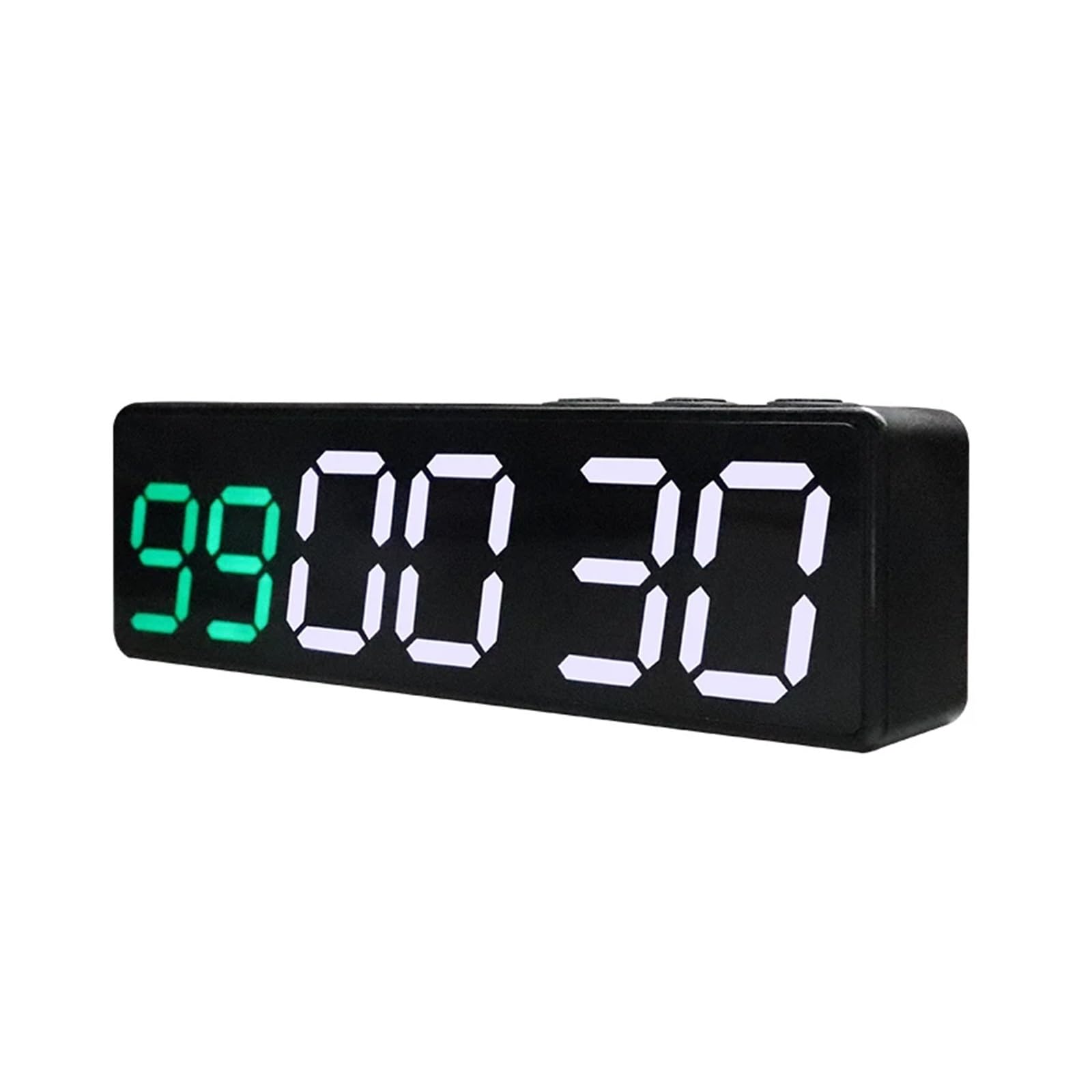
Image: The YPMart Q20mini Fitness Timer, shown in black, displaying a time of 00:30.
Key Features:
- Versatile Gym Timer: Offers countdown, count-up, and interval training features.
- Compact Design: Mini size (130 x 23.5 x 39 mm) for easy portability.
- User-Friendly Display: Clear 12/24-hour time and MM:SS functions for readability.
- Interval Training Companion: Optimized for various workout cycles to maximize performance.
- Reliable Performance: Built with durability for consistent and accurate timing.
- Magnetic Back: Allows for convenient placement on metallic surfaces.
- Power-off Memory: Automatically saves current settings, eliminating the need to reset.
Setup
Charging the Device:
The Q20mini timer is equipped with an 1800mAh battery. Use the provided Type-C USB cable to charge the device. A full charge takes approximately 3 hours and provides up to 10 hours of usage time.
Initial Power On:
Press and hold the power button (typically labeled 'Mode' or 'Power') to turn on the timer. The display will illuminate, showing the current time or the last saved setting.
Placement:
The timer features a magnetic back for easy attachment to metal surfaces, such as gym equipment or whiteboards, ensuring it is visible and secure during your workout.

Image: The YPMart Q20mini Fitness Timer highlighting its magnetic back for convenient attachment to surfaces.
Operating Instructions
The Q20mini timer offers various modes for different training needs. Use the 'Mode' button to cycle through modes and 'Set/Enter' to confirm selections or enter settings.

Image: The YPMart Q20mini Fitness Timer screen showing the selection of 8 different training modes, including MIIT, HIIT, and TABATA.
Available Modes:
- CLOCK: Displays time in 12/24-hour format (HH:MM).
- d1 MIIT: 1 minute workout, 1 minute rest, 99 rounds.
- d2 HIIT: 30 seconds workout, 30 seconds rest, 99 rounds.
- d3 TABATA: 20 seconds workout, 10 seconds rest, 8 rounds.
- d4 FGB1: 5 minutes workout, 1 minute rest, 5 rounds.
- d5 FGB2: 5 minutes workout, 1 minute rest, 3 rounds.
- d6 EMOM1: 1 minute workout, no rest, 17 rounds.
- d7 EMOM2: 1 minute 30 seconds workout, 1 minute rest, 17 rounds.
- P0 WRC (Workout Repeat Custom): Allows for 10 groups of customizable programs.
- UP (Count-Up): MM:SS format, from 00:00 to 99:59.
- DOWN (Count-Down): MM:SS format, from 99:59 to 00:00.
- Stopwatch: MM:SS:ss (1/10s)(1/100s) format, from 00:00:00 to 99:59:59.
When switching between d1-d7 functions, the mode identifier (e.g., "d1") will display briefly before the function interface appears.
Power-off Memory:
The timer automatically saves the current value or mode when powered off, eliminating the need to reset your program each time you use it.

Image: The YPMart Q20mini Fitness Timer illustrating its power-off memory function, which retains settings after the device is turned off.
Maintenance
- Clean the timer with a soft, dry cloth. Avoid using abrasive cleaners or solvents.
- Keep the device away from extreme temperatures and direct sunlight.
- Do not immerse the timer in water or expose it to excessive moisture.
- Store in a cool, dry place when not in use for extended periods.
Troubleshooting
Device Not Turning On:
- Ensure the battery is charged. Connect the timer to a power source using the Type-C USB cable and allow it to charge for at least 30 minutes.
- Press and hold the power button firmly for a few seconds.
Display Issues:
- If the display is dim, the battery may be low. Recharge the device.
- If segments are missing, try power cycling the device (turn off and then on again).
Buttons Unresponsive:
- Ensure the device is not in a locked mode (if applicable).
- Power cycle the device by turning it off and then on again.
Specifications
| Feature | Detail |
|---|---|
| Character Height | 0.8 inch + 1 inch |
| Number of Digits | 6 |
| Battery | 1800mAh |
| Charging Voltage | 5V |
| Charging Time | 3 Hours |
| Usage Time | 10 Hours |
| USB Line Type | Type-C |
| Dimensions | 130 x 23.5 x 39 mm (5.1 x 1.9 x 1.5 inches) |
| Item Weight | 10.6 ounces (approx. 0.3 kg) |

Image: The YPMart Q20mini Fitness Timer showcasing its compact size and display options, including different color variants.
Warranty and Support
For warranty information or technical support, please refer to the product packaging or contact YPMart customer service directly. Keep your purchase receipt for warranty claims.