
MUNISOSA T24 Ultra02
MUNISOSA T24 Ultra Smartphone User Manual
Model: T24 Ultra02
1. Introduction and Overview
Welcome to the user manual for your new MUNISOSA T24 Ultra smartphone. This device is designed to provide a seamless and powerful mobile experience, running on the latest Android 14 operating system. It features a high-definition 6.7-inch OLED screen, a robust Snapdragon 888 octa-core processor, ample 12GB RAM and 512GB internal storage, and a versatile 48MP + 108MP dual camera system. With its large 5000mAh battery, the T24 Ultra is built for extended use and efficient performance.

The MUNISOSA T24 Ultra smartphone, showcasing its sleek design and camera array.
2. What's in the Box
Upon unboxing your MUNISOSA T24 Ultra, please ensure all the following items are present:
- MUNISOSA T24 Ultra Cell Phone
- Cell Phone Case
- Type-C cable
- Charger (Power Adapter)
- Protective film (Screen Protector)
- Instruction manual (this document)
- Wired Earphone
- Card Pins (SIM Ejector Tool)
- Audio Adapter
- Headset
A visual representation of the items included in the product packaging.
3. Setup
3.1 Inserting SIM Card and SD Card
- Locate the SIM card tray on the side of your phone.
- Insert the provided card pin into the small hole next to the tray to eject it.
- Place your Nano-SIM card(s) and/or microSD card (if applicable) into the designated slots on the tray. Ensure the gold contacts face downwards.
- Carefully push the tray back into the phone until it clicks into place.
3.2 Initial Power On and Setup
- Press and hold the Power button (usually on the right side) until the MUNISOSA logo appears.
- Follow the on-screen prompts to select your language, region, and connect to a Wi-Fi network.
- Sign in with your Google account or create a new one to access Google services and the Play Store.
- Set up your preferred screen lock method, such as PIN, pattern, password, Face ID, or Fingerprint Lock.
4. Operating Instructions
4.1 Basic Navigation
- Home Screen: Swipe left or right to navigate between home screens.
- App Drawer: Swipe up from the bottom of the screen to access all installed applications.
- Notifications & Quick Settings: Swipe down from the top of the screen to view notifications and access quick settings toggles.
- Recent Apps: Swipe up and hold from the bottom of the screen (or tap the square navigation button if enabled) to view and switch between recently used applications.
4.2 Security Features
The T24 Ultra supports advanced security options:
- Face ID: Register your face for quick and secure unlocking.
- Fingerprint Lock: Register your fingerprint(s) for convenient and secure access.

The intuitive Android 14.0 OS interface, designed for ease of use.
5. Camera Features
Your MUNISOSA T24 Ultra is equipped with a powerful dual camera system, featuring a 108-megapixel primary camera and a 48-megapixel macro lens. This setup, combined with advanced image processing technology, ensures vibrant colors and stunning details in every photo.
- High-Resolution Photography: Capture incredibly detailed images with the 108MP main sensor.
- Macro Photography: Explore close-up details with the dedicated 48MP macro lens.
- AI Enhancements: Benefit from AI scene recognition, AI backlight photo, and AI portrait composition for optimized shots.
- Multiple Modes: Access various shooting modes including Night Mode, Panoramic Mode, AI Beautify, and Time-lapse Photography.

The 108 million HD Rear Cameras offer advanced imaging capabilities.
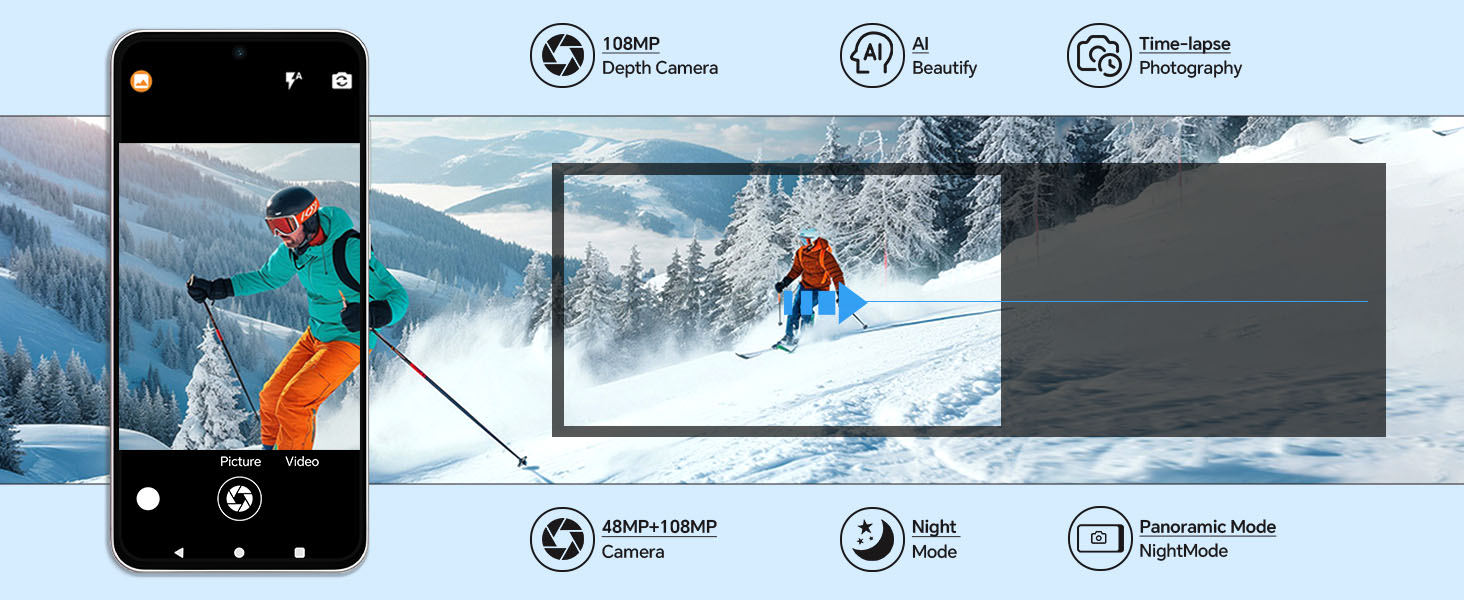
An overview of the diverse camera features available on the T24 Ultra.
6. Battery Management
The T24 Ultra is equipped with an extra-large 5000mAh battery, designed for long-lasting performance. Smart AI Battery Management optimizes power consumption to extend standby time and usage.
- Capacity: 5000 Milliamp Hours (mAh).
- Charging Time: Approximately 3 hours for a full charge.
- Optimization: AI intelligently manages power for extended battery life during gaming, calls, and general use.

The powerful 5000mAh battery ensures extended usage.

Details on the 5000mAh large capacity battery and its usage duration.
7. Performance and Display
The T24 Ultra delivers a smooth and responsive user experience, powered by advanced hardware components.
- Processor: Equipped with a powerful Snapdragon 888 octa-core chip, ensuring smooth multitasking and application switching.
- Memory & Storage: Features 12GB of RAM and 512GB of internal storage, providing ample space for apps, photos, and videos.
- Display: A 6.7-inch OLED screen with a 1080 x 2340 resolution and an impressive 90% screen-to-body ratio for an immersive viewing experience.
- Refresh Rate: Supports a 120Hz refresh rate for fluid scrolling and gaming.

Key features of the Android 14 Phone, including screen size, core count, memory, camera, and battery.

The 6.7-inch perforated screen offers a wide and immersive display.

The Snapdragon 888 processor powers the device's performance.
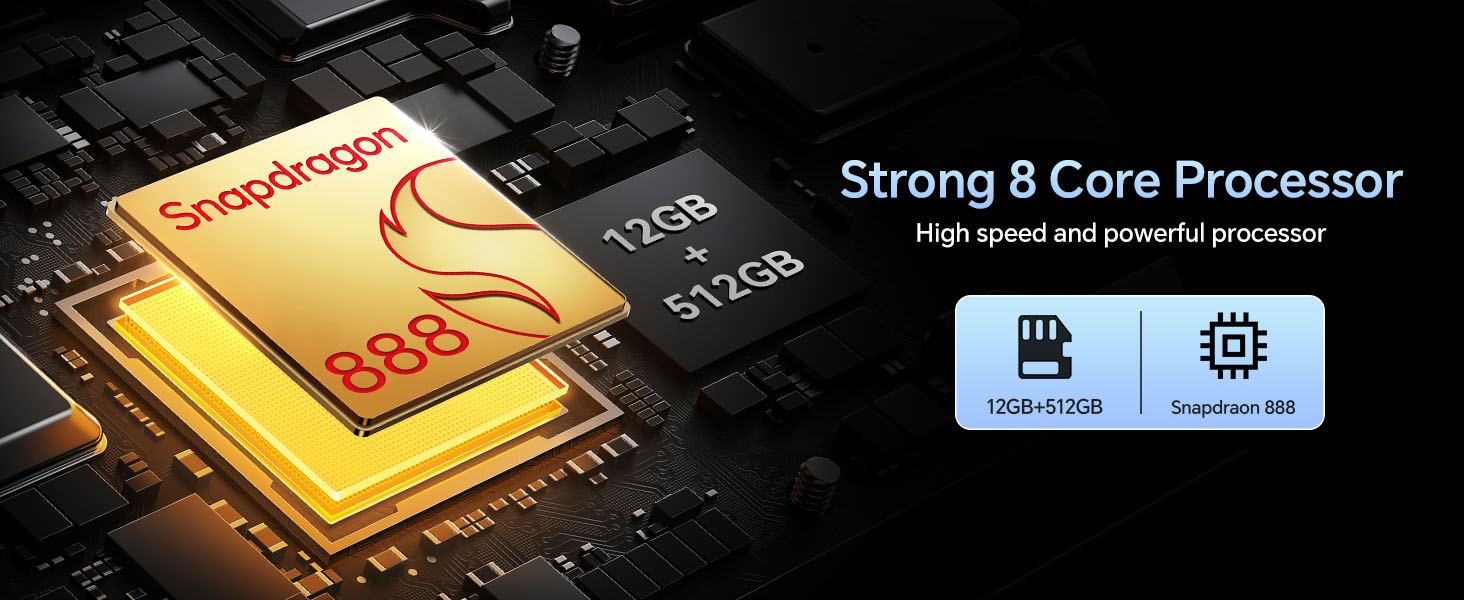
The strong 8-core processor and ample memory ensure high-speed performance.
Experience ultra-smooth visuals with the 120Hz refresh rate.
8. GPS Navigation
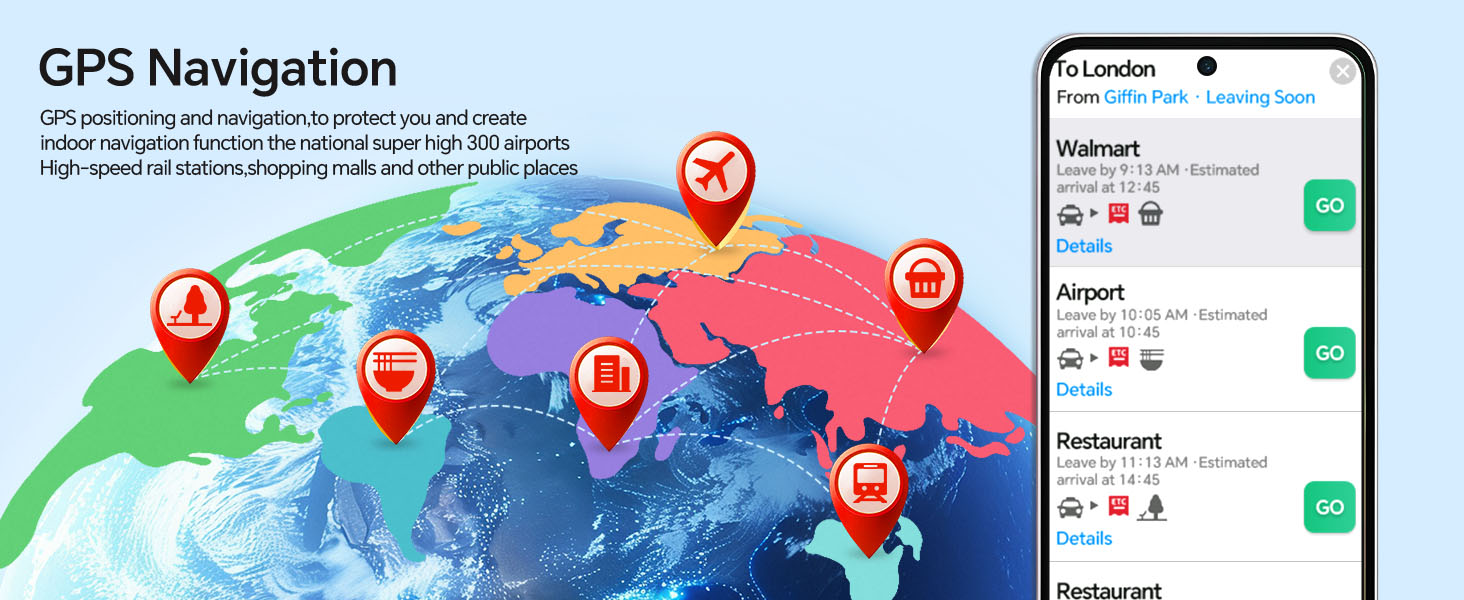
The MUNISOSA T24 Ultra includes integrated GPS functionality, providing accurate positioning and navigation services. This feature is essential for mapping, location-based apps, and finding directions.
- Accurate Positioning: Utilize GPS for precise location tracking.
- Navigation: Use pre-installed or downloaded navigation apps for turn-by-turn directions.
- Indoor Navigation: Supports indoor navigation functions for large venues like airports, high-speed rail stations, shopping malls, and other public places.

The GPS navigation feature provides reliable positioning and route guidance.
9. Maintenance
To ensure the longevity and optimal performance of your MUNISOSA T24 Ultra, follow these maintenance guidelines:
- Cleaning: Use a soft, lint-free cloth to clean the screen and body. Avoid abrasive materials or harsh chemicals.
- Temperature: Avoid exposing the phone to extreme temperatures (hot or cold) or direct sunlight for prolonged periods.
- Water Resistance: This device is not rated for water resistance. Avoid contact with liquids.
- Software Updates: Regularly check for and install system updates to ensure your phone has the latest features and security patches.
- Storage Management: Periodically clear unnecessary files and apps to maintain optimal performance and free up storage space.
10. Troubleshooting
If you encounter issues with your MUNISOSA T24 Ultra, refer to the following common troubleshooting steps:
| Problem | Possible Solution |
|---|---|
| Phone does not turn on | Ensure the battery is charged. Connect to the charger for at least 15 minutes, then try powering on again. If it still doesn't turn on, perform a forced restart by holding the Power button for 10-15 seconds. |
| Battery drains quickly | Check background app usage in Settings > Battery. Reduce screen brightness, disable unnecessary features like GPS, Wi-Fi, Bluetooth when not in use. Close unused apps. |
| Apps are crashing or freezing | Clear the app's cache (Settings > Apps > [App Name] > Storage > Clear Cache). If the issue persists, try reinstalling the app. Ensure your phone's software is up to date. |
| Cannot connect to Wi-Fi/Mobile Data | Toggle Wi-Fi/Mobile Data off and on. Restart your phone. For Wi-Fi, forget the network and reconnect. For mobile data, check your SIM card insertion and network settings. |
| Fingerprint/Face ID not working | Ensure your finger/face is clean and dry. Re-register your fingerprint/face in Settings > Security. Ensure there are no obstructions on the sensor/camera. |
If these steps do not resolve your issue, please contact customer support for further assistance.
11. Specifications
Detailed technical specifications for the MUNISOSA T24 Ultra smartphone:
| Feature | Specification |
|---|---|
| Model Number | T24 Ultra02 |
| Operating System | Android 14 |
| Screen Size | 6.7 Inches |
| Resolution | 1080 x 2340 |
| Processor (CPU Speed) | 2.4 GHz (Octa-Core, Snapdragon 888) |
| RAM Memory Installed Size | 12 GB |
| Memory Storage Capacity | 512 GB |
| Rear Camera | 108 MP (Primary) + 48 MP (Macro) |
| Battery Capacity | 5000 Milliamp Hours |
| Charging Time | 3 Hours |
| Connectivity Technology | 5G |
| Wireless Carrier | Unlocked |
| Audio Jack | 3.5 mm |
| Color | Titanium Grey |
| Item Weight | 12.8 ounces |
| Package Dimensions | 6.8 x 3.1 x 0.78 inches |
12. Warranty and Support
MUNISOSA is committed to providing high-quality products and excellent customer service.
- Hassle-Free Guarantee: Your MUNISOSA T24 Ultra comes with a 365-day hassle-free guarantee, ensuring peace of mind.
- After-Sales Service: We have senior technical engineers with many years of experience and a professional after-sales service team dedicated to helping you solve any issues.
For any inquiries or support needs, please refer to the contact information provided with your purchase or visit the official MUNISOSA website.

MUNISOSA's commitment to after-sales service and customer support.
Ask a question about this manual
Ask about setup, troubleshooting, compatibility, parts, safety, or missing instructions. Manuals+ will review the question and use this page’s manual context to help answer it.