
Introduction
This manual provides essential information for the safe and effective use of your MULS 2600mAh replacement battery. Please read these instructions carefully before installation and operation to ensure optimal performance and longevity of your battery.
Product Overview and Specifications
The MULS 2600mAh battery is a high-quality Li-ion replacement battery designed for various robot vacuum cleaners. It features robust construction and integrated safety mechanisms.
Key Specifications:
- Battery Type: Rechargeable Li-ion
- Voltage: 14.4V
- Capacity: 2800mAh
- Watt-hours: 40Wh
- Dimensions: Approximately 1.98 x 1.8 x 1.26 inches
- Weight: Approximately 7.2 ounces
- Manufacturer: Dongguan jiataiyuan electronics Co., Ltd

Image: Detailed product parameters including battery type, voltage, and capacity.

Image: Visual representation of the battery's dimensions (1.41 inches height, 2.79 inches length).
Compatibility
This MULS replacement battery is compatible with a wide range of robot vacuum cleaner models. Please confirm your vacuum cleaner's model number before installation.
Compatible Robot Vacuum Models:
- iMartine C800, D900C
- Tesvor X500 Pro
- Goovi D380, F007C
- Onson J10C
- Ionvac SmartClean 2000
- Shark RV750, RV720, RV700
- Amarey Coredy R300, R500+, R650, R3500, R3500S, R600, R580, A800, A900
- Cecotec CONGA EXCELLENCE 990, CONGA 950, CONGA 1090
- Ecovacs Deebot N79, N79S, 601/605, DN621, DN622, Ecovacs 500
- Eufy RoboVac 11, 11S, 11S MAX, 11S PLUS, 12, 15S, 15C, 15C MAX, 15T
- Eufy RoboVac 25C, 25C MAX, 30, 30C, 30 MAX, 35C, R500, R450
- Eufy RoboVac G10 Hybrid, G20, G30, G30 Edge, G30 Hybrid, G30 Verge

Image: A visual guide to compatible robot vacuum cleaner models.
Safety Information
Your safety is paramount. This battery is designed with multiple protection features and is certified by CE, FCC, and RoHS standards.
Integrated Safety Protections:
- Over-Current Protection
- Over-Heating Protection
- Over-Discharge Protection
- Short-Circuit Protection
- Over-Voltage Protection
- Over-Charge Protection
Important Safety Precautions:
- Do not disassemble, modify, or attempt to repair the battery.
- Do not expose the battery to water, fire, or extreme temperatures.
- Use only the charger provided with your robot vacuum cleaner.
- Keep out of reach of children and pets.
- Dispose of used batteries according to local regulations.
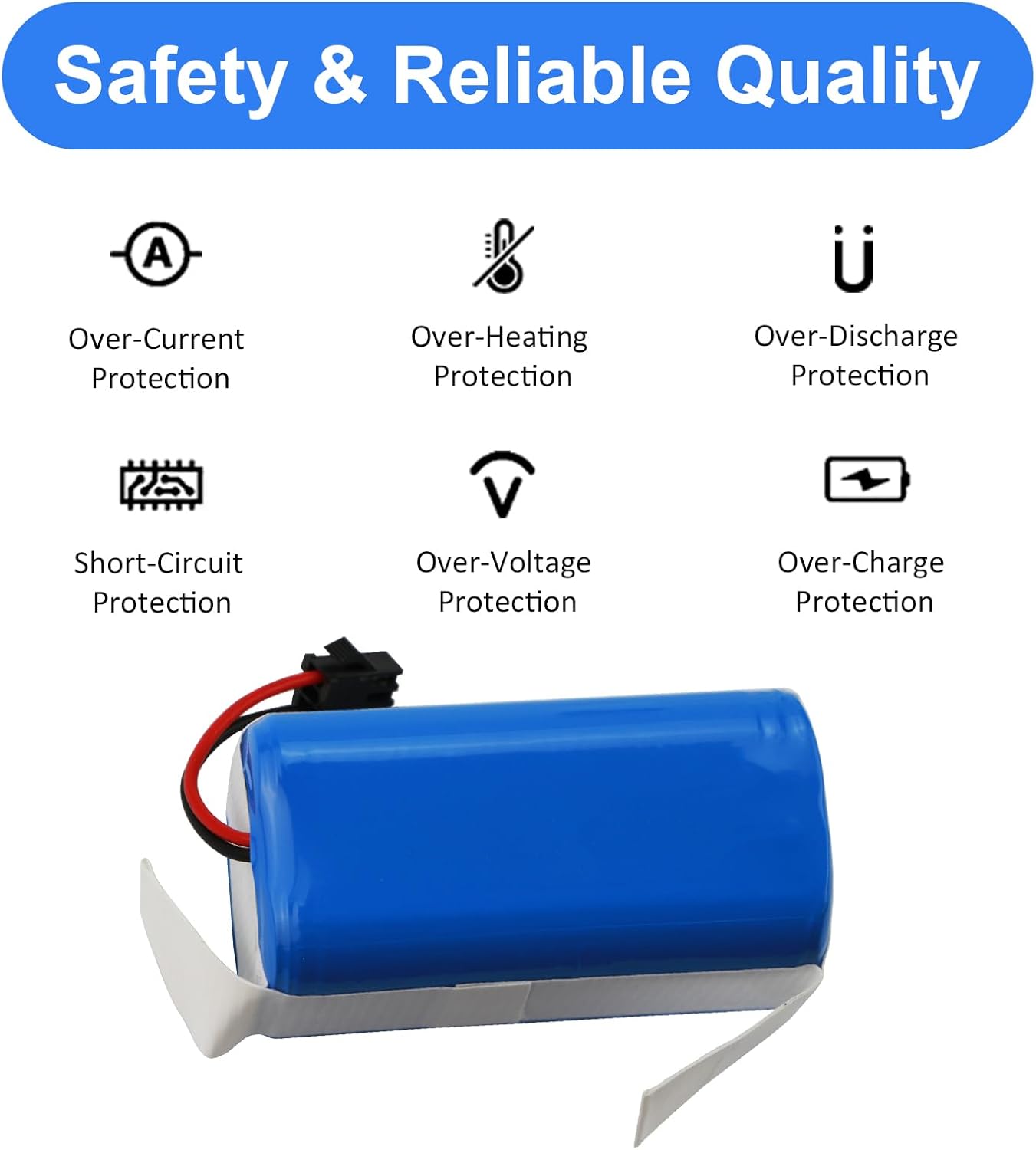
Image: Icons representing the various safety protections built into the battery.
Setup and Installation
Installing the MULS replacement battery is a straightforward process. Always ensure your robot vacuum cleaner is powered off and unplugged before beginning installation.
Installation Steps:
- Turn off your robot vacuum cleaner and unplug it from its charging base.
- Carefully flip the robot vacuum cleaner over to access the bottom panel.
- Locate the battery compartment. This usually requires removing two screws.
- Gently remove the old battery. Disconnect its connector from the vacuum cleaner's port.
- Connect the new MULS battery's connector to the vacuum cleaner's port. Ensure the connection is firm and secure.
- Place the new battery into the compartment.
- Replace the battery compartment cover and secure it with the screws.
- Flip the robot vacuum cleaner back to its upright position.
Important Note: Before connecting, ensure the connector type on the MULS battery matches the connector on your original battery and vacuum cleaner.
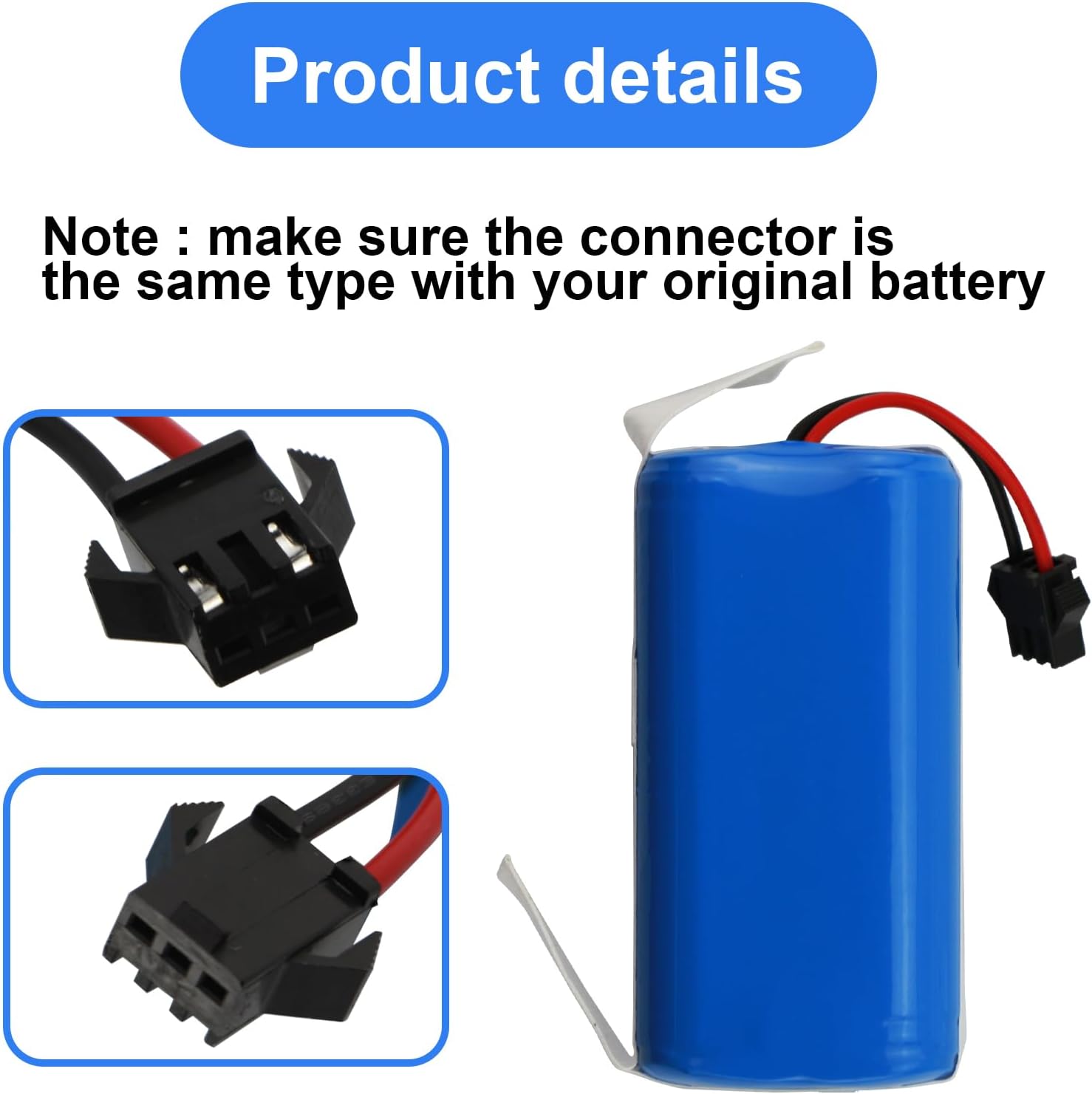
Image: Close-up view of the battery connector, highlighting its design for proper connection.
Operating
Once the battery is installed, your robot vacuum cleaner is ready for operation. The battery will charge when the vacuum is placed on its charging base or plugged in directly.
First Use and Charging:
- For the first use, fully charge the battery for at least 6-8 hours, or until the vacuum cleaner's indicator light shows a full charge.
- Always use the original charging base or power adapter provided with your robot vacuum cleaner.
- Avoid completely draining the battery frequently, as this can reduce its overall lifespan.
Maintenance
Proper maintenance can extend the life of your MULS replacement battery.
- Regular Charging: Keep the battery charged. If the vacuum is not used for an extended period, charge it at least once every three months to prevent deep discharge.
- Storage: Store the battery in a cool, dry place away from direct sunlight and extreme temperatures.
- Cleaning: Ensure the battery contacts on both the battery and the vacuum cleaner are clean and free of debris to maintain a good connection.
Troubleshooting
If you encounter issues with your MULS replacement battery, consider the following common solutions:
- Vacuum not powering on: Ensure the battery is correctly installed and fully charged. Check if the vacuum's power switch is in the 'ON' position.
- Battery not charging: Verify that the charging base or power adapter is properly connected to a working power outlet. Clean the charging contacts on both the vacuum and the base.
- Reduced run time: Over time, all batteries experience some degradation. Ensure the battery has been fully charged. If the issue persists shortly after installation, contact customer support.
- Error messages: Refer to your robot vacuum cleaner's original manual for specific error codes. If the error points to a battery issue, ensure proper installation and contact support if necessary.
Warranty and Support
MULS is committed to providing high-quality products and customer satisfaction.
- Warranty: This product comes with a 12-month exchange guarantee from the date of purchase.
- Money-Back Guarantee: A 30-day no-questions-asked full money-back guarantee is offered.
- Customer Support: For any questions, concerns, or support needs, please contact our customer service team. We provide 24/7 email service to assist you.