Introduction
This manual provides detailed instructions for the safe and effective use of your Generic Ultrapods Pro Wireless Noise Cancelling Earbuds. Please read this manual thoroughly before using the product and retain it for future reference.
The Ultrapods Pro are designed to deliver high-quality audio with advanced features such as Bluetooth 5.3 connectivity, Environmental Noise Cancellation (ENC), and IPX4 water resistance.
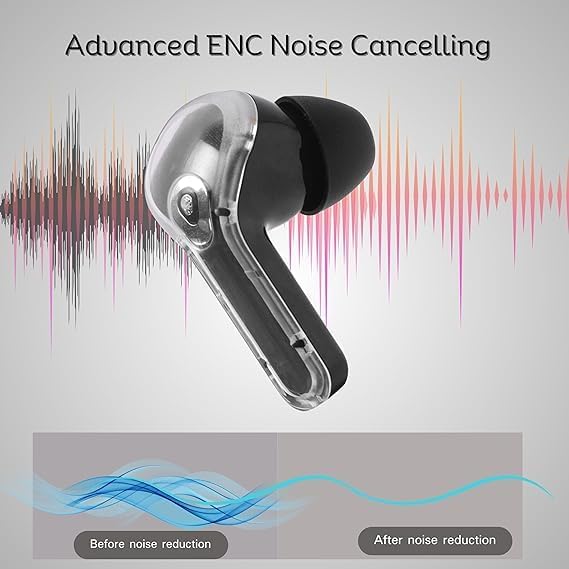
Image: Front and back views of the Ultrapods Pro charging case, showcasing its design and the DUOTRONIX branding often associated with Generic products.

Image: People enjoying music and calls with Ultrapods Pro earbuds in different scenarios, highlighting general usage.
What's in the Box
- Bluetooth Earbuds (Ultrapods Pro)
- Charging Cable
- User Manual
Product Features
- Bluetooth 5.3: Ensures stable and efficient wireless connection.
- 30 Hours Total Playtime: Extended battery life with the included charging case.
- Smart ENC (Environmental Noise Cancellation): Reduces background noise for clear calls.
- IPX4 Splash & Water Resistance: Protects against sweat and light splashes.
- 40ms Low Latency: Provides synchronized audio for gaming and video calls.
- Fast Charging: 10 minutes of charge provides up to 100 minutes of playback.
- High Fidelity 13mm Drivers: Delivers immersive sound quality.
- Touch Controls: Intuitive control for media and calls.

Image: A graphic illustrating the noise reduction capability of the earbuds, emphasizing the 'Tune the World Out' feature with 38 dB reduction.
Setup
1. Initial Charging
Before first use, fully charge the Ultrapods Pro earbuds and their charging case.
- Place the earbuds into the charging case.
- Connect the charging case to a USB power source using the provided charging cable.
- The LED indicator on the case will show charging status. A full charge typically takes approximately 1.5 hours.

Image: The Ultrapods Pro charging case displaying its battery level, indicating the charging status.

Image: Close-up of the Ultrapods Pro charging case featuring a 3D embossed digital power display.
2. Bluetooth Pairing
- Open the charging case. The earbuds will automatically enter pairing mode, indicated by flashing LED lights.
- On your device (smartphone, tablet, etc.), enable Bluetooth and search for available devices.
- Select "Ultrapods Pro" from the list of found devices.
- Once connected, the earbud LEDs will stop flashing, and you will hear a confirmation tone.
3. Wearing the Earbuds
Gently insert the earbuds into your ears, ensuring a comfortable and secure fit. Adjust them until the sound is clear and the fit is snug to optimize audio quality and noise cancellation.

Image: An Ultrapods Pro earbud shown correctly positioned within the ear for optimal fit and sound.
Operating Instructions
Touch Controls
The Ultrapods Pro feature intuitive touch controls on each earbud.
| Action | Function |
|---|---|
| Single Tap (Left/Right) | Play/Pause Music, Answer/End Call |
| Double Tap (Right Earbud) | Next Track |
| Double Tap (Left Earbud) | Previous Track |
| Triple Tap (Left/Right) | Activate Voice Assistant |
| Long Press (2 seconds) | Reject Call, Toggle Gaming Mode (Low Latency) / Normal Mode |
| Long Press (3 seconds) | Toggle ENC (Environmental Noise Cancellation) On/Off |
Environmental Noise Cancellation (ENC)
The Ultrapods Pro feature Smart ENC technology to reduce ambient noise during calls, ensuring clearer communication.

Image: A visual representation of how Advanced ENC Noise Cancelling technology reduces background noise for improved audio clarity.

Image: An exploded view of the earbud highlighting the dual microphones and 10+6mm double moving coil drivers for ENC and sound quality.
Gaming Mode (Low Latency)
Activate Gaming Mode for a low-latency audio experience, ideal for gaming and video playback where audio-visual synchronization is critical.
- To activate: Long press the touch control area for 2 seconds.
- To deactivate: Long press again for 2 seconds.
Maintenance
Cleaning
Regular cleaning helps maintain optimal performance and hygiene.
- Use a soft, dry, lint-free cloth to wipe the earbuds and charging case.
- Do not use abrasive cleaners, alcohol, or chemical solvents.
- Gently remove any earwax or debris from the earbud tips and speaker mesh using a small, clean brush or cotton swab.
Water Resistance (IPX4)
The Ultrapods Pro are IPX4 rated, meaning they are resistant to splashes and sweat. They are not designed for submersion in water.
- Avoid exposing the earbuds to running water or heavy rain.
- Do not wear them while swimming or showering.
- If they get wet, wipe them dry thoroughly before placing them back in the charging case or using them.
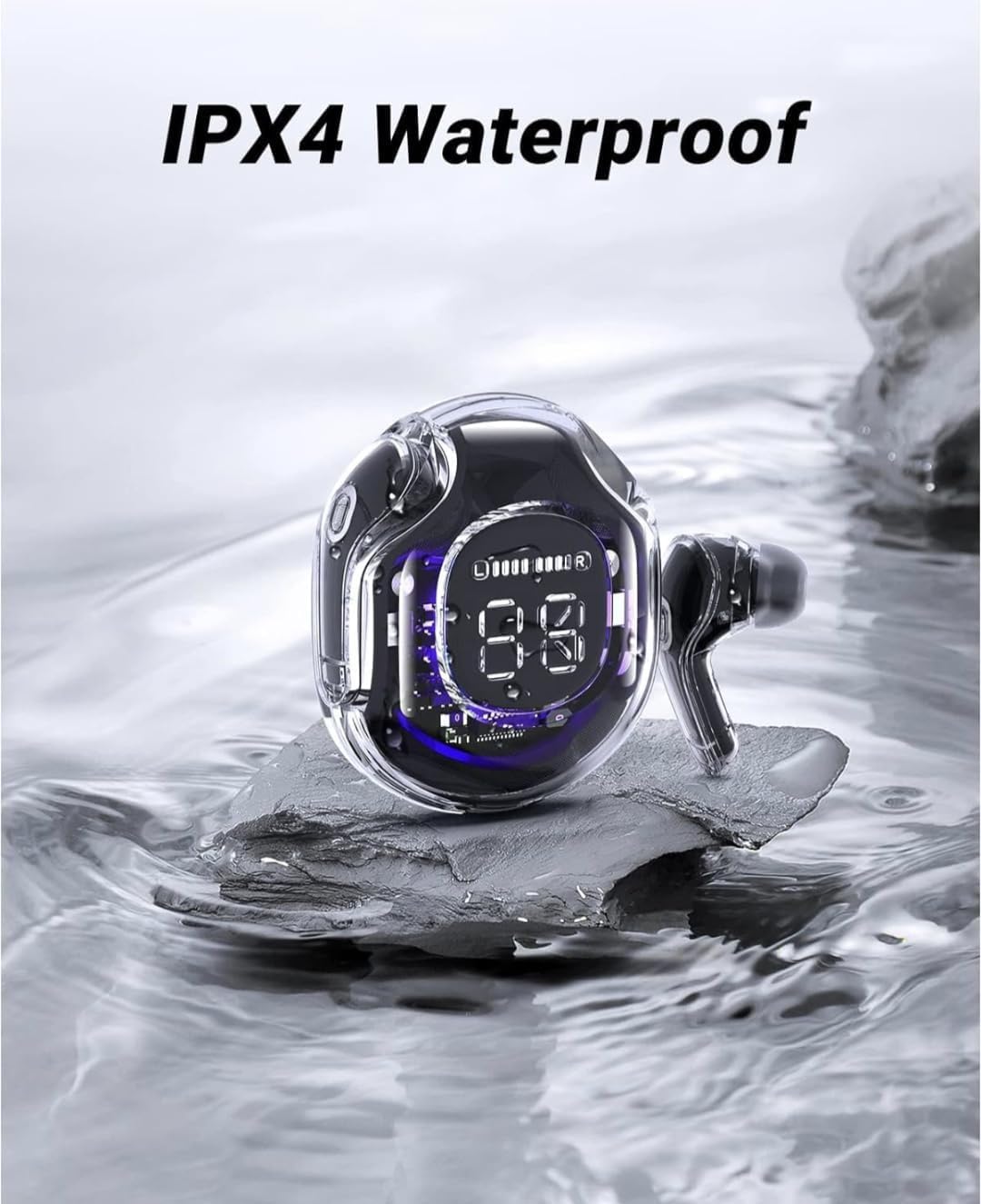
Image: The Ultrapods Pro charging case and earbuds shown with water splashes, illustrating their IPX4 water resistance rating.

Image: A person wearing Ultrapods Pro earbuds while being splashed with water, highlighting the product's IPX4 water resistance against sweat and splashes.
Storage
Store the earbuds in their charging case when not in use to protect them and keep them charged.
- Keep the product away from extreme temperatures, humidity, and dust.
- Avoid dropping or subjecting the earbuds to strong impacts.
Troubleshooting
| Problem | Possible Solution |
|---|---|
| Earbuds not pairing |
|
| No sound from one earbud |
|
| Charging case not charging |
|
| Poor call quality |
|
Resetting the Earbuds
If you experience persistent issues, a factory reset may resolve them.
- Place both earbuds into the charging case.
- With the case open, press and hold the reset button (if available, otherwise refer to specific product instructions for a long press on both earbuds simultaneously) for approximately 10-15 seconds until the LED indicators flash rapidly.
- Remove "Ultrapods Pro" from your device's Bluetooth list and re-pair the earbuds.
Specifications
| Feature | Detail |
|---|---|
| Model Name | Ultrapods Pro |
| Connectivity Technology | Wireless (Bluetooth) |
| Wireless Communication Technology | Bluetooth 5.3 |
| Noise Control | Environmental Noise Cancellation (ENC) |
| Battery Life | Up to 30 Hours (with charging case) |
| Charging Time | Approx. 10 minutes for 100 minutes playback (Fast Charging) |
| Water Resistance Level | IPX4 (Splash & Sweat Resistant) |
| Audio Driver Type | Dynamic Driver (13mm) |
| Control Method | Touch |
| Microphone Format | Built-in HD Mic |
| Latency | 40ms (Low Latency Gaming Mode) |
| Material | Plastic, Silicone |
| Product Dimensions | 12 x 8 x 8 cm |
| Item Weight | 200 g |
Warranty and Support
For warranty information and customer support, please refer to the documentation provided at the time of purchase or contact your retailer. Keep your proof of purchase for any warranty claims.