
1. Introduction
Thank you for choosing the SINORISE Mini Walkie Talkies. This user manual provides essential information for the proper setup, operation, and maintenance of your new two-way radios. Designed for ultra-compact portability and ease of use, these walkie talkies offer reliable communication in various scenarios, from professional environments like beauty salons and hospitals to outdoor activities such as cycling and hiking.
Each device features a lightweight design, a durable aluminum alloy shell, and a built-in rechargeable battery providing up to 72 hours of standby time and 12 hours of continuous talk time. The included comfortable earpiece and smart noise cancellation ensure clear and crisp voice communication.
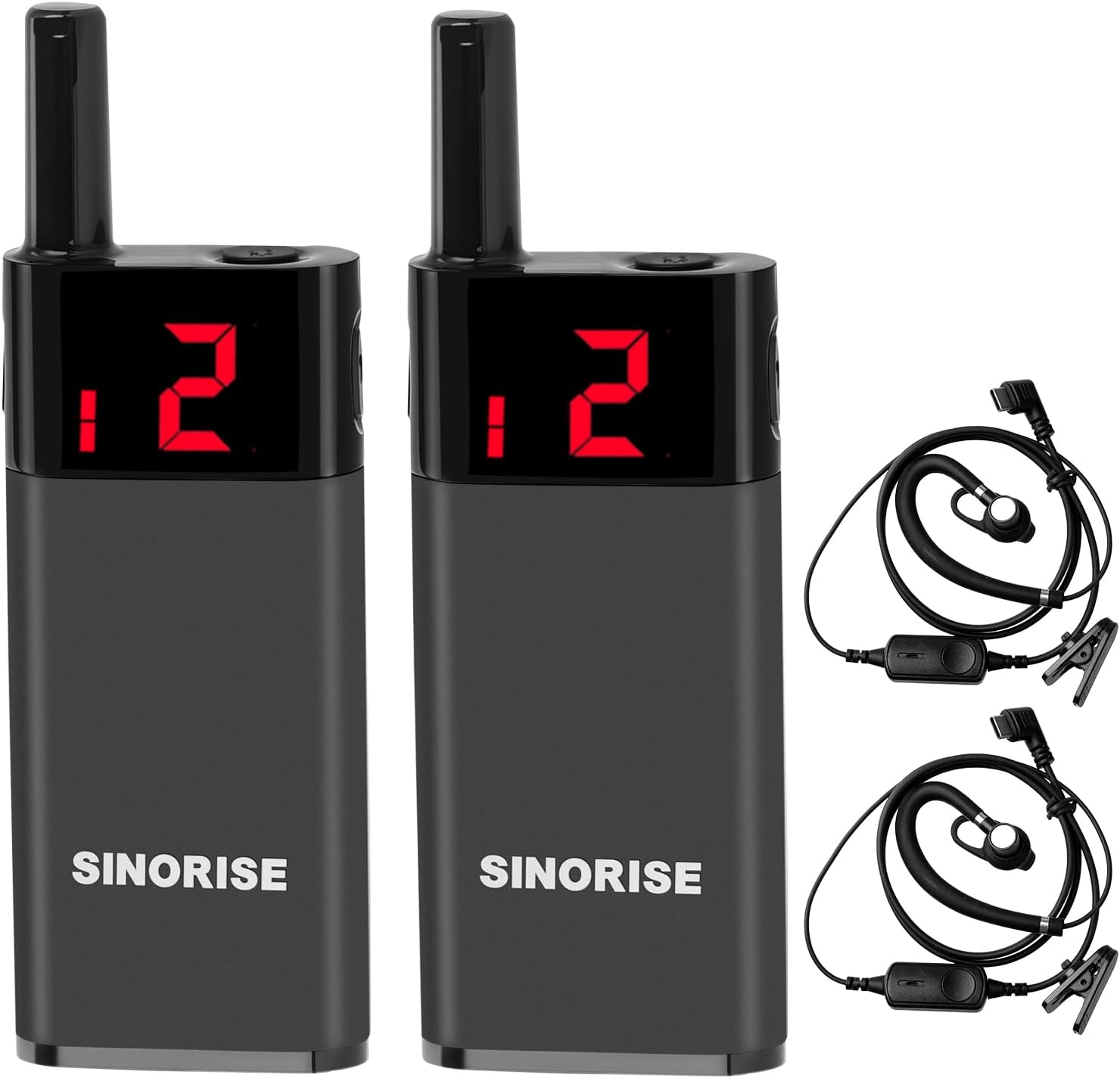
Image: Two SINORISE Mini Walkie Talkies and their accompanying earpieces.
2. What's in the Box
Please verify that all items listed below are present in your package:
- 2 x Mini Walkie Talkies
- 2 x USB Cables
- 2 x G-shape Designed Ear Hooks
- 2 x Power Adapters
- 1 x User Manual
3. Product Overview
Familiarize yourself with the components of your SINORISE Mini Walkie Talkie:
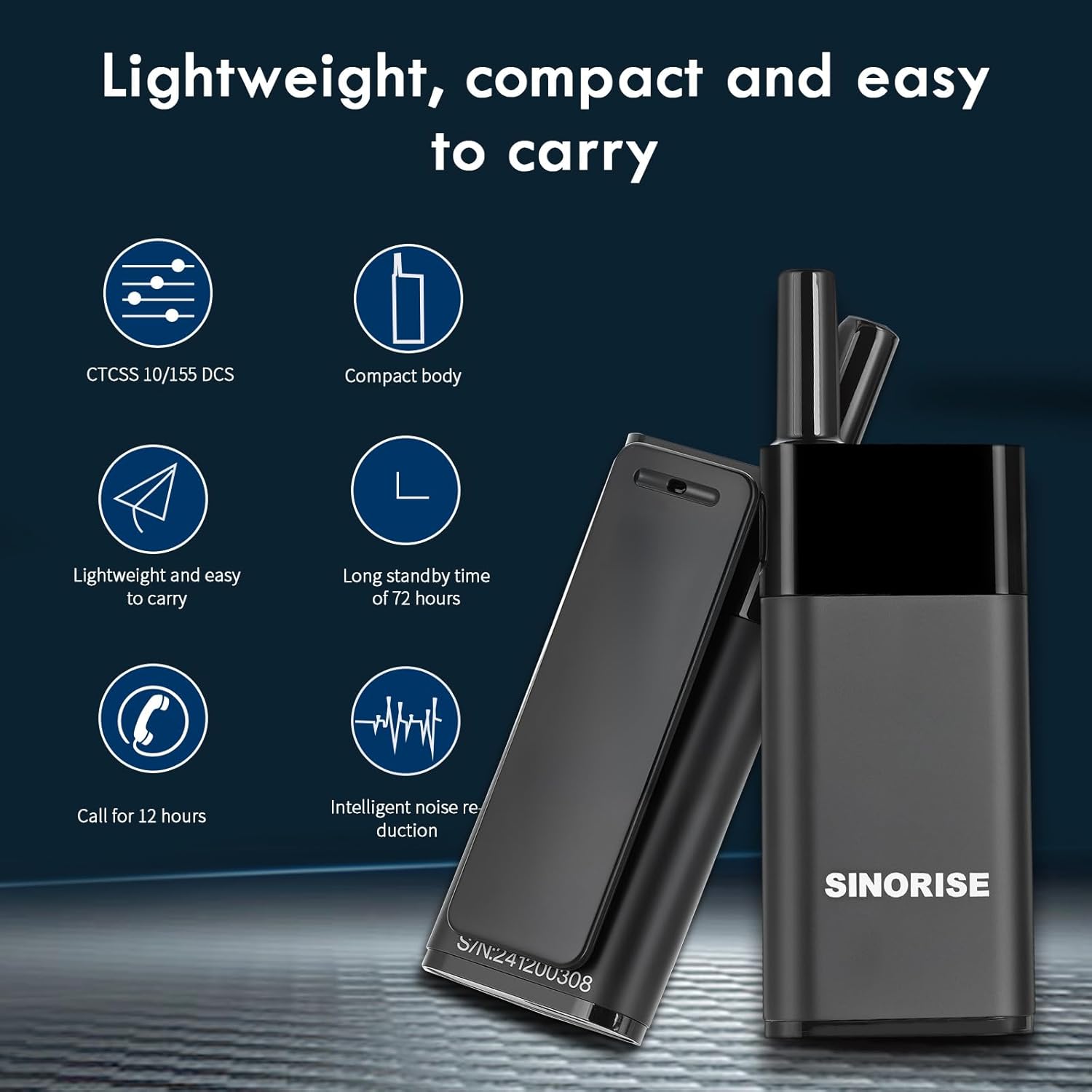
Image: Detailed diagram illustrating the various parts of the walkie talkie.
- Antenna: Responsible for transmitting and receiving radio signals.
- Power/Menu Key: Used to power the device on/off and navigate menu selections.
- Display Screen: Shows current channel, sub-tone code, volume level, power status, and other relevant information.
- Upturn Key: Adjusts channel, sub-tone code, and volume. Press and hold for 3 seconds to lock or unlock the keys.
- Flip-down Key: Adjusts channel, sub-tone code, and volume. Press and hold for 3 seconds to lock or unlock the keys.
- Headphone Port/Charging Port: Connects the included earpiece and is used for charging the device.
4. Setup and Initial Use
4.1 Charging the Battery
Before first use, fully charge the walkie talkie. Connect the provided USB cable to the charging port on the device and the power adapter. Plug the adapter into a standard wall outlet. The display will indicate charging status. A full charge typically takes approximately 2-3 hours.
4.2 Attaching the Earpiece
Insert the G-shape designed ear hook into the headphone port. Ensure it is securely connected for optimal audio performance and comfort during use.
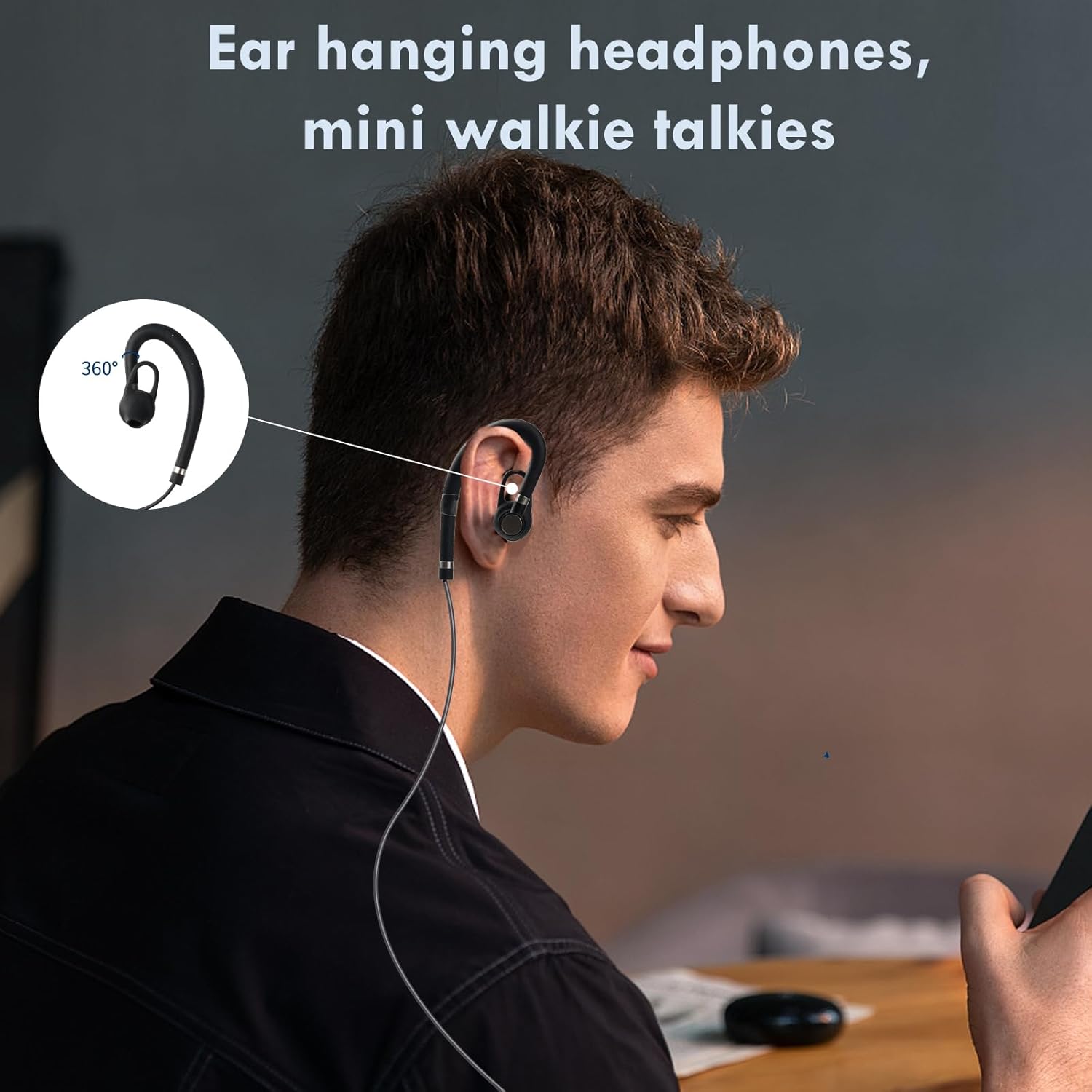
Image: A person demonstrating the comfortable fit of the ear-hanging earpiece.
5. Operation
5.1 Power On/Off
To power on the walkie talkie, press and hold the Power/Menu Key until the display illuminates. To power off, press and hold the same key until the display turns off.
5.2 Channel Selection
The walkie talkie supports 22 channels. To change the channel, briefly press the Power/Menu Key to enter channel selection mode. Use the Upturn Key or Flip-down Key to cycle through the available channels. Press the Power/Menu Key again to confirm your selection or wait a few seconds for it to auto-confirm.
Note: For communication between two or more walkie talkies, all devices must be set to the same channel and sub-tone code.
5.3 Sub-Tone Code (CTCSS/DCS)
Your walkie talkie supports CTCSS (Continuous Tone-Coded Squelch System) and DCS (Digitally Coded Squelch) for enhanced privacy and to filter out unwanted conversations on the same channel. To set the sub-tone code, enter the menu (via Power/Menu Key) and navigate to the sub-tone setting. Use the Upturn or Flip-down keys to select the desired code. Confirm your selection.
5.4 Volume Adjustment
While in normal operation mode, use the Upturn Key to increase volume and the Flip-down Key to decrease volume. The current volume level will be displayed on the screen.
5.5 Transmitting and Receiving
To transmit your voice, press and hold the PTT (Push-to-Talk) button located on the side of the walkie talkie. Speak clearly into the microphone. Release the PTT button to stop transmitting and return to receiving mode. When receiving a signal, the audio will be heard through the earpiece.
5.6 Smart Noise Cancellation
The built-in smart noise cancellation feature automatically reduces background noise, ensuring clearer communication, especially in noisy environments. This feature operates automatically and does not require manual adjustment.
6. Maintenance
Proper maintenance ensures the longevity and optimal performance of your walkie talkies.
- Cleaning: Use a soft, dry cloth to clean the exterior of the walkie talkie. Do not use abrasive cleaners or solvents.
- Battery Care: To preserve battery life, avoid fully discharging the battery frequently. If storing the device for an extended period, charge it to approximately 50% and recharge every 3-6 months.
- Storage: Store the walkie talkies in a cool, dry place away from direct sunlight, extreme temperatures, and humidity.
- Water Resistance: The device is water repellent. Avoid submerging it in water or exposing it to heavy rain.
7. Troubleshooting
If you encounter issues with your walkie talkie, refer to the following common problems and solutions:
| Problem | Possible Cause | Solution |
|---|---|---|
| Device does not power on. | Battery is depleted. | Charge the battery fully. |
| No sound or distorted sound. | Volume is too low; Earpiece not connected properly; Earpiece faulty. | Increase volume; Reconnect earpiece securely; Try a different earpiece if available. |
| Cannot communicate with other walkie talkies. | Different channels or sub-tone codes; Out of range; Obstructions. | Ensure all devices are on the same channel and sub-tone code; Move closer to the other device; Move to an area with fewer obstructions. |
| Short communication range. | Environmental interference; Obstructions (buildings, hills). | Move to an open area; Avoid transmitting near large metal structures or dense foliage. |
8. Specifications
Detailed technical specifications for the SINORISE Mini Walkie Talkie:
| Feature | Detail |
|---|---|
| Model Number | SR-606 |
| Item Weight | 1.2 ounces (approx. 34 grams) |
| Product Dimensions | 0.6 x 1.2 x 3.4 inches (approx. 1.5 x 3.0 x 8.6 cm) |
| Battery Type | 1 Lithium Polymer battery (included) |
| Voltage | 3.7 Volts |
| Number of Channels | 22 |
| Frequency Range | 462.56-467.71 MHZ |
| Maximum Talking Range | 2 Miles (approx. 3.2 km) |
| Special Feature | Digital Display, Smart Noise Cancellation |
| Water Resistance Level | Water Repellent |
| Manufacturer | SINORISE |
9. Warranty Information
The SINORISE Mini Walkie Talkies come with a 2-year warranty from the date of purchase. This warranty covers manufacturing defects and ensures the product meets its specified performance standards under normal use. Please retain your proof of purchase for warranty claims.