
Introduction
This manual provides detailed instructions for the assembly, operation, and maintenance of your Czlolo Gaming Chair with Footrest. Designed for comfort and functionality, this chair features ergonomic support, a lumbar massager, a reclining backrest, and a pull-out footrest. Please read this manual thoroughly before use to ensure proper setup and safe operation.
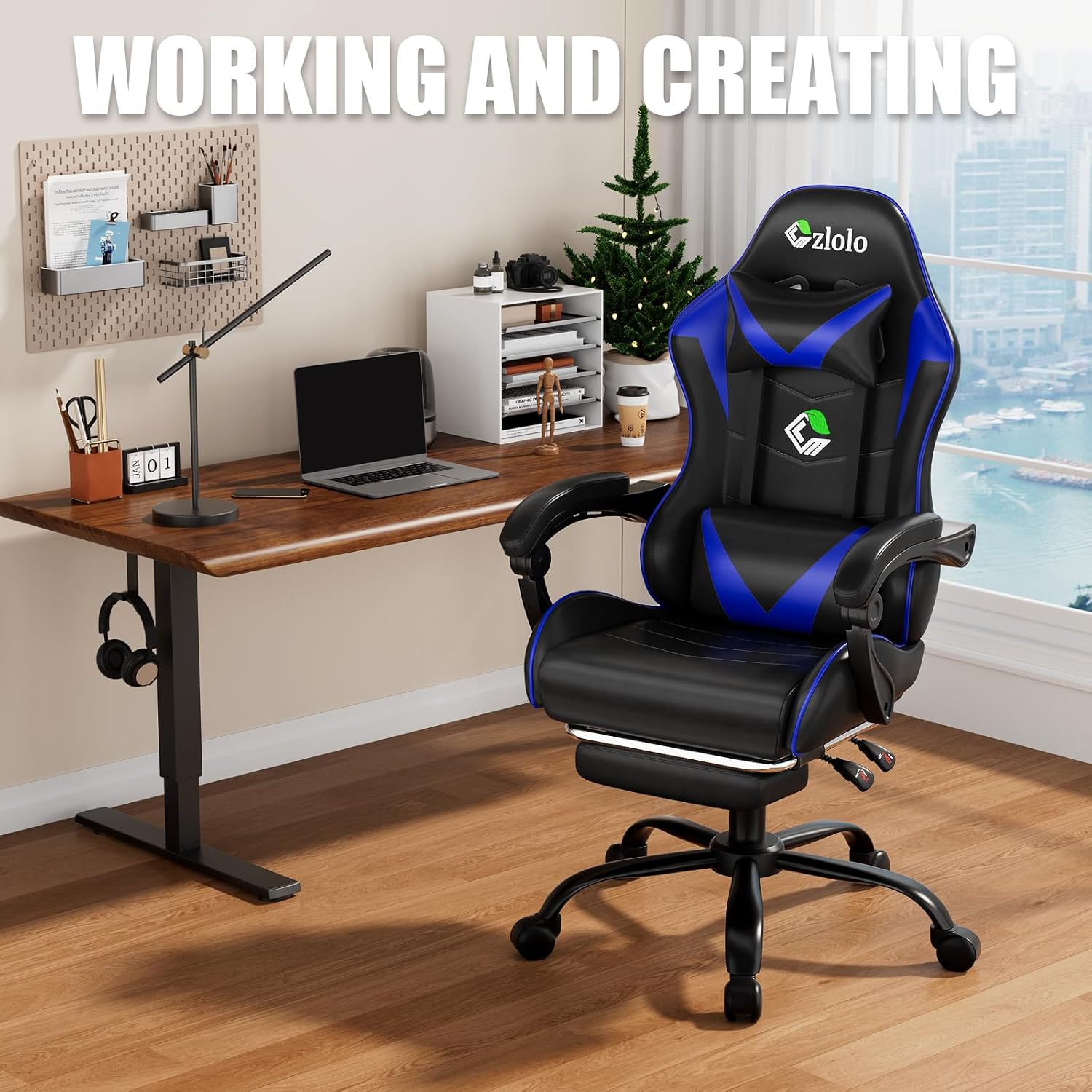
Image: Czlolo Gaming Chair positioned in a modern office environment, illustrating its use for working and creating.
Safety Information
Always follow the assembly instructions carefully to avoid injury. Do not exceed the maximum weight recommendation of 300 lbs to ensure the stability and safety of the chair. Ensure all screws and bolts are securely tightened before use. Keep small parts away from children during assembly. Avoid standing on the chair or using it for purposes other than its intended design.
Package Contents
Before beginning assembly, verify that all components are present and undamaged. The package typically includes the chair backrest, seat cushion, armrests, chair base, gas lift, wheels, headrest pillow, lumbar support pillow with massager, footrest assembly, and all necessary hardware (screws, washers, Allen wrench).

Image: All chair components, including the seat, backrest, base, wheels, and hardware, are displayed on a carpeted floor, ready for assembly.
Setup and Assembly
Assembling your Czlolo Gaming Chair is designed to be straightforward. A comprehensive step-by-step guide with illustrations is included in the packaging. All necessary tools and hardware are provided to complete the setup, typically within 40 minutes. Follow the numbered steps in the provided manual for best results.
- Attach the wheels to the chair base.
- Insert the gas lift into the center of the chair base.
- Mount the seat mechanism to the bottom of the seat cushion.
- Attach the armrests to the seat cushion.
- Connect the backrest to the seat cushion using the provided brackets and screws.
- Slide the assembled seat and backrest onto the gas lift.
- Install the headrest and lumbar support pillows.
- Assemble and attach the pull-out footrest mechanism to the underside of the seat.
Operating Instructions
Adjusting Chair Height
To adjust the chair's height, locate the 'LIFT' lever on the right side beneath the seat. Pull the lever upwards while seated to lower the chair, or pull it upwards while standing to raise the chair. Release the lever at the desired height.
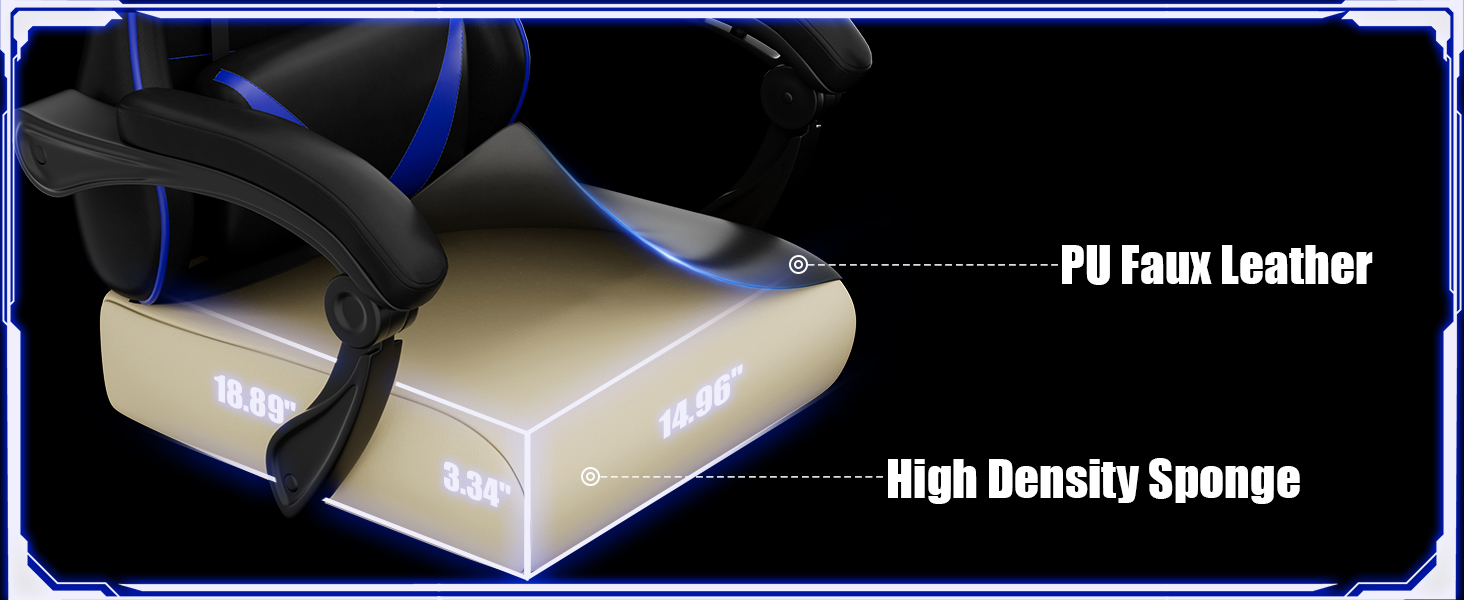
Image: Visual representation of the chair's adjustable height and reclining backrest features.
Reclining the Backrest
The backrest can be adjusted from 90 to 135 degrees. To recline, locate the 'LOCK' lever on the left side beneath the seat. Pull the lever upwards and lean back to the desired angle. Release the lever to lock the backrest in position.
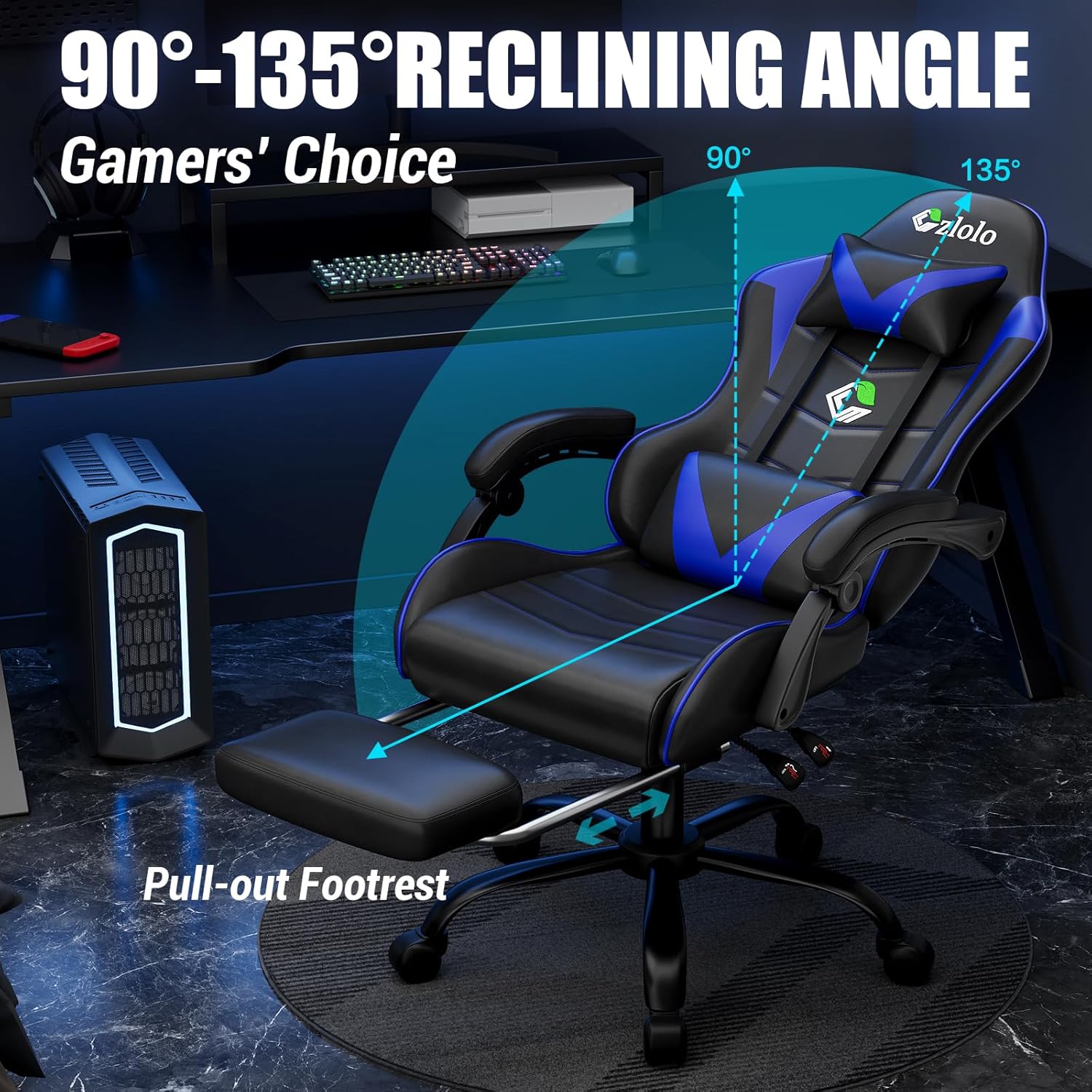
Image: The chair demonstrating its 90-135 degree reclining capability and the extended pull-out footrest.
Using the Pull-out Footrest
For added comfort, pull the footrest assembly located beneath the seat outwards until it fully extends. You can then rest your legs on it. To retract, push the footrest back under the seat until it is fully stored.
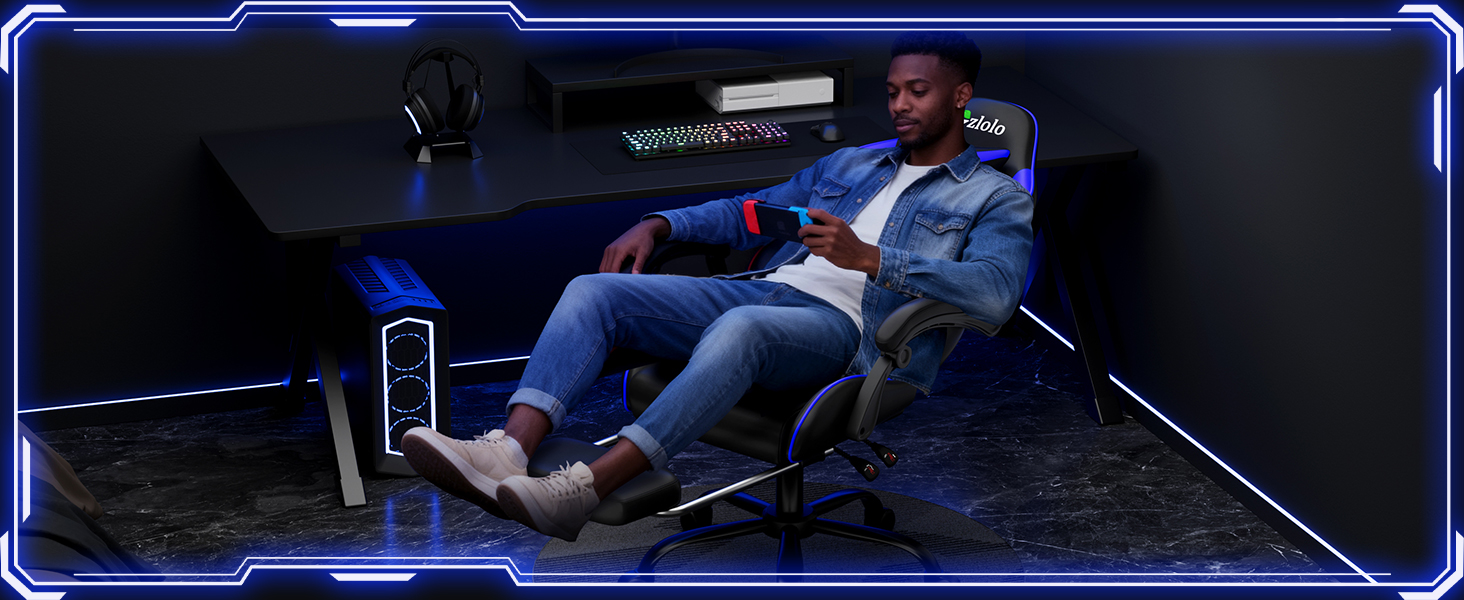
Image: A user comfortably seated in the gaming chair with the footrest extended, illustrating its use for relaxation.
Lumbar Support Massager
The lumbar support pillow includes a built-in massager to relieve fatigue. Connect the USB cable from the massager to a power source (e.g., a USB port on your computer or a power bank). Use the integrated control to turn the massager on/off and adjust settings.
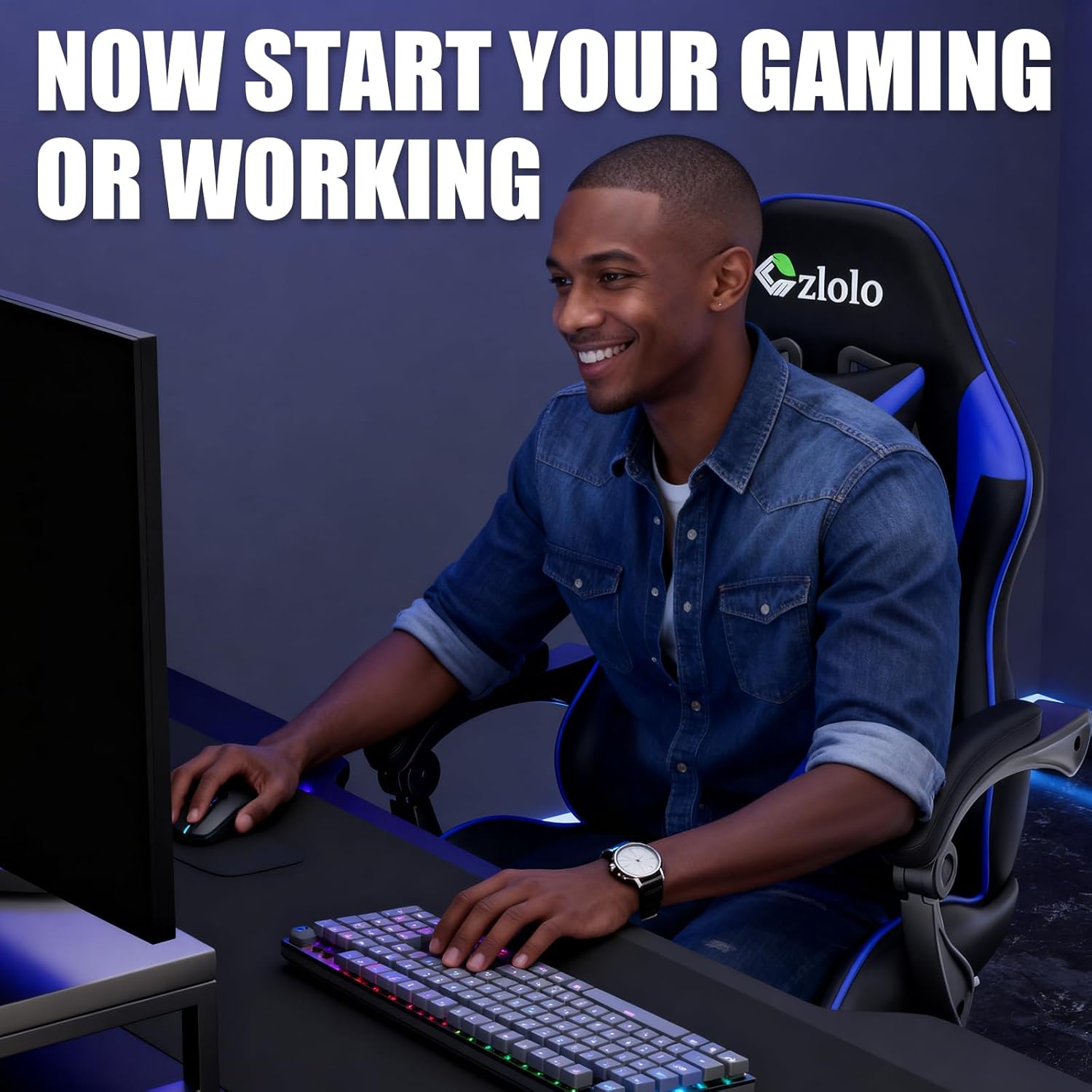
Image: A detailed view of the lumbar support massager integrated into the gaming chair.
Adjusting Headrest Pillow
The headrest pillow is adjustable and can be moved up or down along the backrest straps to provide optimal neck support.

Image: The removable neck pillow attached to the gaming chair, showing its adjustable straps.
Sponge Pad Linkage Armrests
The armrests are designed with sponge pads for enhanced comfort and feature a linkage mechanism that moves with the recline of the chair, providing continuous arm support.
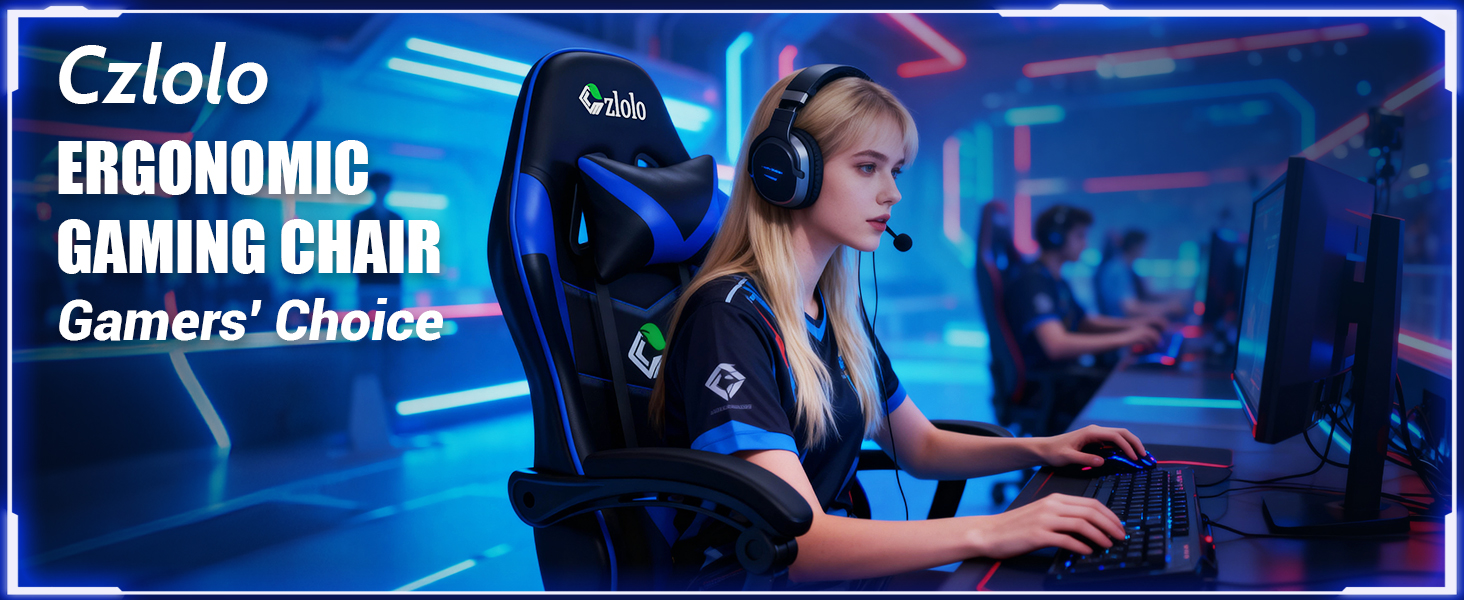
Image: Detailed view of the sponge-padded linkage armrests, highlighting their ergonomic design.
RGB Lighting (if applicable)
For models equipped with RGB lighting, connect the USB cable from the chair's lighting system to a power source. Use the provided remote control to select various colors, modes, and adjust the speed of the lighting effects.
Video: Official Czlolo video demonstrating the various LED light modes of the gaming chair.
Maintenance
To maintain the appearance and longevity of your Czlolo Gaming Chair, wipe it clean regularly with a damp cloth. Avoid using harsh chemicals or abrasive cleaners, as these may damage the faux leather. Periodically check all screws and bolts to ensure they remain tight. If any parts become loose, tighten them immediately.
Troubleshooting
- Chair does not adjust height: Ensure the 'LIFT' lever is fully engaged and the gas lift is properly installed. If the issue persists, the gas lift may need replacement.
- Backrest does not recline/lock: Check the 'LOCK' lever mechanism for any obstructions. Ensure it is fully engaged when attempting to lock the backrest.
- Massager not working: Verify that the USB cable is securely connected to a functional power source. Check the massager's control button to ensure it is turned on.
- RGB lights not working: Ensure the USB cable for the lights is connected to a power source and the remote control batteries are functional. Try different modes or colors on the remote.
- Squeaking noises: Check and tighten all assembly screws and bolts. Applying a small amount of lubricant to moving parts may also help.
Specifications
| Feature | Detail |
|---|---|
| Brand | Czlolo |
| Model Name | Gaming Chair |
| Color | Classic/Blue |
| Material | Faux Leather, Sponge, Metal |
| Product Dimensions | 23.23"D x 31.5"W x 11.42"H |
| Maximum Weight Recommendation | 300 Pounds |
| Reclining Position Count | 3 (90-135 degrees) |
| Special Features | Lumbar Support Massager, Pull-out Footrest, Linkage Armrests, 360° Swivel |
| Seat Back Interior Height | 31 Inches |
| Seat Height | 20.74 Inches |
| Seat Depth | 19.68 Inches |
| Chair Backrest Width | 19.68 Inches |
| Item Weight | 36 pounds |
| UPC | 860014848315 |
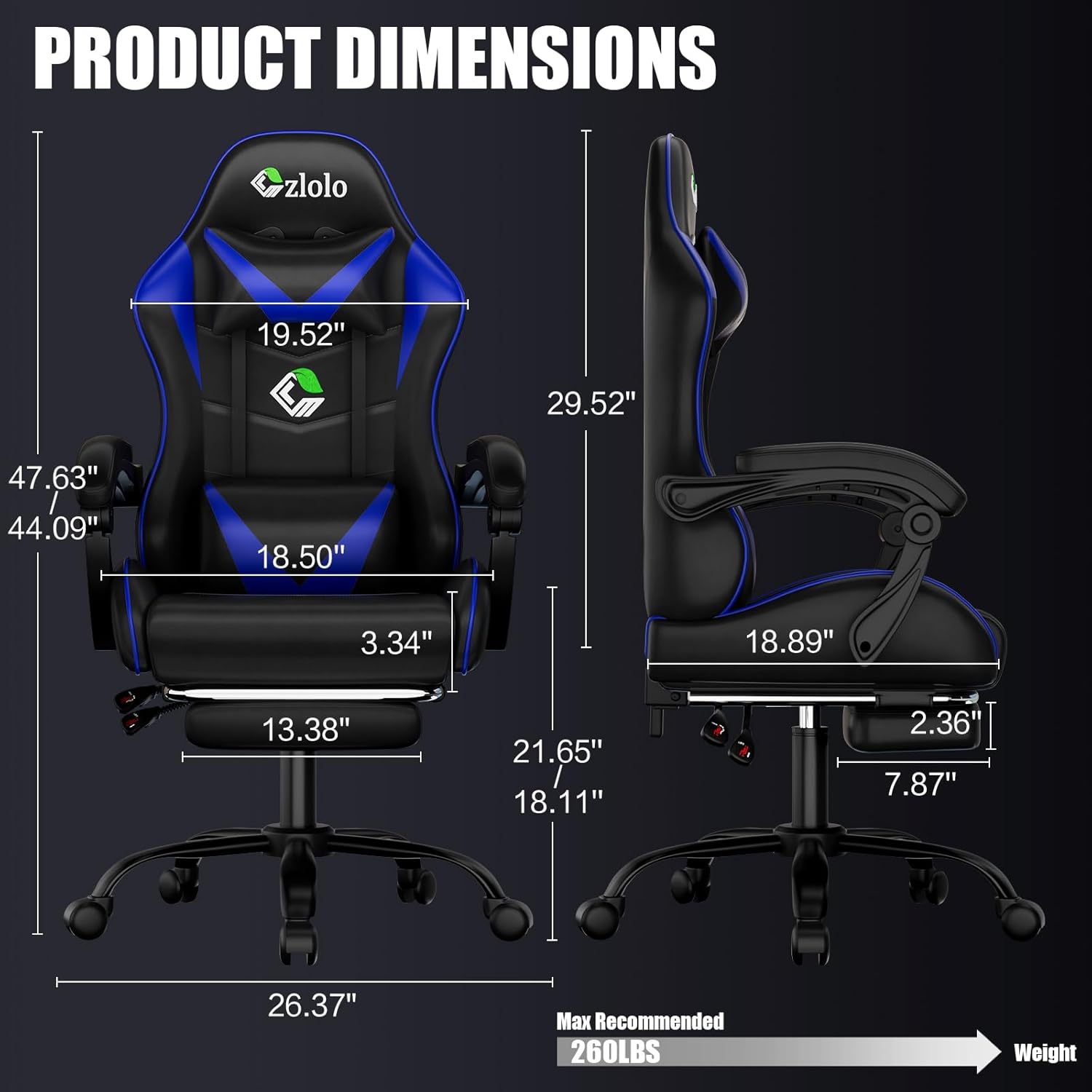
Image: A diagram illustrating the precise dimensions of the Czlolo Gaming Chair, including height, width, and depth measurements.
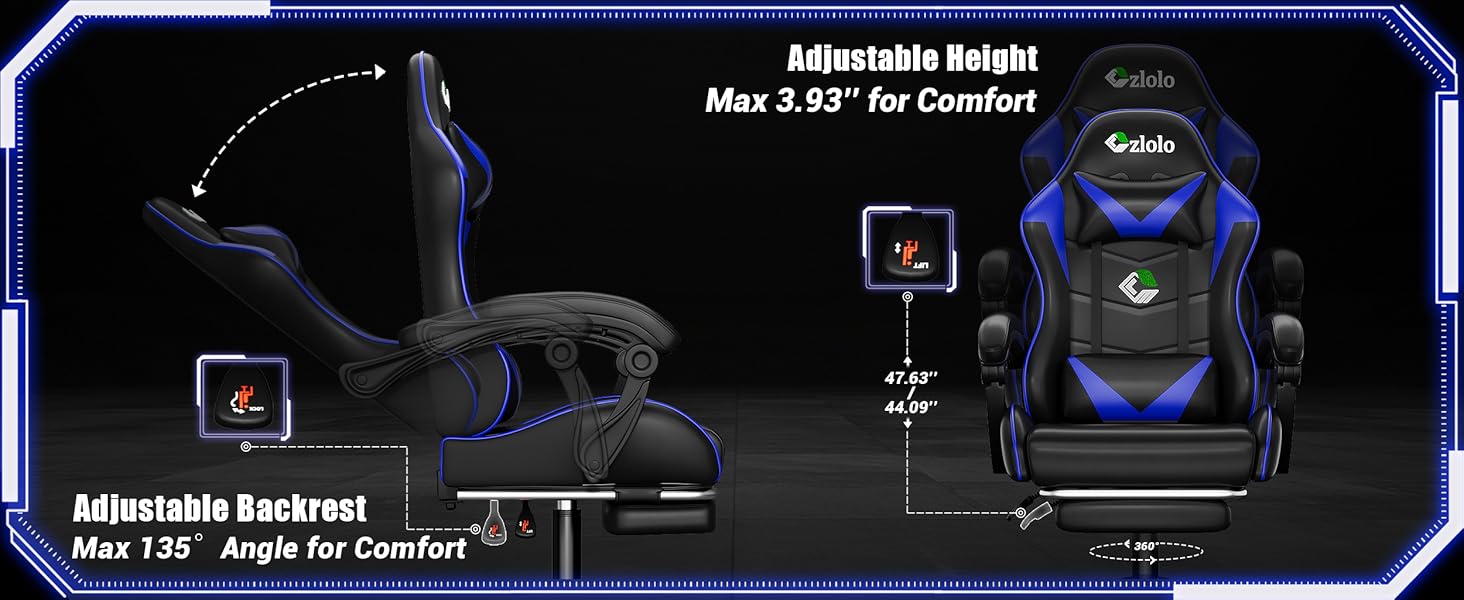
Image: An illustration detailing the construction materials, including PU faux leather and high-density sponge cushioning.
Warranty and Support
Customer satisfaction is a priority for Czlolo. If you encounter any problems with your product, please do not hesitate to contact our dedicated customer service team. We are committed to providing the most satisfactory service and are always here to assist with any questions or concerns you may have.


