1. Introduction
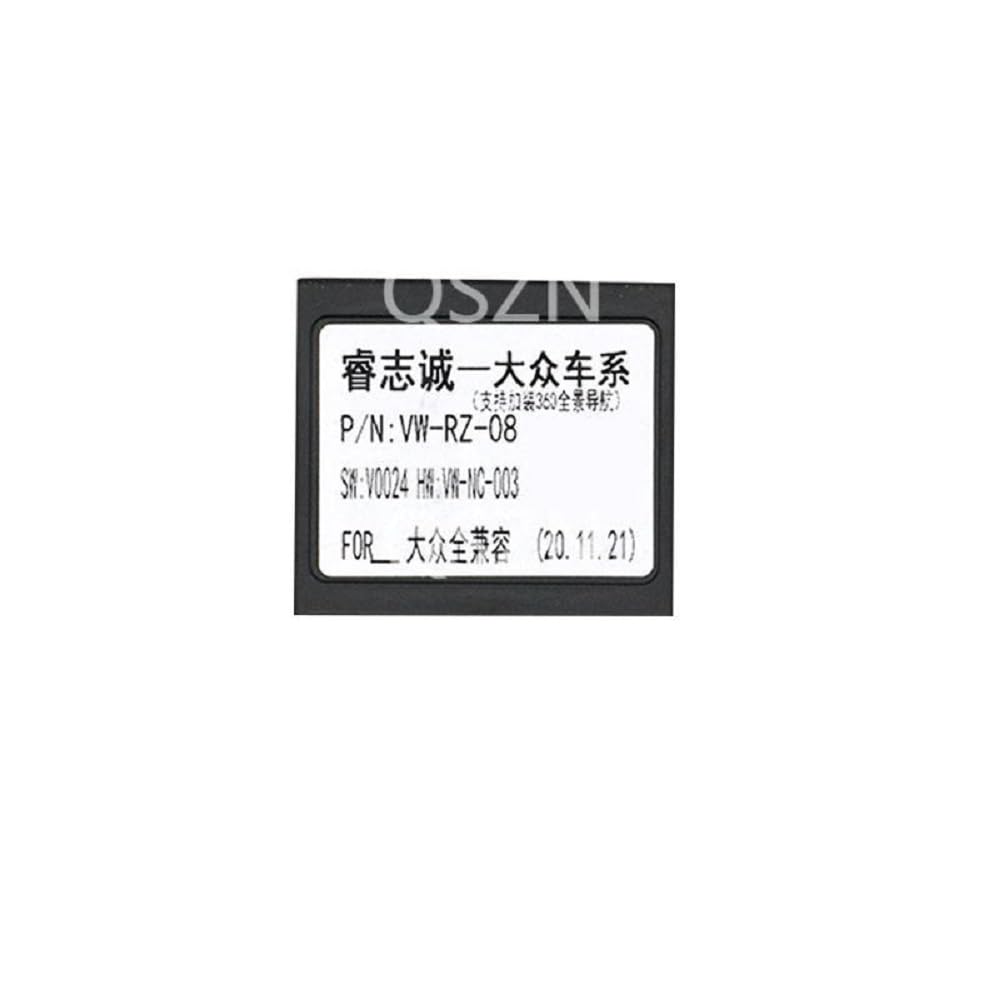
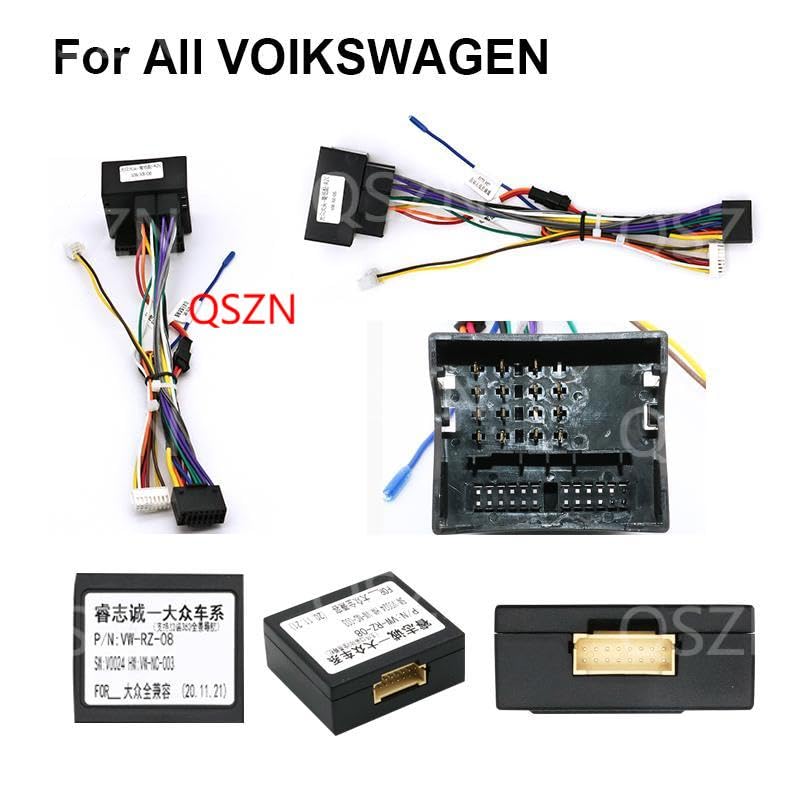
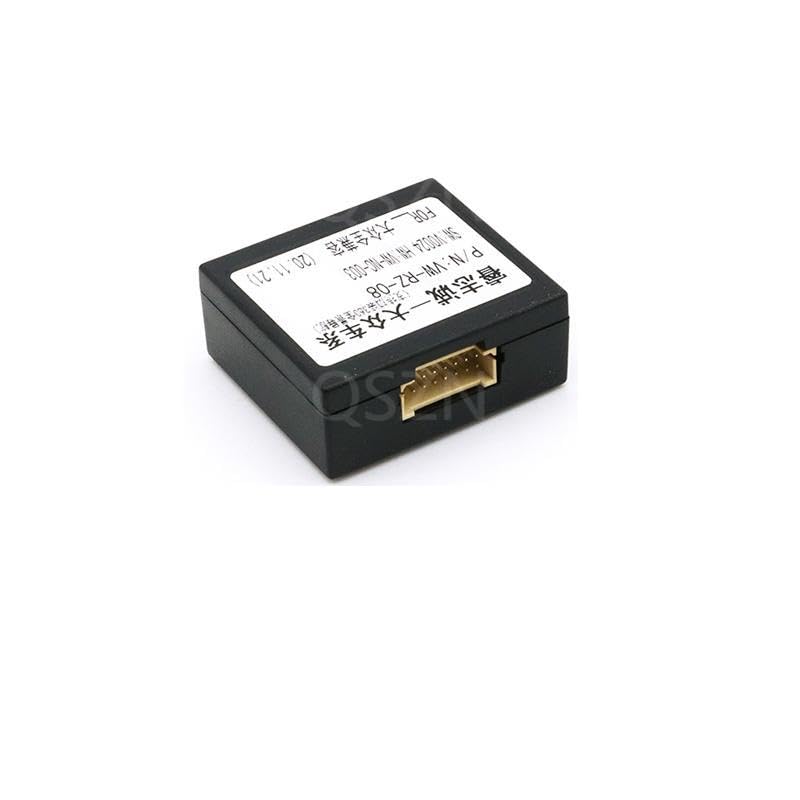
The Raise VW-RZ-08 and VW-RZ-58 Canbus Boxes are designed to facilitate the integration of aftermarket Android head units with the existing CAN-bus system in various Volkswagen, Skoda, and Seat vehicles. This device translates vehicle data, enabling functions such as steering wheel control, reverse gear detection, door status display, and vehicle speed information to be communicated to your Android head unit.
This manual provides essential information for the proper installation, operation, and maintenance of your Canbus box.
2. Safety Information
- Always disconnect the vehicle's battery before performing any electrical work to prevent short circuits and electrical shock.
- Ensure all connections are secure and properly insulated to avoid electrical hazards.
- If you are unsure about any installation steps, consult a qualified automotive technician.
- Do not modify the Canbus box or its wiring harness. Unauthorized modifications can void the warranty and cause damage to your vehicle's electrical system.
- Keep the device away from moisture and extreme temperatures.
3. Package Contents
Please verify that all components are present in your package:
- Raise VW-RZ-08 or VW-RZ-58 Canbus Box
- Vehicle-specific wiring harness (may vary by model)
4. Setup and Installation
Installation of the Canbus box requires basic knowledge of automotive electrical systems. It is recommended to have the installation performed by a professional.
General Installation Steps:
- Prepare the Vehicle: Park the vehicle on a level surface, engage the parking brake, and turn off the ignition. Disconnect the negative terminal of the vehicle's battery.
- Remove Existing Head Unit: Carefully remove your vehicle's factory or existing aftermarket head unit to access the wiring harness.
- Identify Vehicle Wiring: Locate the vehicle's main wiring harness connector that previously connected to the head unit.
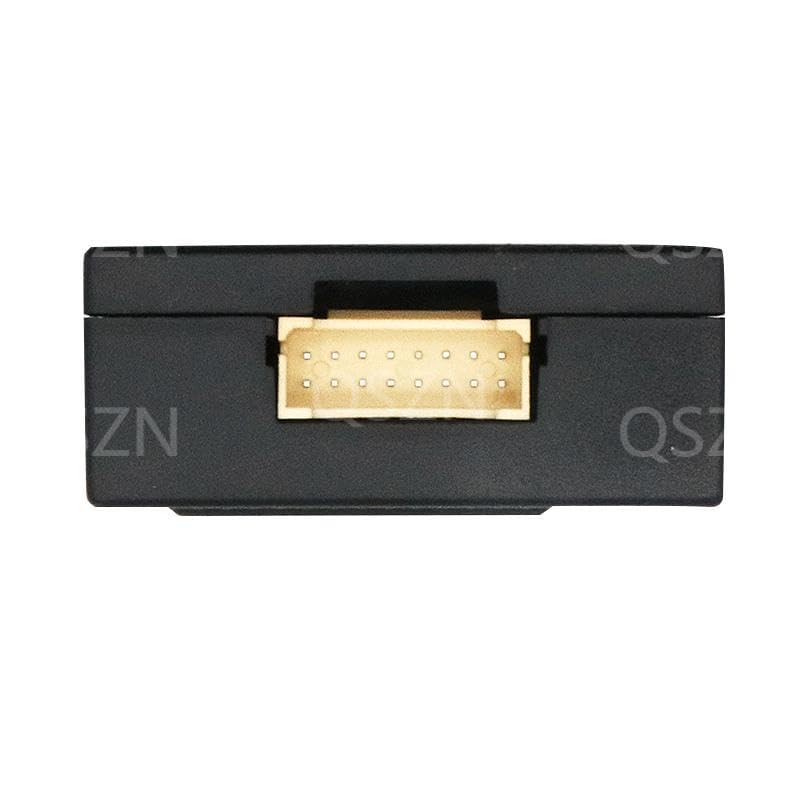
- Connect Canbus Box: Connect the vehicle-specific wiring harness provided with the Canbus box to the vehicle's main wiring harness. Then, connect the Canbus box itself to the dedicated connector on the wiring harness. Ensure all connections are firm and secure.
- Connect to Android Head Unit: Connect the other end of the wiring harness (which includes the Canbus output) to your new Android head unit.
- Test Connections: Before fully reassembling, reconnect the vehicle's battery. Turn on the ignition and the Android head unit. Verify that the head unit powers on, and test basic functions like audio, steering wheel controls, and reverse camera (if applicable).
- Secure and Reassemble: Once all functions are verified, carefully route and secure all cables to prevent pinching or damage. Reinstall the Android head unit and any trim panels.
5. Operating Instructions
Once correctly installed, the Raise Canbus box typically operates automatically. Most compatible Android head units will detect the Canbus box and its functions upon startup.
Key Functions Enabled:
- Steering Wheel Controls: Allows the use of factory steering wheel buttons to control volume, track skipping, mode selection, and other functions on your Android head unit.
- Reverse Gear Signal: Provides a signal to the head unit when the vehicle is in reverse, automatically activating a connected reverse camera.
- Door Status Display: Some Android head units can display the open/closed status of vehicle doors.
- Vehicle Speed Information: Transmits vehicle speed data for navigation systems or other applications requiring speed input.
- Illumination Control: Synchronizes the head unit's button illumination with the vehicle's dashboard lighting.
Refer to your Android head unit's user manual for specific settings related to Canbus integration and function mapping.
6. Maintenance
The Raise Canbus box is designed for maintenance-free operation. To ensure longevity and reliable performance:
- Ensure all electrical connections remain secure and free from corrosion.
- Keep the device and its connections clean and dry.
- Avoid exposing the unit to excessive heat, cold, or direct sunlight.
7. Troubleshooting
If you encounter issues with your Canbus box, refer to the following troubleshooting guide:
Problem: Android Head Unit Does Not Power On
- Check Power Connections: Ensure the main power wires from the vehicle to the wiring harness, and from the harness to the head unit, are securely connected.
- Check Fuses: Inspect the vehicle's fuse box and any inline fuses on the head unit's wiring for blown fuses.
- Battery Connection: Verify the vehicle battery is properly connected and charged.
Problem: Steering Wheel Controls Not Working
- Canbus Connection: Ensure the Canbus box is correctly connected to both the vehicle's CAN-bus wires and the Android head unit.
- Head Unit Settings: Access the settings menu on your Android head unit. Look for
Related Documents - VW-RZ-08, VW-RZ-58

Connects2 CTSVW002.2 Volkswagen Steering Wheel Control Interface Installation Guide
This guide provides installation instructions and vehicle compatibility for the Connects2 CTSVW002.2, a CAN-Bus Steering Wheel Control Interface for Volkswagen vehicles.
CTSVW002.2 Volkswagen Steering Wheel Control Interface Installation Guide
Installation guide for the CTSVW002.2 Volkswagen Steering Wheel Control Interface by Aerpro/Connects2. Learn how to retain steering wheel controls and factory phone buttons in compatible VW vehicles.
Aerpro SWVW3C Steering Wheel Control Interface for Volkswagen Vehicles Installation Guide
Detailed installation guide for the Aerpro SWVW3C steering wheel control interface, designed to retain factory steering wheel controls in Volkswagen vehicles when installing an aftermarket stereo. Includes wiring, dipswitch settings, and vehicle compatibility.
FanControl-GSM Installation Manual for VAG Vehicles
Comprehensive installation manual for the TEC ELECTRONICS FanControl-GSM module, providing detailed instructions for integrating the device into various VAG vehicles (VW, Audi, Porsche, Skoda, Seat). Covers system installation, aftermarket and factory heater control, and climate system activation. Includes wiring diagrams and vehicle-specific compatibility information.
VAG K+CAN Commander 5.2 Covered Models for Security Access Code Extraction
List of VAG K+CAN Commander 5.2 compatible models, detailing solutions like OBD-K, OBD-CAN, and OBD for extracting security access codes and EEPROM immobilizer status.
XTOOL VW Function List V13.30: Comprehensive Volkswagen Diagnostic Capabilities
Discover the extensive VW diagnostic functions supported by XTOOL tools with the V13.30 Function List. This guide details capabilities for numerous Volkswagen models, covering ECU information, trouble codes, live data, and more, essential for automotive diagnostics.