
Introduction
This manual provides instructions for the JBUNION Kids Bluetooth Headphones, Model SBT-160. These headphones are designed for children, featuring safe volume limits, Bluetooth 5.4 connectivity, and a built-in microphone. Please read this manual thoroughly before using the product to ensure proper operation and safety.
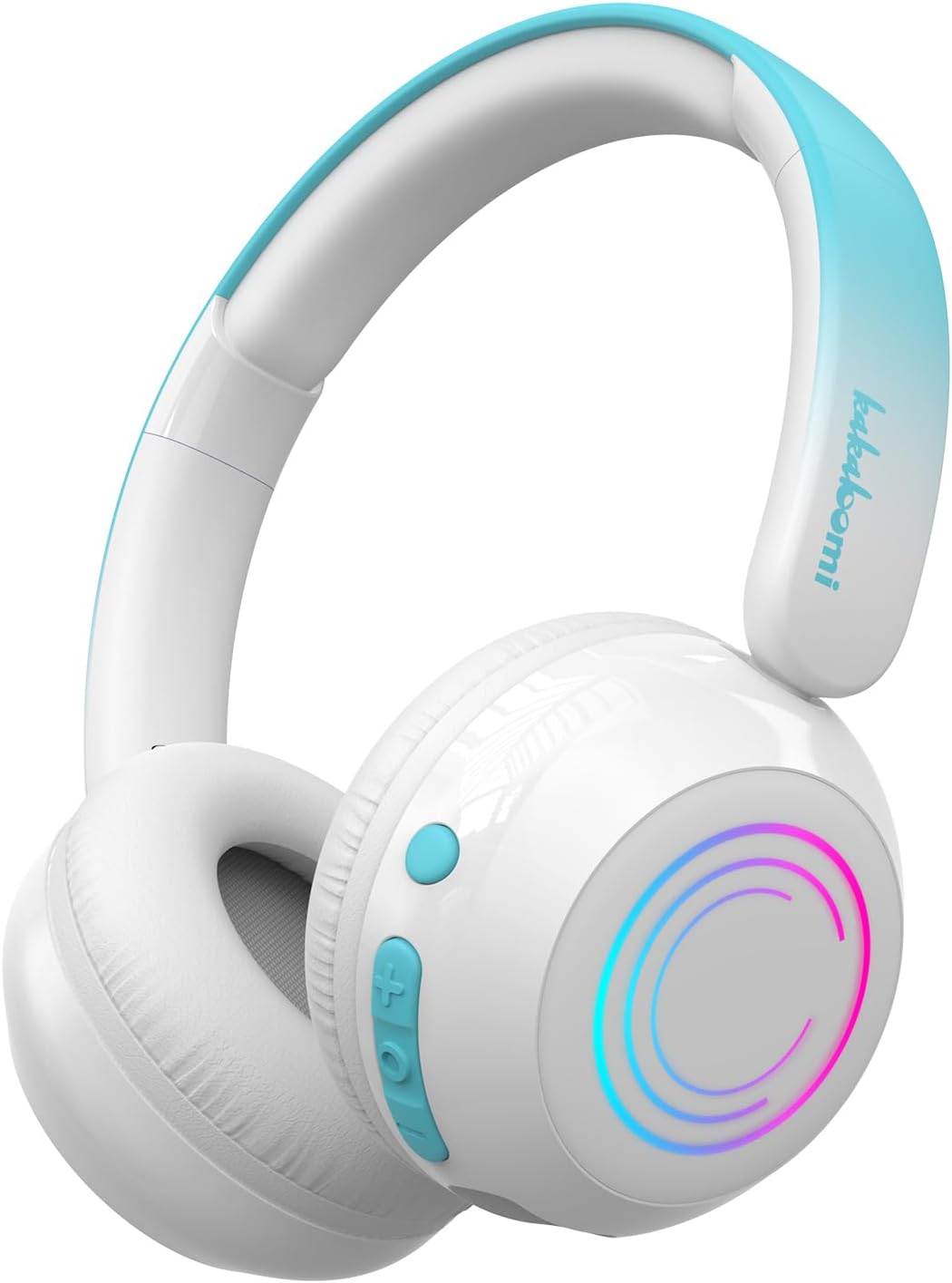
Image: JBUNION Kids Bluetooth Headphones in white, showcasing the design and LED lights.
Package Contents
Ensure all items are present in the package:
- 1x Kids Bluetooth Headphones (Model SBT-160)
- 1x 3.5mm Detachable Audio Cable
- 1x USB-C Charging Cable
- 1x User Manual (this document)
Product Overview
Familiarize yourself with the headphone components and controls.

Image: Detailed diagram of the headphones, highlighting the Power Button, Volume/Track controls, MFB Button, Type-C Charging Port, TF/SD Card Slot, Indicator Light, and 3.5mm Audio Input.
- Power Button: Press and hold for 3 seconds to power ON/OFF. Single press to switch between TF card mode and Bluetooth mode. Double click to turn LED lights ON/OFF.
- Volume + / Next Track: Short press for volume up, long press for next track.
- MFB Button (Multi-Function Button): Single press for play/pause or pick-up/hang-up phone call. Double click to activate Siri/Google Assistant. Long press for 3 seconds to switch safe volume mode (Pre-school, Kids, Teenage).
- Volume - / Previous Track: Short press for volume down, long press for previous track.
- Type-C Charging Port: For charging the headphones.
- TF/SD Card Slot: Insert a TF/SD card for direct music playback.
- Indicator Light: Displays status (pairing, charging, etc.).
- 3.5mm Audio Input: For wired connection using the provided aux cable.
Setup Instructions
1. Charging the Headphones
- Connect the provided USB-C charging cable to the Type-C Charging Port on the headphones.
- Connect the other end of the cable to a USB power adapter (not included) or a computer's USB port.
- The indicator light will show charging status. It typically turns off or changes color when fully charged.
- A full charge provides up to 30 hours of playtime (without LED lights) or 3-4 hours (with LED lights).
2. Powering On/Off
- To Power On: Press and hold the Power Button for 3 seconds until the indicator light flashes.
- To Power Off: Press and hold the Power Button for 3 seconds until the indicator light turns off.
3. Bluetooth Pairing
- Ensure the headphones are powered on and in Bluetooth mode (indicator light will flash blue/red, indicating pairing mode).
- On your device (smartphone, tablet, computer), enable Bluetooth and search for available devices.
- Select "SBT-160" from the list of devices.
- Once connected, the indicator light will turn solid blue.
- The headphones will automatically reconnect to the last paired device when powered on, if within range (up to 33 feet).
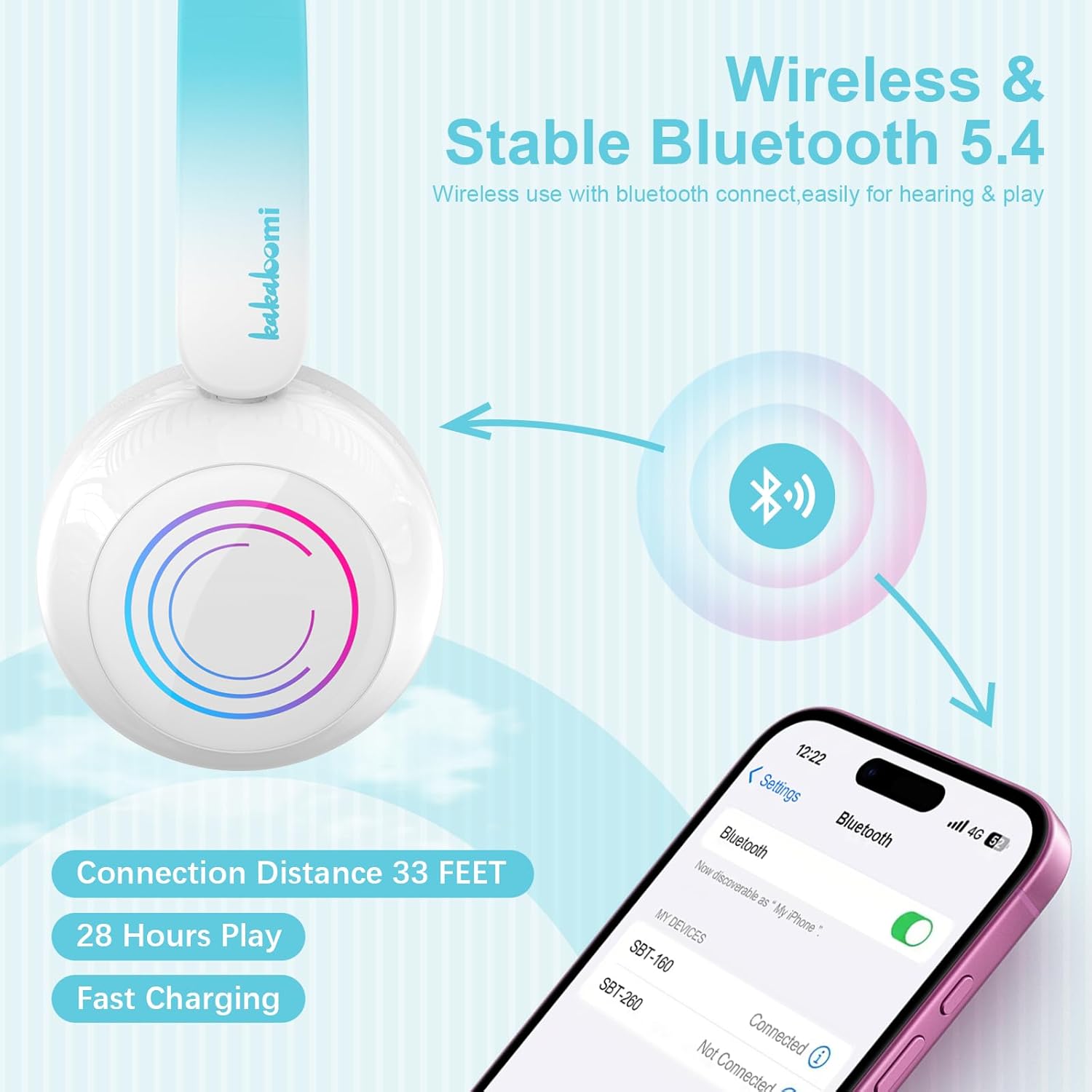
Image: Illustration of the Bluetooth pairing process, showing the headphones connecting to a mobile device.
4. Wired Connection (Aux Mode)
- Insert the 3.5mm audio cable into the 3.5mm Audio Input port on the headphones.
- Connect the other end of the cable to the audio output jack of your device.
- The headphones will automatically switch to wired mode. Bluetooth functionality will be disabled.
- This mode is useful when the battery is depleted or Bluetooth is not available.
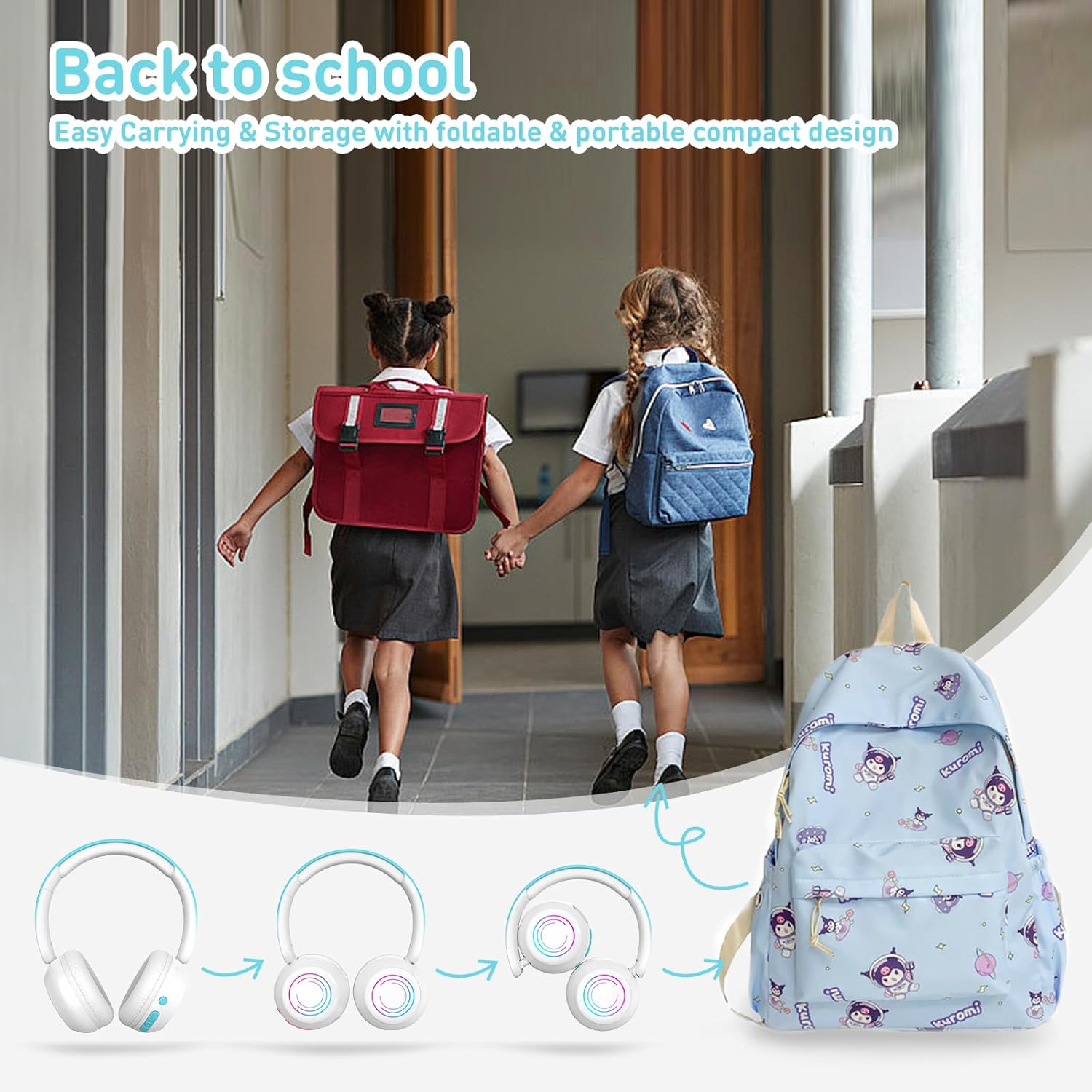
Image: Diagram illustrating both wireless (Bluetooth) and wired (3.5mm Aux cable) connection methods for the headphones, including a TF/SD card slot.
Operating Instructions
1. Volume Control and Safe Volume Limiting
- Volume Up: Short press the "Volume +" button.
- Volume Down: Short press the "Volume -" button.
- Safe Volume Modes: The headphones feature three safe volume limits. To switch between modes, long press the MFB Button for 3 seconds (in Bluetooth mode).
- Pre-school Mode: 75dBA (recommended for very young children)
- Kids Mode: 85dBA (standard safe listening level)
- Teenage Mode: 94dBA (for older children, still within safe limits for short periods)
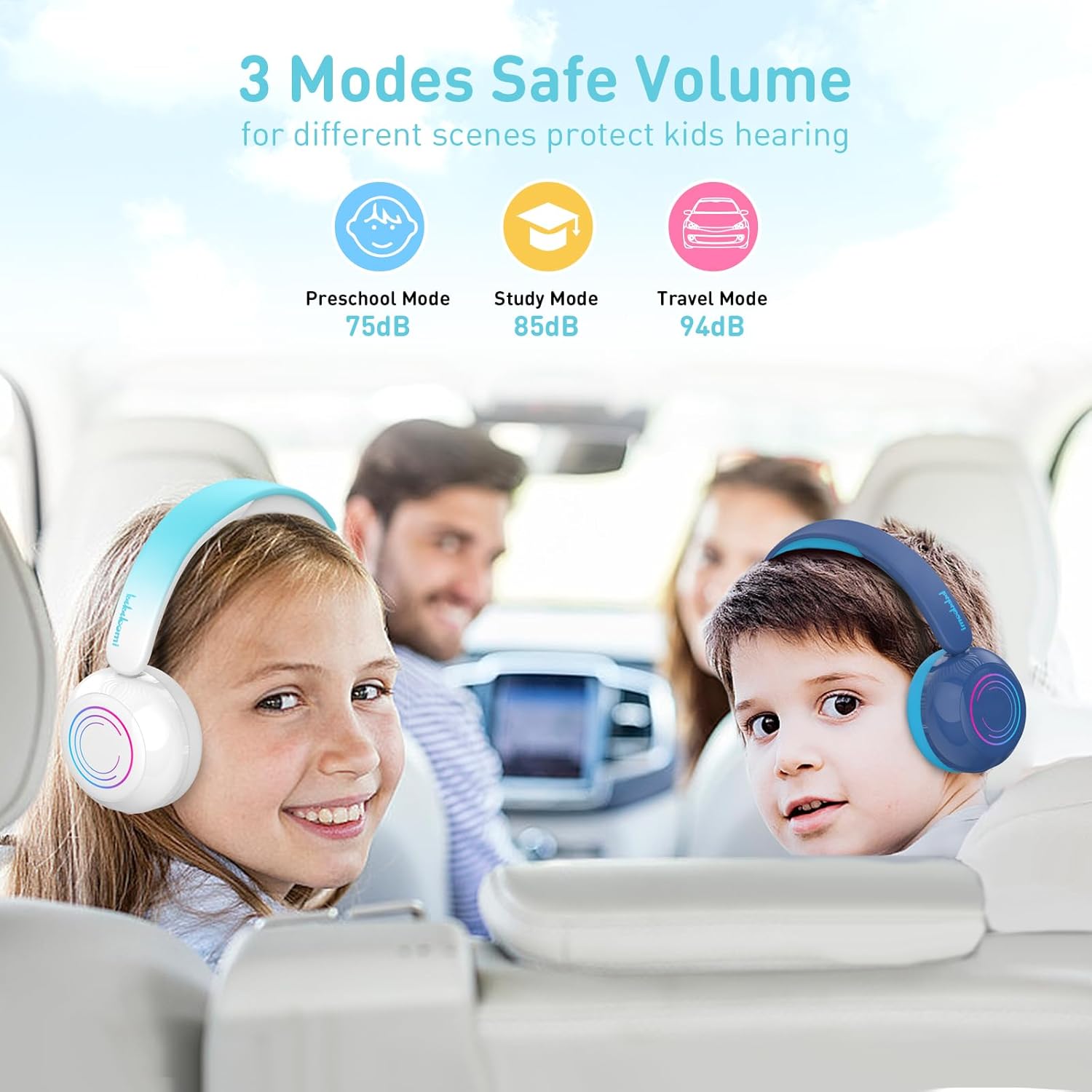
Image: Children wearing the headphones in a car, demonstrating the application of the 75dBA (Preschool), 85dBA (Study), and 94dBA (Travel) safe volume modes.
2. Music Playback
- Play/Pause: Single press the MFB Button.
- Next Track: Long press the "Volume +" button.
- Previous Track: Long press the "Volume -" button.
- TF/SD Card Playback: Insert a TF/SD card with music files into the slot. The headphones will automatically switch to TF card mode. Use the Power Button to switch between Bluetooth and TF card modes.
3. Call Management
- Answer/End Call: Single press the MFB Button.
- Reject Call: Long press the MFB Button.
- The built-in microphone allows for hands-free communication.
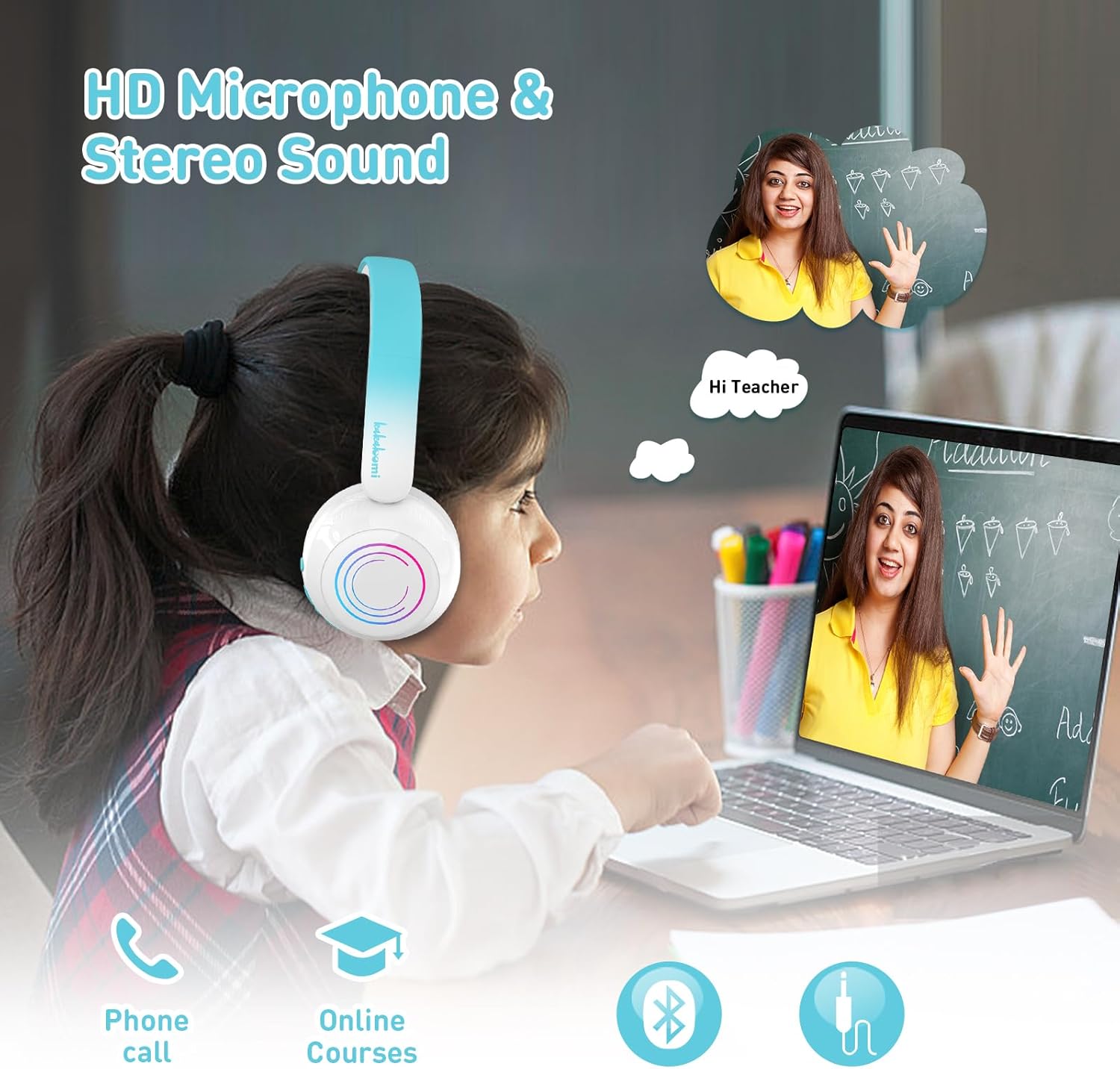
Image: A child wearing the headphones while participating in an online course, highlighting the HD microphone and stereo sound features for clear communication.
4. LED Lights
- Turn ON/OFF LED Lights: Double click the Power Button.
- Turning off the LED lights will extend battery life.
5. Voice Assistant
- Activate Voice Assistant (Siri/Google Assistant): Double click the MFB Button.
Maintenance
- Cleaning: Use a soft, dry cloth to clean the headphones. Do not use abrasive cleaners or immerse in water.
- Storage: Store the headphones in a cool, dry place away from direct sunlight and extreme temperatures. The foldable design allows for compact storage.
- Battery Care: To prolong battery life, avoid fully discharging the headphones frequently. Charge them regularly, even if not in use for extended periods.
- Water Resistance: These headphones are not water-resistant. Avoid exposure to liquids.
Troubleshooting
| Problem | Possible Cause | Solution |
|---|---|---|
| Headphones do not power on. | Low battery. | Charge the headphones using the provided USB-C cable. |
| Cannot pair via Bluetooth. | Headphones not in pairing mode; device Bluetooth off; too far from device. | Ensure headphones are in pairing mode (flashing indicator light). Turn on Bluetooth on your device. Move headphones closer to the device (within 33 feet). Forget previous pairings on your device and try again. |
| No sound or low volume. | Volume too low on headphones or device; incorrect volume mode; wired cable not fully inserted. | Increase volume on both headphones and connected device. Check the safe volume mode setting. Ensure 3.5mm cable is fully inserted if in wired mode. |
| LED lights not working. | LED lights turned off; low battery. | Double click the Power Button to toggle LED lights. Charge the headphones. |
| Short battery life. | LED lights are on; frequent use at high volume. | Turn off LED lights to extend battery life. Reduce volume if possible. Ensure full charge before use. |
Specifications
| Feature | Detail |
|---|---|
| Model Number | SBT-160 |
| Brand | JBUNION |
| Connectivity Technology | Wireless (Bluetooth 5.4), Wired (3.5mm Aux) |
| Bluetooth Version | 5.4 |
| Bluetooth Range | Up to 33 feet (10 meters) |
| Audio Driver Size | 40 mm |
| Safe Volume Limits | 75dBA (Pre-school), 85dBA (Kids), 94dBA (Teenage) |
| Battery Life | Up to 30 hours (LEDs off), 3-4 hours (LEDs on) |
| Charging Port | USB-C |
| Microphone | Built-in |
| Material | Acrylonitrile Butadiene Styrene (ABS), Faux Leather |
| Weight | 8.4 ounces |
| Age Range (Description) | Aged 3-21 Kids / Children / Boys / Girls / Teens / Adult |
| Control Type | Button Control |
| Water Resistance Level | Not Water Resistant |
Warranty and Support
Warranty Information: Please refer to your purchase documentation or the product packaging for specific warranty details and duration. JBUNION typically offers a limited warranty against manufacturing defects.
Customer Support: For any questions, technical assistance, or warranty claims, please contact JBUNION customer service through the retailer where the product was purchased or visit the official JBUNION website for contact information.