Introduction
Welcome to the user manual for your new KurieTim 15.6-inch laptop. This guide provides essential information to help you set up, operate, maintain, and troubleshoot your device. Your laptop is equipped with an Intel N150 Quad-Core Processor, 32GB DDR4 RAM, a 1TB NVMe SSD, and runs on Windows 11 Pro, offering a powerful and efficient computing experience.
What's in the Box
Please check the contents of your package to ensure all items are present:
- KurieTim 15.6" Laptop
- Power Adapter and Cable
- Transparent Keyboard Cover
- Spanish Keyboard Cover
- Instruction Manual (this document)
Setup
1. Initial Charging
Before first use, connect the laptop to the power adapter and charge it fully. The 8000mAh battery provides extended usage, but an initial full charge is recommended for optimal battery health.
2. Power On and Windows Setup
Press the power button located on the keyboard to turn on your laptop. Follow the on-screen instructions to complete the Windows 11 Pro setup process. This includes selecting your region, language, connecting to a Wi-Fi network, and creating a user account.

Image: The KurieTim laptop open, ready for initial setup.
3. Fingerprint Sensor Setup
Your laptop features a fingerprint unlock sensor for enhanced security and convenient login. During or after the Windows setup, navigate to 'Settings > Accounts > Sign-in options' to set up your fingerprint. Follow the prompts to register your fingerprint(s).
4. Connecting Peripherals
Utilize the various ports to connect external devices:
- USB Ports: Connect USB drives, mice, keyboards, or other USB accessories.
- HDMI Port: Connect to an external monitor or TV for a larger display.
- Type-C Port: For data transfer and potentially charging (check specific adapter compatibility).
- 3.5mm Headphone Jack: Connect headphones or external speakers.
- Memory Card Slot: Insert TF cards for additional storage or data transfer.

Image: Overview of the laptop's connectivity ports.
Operating Instructions
1. Power Management
- Power On: Press the power button.
- Sleep Mode: Close the lid or press the power button briefly.
- Shut Down: Click 'Start' > 'Power' > 'Shut down' in Windows.
- Restart: Click 'Start' > 'Power' > 'Restart' in Windows.
2. Keyboard and Touchpad
Your laptop features a full-size keyboard with a numeric keypad and a responsive touchpad.
- Backlit Keyboard: Press the Fn key combined with the appropriate function key (usually F3 or F4, indicated by a keyboard icon) to adjust or toggle the keyboard backlight.
- Function Keys (Fn): Use the Fn key in combination with F1-F12 keys to access special functions like volume control, screen brightness, Wi-Fi toggle, etc.
- Touchpad Gestures: The touchpad supports multi-touch gestures for scrolling, zooming, and switching applications. Refer to Windows settings for customization.

Image: The laptop's keyboard layout, including function keys and touchpad.
3. Webcam and Privacy Shutter
The integrated 1MP front camera is suitable for video calls. A physical privacy shutter is located next to the camera. Slide the shutter to cover or uncover the camera lens to ensure your privacy.
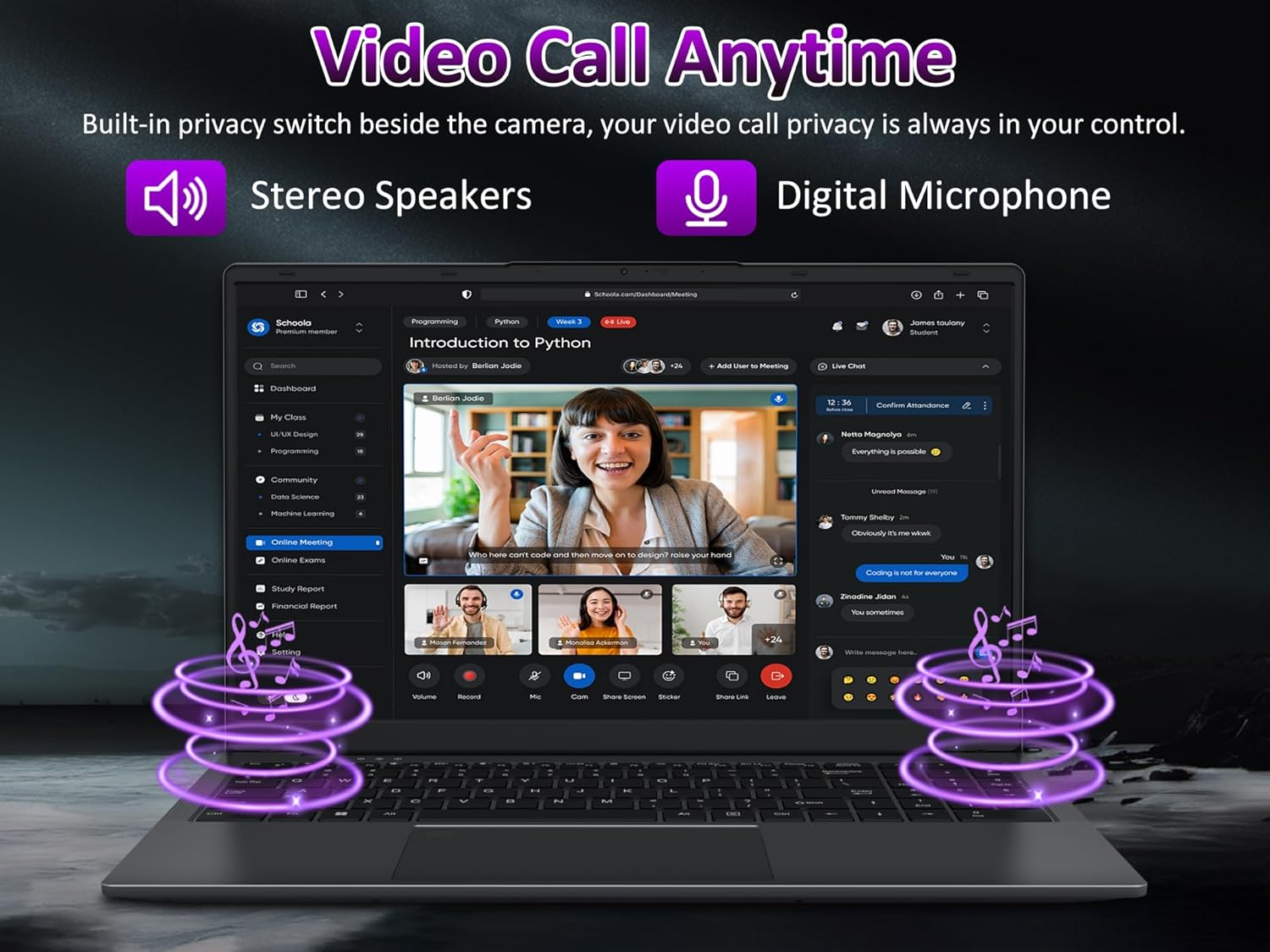
Image: Laptop screen showing a video conference, demonstrating webcam functionality.
4. Wireless Connectivity
- Wi-Fi: To connect to a wireless network, click the Wi-Fi icon in the taskbar, select your desired network, and enter the password if required.
- Bluetooth: Enable Bluetooth in Windows settings to pair with Bluetooth-enabled devices such as headphones, speakers, or mice.
5. Display Settings
The 15.6" FHD IPS display offers clear visuals. You can adjust display settings (resolution, brightness, night light) via 'Settings > System > Display'.

Image: The laptop's 15.6-inch FHD IPS display showcasing vibrant visuals.
Maintenance
1. Cleaning the Laptop
- Use a soft, lint-free cloth slightly dampened with water or a screen cleaner to wipe the display.
- For the keyboard and chassis, use a soft cloth. Avoid harsh chemicals or abrasive materials.
- Use compressed air to clear dust from keyboard keys and vents periodically.
2. Battery Care
- Avoid completely discharging the battery frequently.
- Store the laptop in a cool, dry place if not used for extended periods.
- Do not expose the laptop to extreme temperatures.
3. Software Updates
Regularly check for and install Windows updates to ensure system stability, security, and performance. Go to 'Settings > Windows Update'.
4. Storage Management
Periodically clean up unnecessary files and applications to maintain optimal performance of your 1TB NVMe SSD. Use Windows' built-in 'Disk Cleanup' tool or 'Storage Sense' feature.
Troubleshooting
This section addresses common issues you might encounter.
Laptop Does Not Power On
- Ensure the power adapter is securely connected to both the laptop and a working power outlet.
- Verify the power outlet is functional by plugging in another device.
- If the battery is completely drained, it may take a few minutes of charging before the laptop can power on.
No Wi-Fi Connection
- Check if Wi-Fi is enabled in Windows settings or via the function keys.
- Restart your router and modem.
- Ensure you are within range of a Wi-Fi network and have the correct password.
Slow Performance
- Close unnecessary applications running in the background.
- Check for and install any pending Windows updates.
- Run a disk cleanup and check for malware.
- Ensure your 1TB NVMe SSD has sufficient free space.
Battery Drains Quickly
- Adjust screen brightness to a lower level.
- Close power-intensive applications when not in use.
- Enable Windows Battery Saver mode.
- Ensure the laptop is not running hot, as excessive heat can impact battery life.
Specifications
Detailed technical specifications for your KurieTim T156A-N150 laptop:
| Processor | Intel N150 Quad-Core (up to 3.6GHz) |
| RAM | 32GB DDR4 |
| Storage | 1TB NVMe SSD |
| Display | 15.6 inches FHD (1920x1080) IPS |
| Graphics | Intel HD Graphics 600 (Integrated) |
| Operating System | Windows 11 Pro |
| Battery | 8000mAh Lithium-Ion (Approx. 5 hours average life) |
| Wireless Connectivity | 802.11bgn Wi-Fi, Bluetooth |
| Ports | 2x USB 2.0, 1x USB 3.0, 1x HDMI, 1x Type-C, 1x 3.5mm Audio Jack, 1x Memory Card Slot |
| Webcam | 1MP with Privacy Shutter |
| Special Features | Backlit Keyboard, Fingerprint Reader, Lightweight |
| Dimensions (LxWxH) | 14.17 x 0.71 x 10.83 inches |
| Weight | 2.68 pounds |
Warranty Information
Your KurieTim laptop comes with a manufacturer's warranty. Please refer to the warranty card included in your product packaging or visit the official KurieTim website for detailed terms and conditions regarding warranty coverage, duration, and claims process.
Customer Support
For further assistance, technical support, or inquiries regarding your KurieTim laptop, please contact our customer support team. You can find contact information, FAQs, and additional resources on the official KurieTim website:
Website: KurieTim Official Store
Please have your laptop's model number (T156A-N150) and purchase details ready when contacting support.