
1. Introduction and Overview
The ROCKBROS Bike Handlebar End Plugs Light is designed to enhance cycling safety and visibility. This rechargeable light features intelligent sensing capabilities, multiple lighting modes, and a unique sync mode for coordinated lighting. It is built with IPX6 waterproofing to withstand various weather conditions.
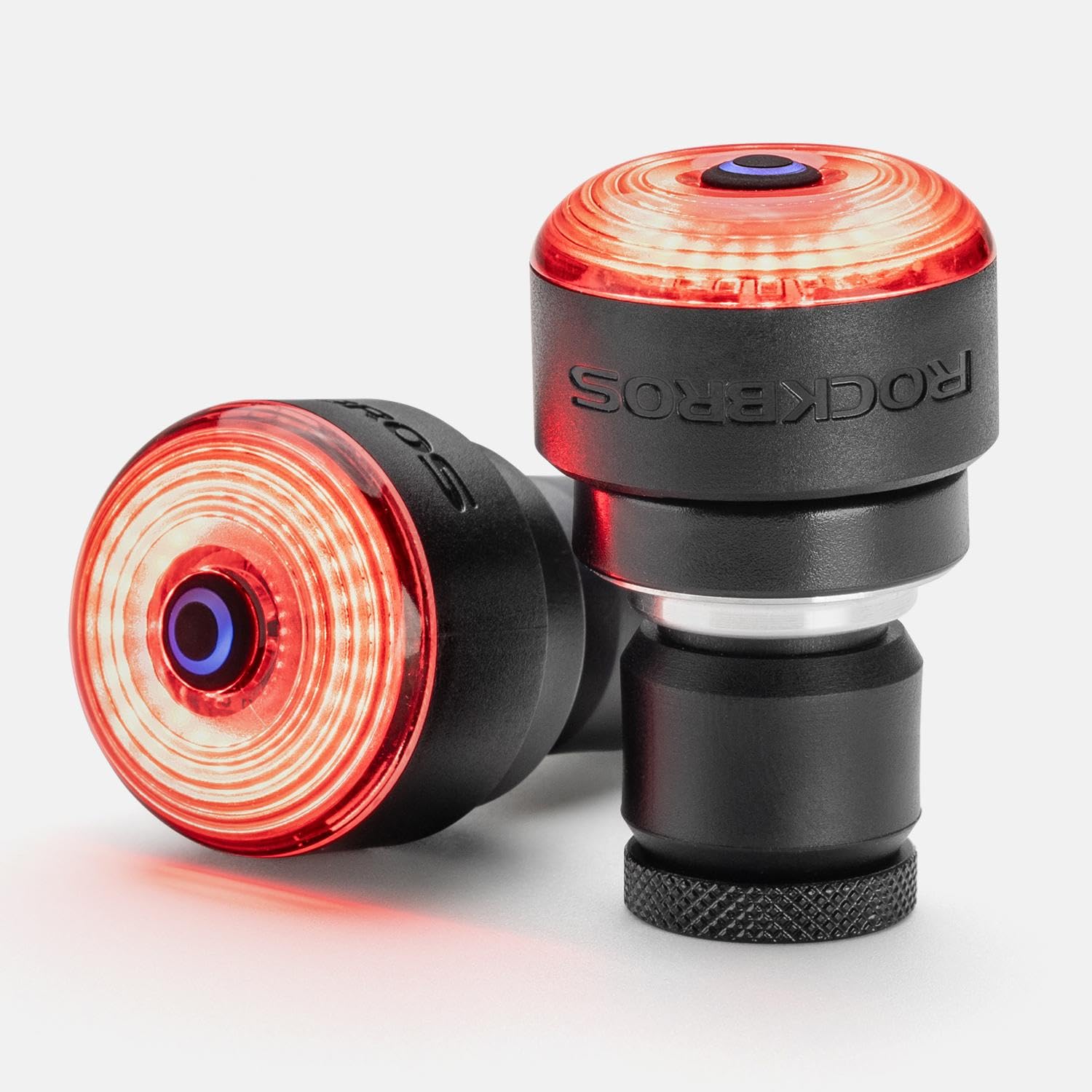
Image 1.1: The ROCKBROS Bike Handlebar End Plugs Light installed on a bicycle, showcasing its compact design and red illumination.
2. Package Contents
Please verify that all components are present in the package:
- ROCKBROS Bike Handlebar End Plugs Light (2 units)
- Mounts for installation
- Installation tools
- USB charging cable
- User Manual
3. Safety Information
Read all instructions before use. Failure to follow these instructions may result in injury or damage to the product.
- Ensure lights are securely mounted before each ride.
- Do not look directly into the light beam to avoid eye strain.
- Keep out of reach of children.
- Use only the provided charging cable or a compatible USB charger.
- Do not disassemble or modify the lights.
4. Setup and Installation
The handlebar end lights are designed for effortless installation. Use the included mounts and tools to secure the lights into the ends of your bicycle handlebars.
- Insert the light into the end of your handlebar.
- Twist the light to adjust its size and ensure a snug fit within the handlebar.
- Tighten any screws with the provided tools to lock the light securely in place.
- Verify that both lights are firmly attached and do not wobble before riding.

Image 4.1: A close-up view of the ROCKBROS Bike Handlebar End Plugs Light correctly installed on a bicycle handlebar, showing its flush integration.
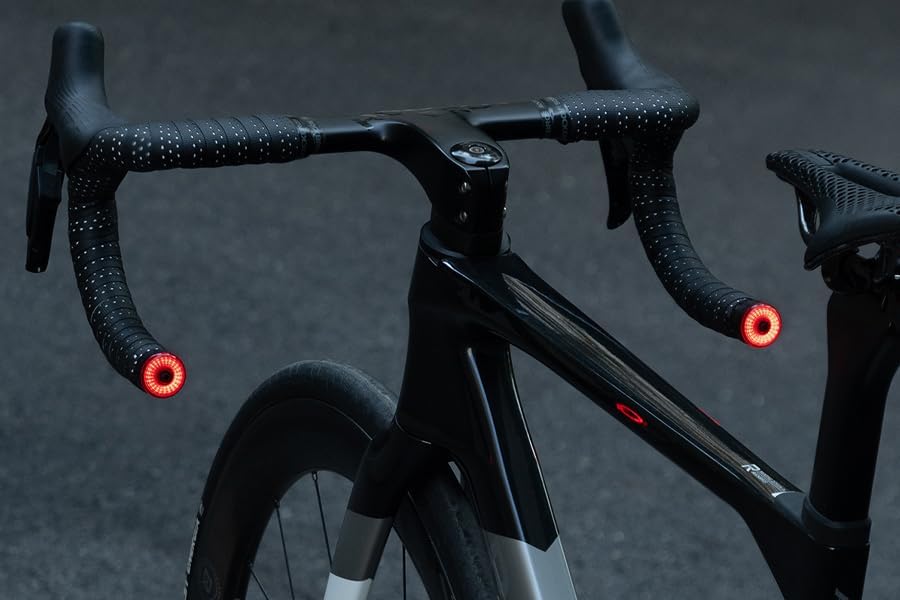
Image 4.2: Both handlebar end lights illuminated on a bicycle, demonstrating their visibility from the rear.
5. Charging Instructions
The lights are equipped with a 250mAh battery and charge via a C-mount (USB-C) port.
- Locate the charging port on each light.
- Ensure the dust-proof plug is removed before charging.
- Connect the provided USB charging cable to the light and a compatible USB power source (e.g., computer, wall adapter).
- The indicator light will show charging status (e.g., red for charging, green for fully charged).
- Once fully charged, disconnect the cable and securely fasten the dust-proof plug to maintain IPX6 waterproof performance.

Image 5.1: Visual representation of the 250mAh C-mount charging feature, along with brake detection, static sleep, and life waterproof capabilities.
6. Operating Instructions
6.1 Power On/Off
Press and hold the power button for approximately 2 seconds to turn the lights on or off.
6.2 Lighting Modes
Cycle through the five available lighting modes by short-pressing the power button:
- Steady On: Provides continuous illumination.
- Fast Flash: Rapid flashing for high visibility.
- Breathing Flash: Light fades in and out smoothly.
- Lightning Flash: Irregular, quick flashes.
- High-Frequency Flash: Very rapid, consistent flashing.
Each mode offers 7-13 hours of continuous lighting depending on brightness level.
6.3 Sync Mode
To activate Sync Mode, power on the lights, then double-tap the button on one of the bike lights. A green shimmer will indicate that Sync Mode is active, and both lights will pulsate in harmony at the same frequency and lighting mode.

Image 6.1: Multiple cyclists demonstrating the synchronized flashing of the handlebar end lights, highlighting team visibility.
6.4 Intelligent Sensing
The lights feature intelligent light and vibration sensing:
- Brake Sensing: The lights automatically highlight when decelerating or braking, providing an instant warning to others.
- Light Sensing: In dim surroundings, the lights will automatically illuminate.
- Vibration Sensing: The lights will enter a static sleep mode after 30 seconds of stillness and re-awaken upon detecting vibration. They will remain off during daylight hours when no movement is detected.
Video 6.1: An official ROCKBROS video demonstrating the operation and features of the Bike Handlebar End Plugs Light, including intelligent sensing and lighting modes.
7. Maintenance
Proper maintenance ensures the longevity and performance of your lights.
- Cleaning: Wipe the lights with a soft, damp cloth. Do not use abrasive cleaners or solvents.
- Waterproofing: The lights are IPX6 waterproof. Always ensure the dust-proof plug for the charging port is securely fastened when not charging to maintain water resistance. Do not submerge the lights in water.
- Battery Care: For optimal battery life, charge the lights regularly and avoid complete discharge. If storing for an extended period, charge the battery to about 50% every few months.
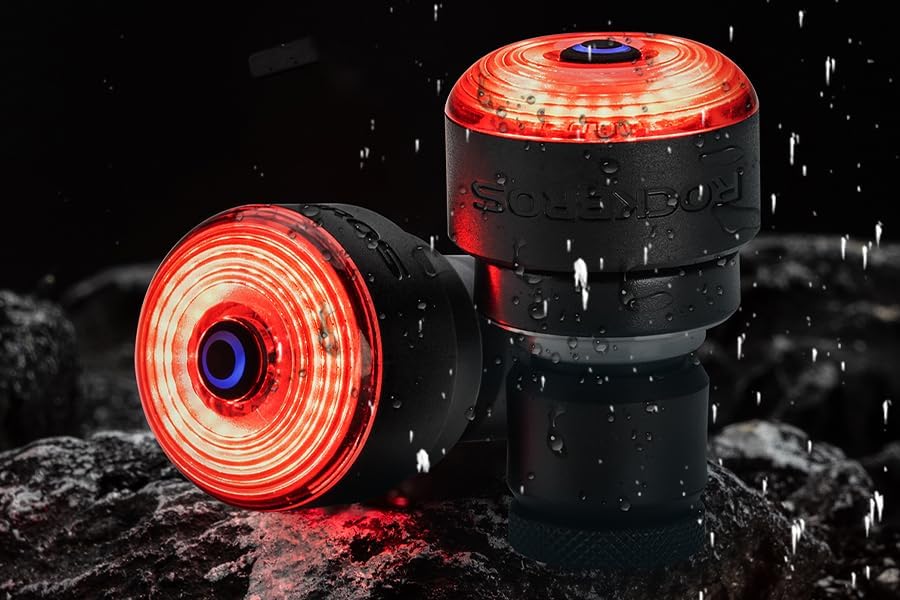
Image 7.1: A close-up of the light with water droplets, illustrating its IPX6 waterproof design.
8. Troubleshooting
If you encounter issues with your ROCKBROS Bike Handlebar End Plugs Light, refer to the following common solutions:
- Light not turning on: Ensure the battery is charged. Press and hold the power button for 2 seconds.
- Lights not syncing: Ensure both lights are powered on. Double-tap the button on one light to initiate sync mode. Make sure they are within close proximity.
- Short battery life: Ensure the lights are fully charged. Check if they are accidentally left on in a mode with higher power consumption. Verify the intelligent sensing is functioning correctly to prevent unnecessary power drain.
- Light falling off handlebar: Re-check the installation steps. Ensure the light is twisted to expand and fit snugly, and any securing screws are tightened. Consider adding a small amount of friction tape inside the handlebar if the fit is still loose.
- Brake sensing not working: Ensure the light is firmly mounted and not loose, as movement can interfere with the sensor.
If problems persist, contact customer support for further assistance.
9. Specifications
| Brand | ROCKBROS |
| Model Number | 24120010002 |
| Material | Plastic |
| Power Source | Battery Powered |
| Water Resistance Level | IPX6 Waterproof |
| Item Weight | 3.2 ounces |
| Mounting Type | Handlebar Mount |
| Number of Settings | 15 (combinations of modes and brightness) |
| Light Output Maximum | 500 Lumens |
10. Warranty and Support
ROCKBROS products are manufactured to high-quality standards. For warranty information or technical support, please refer to the contact details provided with your purchase or visit the official ROCKBROS website. Keep your proof of purchase for warranty claims.


